How to Check Your Laptop's Real RAM Limit in Two Minutes
Best Buy removed $600 of memory from a 64GB laptop, saying it only takes 32GB. Intel's own spec sheet says 192GB.

If you buy through our links, we may earn a commission. It never affects our verdicts or scores — how that works. As an Amazon Associate I earn from qualifying purchases.
A customer sent a Lenovo Legion 5 to Best Buy for warranty repair after it started crashing. It came back with one of its two 32GB memory modules removed, and a work order explaining that the laptop only supports 32GB of system memory. The module — worth more than $600 — was returned in the box.
The laptop was sold as a 64GB machine. Its processor is an Intel Core i9-14900HX, and Intel’s own specification page for that chip gives a maximum memory size of 192GB across two channels.
Check the chip first
Intel and AMD both publish the memory ceiling for every processor they make, for free, in a searchable database. That is the first of the two numbers you need, and the one that disproves a claim like the work order above.
- Find your processor’s exact name. On Windows, press Windows + R, type
msinfo32, and read the Processor line. On a Mac there is no equivalent question — memory is part of the chip and cannot be changed after purchase. - Search that exact string on ark.intel.com for Intel, or the product specifications section of amd.com for AMD.
- Read Max Memory Size. That is the chip’s ceiling.
For the processor in this story, that page reads 192GB, DDR5-5600, two memory channels. The claim that the machine tops out at 32GB is not slightly off — it is wrong by a factor of six.
Then check the machine
A processor’s ceiling is what is possible, not what your particular laptop accepts. Manufacturers routinely fit fewer slots than the chip supports, solder memory directly to the board, or cap it in firmware.
So the second number comes from the maker, not the chip: find your exact model on the manufacturer’s support site and open the specification sheet or user guide. Look for the count of SODIMM slots and the maximum supported per slot. A machine sold with 2×32GB of SODIMM has two slots that each accept 32GB. If the sheet says the memory is soldered, that figure is the ceiling and there is nothing to open.
Where the two numbers disagree, the manufacturer’s figure is the real one for your machine — it is the lower, more specific limit. What the chip spec gives you is the ability to tell when a stated limit is not merely conservative but impossible.
Why this is worth two minutes
Memory is one of the few things still user-serviceable in a modern laptop, which makes it one of the few things a repair can quietly remove. The work order in this case documented what was done and returned the part, so nothing was concealed. The problem is that the stated reason does not survive thirty seconds against the chip maker’s own published data.
If a repair proposes to remove hardware you paid for, the specification page is the cheapest possible second opinion.
What to actually do
- Before any warranty repair, photograph your specification screen —
msinfo32on Windows shows installed memory and processor together. It is your before-picture. - Keep the listing you bought from. A machine advertised as 64GB is a description the seller has to stand behind, separately from what any technician later says it supports.
- If a repair removes hardware, ask for the reason in writing on the work order, then check it against the manufacturer’s specification sheet before you accept the machine back.
- If the numbers disagree, you are not arguing about opinion. You are pointing at the chip maker’s published maximum, and that is a much shorter conversation.
How we researched this
No one at bitcritiq has handled this product. Everything here comes from published sources, listed below.
- What this cannot tell you
- A processor's published maximum is the ceiling for the chip, not a promise about a particular laptop. A manufacturer can fit fewer slots, solder the memory down, or cap it in firmware — so the chip spec tells you what is possible, and the manufacturer's own documentation tells you what your model actually accepts. Both are checked below, in that order. We have not examined the machine in this story and rely on the outlets that reported it.
How we chose this, and what we did
- Why this subject
- Searches for a Best Buy laptop RAM problem rose sharply in our keyword data in the week this was written. The story behind them is worth reporting, but the durable part is not the story — it is that almost nobody can say what their own machine's memory ceiling is, and the number is published, free, and takes two minutes to find.
- How we looked at it
- Read the reporting from four outlets covering the same work order, then checked the central claim against Intel's own ARK database entry for the processor involved rather than against any of the coverage. The verification steps below are the ones used to do that.
What this rests on
3 claims, 1 official, 1 corroborated and 1 reported. Nothing here was measured by bitcritiq — see how we test for why.
The Intel Core i9-14900HX has a maximum memory size of 192GB.Official
Intel ARK specification page for the processor.
A laptop maker can cap memory below what the processor supports, through slot count, soldered memory or firmware.Corroborated
Manufacturer specification sheets for individual models, which routinely state lower ceilings than the chip permits.
The machine in this story was sold as a 64GB configuration.Reported
The owner's account of the purchase and the repair work order. A single first-hand report, not independently confirmed by bitcritiq.
Sources 5
- Best Buy removes 32GB RAM worth $600 to 'repair' customer's 64GB gaming laptop — TechSpotaccessed Aug 27, 2026
- Best Buy 'repairs' customer's gaming laptop by simply removing half the RAM — Tom's Hardwareaccessed Aug 27, 2026
- Best Buy reportedly 'fixes' 64 GB gaming laptop by removing half its RAM — Notebookcheckaccessed Aug 27, 2026
- Best Buy 'Repaired' a 64GB Laptop by Making It 32GB — ExtremeTechaccessed Aug 27, 2026
- Intel Core i9-14900HX processor specifications — Intel ARKaccessed Aug 27, 2026
Pass it on
Know someone weighing this up? Send them the answer.
bitcritiq.com/tk9dThe link is permanent: it opens this article for good, even if the title changes.
No email, no account
Follow bitcritiq
Every new article, in whatever reader you already use.
Subscribe by RSSAll the ways to follow
Using Chrome on Android? Open the browser menu and tap Follow. New articles then turn up in the Following tab in Discover.
read next
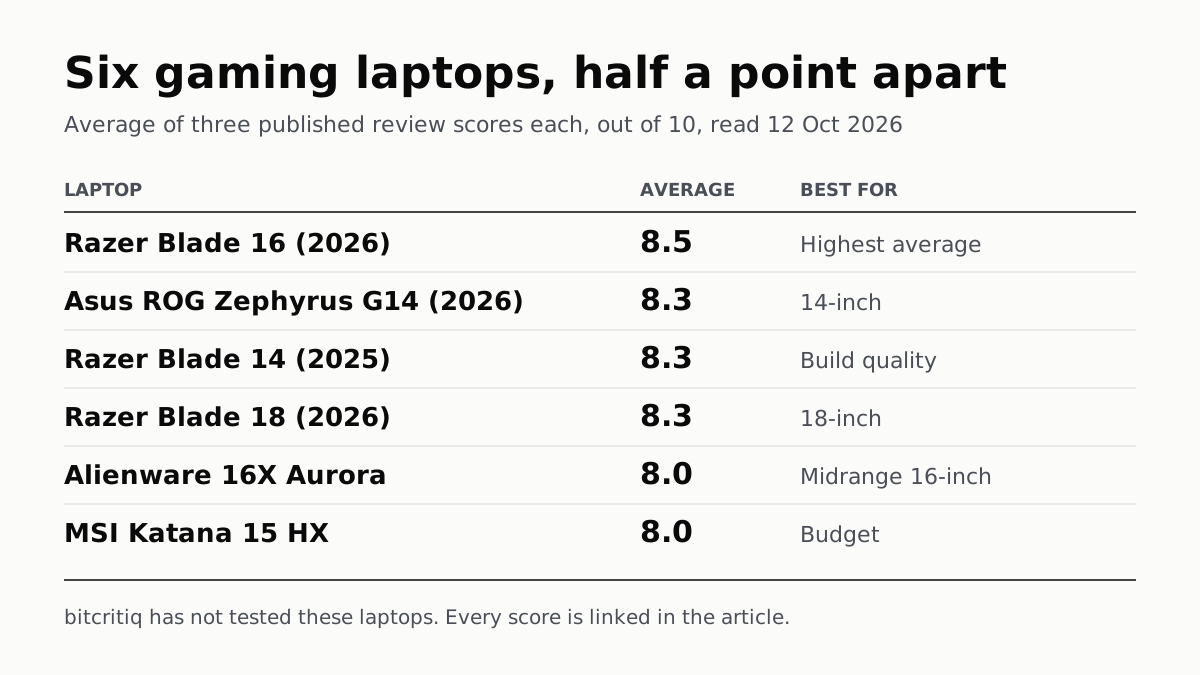
Razer Blade 16 Tops Gaming Laptop Reviews, by Half a Point
Eighteen review scores from eight outlets, all read on 12 October. Six laptops land within half a point, so pick by size and price.
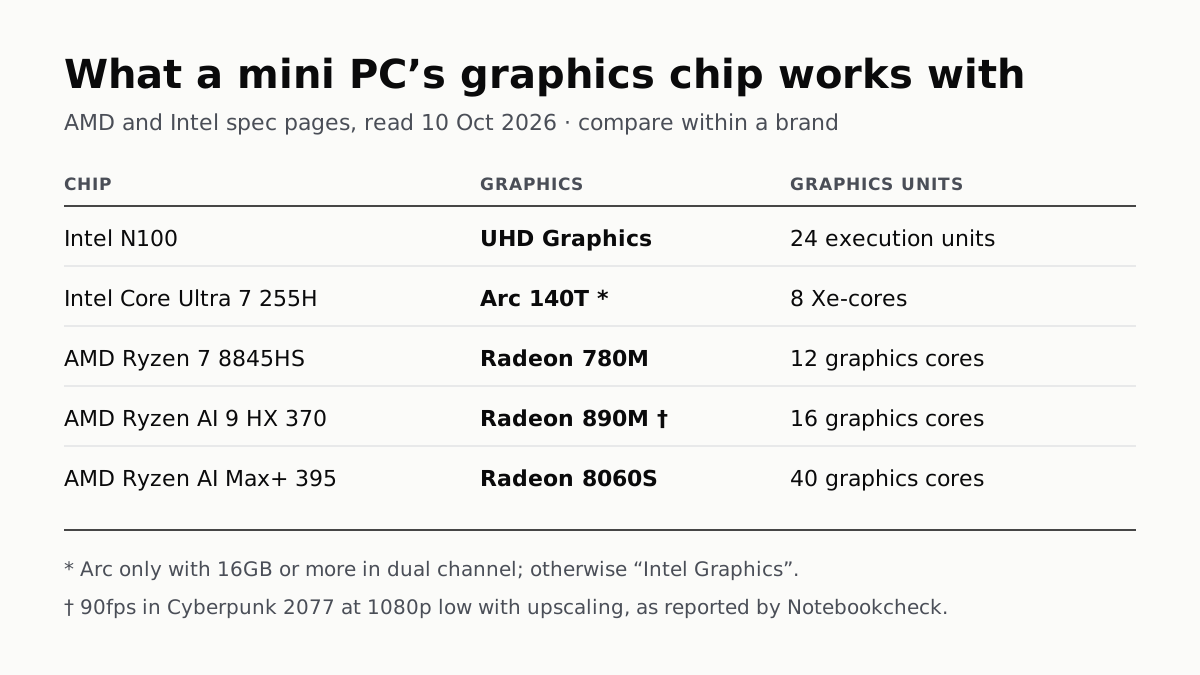
A Mini PC Can Game, but Its Graphics Chip Sets the Ceiling
Balatro's minimum is integrated graphics; Cyberpunk 2077's is a GTX 1060. A Radeon 890M ran Cyberpunk at 1080p low in one reported test.

A Used PC or CPU Can Carry Its Last Owner’s Game Ban
Riot and Activision ban hardware, not only accounts. Riot will re-check one on request; Activision rules out an appeal.
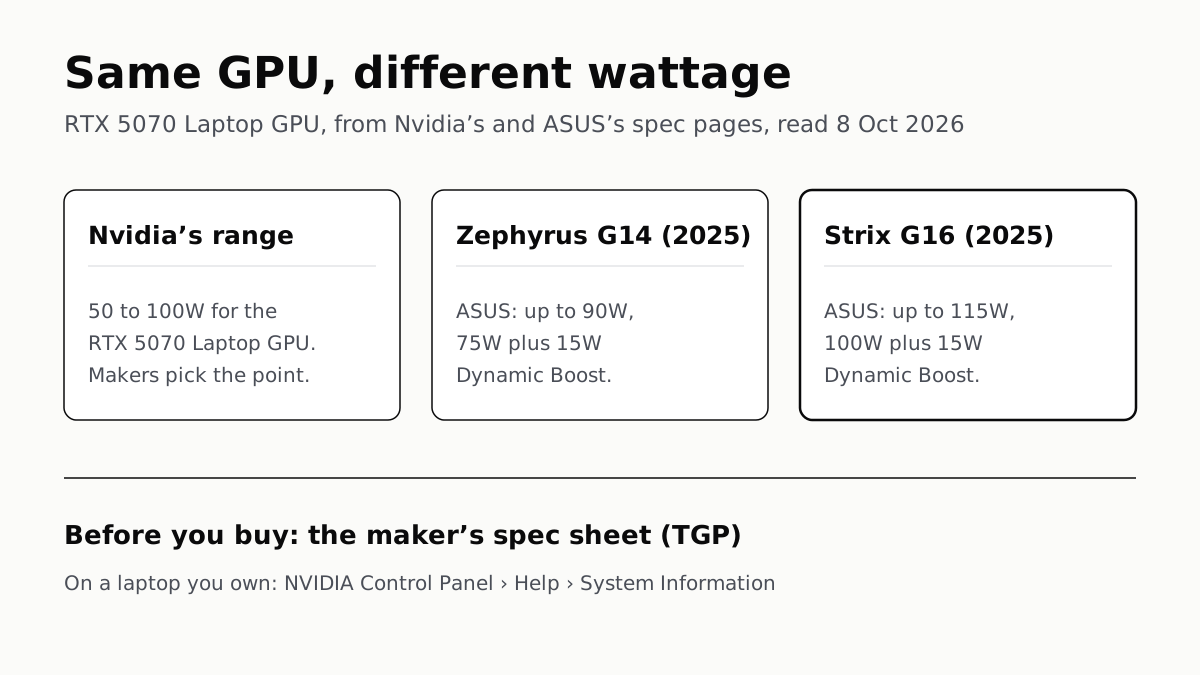
The Same RTX 5070 Laptop GPU Runs at 90W or 115W
Nvidia publishes a power range for each laptop GPU and the maker picks a point in it. The spec sheet, or Nvidia Control Panel, shows which.