Sideloading on Android Survives Developer Verification
Since 30 September, seven app stores in four countries require verified developers. Elsewhere it waits for 2027; adb is unchanged.
If you buy through our links, we may earn a commission. It never affects our verdicts or scores — how that works. As an Amazon Associate I earn from qualifying purchases.
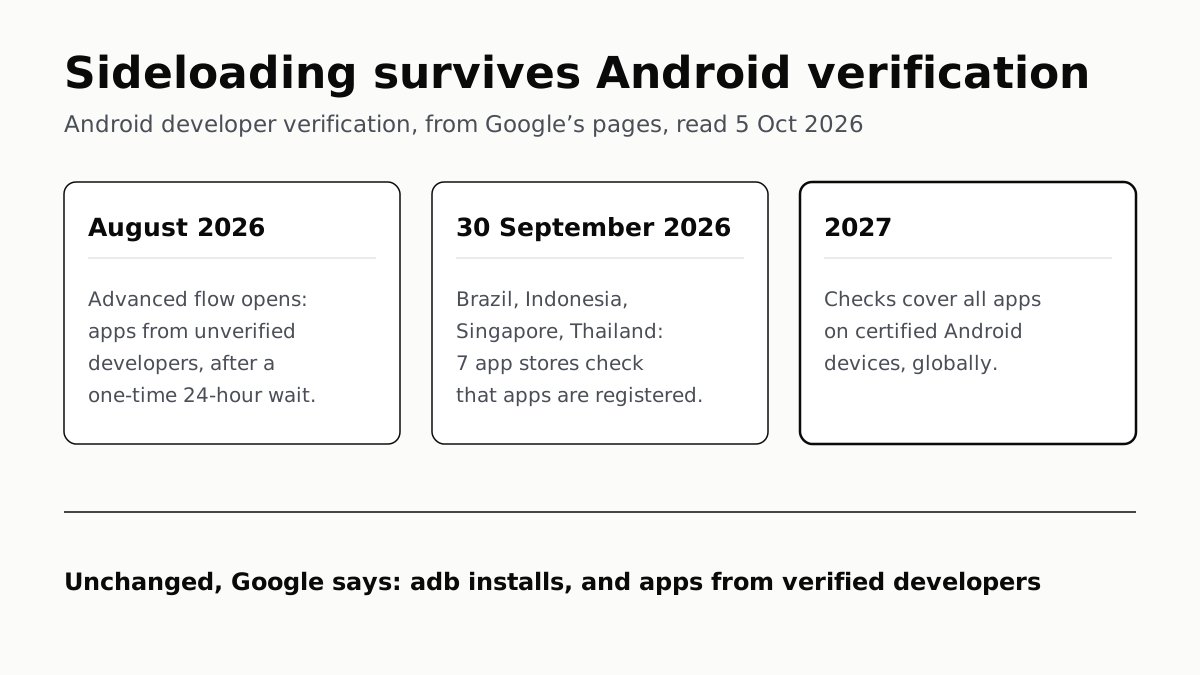
Yes, you can still install Android apps from outside Google Play, and unless you are in Brazil, Indonesia, Singapore or Thailand nothing has changed yet. Google’s developer verification began there on 30 September 2026, and Google says it reaches “all apps on certified Android devices” worldwide in 2027.
Apps from verified developers install exactly as before, from any store or website. Apps from developers who have not verified need a one-time “advanced flow” with a 24-hour wait, or an install over adb, which Google says is unchanged.
Who is affected, and when
| When | Where | What changes |
|---|---|---|
| August 2026 | Everywhere | The advanced flow and free limited distribution accounts launch |
| 30 September 2026 | Brazil, Indonesia, Singapore, Thailand | Apps from 7 participating stores must be registered by a verified developer, to install and to update |
| 2027 | Worldwide | Verification expands “globally for all apps on certified Android devices” |
The September phase is narrower than the headline date suggests. In the four countries, only installs from seven stores are checked: Google Play, HONOR App Market, OPPO App Market, Samsung’s Galaxy Store, Transsion’s Palm Store, vivo’s V-Appstore and Xiaomi’s GetApps. Google’s developer FAQ, updated on 15 July, says that for apps from other stores, or apps users sideload directly, “these new verification requirements won’t apply to your app yet”.
For everyone else, 2027 is the date, and Google has said nothing more precise. Its pages do not give a month or say which stores the global phase will cover.
Only certified devices are in scope. Google’s Android Help page says Android Open Source Project builds and non-certified devices are exempt. To see which you have, open the Play Store, tap your profile icon, then Settings › About, and read Play Protect certification.
Google’s own pages disagree on how far back it goes. The developer FAQ says “certified Android devices running Android 7 or higher”; the Android Help page says Android 8 and up. Either way, the FAQ says the check arrives through Google Play services rather than an Android version update, so it does not depend on whether your phone still gets updates from Google or Samsung.
The routes that stay open
| Route | What Google says happens |
|---|---|
| Apps from verified developers, any source | “Nothing changes from today’s experience” |
| Advanced flow | One-time setup with a 24-hour wait, then unverified apps install after a warning |
| adb from a computer | “ADB workflow and experience stays the same”; no waiting period |
| Limited distribution | A hobbyist developer can share an app with up to 20 devices; you accept their invitation |
| Other stores or direct downloads, in the four countries | Not checked “yet” |
Google says Play has registered 99% of its apps automatically, and its FAQ expects that “most users won’t see a change in their download experience at all”. The block shows up as a notification that the app cannot be installed, and Google’s advice is to ask the developer to verify.
How the advanced flow works
Google’s Android Help page and developer FAQ set out the steps:
- Turn on developer options.
- Open Settings › System › Developer options and turn on Allow apps from unverified developers.
- Answer the check that nobody is coaching you, then restart the phone and sign in again.
- Wait out the 24-hour security delay, then confirm with your fingerprint, face or PIN.
- Choose to keep it on for seven days or indefinitely.
- Install the app. A warning still appears; tap Install anyway.
Google says the wait is aimed at scams. Its March post describes scammers staying on the phone and coaching victims through security settings, and says the restart cuts off “remote access or active phone calls”. The delay applies once, not to every install.
Google’s FAQ says the setting holds once it is made, so you do not have to leave developer options on afterwards.
One catch if you choose seven days. Unregistered apps can only be installed or updated while the advanced flow is on, or over adb. If it lapses, Google says “updates to unregistered apps will fail”. If you rely on an app from an unverified developer, choose indefinitely or expect to repeat the 24-hour wait.
adb is unchanged
Google states it twice: the developer guide says the adb “workflow and experience stays the same”, and the FAQ says the 24-hour wait “does not apply to ADB installs”. Google frames adb as a developer tool, for apps “not intended or not yet ready to distribute” and for modifying an APK to install on your own device. Its June post lists adb and the advanced flow as the two ways to sideload an unregistered app from 30 September.
There is no adb command to skip the advanced flow’s wait. Google’s FAQ says that option “is not supported at this point”.
Questions people ask
Can I still sideload apps on Android?
Yes. Apps from verified developers install from any source as before. Apps from unverified developers need Google’s one-time advanced flow, with a 24-hour wait, or an install over adb, which Google says is unchanged. Outside Brazil, Indonesia, Singapore and Thailand, nothing is enforced until 2027.
Does Android developer verification affect the US?
Not yet. Enforcement began on 30 September 2026 only in Brazil, Indonesia, Singapore and Thailand, and only for seven app stores. Google says verification expands globally to all apps on certified Android devices in 2027, and has not given a month.
How do I install apps from unverified developers on Android?
Turn on developer options, then go to Settings, System, Developer options and turn on Allow apps from unverified developers. After a 24-hour security delay, confirm with your fingerprint, face or PIN and choose seven days or indefinitely. Each install still shows a warning; tap Install anyway.
Does adb install still work without developer verification?
Yes. Google’s developer guide says the adb workflow and experience stay the same, and its FAQ says the 24-hour waiting period does not apply to adb installs. Google describes adb as a developer tool for testing apps.
Which app stores check Android developer verification?
From 30 September 2026, in the four launch countries: Google Play, HONOR App Market, OPPO App Market, Samsung Galaxy Store, Transsion’s Palm Store, vivo’s V-Appstore and Xiaomi GetApps. Google says it will work with more stores over time.
How do I know if my Android phone is certified?
Open the Play Store, tap your profile icon, then Settings, then About, and read the Play Protect certification line. Google says the requirement applies only to certified devices; AOSP and non-certified devices are exempt.
How we researched this
No one at bitcritiq has handled this product. Everything here comes from published sources, listed below.
- What this cannot tell you
- Google has not said when in 2027 the global expansion starts, which stores it will cover, or whether the advanced flow will change by then. Google's own pages disagree on the oldest Android version covered: the developer FAQ says Android 7 or higher, the Android Help page says Android 8 and up. The limited distribution guide says unregistered apps 'will no longer be installable on certified Android devices' in the four countries without naming the stores; we follow the FAQ, updated 15 July, which limits the September phase to the participating stores. We have not run the advanced flow on a phone.
How we chose this, and what we did
- Why this subject
- Android developer verification went live on 30 September 2026 in four countries, and Google says it reaches every certified Android device in 2027. The reader question is whether installing apps from outside Google Play still works, and when the change reaches them. Our 5 October scan found one outlet covering the enforcement date; none we read set out the routes that stay open alongside the timeline.
- How we looked at it
- Everything is from Google's own pages, read through a browser on 5 October 2026: the Android developer verification overview, its main guide and FAQ, and the limited distribution guide on developer.android.com; the Android Developers Blog posts of 19 March and 18 June 2026; and three Android Help articles: 'Learn about Android developer verification', 'Allow app installs from unverified developers' and 'Check & fix Play Protect certification status'.
What this rests on
6 claims, all official. Nothing here was measured by bitcritiq — see how we test for why. Open a claim to read the source it came from.
Since 30 September 2026, apps installed from seven participating stores on certified devices in Brazil, Indonesia, Singapore and Thailand must be registered by a verified developer.Official
Android Help 17065026: “Starting in September 2026, apps downloaded from participating stores on certified Android devices in Brazil, Indonesia, Singapore, and Thailand must be registered by a verified developer to be installed and receive updates.” The stores listed are Google Play, HONOR App Market, OPPO App Market, Galaxy Store, Palm Store, V-Appstore and GetApps.
Apps installed directly, or from stores outside that list, are not yet subject to the requirement.Official
Developer FAQ, updated 15 July 2026: “If you distribute your app through other stores, or if users sideload your app directly, these new verification requirements won't apply to your app yet.”
Google plans to expand verification to all apps on certified Android devices worldwide in 2027.Official
Android developer verification overview, timeline: “2027 and beyond — Verification capability will be expanded globally for all apps on certified Android devices in 2027.”
Apps from unverified developers can be installed after a one-time advanced flow with a 24-hour delay, kept on for seven days or indefinitely.Official
Android Help 17588095: “Tap System Developer options. Turn on Allow apps from unverified developers… This will include a 24-hour security delay. After the security delay is complete, you can choose whether to keep the advanced flow on for seven days or indefinitely.”
Installing over adb is unchanged and is not subject to the 24-hour wait.Official
Developer guide: “ADB workflow and experience stays the same.” FAQ: “No, there are no changes to how ADB works… The waiting period does not apply to ADB installs.”
With the advanced flow switched off, updates to unregistered apps fail unless installed over adb.Official
Developer FAQ: “Unregistered apps can only be installed or updated when the advanced flow is enabled or by using ADB so if the advanced flow is disabled updates to unregistered apps will fail.”
Sources 9
- Android developer verification — Android DevelopersOfficialaccessed Oct 5, 2026
- Android developer verification guide — Android DevelopersOfficialaccessed Oct 5, 2026
- Frequently asked questions — Android developer verificationOfficialaccessed Oct 5, 2026
- Register for limited distribution on Android devices — Android DevelopersOfficialaccessed Oct 5, 2026
Show 5 more · 5 official or standards
- Android developer verification: Building a safer ecosystem together — Android Developers Blog, 18 June 2026Officialaccessed Oct 5, 2026
- Android developer verification: Balancing openness and choice with safety — Android Developers Blog, 19 March 2026Officialaccessed Oct 5, 2026
- Learn about Android developer verification — Android HelpOfficialaccessed Oct 5, 2026
- Allow app installs from unverified developers — Android HelpOfficialaccessed Oct 5, 2026
- Check & fix Play Protect certification status — Android HelpOfficialaccessed Oct 5, 2026
Pass it on
Know someone weighing this up? Send them the answer.
bitcritiq.com/9ykpThe link is permanent: it opens this article for good, even if the title changes.
No email, no account
Follow bitcritiq
Every new article, in whatever reader you already use.
Subscribe by RSSAll the ways to follow
Using Chrome on Android? Open the browser menu and tap Follow. New articles then turn up in the Following tab in Discover.
read next
Chargers Rated 100–240V Need Only a Plug Adapter Abroad
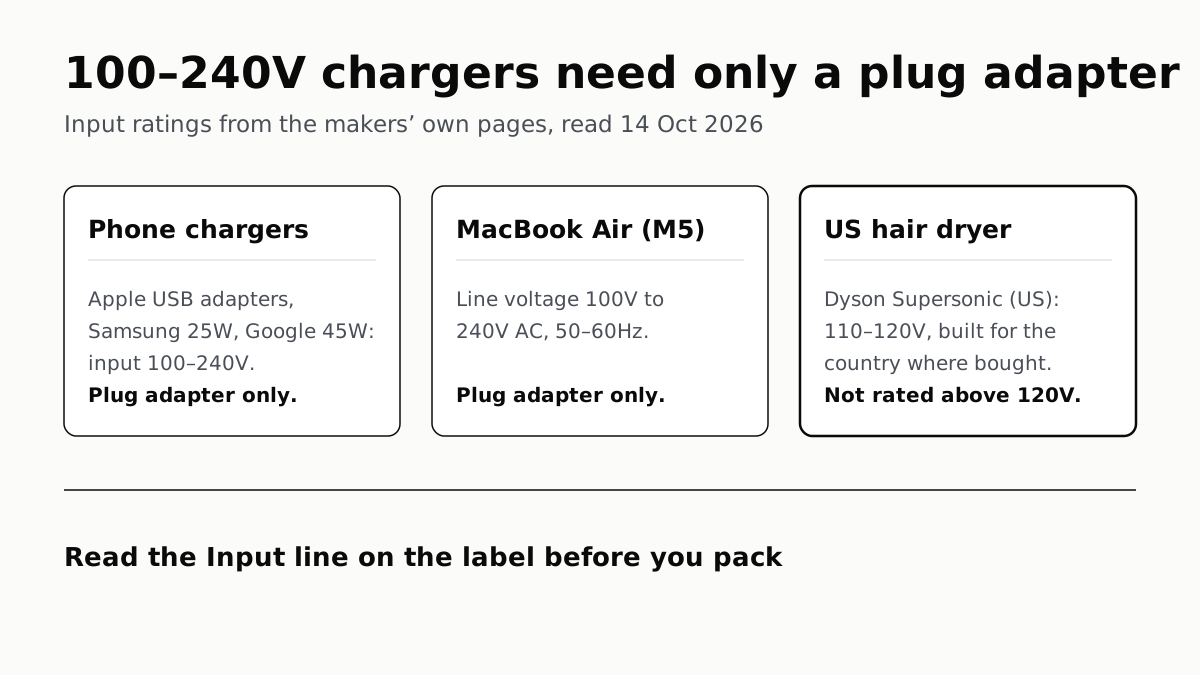
Apple, Samsung and Google rate their chargers, and the MacBook Air, for 100–240V. A hair dryer built for 110–120V is a different case.
Send Your AirTag Link to United, Delta, American, JetBlue
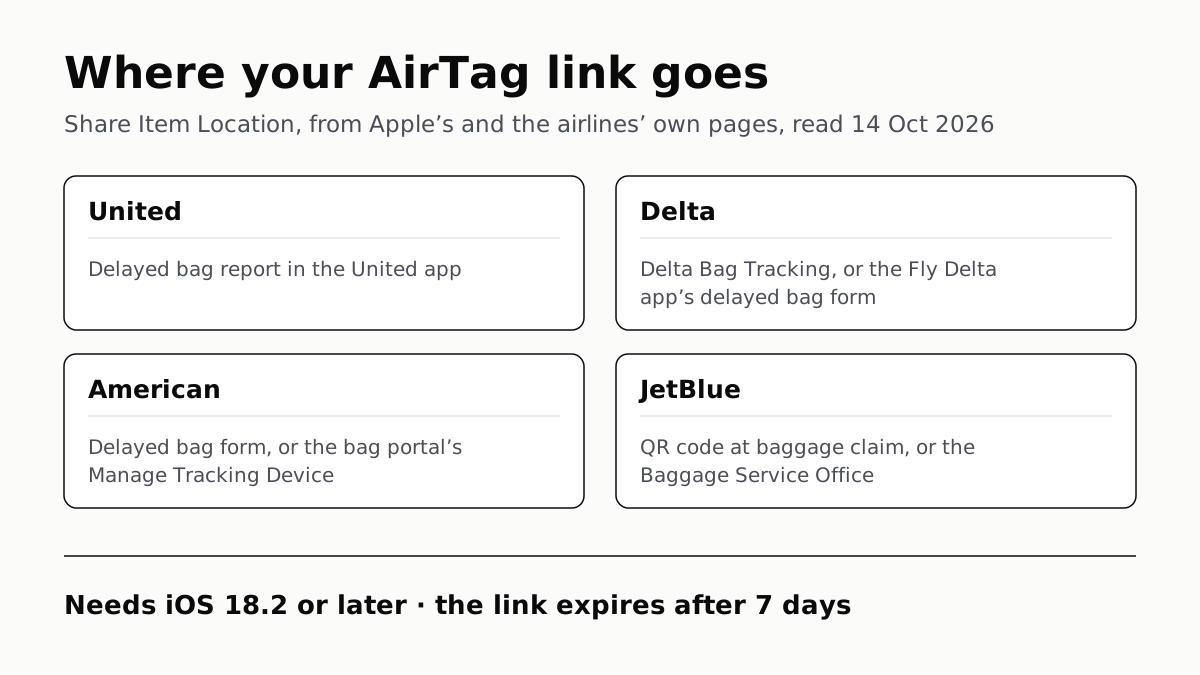
Find My’s Share Item Location makes a seven-day link a bag agent can open. Apple says more than 50 airlines accept it.
Family Link Works From an iPhone. Screen Time Needs Apple
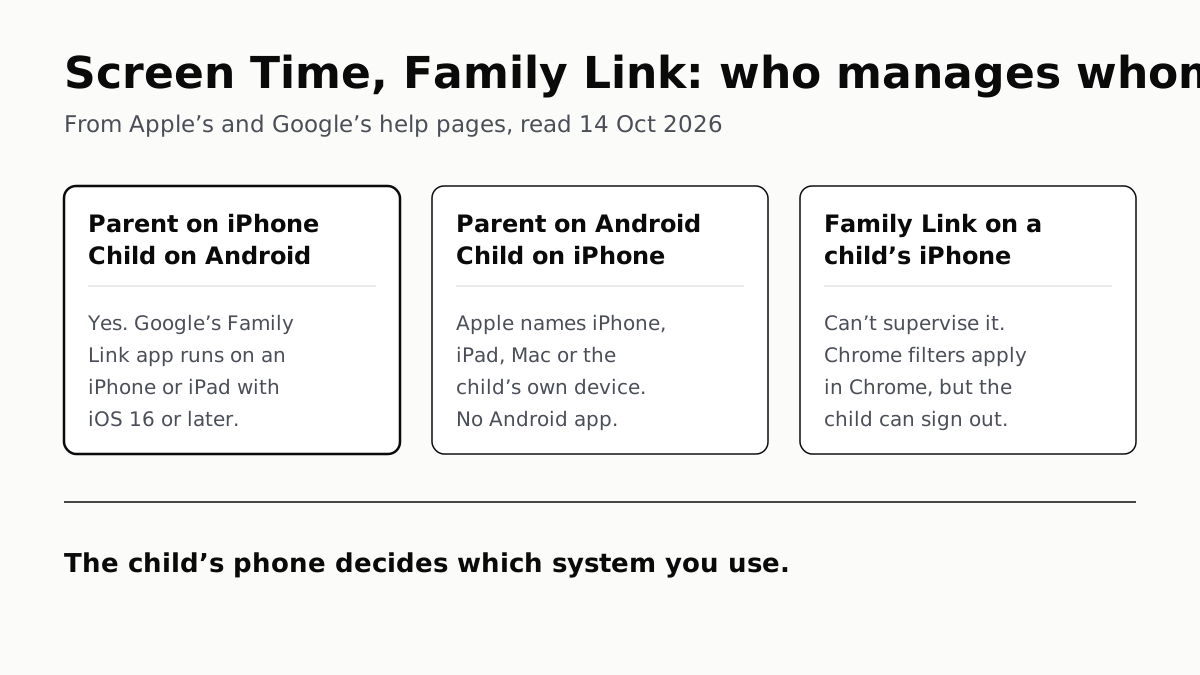
Neither app supervises the other maker’s phones. App limits, downtime, web filters and more, side by side, with iOS 27’s changes.
WhatsApp Chats Can Cross Between iPhone and Android
Messages, media and settings move both ways. Display names, Channel media and payment messages don’t, and call logs reach Android alone.