Chargers Rated 100–240V Need Only a Plug Adapter Abroad
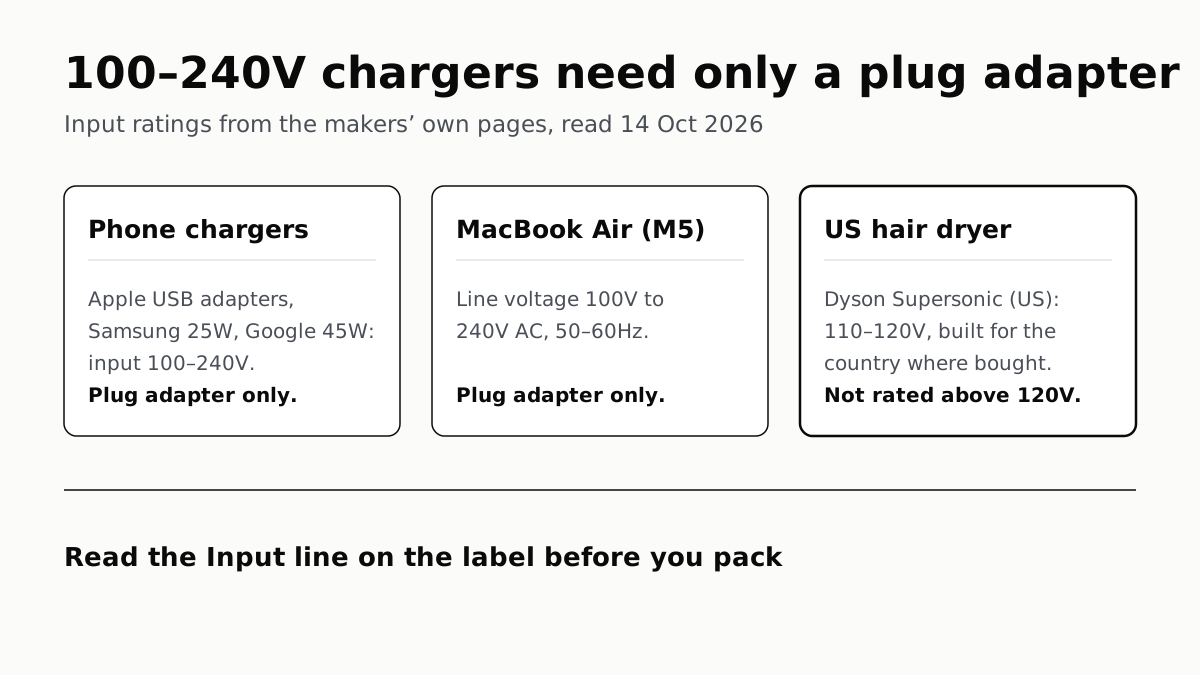
Apple, Samsung and Google rate their chargers, and the MacBook Air, for 100–240V. A hair dryer built for 110–120V is a different case.
If you buy through our links, we may earn a commission. It never affects our verdicts or scores — how that works. As an Amazon Associate I earn from qualifying purchases.
If the Input line on your charger reads 100–240V, a plug adapter is all it needs abroad: the adapter changes the plug shape, and the charger handles the voltage itself. Apple’s USB power adapters, Samsung’s 25W PD Power Adapter (affiliate link to Amazon, opens in a new tab), Google’s 45W USB-C Power Charger (affiliate link to Amazon, opens in a new tab) and the MacBook Air (M5) (affiliate link to Amazon, opens in a new tab) are all rated for that range on their makers’ own pages.
A voltage converter is for something built for one country’s supply, such as a US hair dryer Dyson rates at 110–120V.
What the makers rate them for
| Device | Input rating the maker states | Converter needed? |
|---|---|---|
| Apple USB power adapters (5W to 20W) | 100V AC to 240V AC, 50Hz to 60Hz | No, plug adapter only |
| MacBook Air (M5) (affiliate link to Amazon, opens in a new tab) | Line voltage 100V to 240V AC, 50Hz to 60Hz | No, plug adapter only |
| Samsung 25W PD Power Adapter (EP-T2510NBEGUS) (affiliate link to Amazon, opens in a new tab) | Input voltage 100–240V | No, plug adapter only |
| Google 45W USB-C Power Charger (affiliate link to Amazon, opens in a new tab) | Input 100–240V, 50/60Hz | No, plug adapter only |
| Dyson Supersonic Travel hair dryer (affiliate link to Amazon, opens in a new tab) | 110–240V | No; Dyson recommends an adapter rated to 1300W |
| Dyson Supersonic hair dryer, US model | 110–120V | Not rated above 120V; Dyson refers you to the manual |
Apple’s statement covers its whole line of USB power adapters, not one model: its support page says they “are designed for use with power sources rated to provide 100V AC to 240V AC at 50Hz to 60Hz”. A phone charger rated that way takes the voltage change in its stride; the plug shape is the only thing to solve.
How to read the label
Look for the line that starts with Input. Google’s 45W charger lists it as “Input 100-240V, 50/60 Hz”, and Samsung’s spec table as “Input Voltage 100-240 V”. Two numbers matter:
- The voltage range. 100–240V is what you want for travel. A single figure, or a narrow span such as 110–120V, means the device was built for one kind of supply.
- The frequency. 50/60Hz means it accepts either mains frequency. Apple and Google both list it next to the voltage.
The Output line is a separate figure: it says what the charger sends to your phone, not what it accepts from the wall. Even that is a ceiling rather than a promise, since the phone decides how much of a charger’s rated power it draws.
Anker, which sells both chargers and travel adapters, states the rule in its FAQ: “Most modern phones, laptops, and tablets accept 100–240V, so they only need an international travel adapter. Always check your device’s input rating before traveling.”
A plug adapter converts nothing
The adapter only reshapes the plug. Anker says of its Nano Travel Adapter that “no conversion is involved” and that it “is not a voltage converter”. Whatever you plug into it meets the local voltage as it is, which is why the charger’s own rating is the thing to check.
Apple’s World Travel Adapter Kit (affiliate link to Amazon, opens in a new tab) works the same way. It “works with any Apple USB, USB-C, or MagSafe power adapter that has a removable AC wall adapter”, the part Apple calls a duckhead: slide it off and attach the pin set for your destination. Apple adds a caution that applies to any charger: a country may say its power is within your device’s range, but “electrical spikes and brown-outs can damage electrical equipment.”
Hair dryers: which model you own decides it
Dyson, the one hair dryer maker we read, sells two models with different answers. The standard Supersonic sold in the US is rated 110–120V, and Dyson says it “has been precisely engineered for fast drying and styling at the voltage of the country in which it was purchased.” Dyson’s FAQ refers US owners to the manual rather than to a converter. Its rating does not cover outlets above 120V, so a plug adapter alone does not make it usable on them.
The Supersonic Travel (affiliate link to Amazon, opens in a new tab) is rated 110–240V. For that one, Dyson recommends a plug adapter “rated to 1300W across the full voltage range (100-240V)”, or a single country-to-country adapter, “and not universal adapters”. A plug adapter has a power limit of its own, so a hair dryer asks more of it than a phone charger does.
Which plug fits where
The IEC, the standards body, has retired its interactive World Plugs guide; its page now suggests checking with your travel adapter’s maker. Apple’s kit is labelled by destination, which makes a usable list:
| Apple label | Where Apple says it fits | Pins |
|---|---|---|
| USA | Japan and North America | Flat, parallel blades with holes |
| GBR | Hong Kong, Qatar, Republic of Ireland, Singapore, United Kingdom | Three-prong blades |
| EUR | Continental Europe | Slightly angled, round, thin pins |
| AUS | Australia and New Zealand | Flat, angled blades |
| CHN | China mainland | Flat, parallel blades without holes |
| KOR | Korea | Round, thick pins |
| BRA | Brazil | Round, thin pins |
Apple notes that some of these adapters may work in more countries than it lists. It groups Japan with North America under one label, so the pin set to pack for Japan is Apple’s USA one.
Before you fly
Chargers sort out the wall. The battery in your bag is a separate question: power banks fly carry-on only, and Delta, American and Southwest cap them at 100Wh. And once the phone is charged, check what your carrier charges for a day abroad before you turn data on.
Questions people ask
Do I need a voltage converter for my iPhone charger abroad?
Not for an Apple USB power adapter. Apple says they are designed for power sources of 100V to 240V AC at 50Hz to 60Hz. You need a plug adapter that fits the local outlet, such as one from Apple’s World Travel Adapter Kit.
Can I use my laptop charger abroad with just a plug adapter?
Yes, if its Input line reads 100–240V. Apple lists the MacBook Air (M5) line voltage as 100V to 240V AC. For any other laptop, read the Input line on its power adapter or on the maker’s spec page before you go.
What is the difference between a plug adapter and a voltage converter?
Anker puts it this way: a travel adapter changes the plug shape so it fits the wall outlet, while a voltage converter changes the electrical voltage for devices that do not support international power standards.
Does a travel adapter convert voltage?
Not the ones we read about. Anker says its Nano Travel Adapter “is not a voltage converter” and that “no conversion is involved”. Whatever you plug into an adapter has to handle the local voltage itself.
Can I use my US hair dryer abroad?
Check its rating first. Dyson says its US Supersonic is 110–120V and built for the voltage of the country where it was bought, and refers owners to the manual. Its Supersonic Travel model accepts 110–240V.
What does 50/60Hz mean on a charger?
It is the frequency of the mains supply the charger accepts, listed beside the voltage. Apple’s USB power adapters and Google’s 45W charger both list 50Hz to 60Hz alongside 100–240V.
How we researched this
No one at bitcritiq has handled this product. Everything here comes from published sources, listed below.
- What this cannot tell you
- Makers’ documentation, not a test abroad, and only the chargers named here: other models, and other makers’ chargers, have to be checked on their own labels. No page we read gave mains voltages by country, so this article quotes none; with the IEC’s World Plugs guide retired, the plug list here is Apple’s, which Apple says may undercount where each adapter works. Dyson is the one hair dryer maker we read, and its US Supersonic page refers owners to the user manual rather than saying what to do on a higher-voltage supply. We did not find a US government page on voltage converters. Anker’s Nano Travel Adapter page lists its input as 125V in the spec table while its note says it is compatible with 100–240V devices; we cite only the note’s statement that it is not a voltage converter.
How we chose this, and what we did
- Why this subject
- Our trend pulls showed “travel” up 450% across six pulls heading into holiday travel. bitcritiq already covers flying with power banks and paying for data abroad, but had no answer to the question travellers ask before either: whether a phone or laptop charger needs a voltage converter or just a plug adapter.
- How we looked at it
- Read through a browser on 14 October 2026, all first-party: Apple Support 120548 (About Apple USB power adapters) and 102747 (About the Apple World Travel Adapter Kit, published 27 May 2026), Apple’s MacBook Air tech specs page, Samsung US’s product page for the 25W PD Power Adapter (EP-T2510NBEGUS), the Google Store US page for the Google 45W USB-C Power Charger, Anker’s product page and FAQ for the Nano Travel Adapter (A9215) and its travel adapter collection FAQ, Dyson’s Supersonic hair dryer page (US) and its Supersonic Travel owner’s page. Each input rating is copied as the maker writes it. We also opened the IEC’s World Plugs page, which now says the guide has been retired.
What this rests on
6 claims, all official. Nothing here was measured by bitcritiq — see how we test for why. Open a claim to read the source it came from.
Apple USB power adapters are designed for 100V to 240V AC at 50Hz to 60Hz.Official
Apple Support 120548: “Apple USB power adapters are designed for use with power sources rated to provide 100V AC to 240V AC at 50Hz to 60Hz.”
Google’s 45W USB-C Power Charger and Samsung’s 25W PD Power Adapter are rated for 100–240V input.Official
Google Store: “Input 100-240V, 50/60 Hz”. Samsung US, EP-T2510NBEGUS specifications: “Input Voltage 100-240 V”.
The MacBook Air (M5) is specified for a line voltage of 100V to 240V AC.Official
Apple MacBook Air tech specs, Operating Requirements: “Line voltage: 100V to 240V AC Frequency: 50Hz to 60Hz”.
A travel plug adapter changes the plug shape and does not convert voltage.Official
Anker, Nano Travel Adapter: “This travel adapter is not a voltage converter.” Anker travel adapter FAQ: “A travel adapter changes the plug shape so your device can fit different wall outlets, while a voltage converter changes electrical voltage for devices that don't support international power standards.”
Dyson’s US Supersonic hair dryer is 110–120V and built for the voltage of the country where it was bought.Official
Dyson US Supersonic FAQ: “The voltage is 110-120V in the US. Your hair dryer has been precisely engineered for fast drying and styling at the voltage of the country in which it was purchased.”
The Dyson Supersonic Travel accepts 110–240V, and Dyson recommends a plug adapter rated to 1300W across 100–240V.Official
Dyson Supersonic Travel owner’s page: “Universal voltage automatically adapts to your destination, from 110–240V” and “we recommend using an adaptor rated to 1300W across the full voltage range (100-240V) Or, single country-to-country adapters, and not universal adapters.”
Sources 10
- About Apple USB power adapters — Apple Support 120548Officialaccessed Oct 14, 2026
- About the Apple World Travel Adapter Kit — Apple Support 102747 (published 27 May 2026)Officialaccessed Oct 14, 2026
- MacBook Air — Tech Specs — AppleOfficialaccessed Oct 14, 2026
- 25W PD Power Adapter, Black (EP-T2510NBEGUS) — Samsung USOfficialaccessed Oct 14, 2026
Show 6 more · 6 official or standards
- Google 45W USB-C Power Charger — Google StoreOfficialaccessed Oct 14, 2026
- Anker Nano Travel Adapter (5-in-1, 20W) — Anker USOfficialaccessed Oct 14, 2026
- Travel Adapters — Anker US (FAQ)Officialaccessed Oct 14, 2026
- Dyson Supersonic hair dryer — Dyson US (FAQ)Officialaccessed Oct 14, 2026
- Dyson Supersonic Travel hair dryer — Owner’s page — DysonOfficialaccessed Oct 14, 2026
- World plugs — International Electrotechnical Commission (retirement notice)Officialaccessed Oct 14, 2026
Pass it on
Know someone weighing this up? Send them the answer.
bitcritiq.com/777zThe link is permanent: it opens this article for good, even if the title changes.
No email, no account
Follow bitcritiq
Every new article, in whatever reader you already use.
Subscribe by RSSAll the ways to follow
Using Chrome on Android? Open the browser menu and tap Follow. New articles then turn up in the Following tab in Discover.
read next
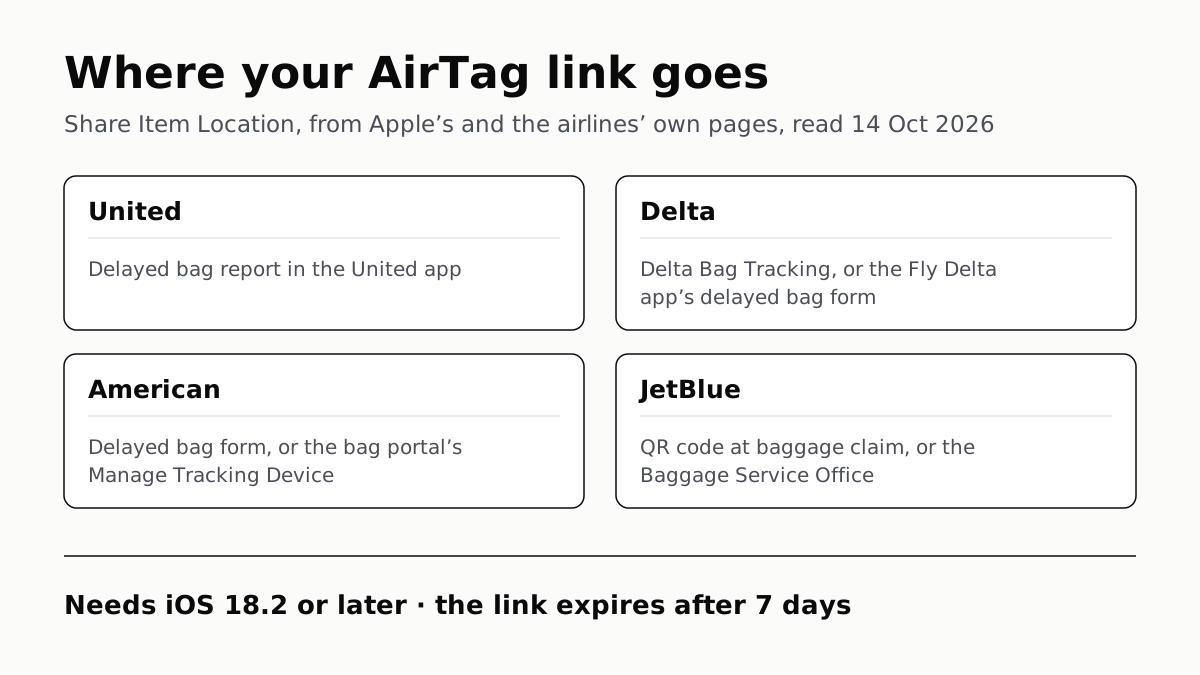
Send Your AirTag Link to United, Delta, American, JetBlue
Find My’s Share Item Location makes a seven-day link a bag agent can open. Apple says more than 50 airlines accept it.
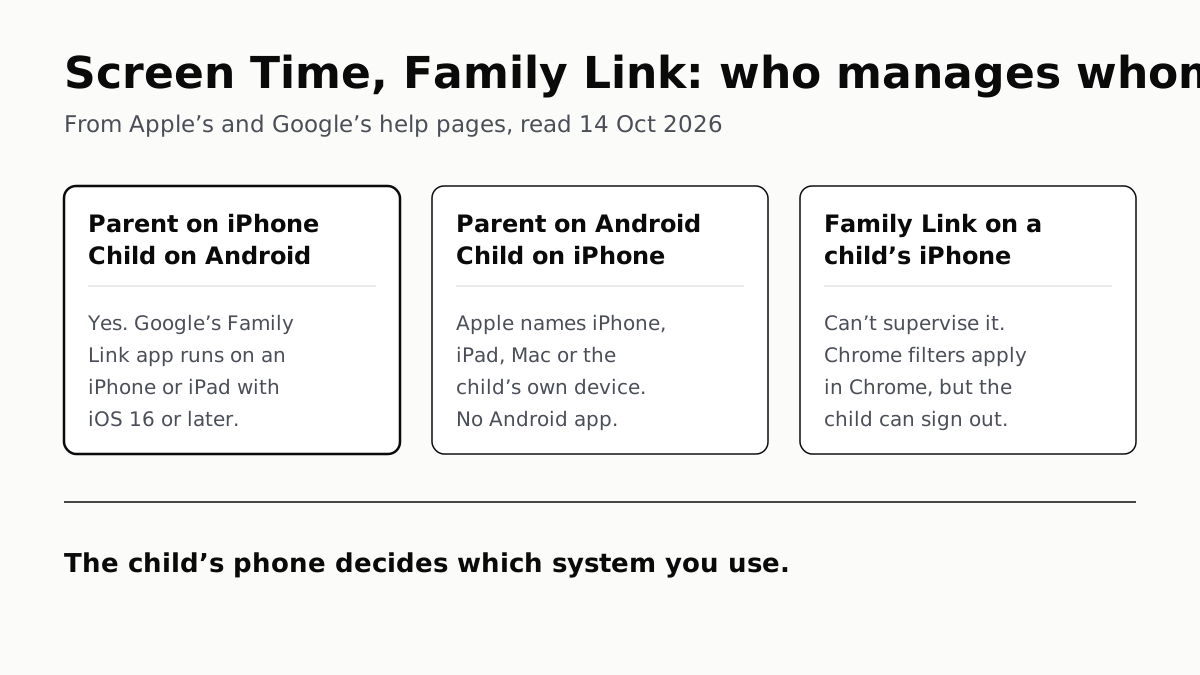
Family Link Works From an iPhone. Screen Time Needs Apple
Neither app supervises the other maker’s phones. App limits, downtime, web filters and more, side by side, with iOS 27’s changes.
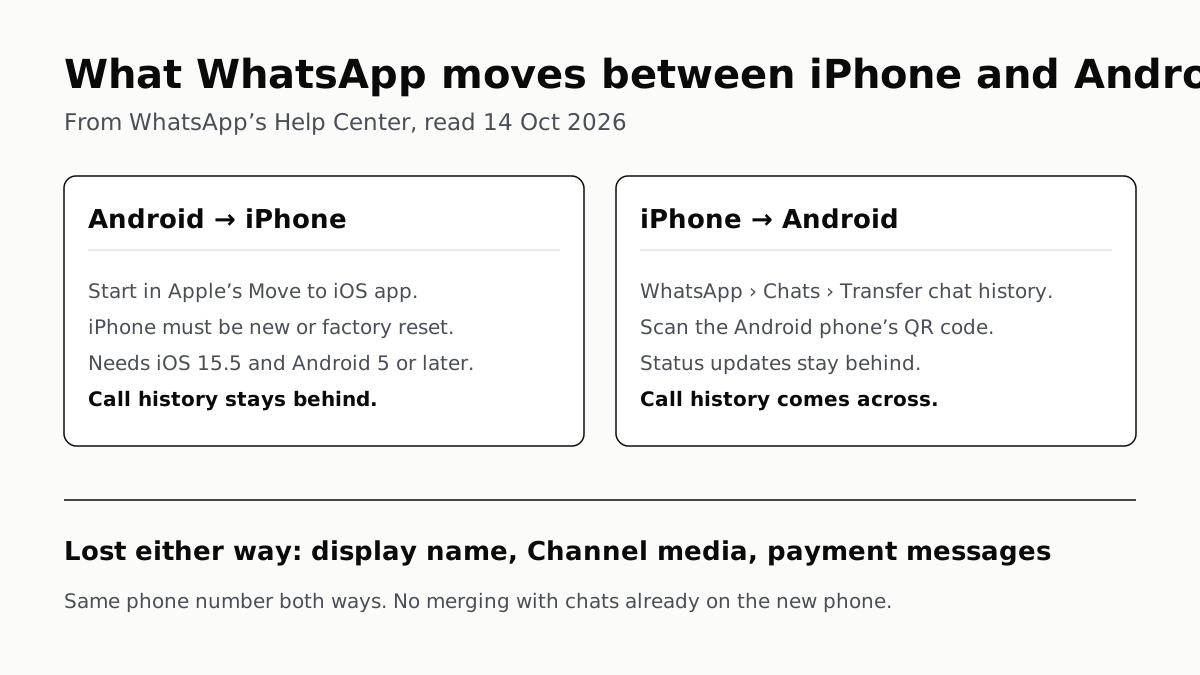
WhatsApp Chats Can Cross Between iPhone and Android
Messages, media and settings move both ways. Display names, Channel media and payment messages don’t, and call logs reach Android alone.
Sign Out Before You Wipe a Phone for Trade-In
Google returns trade-ins that are still locked, and Samsung won’t accept them. Back up, sign out, unpair, then erase.