Your 65W Charger Is Not Charging Your Phone at 65W
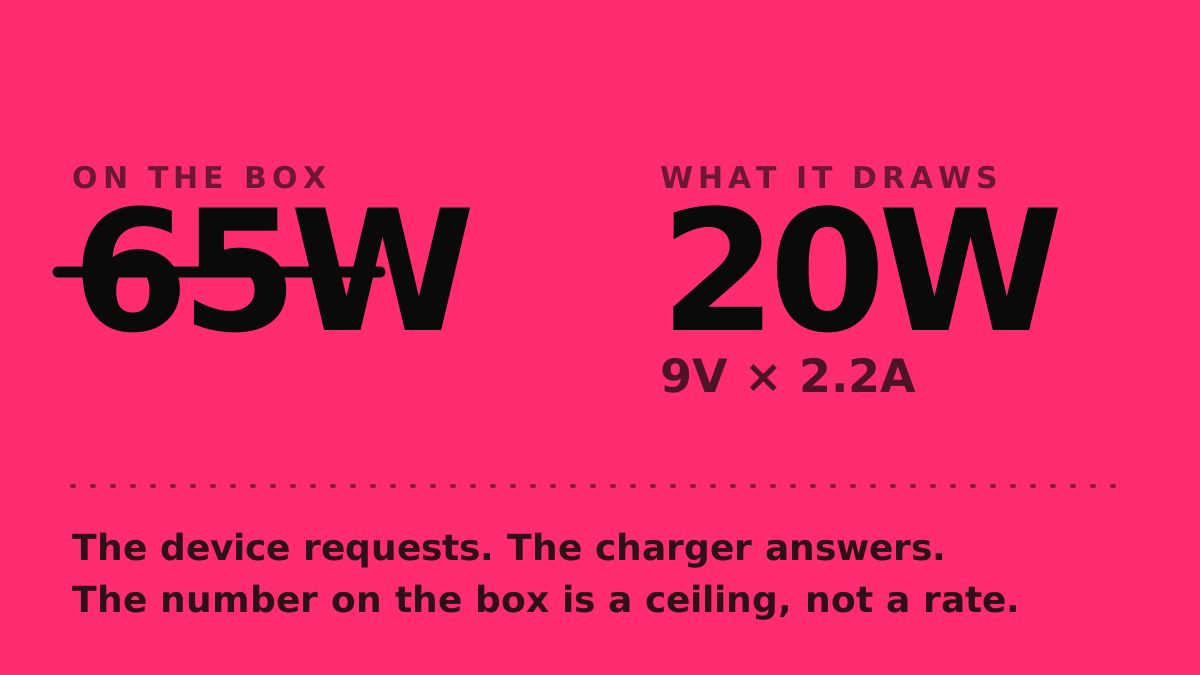
The phone decides how much power it takes, not the brick — and it stops asking for much long before the battery is full.
If you buy through our links, we may earn a commission. It never affects our verdicts or scores — how that works. As an Amazon Associate I earn from qualifying purchases.
The wattage printed on a charger is a ceiling, not a rate. Your phone asks for a specific voltage and current, the charger agrees to it or offers the closest thing it can, and that negotiated figure is almost always far below what the box advertises.
The phone asks, the charger answers
USB Power Delivery is a negotiation. The USB Implementers Forum describes the point of it plainly: the specification exists to let each device “take only the power it requires, and to get more power when required.”
A charger advertises what it can supply. The device replies with what it wants. If a phone asks for 9V at 2.2A, it draws about 20W from a 65W brick, and the remaining 45W simply never leaves the charger.
The available steps are fixed by the specification. Power Delivery moved past its old 100W ceiling — which came from 20V at 5A — with revision 3.1, adding 28V, 36V and 48V levels that reach 140W, 180W and 240W. There is also an adjustable mode that lets a device request intermediate voltages between 15V and whatever the charger’s maximum is, rather than jumping between fixed steps.
That adjustable mode is the one that matters for phones. It is why two chargers with identical wattage on the label can charge the same phone at visibly different speeds: what counts is whether the charger offers the profile the phone actually wants.
It slows down well before the battery is full
Even a perfectly matched charger stops delivering peak power early, and this is chemistry rather than a limitation anyone chose.
Lithium-ion cells charge in two stages. The first holds current constant while voltage climbs. The second holds voltage constant while current falls away, and it is over when current has dropped to roughly 3–5% of the cell’s rated capacity.
The crossover between those stages happens at around 85% state of charge. Everything after that point is the long tail — the phone is drawing a fraction of what it drew at 20%, no matter what the charger is capable of. This is why the last stretch to 100% takes so disproportionately long, and why “0 to 50% in 20 minutes” is the honest way to advertise charging speed while “0 to 100%” is not.
Heat takes another bite
Charging fast makes heat, and heat is the thing manufacturers protect against most aggressively.
Apple states that software “may limit charging above 80% when the recommended battery temperatures are exceeded,” and warns separately that ambient temperatures above 35°C “can permanently damage battery capacity.”
A phone charging in a hot car, under a pillow, or inside a thick case while running something demanding is not going to hit its rated speed. The charger is not the constraint in that situation, and buying a bigger one will not change it. Heat is also the only mechanism the makers publish when the question is wireless charging against a cable — none of them names the method itself.
The cable can cap it too
The cable is the part people reuse without thinking about, and it carries its own limit. Reaching the old 100W ceiling required cables rated at 5A, and the 240W tier needed a further revision of the Type-C specification to define what those cables must do.
A cable rated below what the pairing wants becomes the bottleneck silently — nothing warns you, charging is just slower than it should be. On a certified cable the rating is printed on the plug, as 60W or 240W; what each USB-C cable logo means sets them out.
What this means when you buy one
Match the profile, not the number. A charger that supports the adjustable voltage mode and offers the specific voltage your phone requests will beat a higher-wattage charger that only does fixed steps.
Buy roughly as much headroom as your largest device needs and stop there — a 140W brick charges a phone at exactly the same speed as a 45W one if the phone only ever asks for 20W. Check the cable’s rating rather than assuming, particularly for anything that came free in a box.
And treat any “charges in X minutes” claim as a measurement of one specific pairing under conditions nobody publishes. It tells you very little about the one sitting in your bag.
How we researched this
No one at bitcritiq has handled this product. Everything here comes from published sources, listed below.
- What this cannot tell you
- None of this predicts how fast one specific phone charges with one specific brick. Manufacturers rarely publish the exact power profile a device requests, and the only way to know a real number is to measure that pairing — which we have not done here.
How we chose this, and what we did
- Why this subject
- Charger wattage is the number people shop on, and it is the number that predicts real charging speed least well. It is also cheap to get wrong twice — once buying the charger, once buying the cable — which makes it worth a piece of its own rather than a line in a review.
- How we looked at it
- Read the USB Implementers Forum's own description of how Power Delivery negotiates voltage and current, Apple's published guidance on charging behaviour and temperature, and a technical reference on the constant-current/constant-voltage curve every lithium-ion cell follows. Every figure below comes from one of those three and is linked at the foot.
What you would need
A USB-C cable rated for the wattage you are trying to draw
Above 60W the cable must carry an e-marker chip, and most bundled cables do not. Look for a stated rating of 100W or 5A — a cable that does not state one is telling you something.
Check price on Amazon (affiliate link, opens in a new tab)
We have not tested these and are not picking one for you — each link is a search for the class of thing described above. If you buy through one we may earn a commission, which changes nothing on this page. How that works. As an Amazon Associate I earn from qualifying purchases.
Sources 3
- USB Charger (USB Power Delivery) — USB Implementers ForumOfficialaccessed Aug 26, 2026
- Maximizing battery performance — AppleOfficialaccessed Aug 26, 2026
- BU-409: Charging Lithium-ion — Battery Universityaccessed Aug 26, 2026
Pass it on
Know someone weighing this up? Send them the answer.
bitcritiq.com/7hpeThe link is permanent: it opens this article for good, even if the title changes.
No email, no account
Follow bitcritiq
Every new article, in whatever reader you already use.
Subscribe by RSSAll the ways to follow
Using Chrome on Android? Open the browser menu and tap Follow. New articles then turn up in the Following tab in Discover.
read next
Chargers Rated 100–240V Need Only a Plug Adapter Abroad
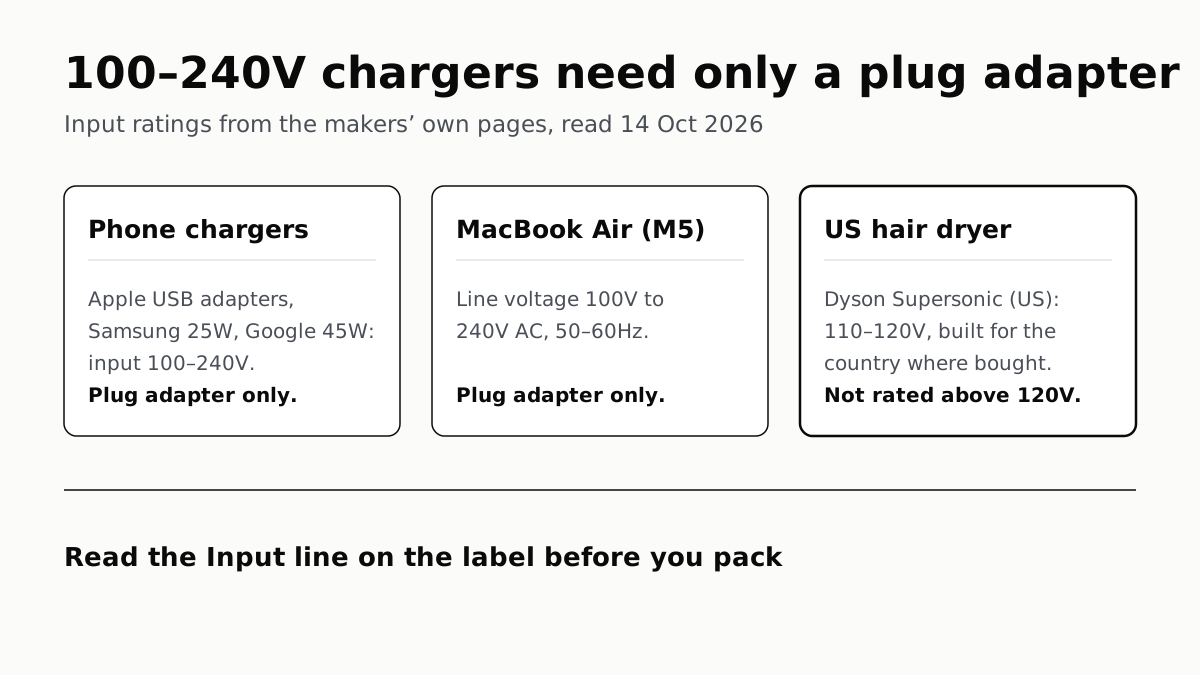
Apple, Samsung and Google rate their chargers, and the MacBook Air, for 100–240V. A hair dryer built for 110–120V is a different case.
Send Your AirTag Link to United, Delta, American, JetBlue
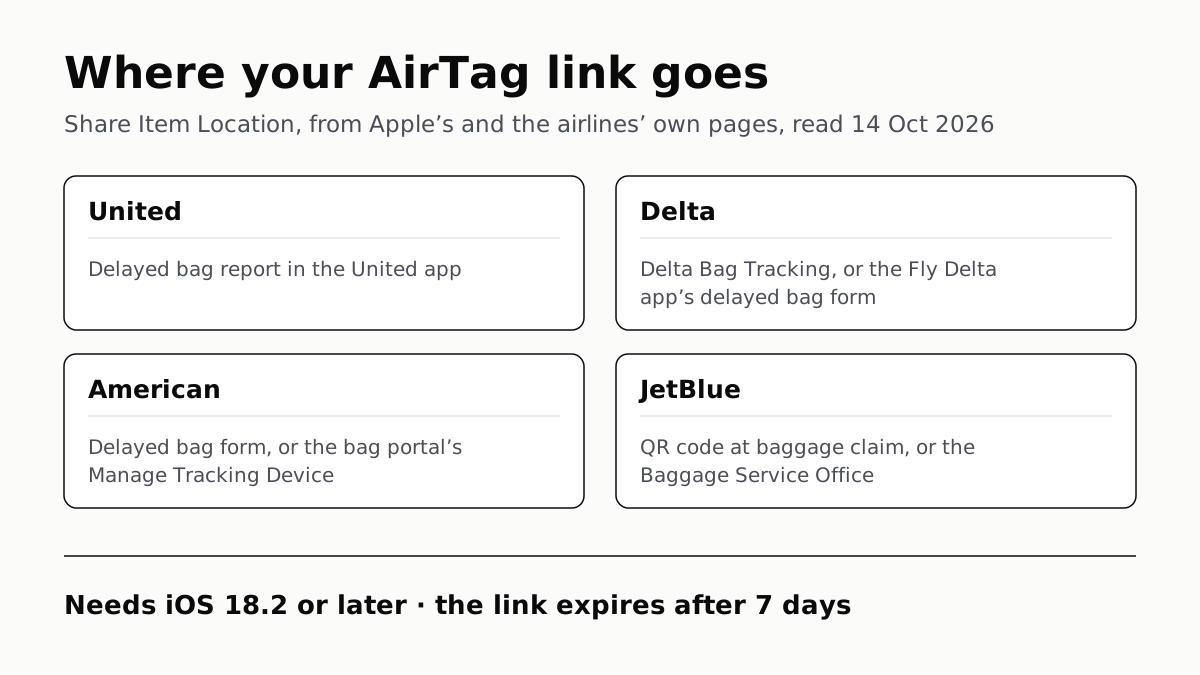
Find My’s Share Item Location makes a seven-day link a bag agent can open. Apple says more than 50 airlines accept it.
Family Link Works From an iPhone. Screen Time Needs Apple
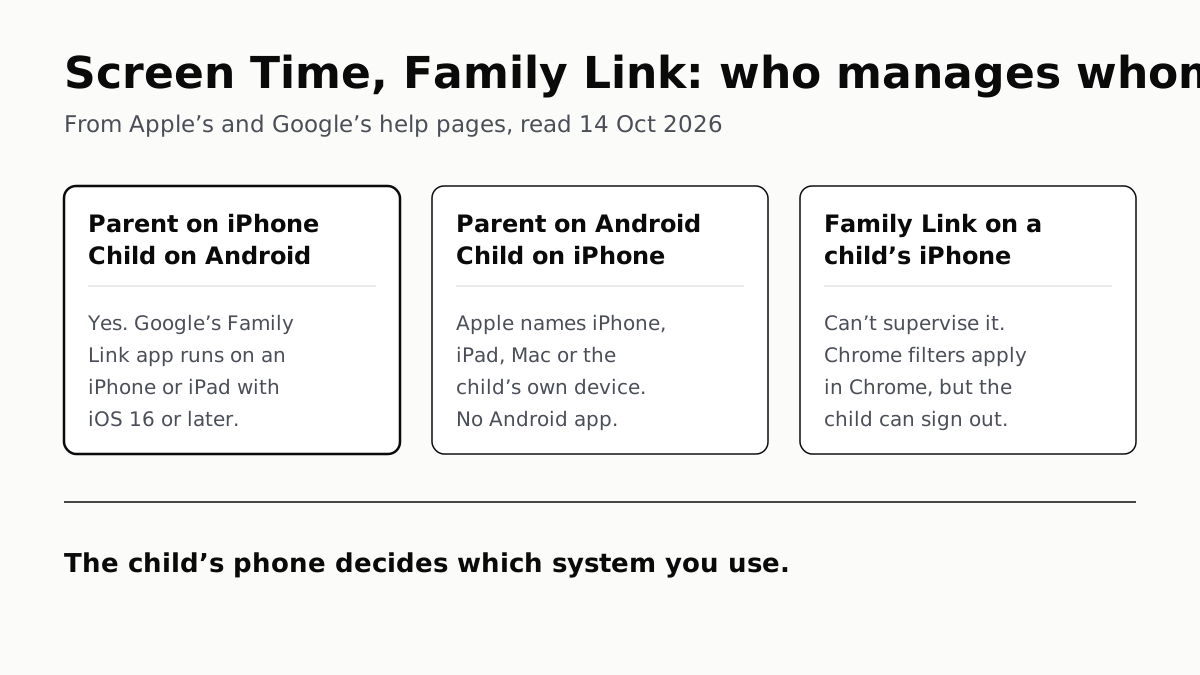
Neither app supervises the other maker’s phones. App limits, downtime, web filters and more, side by side, with iOS 27’s changes.
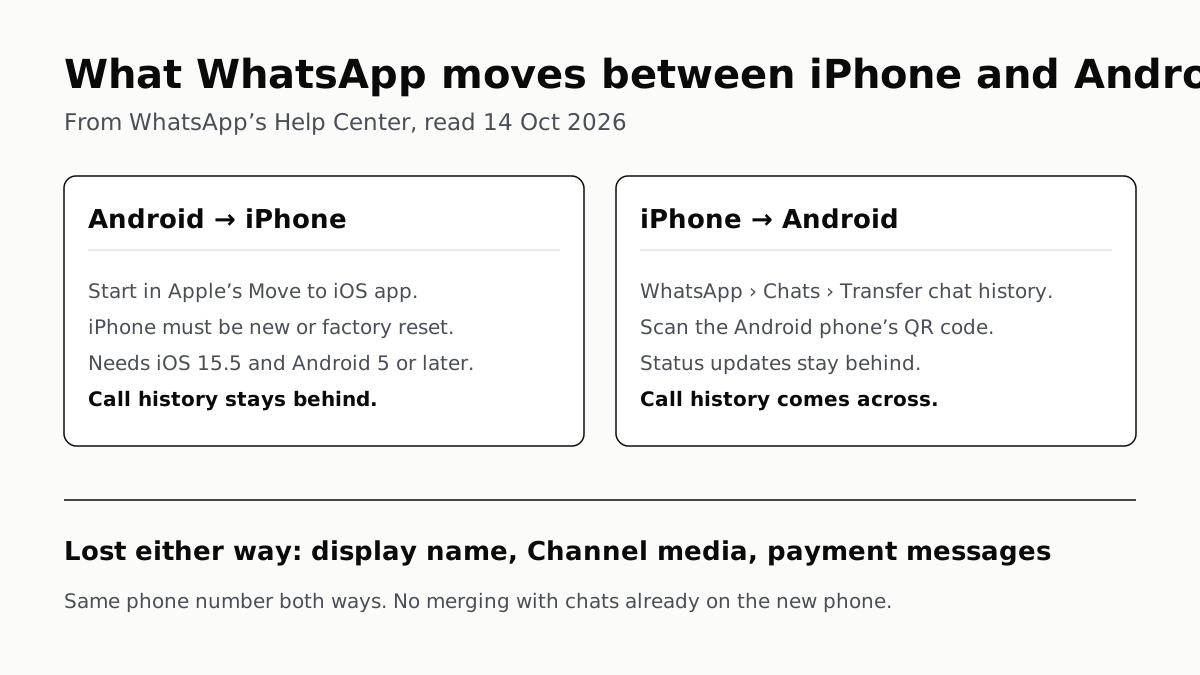
WhatsApp Chats Can Cross Between iPhone and Android
Messages, media and settings move both ways. Display names, Channel media and payment messages don’t, and call logs reach Android alone.