Do You Need a Dock for Your Steam Deck?
A hub, not a video upgrade. Valve's own specs put the official dock's display ceiling below what the Deck does over plain USB-C.

If you buy through our links, we may earn a commission. It never affects our verdicts or scores — how that works. As an Amazon Associate I earn from qualifying purchases.
No, not to play on a television. The Steam Deck already outputs video over its plain USB-C port — Valve’s own spec sheet lists “USB-C with DisplayPort 1.4 Alt-mode support” on the handheld. A cable to a monitor works with nothing else bought.
A dock is a hub. It is worth buying for what a hub does, and it is worth understanding that this is what you are buying.
The awkward comparison
Put Valve’s two published specifications side by side.
| Over the Deck’s own USB-C | Through the official dock | |
|---|---|---|
| Display ceiling | up to 8K @60Hz or 4K @120Hz | up to 4K 60Hz, or 1440p 120Hz |
The dock’s published ceiling is the lower of the two. Its HDMI is 2.0, which tops out at 4K60, and Valve specifies the dock’s limit accordingly.
For almost everyone this is academic — a Deck rendering at 1280 × 800 in a fifteen-watt envelope is not driving 4K120 in a game either way. But it does settle the question of whether the dock is a video upgrade. On Valve’s own numbers, it is not.
What the dock actually adds
All of it real, none of it about picture quality:
- Gigabit Ethernet. The substantive one. A wired connection removes the variable that causes most download and streaming complaints — the same lesson as why your Wi-Fi is slower than you pay for.
- Three USB-A 3.1 ports, for a keyboard, mouse and a wired controller at once.
- Power delivery passthrough, so it charges while docked, with a PSU and a 1.5m cable in the box.
- One-cable dock and undock, via a captive 6" cable with a 90° connector.
- MST for multi-monitor, though Valve notes this “currently requires both the HDMI and DisplayPort ports to be in use”.
At 120 grams with a charger included, it is a well-made hub. Judge it as one.
When it is worth it, and when it is not
Buy the official dock if you dock and undock daily, want wired Ethernet, and would rather not think about compatibility. Paying a premium to have it simply work is a legitimate reason and the main one.
A cheaper hub is fine if you dock occasionally and are willing to check three specifications yourself.
Buy nothing if you only ever want the Deck on a monitor now and then. A USB-C cable that carries DisplayPort Alt-mode does that, and you may already own one.
What to actually do
- Try a cable first. If your monitor takes USB-C, or you have a USB-C to DisplayPort cable in a drawer, you have already tested whether you need a dock.
- If you buy a third-party hub, check for Power Delivery passthrough of at least 45W. A hub without it means the Deck is running the display and discharging.
- Do not buy a dock to improve picture quality. Valve’s numbers say it will not, and the resolution the Deck renders at is the actual constraint.
- Do buy for Ethernet if downloads are the frustration. Game installs are enormous and this is where the wired connection earns its money.
- Ignore “8K” on any box. It appears in the Deck’s own specification and means the port can address that signal, not that anything you play will be rendered there.
How we researched this
No one at bitcritiq has handled this product. Everything here comes from published sources, listed below.
- What this cannot tell you
- This compares published specifications, not measured output — bitcritiq has tested neither the Deck nor any dock, and a stated ceiling is not a guarantee of what a given TV, cable or third-party hub will negotiate. Third-party hubs vary enormously in quality and this names no specific one. Valve notes its specifications are subject to change.
How we chose this, and what we did
- Why this subject
- Dock and accessory queries sit right alongside the handheld terms in our trends corpus, and the assumption behind them is that a dock is what enables TV play. It is not, and the manufacturer's own two spec sheets say so plainly enough that the question can be settled without testing anything.
- How we looked at it
- Compared Valve's published specification for the Docking Station against Valve's published specification for the handheld, line by line, and reported where they disagree. Both are Valve's own numbers, which is what makes the comparison worth making.
What you would need
A USB-C hub, if you decide a cheaper one will do
Three specs decide whether it works: DisplayPort Alt-mode passthrough for video, Power Delivery pass-through of at least 45W so the Deck charges while docked, and gigabit Ethernet if wired networking is the reason you are buying. A hub missing PD will drain the handheld while you play on it.
Check price on Amazon (affiliate link, opens in a new tab)
We have not tested these and are not picking one for you — each link is a search for the class of thing described above. If you buy through one we may earn a commission, which changes nothing on this page. How that works. As an Amazon Associate I earn from qualifying purchases.
What this rests on
3 claims, 2 official and 1 corroborated. Nothing here was measured by bitcritiq — see how we test for why.
The Steam Deck outputs video over plain USB-C without any dock.Official
Valve's spec sheet lists USB-C with DisplayPort 1.4 Alt-mode support on the handheld itself.
The official dock's published display ceiling is lower than the handheld's.Official
Valve specifies the dock at up to 4K 60Hz or 1440p 120Hz; the Deck's own USB-C is specified up to 8K 60Hz or 4K 120Hz.
Gigabit Ethernet is the dock's most substantive addition.Corroborated
Follows from the spec list — the other additions are convenience or port count. Our judgement, not a measured comparison.
Sources 3
- Steam Deck Docking Station Tech Specs — ValveOfficialaccessed Aug 30, 2026
- Steam Deck Tech Specs (LCD) — ValveOfficialaccessed Aug 30, 2026
- Steam Deck Tech Specs (OLED) — ValveOfficialaccessed Aug 30, 2026
Pass it on
Know someone weighing this up? Send them the answer.
bitcritiq.com/j9x2The link is permanent: it opens this article for good, even if the title changes.
No email, no account
Follow bitcritiq
Every new article, in whatever reader you already use.
Subscribe by RSSAll the ways to follow
Using Chrome on Android? Open the browser menu and tap Follow. New articles then turn up in the Following tab in Discover.
read next
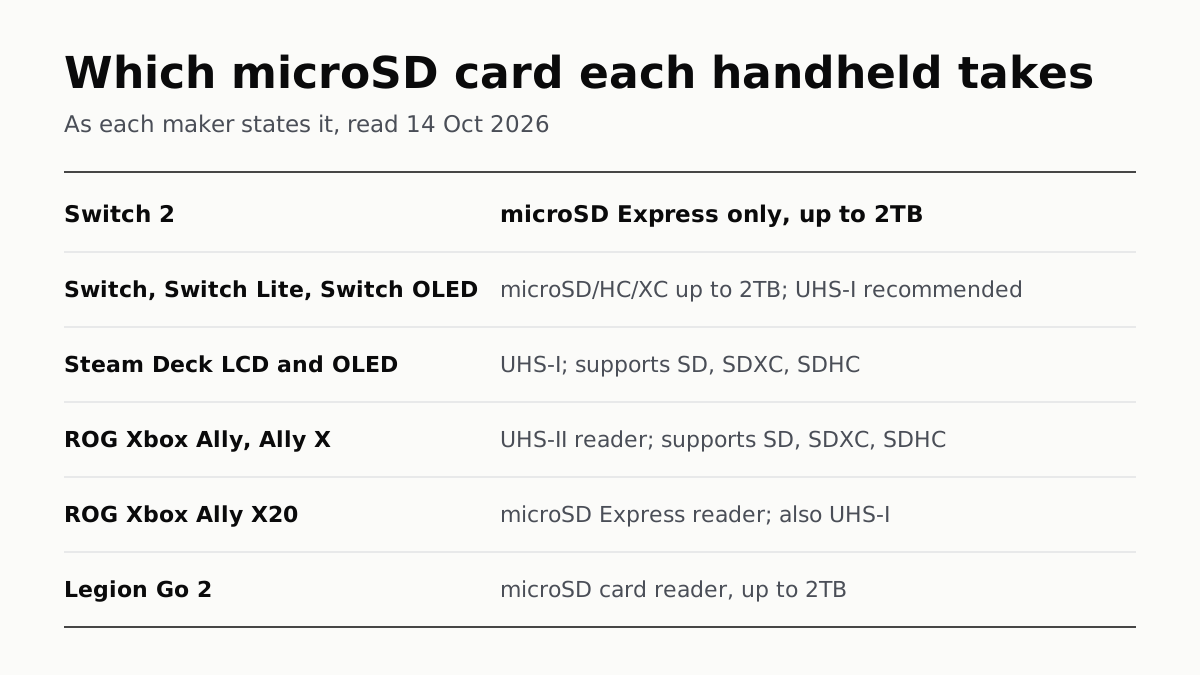
Switch 2 Needs microSD Express; Steam Deck Takes UHS-I
Asus’s Xbox Allys list UHS-II readers, the X20 an Express reader that also takes UHS-I, and Lenovo states 2TB for the Legion Go 2.

Switch Online Is $19.99 a Year; Expansion Pack Adds $30
The $49.99 tier adds N64, GBA, Virtual Boy and Genesis games and three DLC packs; GameCube games come only on Switch 2.

PS Plus: Essential for Online Play, Premium to Stream
Extra adds a catalog of hundreds of games for $134.99 a year; Premium adds classics and trials at $159.99. Essential is $79.99.
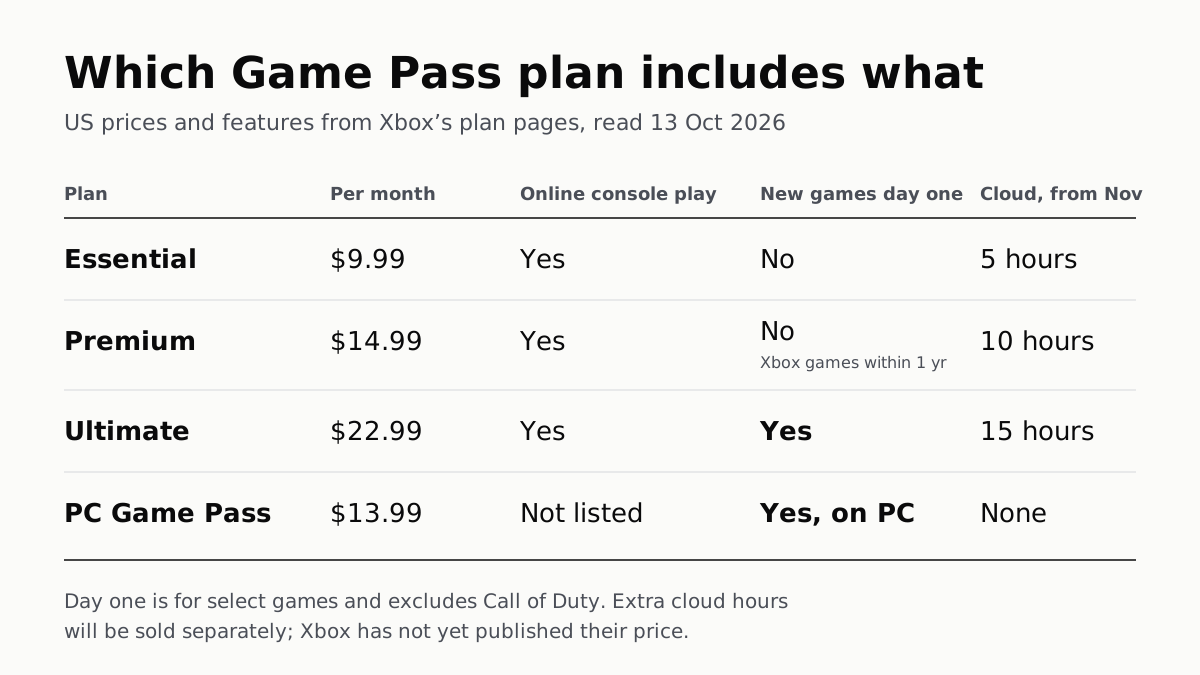
On Xbox, Day-One Games Need Ultimate; Online Play Is $9.99
PC Game Pass has day-one games at $13.99 but no cloud play, which from November is capped at 5, 10 or 15 hours a month by tier.