Switch Update 23.0.0 Fixes a Flaw That Needs Your QR Code
Nintendo's advisory covers the original Switch, Lite and OLED. The attack only works if someone else scans the code on your screen.
If you buy through our links, we may earn a commission. It never affects our verdicts or scores — how that works. As an Amazon Associate I earn from qualifying purchases.
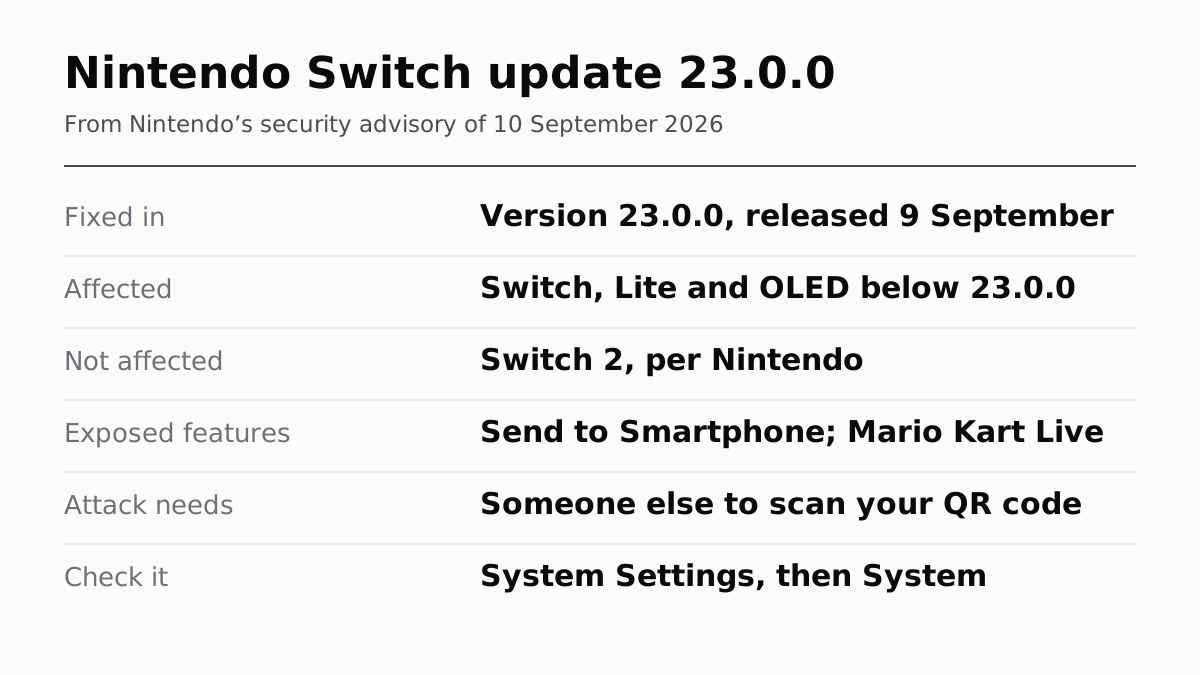
Update an original Switch, Switch Lite or Switch OLED to system version 23.0.0. Nintendo released it on 9 September 2026 to fix a flaw that could let someone run code on the console or read information stored on it.
The flaw is narrower than a headline suggests. Nintendo says it only works if someone else scans the QR code your Switch puts on screen during two features: Send to Smartphone in the Album, and Mario Kart Live: Home Circuit.
Switch 2 owners have less to do. Nintendo says the flaw cannot be used to obtain console information on Switch 2, and the CVE record lists only the original Switch as affected. Switch 2 got its own version 23.0.0 the same day, and it is worth installing anyway, but its notes do not mention security.
Check your version, then update
You need the console online for the download. Nintendo lists the same path for all three models of the original Switch.
- From the HOME Menu, open System Settings.
- Scroll down the left side to System.
- Read the number under System Update. If it says 23.0.0 or higher, you are done.
- If it is lower, select System Update. The console checks for the update and starts downloading it on its own.
- If the update fails, hold the POWER button for three seconds, choose Power Options, then Restart, and try again.
Nintendo says a Switch downloads updates automatically “in most situations” while it is online. It does not say which situations are the exception, so check the number rather than assume.
What the flaw is, in Nintendo’s words
Nintendo filed it as CVE-2026-82079: a stack-based buffer overflow in the Switch’s local wireless networking. Nintendo scores it 7.0, High, under CVSS 4.0. Outside security researchers reported it; the record does not name them.
What an attacker gets. The advisory says they “could run unauthorized code on your Nintendo Switch console or obtain information stored on the console”. That is the whole description. It does not mention your Nintendo Account, a saved payment card or save data, and we are not going to fill that gap with a guess.
What an attacker needs. Physical sight of your screen. Nintendo’s condition is that a third party has to scan the QR code shown on the console or the TV. That is not the same as “only in public”: a visitor in your living room could scan a TV as easily as a stranger on a train could scan a handheld.
If you cannot update yet
Nintendo’s advice until you can:
- Use Send to Smartphone only with your own phone, and only where nobody else can point a camera at the screen.
- Do not use a Mario Kart Live kart that is not yours.
- Everything else on the console is outside the two situations the advisory names.
What else 23.0.0 changes
Nintendo’s notes list two other changes: virtual game card settings, and a prompt about online licences, alongside “general system stability improvements”. Both touch the digital games on the console, which the store terms treat as a licence rather than something you own. If you are weighing what else a console asks of you once it is home, we added that up in what a console costs after you buy it.
That Nintendo was still shipping a security fix to a nine-year-old console is one of the things worth knowing before buying one, which is why we went through everything Nintendo still publishes about the original Switch.
How we researched this
No one at bitcritiq has handled this product. Everything here comes from published sources, listed below.
- What this cannot tell you
- We have not reproduced the exploit, and neither Nintendo nor the CVE record says whether anyone has used it. Nintendo does not say whether skipping the update blocks online play, so we do not claim it. Only the Americas support site and the global English advisory were read; regional notes may differ.
How we chose this, and what we did
- Why this subject
- CNET reported on 16 September that Nintendo was urging Switch owners to update after a security exploit was found. The reader's question is practical: which update, which console, and how worried to be. Nintendo answers all three, but across a PDF advisory, two support pages and a CVE record rather than in one place.
- How we looked at it
- Everything here is from Nintendo: its security advisory dated 10 September 2026, the Switch and Switch 2 system update notes, its support articles on checking the version and updating, and the CVE record Nintendo filed as the issuing authority. All were read on 17 September 2026. The advisory is an image-only PDF, so its wording was transcribed from the rendered page.
What this rests on
6 claims, all official. Nothing here was measured by bitcritiq — see how we test for why. Open a claim to read the source it came from.
The fix is Nintendo Switch system update 23.0.0, released on 9 September 2026.Official
Nintendo's advisory says 'Please update your console to the latest system version (23.0.0).' Nintendo's update notes list 'Ver. 23.0.0 (Released September 9, 2026)' and point to the security notice for the vulnerability fixed in it.
The flaw affects the original Switch family below 23.0.0; Nintendo says it cannot be used to obtain console information on Switch 2.Official
The advisory states 'This issue affects Nintendo Switch (system version earlier than 23.0.0)' and 'This vulnerability cannot be exploited to obtain console information on Nintendo Switch 2.' The CVE record lists only Nintendo Switch as affected.
The attack needs a third party to scan the QR code shown by Send to Smartphone or Mario Kart Live: Home Circuit.Official
The advisory names two situations, the Album's Send to Smartphone feature and playing Mario Kart Live: Home Circuit, and says a bad actor must directly scan the QR code displayed on the console or TV screen.
Nintendo says a successful attacker could run unauthorised code or read information stored on the console; it does not mention accounts or payment details.Official
The advisory says they 'could run unauthorized code on your Nintendo Switch console or obtain information stored on the console.' Neither the advisory nor the CVE record mentions a Nintendo Account, password, payment details or save data.
Nintendo rates the flaw 7.0, High, under CVSS 4.0.Official
The CVE-2026-82079 record, filed by Nintendo as the issuing authority, describes a stack-based buffer overflow in local wireless networking and gives a CVSS 4.0 base score of 7.0 HIGH.
A Switch downloads system updates automatically in most situations, but only while online.Official
Nintendo Support: 'In most situations, the Nintendo Switch will automatically download the most recent system update.' It adds that the console must be connected online to download a system update.
Sources 7
- Potential Nintendo Switch Console Information Leak Due to Proximity-Based Remote Attack — Nintendo security advisory, 10 September 2026Officialaccessed Sep 17, 2026
- Nintendo Switch System Update Information — Nintendo SupportOfficialaccessed Sep 17, 2026
- System Update Information for Nintendo Switch 2 — Nintendo SupportOfficialaccessed Sep 17, 2026
- How to Perform a System Update on Nintendo Switch — Nintendo SupportOfficialaccessed Sep 17, 2026
Show 3 more · 2 official or standards
- How to Determine the System Menu Version on Nintendo Switch — Nintendo SupportOfficialaccessed Sep 17, 2026
- CVE-2026-82079 — CVE Program record, filed by NintendoOfficialaccessed Sep 17, 2026
- Nintendo Urges Switch Owners to Update Their Firmware After Security Exploit Discovered — CNET, 16 September 2026accessed Sep 17, 2026
No email, no account
Follow bitcritiq
Every new article, in whatever reader you already use.
Subscribe by RSSAll the ways to follow
Using Chrome on Android? Open the browser menu and tap Follow. New articles then turn up in the Following tab in Discover.
read next
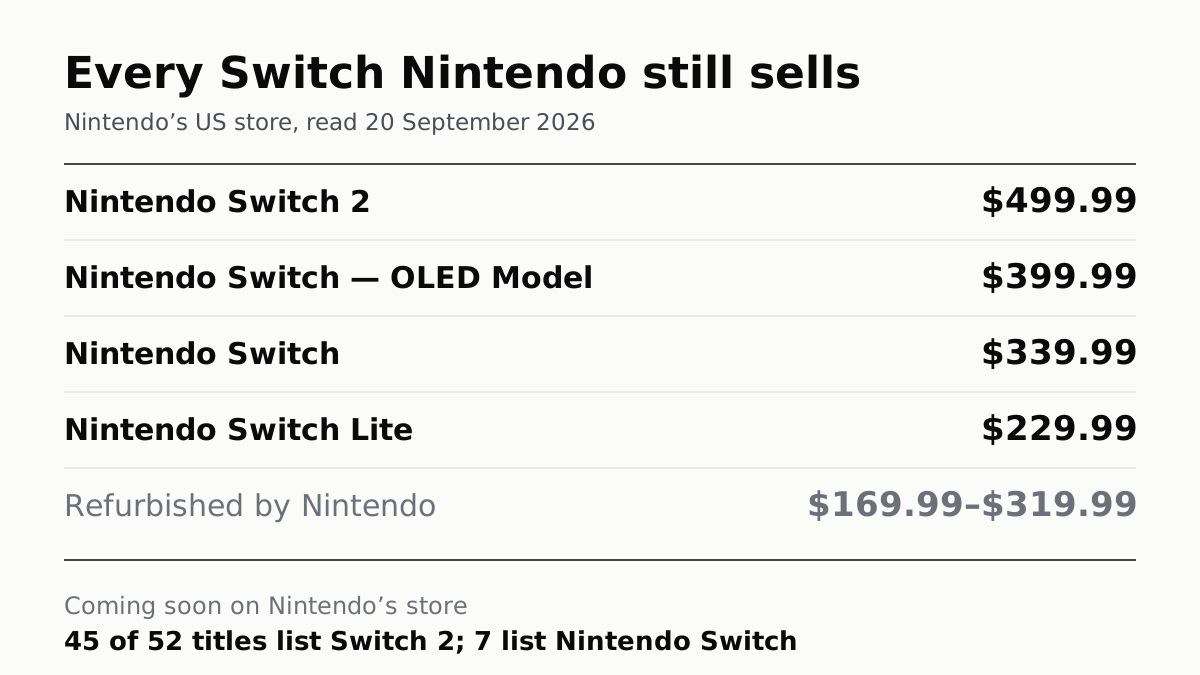
Nintendo Still Sells Three Old Switch Models, From $229.99
The OLED is $399.99, a hundred under a Switch 2. Of the 52 games Nintendo lists as coming soon, seven play on the original.
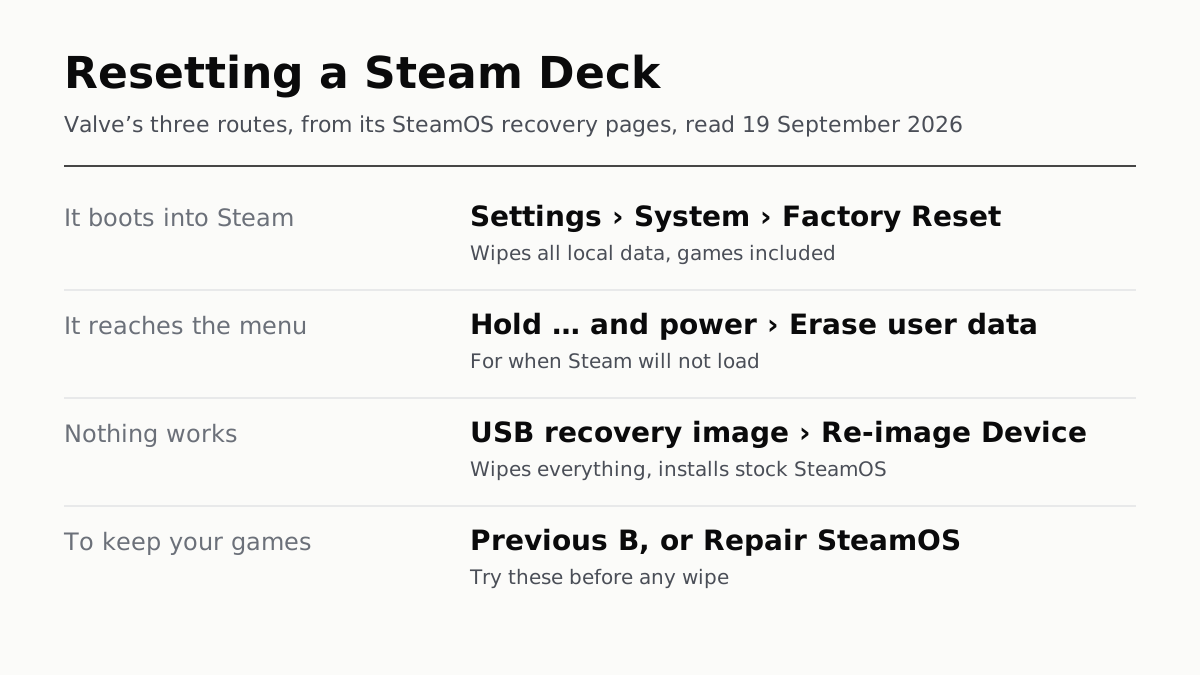
Resetting a Steam Deck Wipes Every Game and Local Save
If it boots, the reset is in Settings, under System. If not, Valve has two more routes, and two repairs that keep your games.
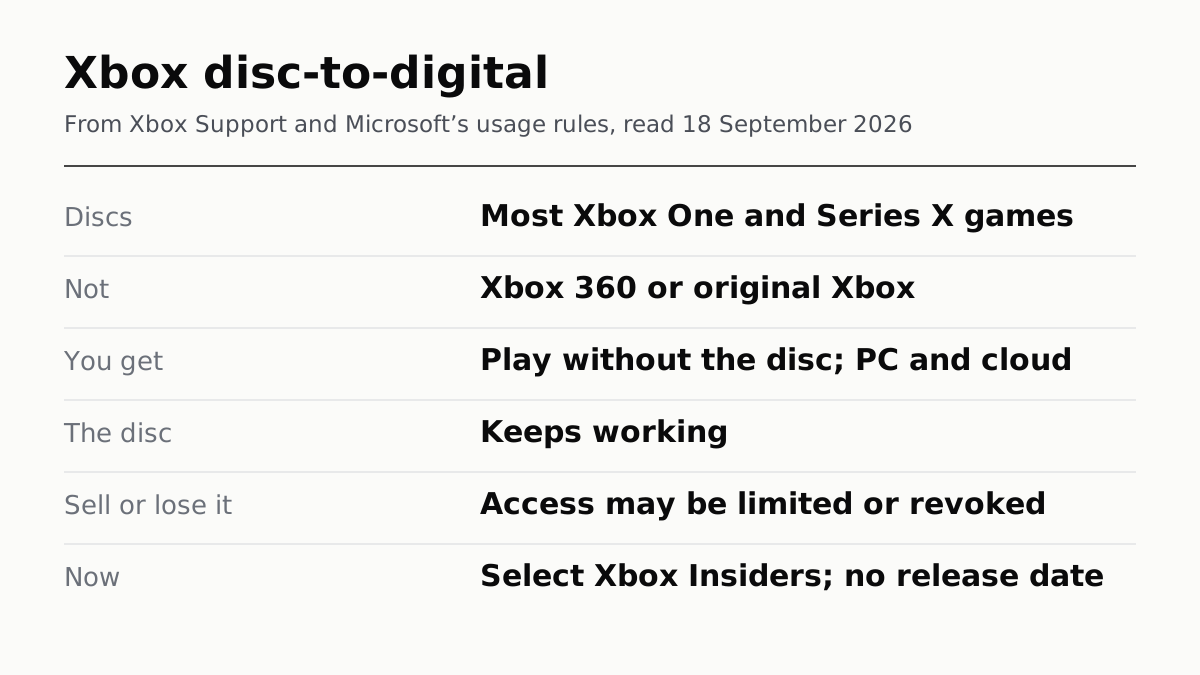
Xbox's Digital Copy of Your Disc Lasts While You Keep It
Disc-to-digital gives Xbox One and Series X discs a digital licence. Sell or lose the disc and Microsoft says access may be revoked.
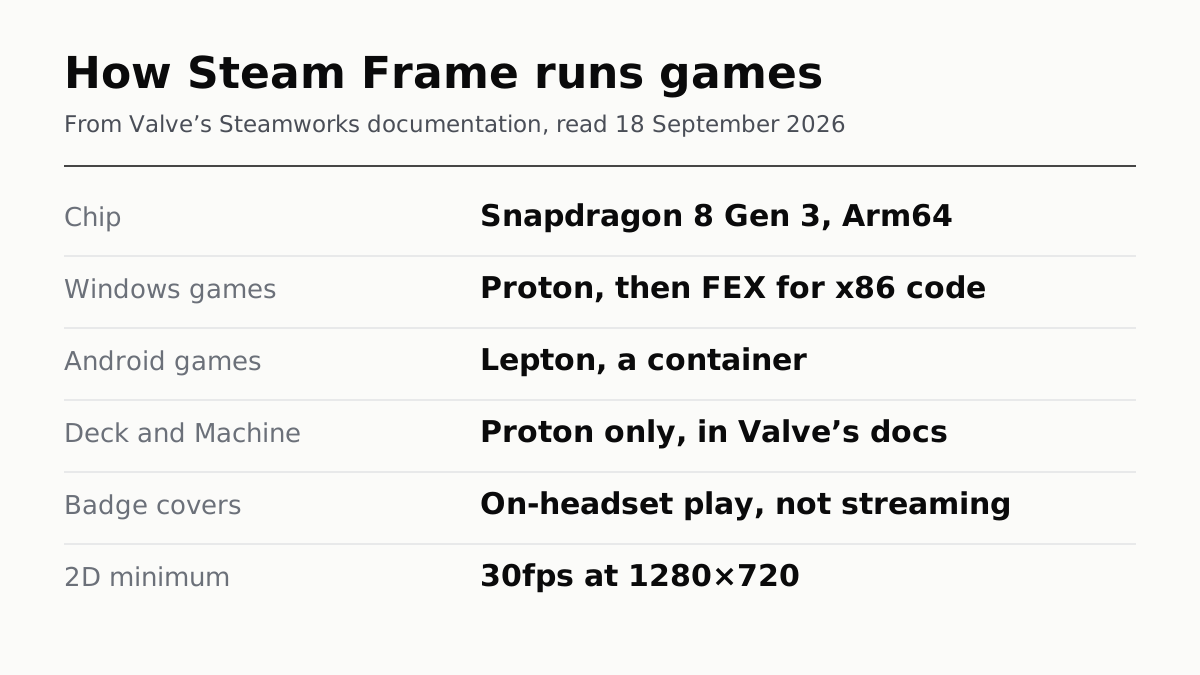
Proton, FEX and Lepton: How Steam Frame Runs Your Games
Steam Frame's Arm chip runs Windows games through two translation layers, Android ones in a container. Its badge ignores streaming.