Proton, FEX and Lepton: How Steam Frame Runs Your Games
Steam Frame's Arm chip runs Windows games through two translation layers, Android ones in a container. Its badge ignores streaming.
If you buy through our links, we may earn a commission. It never affects our verdicts or scores — how that works. As an Amazon Associate I earn from qualifying purchases.
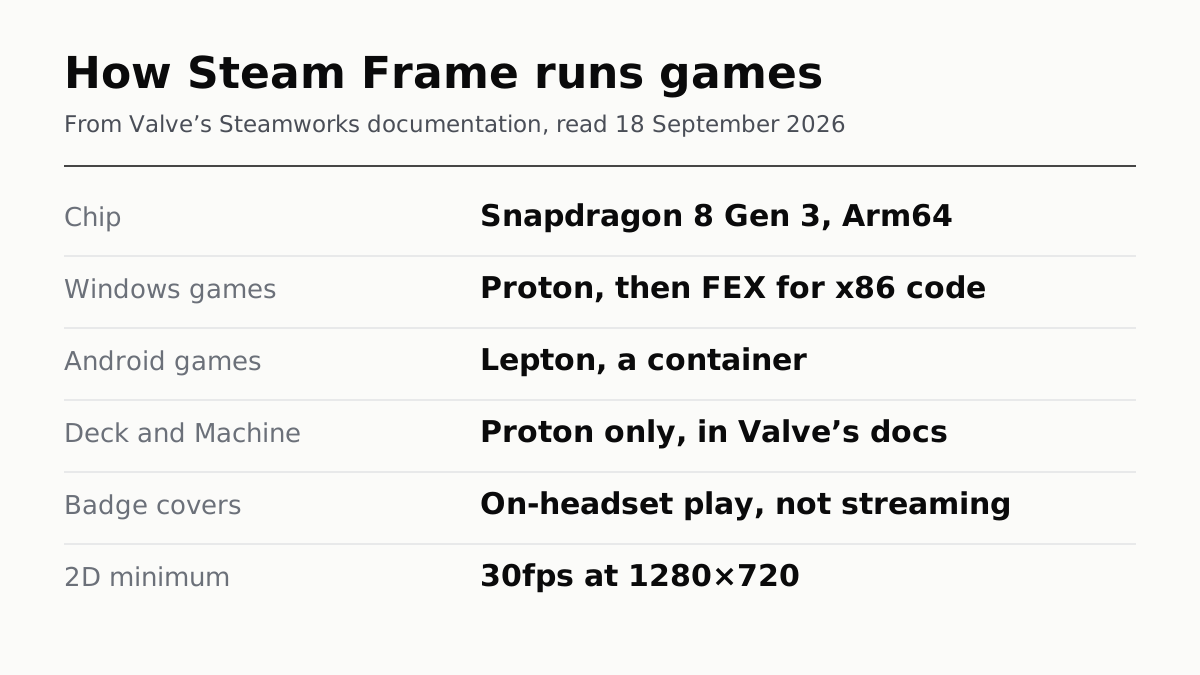
Steam Frame’s standalone games run through three layers, because its chip is not the kind PC games are built for. Valve’s documentation says the headset uses an Arm64 Snapdragon 8 Gen 3, and runs Windows games through Proton and x86 code through FEX. Android games run in a container called Lepton.
The Verified badge on the headset covers less than it may seem to. Valve says Steam Frame Standalone Verified covers only games running on the headset, not games streamed from a PC, which Valve calls the Frame’s primary use.
Three layers, and what each one does
| Layer | What it handles | Valve’s description |
|---|---|---|
| Proton | Windows games | Wine plus translation of DirectX to Vulkan |
| FEX | x86 code, 32-bit and 64-bit | Translates x86 instructions to Arm64 |
| Lepton | Android games | A container, to keep overhead down |
A Windows game on the Frame goes through two of them. Proton handles the fact that it was written for Windows; FEX handles the fact that it was compiled for Intel and AMD chips rather than Arm. FEX sends graphics calls straight to the headset’s own Vulkan and OpenGL libraries rather than emulating them, which is where Valve says it saves overhead.
Lepton exists for a different case. Valve says it makes sense for VR developers who already built an Android Arm64 version of their game for other headsets to ship that version on the Frame. Launching any Android game from Steam starts a Lepton container; Valve says no Lepton container runs by default.
What Valve concedes
Valve does not claim translation is free. It says FEX uses code caching to minimise in-game stuttering “as much as possible”, which is not the same as removing it. Stutter from work done the first time it is needed is familiar on PCs too, where the usual cause is a game building shaders mid-play. Valve publishes no figure for how much speed FEX costs. It also calls the Frame primarily designed for streaming games from a PC, with standalone play as the extra.
What the Frame’s Verified badge promises
| Steam Deck | Steam Machine | Steam Frame, standalone | |
|---|---|---|---|
| Minimum | 30fps at 800p | 30fps at 1080p | 2D: 30fps at 1280x720; VR: 72fps at 1728x1728 |
| Covers streamed games | Not applicable | Not applicable | No |
| Link to other devices | Independent of Machine | Deck Verified guarantees Machine Verified | Its own review |
The badges are the same four as on the Deck: Verified, Playable, Unsupported and Unknown, which we set out in what the Steam Deck badges promise. A VR game rendering below 1440x1440 is marked Unsupported on the Frame outright. Valve’s Frame review names Proton problems as a cause of Unsupported; it does not mention FEX or Lepton failures, so how those are treated is not something Valve’s page says. A rating does not stop a game being sold for the Frame, Valve says; it changes how it is presented.
The Deck and Machine do not need any of this
Valve’s Deck and Machine documentation describes Proton only. Valve describes the Machine’s processor as a semi-custom AMD desktop-class CPU, and says the Machine runs the same software as the Deck. So FEX and Lepton appear only in Valve’s Frame documents. That is our reading of what Valve documents, not a statement Valve makes, but nothing in the Deck or Machine pages mentions either. If you are choosing between them, the other two are covered in the Steam Machine’s price and waitlist.
How much of the library uses Android
Valve publishes no count. VR.org’s analysis of Steam metadata on 11 September found 52 of 130 Frame-verified games pointing at the Lepton runtime; Ars Technica cited it as 52 of the first 120. Either way, a large share of what is verified to run on the headset today is an Android build rather than the PC version you may already own.
If you are still waiting on a Frame, the queue works the way we set out in Steam Frame is sold by lottery.
How we researched this
No one at bitcritiq has handled this product. Everything here comes from published sources, listed below.
- What this cannot tell you
- We have not run a game on a Steam Frame, and Valve publishes no figure for how much FEX translation costs in performance. Valve's documents describe FEX and Lepton only under Steam Frame and Proton only for the Deck and Machine; that FEX and Lepton are Frame-only is our reading of that, not a sentence Valve wrote. Valve does not publish how many Frame games use each layer.
How we chose this, and what we did
- Why this subject
- Ars Technica explained Valve's new SteamOS compatibility layers on 16 September, a week after Steam Frame sign-ups opened and while searches for Valve hardware keep rising in our trends data. A buyer's question is simpler than the engineering: will my Steam library run on the headset itself, and what does its Verified badge promise. Valve answers both in its Steamworks documentation, which is written for developers.
- How we looked at it
- Every description of Proton, FEX and Lepton, and every rating rule, is from Valve: its Steamworks documentation pages on Steam Frame compatibility, the Frame and Deck-and-Machine review processes, running Android games through Lepton, and the Steam Machine, plus Valve's Steamworks news post of 4 June 2026 and the Steam Frame product page. All read on 18 September 2026. Ars Technica and VR.org are used for two figures Valve does not publish, labelled as reported.
What this rests on
6 claims, 5 official and 1 reported. Nothing here was measured by bitcritiq — see how we test for why. Open a claim to read the source it came from.
Steam Frame runs on an Arm64 Snapdragon 8 Gen 3 and uses Proton for Windows games, FEX for x86 code and Lepton for Android games.Official
Valve's Steamworks page says Steam Frame 'natively runs a Snapdragon 8 Gen 3 (Arm64) chip on SteamOS' with 'a range of compatibility layers', listing Proton, 'x86 (32-bit and 64-bit) via FEX', and Lepton, 'a compatibility layer that allows Android games to run on Linux'.
FEX translates x86 instructions to Arm64 but passes graphics calls to native libraries, and caches code to reduce stutter.Official
Valve: 'FEX translates x86 compiled games to Arm64 instructions, but forwards API calls to native host system libraries like OpenGL or Vulkan to reduce emulation overhead', and it 'leverages code caching to minimize in-game stuttering as much as possible.'
Steam Frame Standalone Verified applies only to games running on the headset, not games streamed from a PC.Official
Valve's Frame review process: 'This review process only applies for games (both 2D and VR) running locally on Steam Frame, not games running on a PC streamed to Frame.'
Frame's minimums are 30fps at 1280x720 for 2D games and 72fps at 1728x1728 for VR, and VR below 1440x1440 is marked Unsupported.Official
Valve: '2D titles: your game must run at a minimum 30 fps at 1280x720 during normal play', VR titles at 'a minimum of 72 fps at 1728x1728', and 'VR games below 1440x1440 will appear with an Unsupported badge.'
Valve's Deck and Machine documentation describes Proton only; any Deck Verified game is guaranteed Verified on Steam Machine.Official
Valve's Deck and Machine review page: 'On Deck and Machine, games without native Linux builds will be run through Proton' and 'Any game that is Verified on Steam Deck is guaranteed to be Verified on Steam Machine as well.' FEX, Lepton and Android do not appear on that page, where Proton appears nine times.
About 52 of the first Frame-verified games run through Lepton, according to an analysis of Steam metadata; Valve publishes no such figure.Reported
VR.org, 11 September 2026, counted 52 of 130 Great on Frame games pointing at the Lepton runtime; Ars Technica, 16 September 2026, cited it as 52 of the first 120. Valve's own pages give no count.
Sources 8
- What games can run standalone on Steam Frame — Steamworks Documentation, ValveOfficialaccessed Sep 18, 2026
- Steam Frame Standalone Compatibility Review Process — Steamworks Documentation, ValveOfficialaccessed Sep 18, 2026
- Steam Deck and Steam Machine Compatibility Review — Steamworks Documentation, ValveOfficialaccessed Sep 18, 2026
- Connecting adb to Lepton — Steamworks Documentation, ValveOfficialaccessed Sep 18, 2026
Show 4 more · 2 official or standards
- Steam Machine and Steam Frame Standalone Verified — Steamworks Development, 4 June 2026Officialaccessed Sep 18, 2026
- Steam Frame — Steam Hardware, ValveOfficialaccessed Sep 18, 2026
- Not just Proton: Getting to know Valve's new SteamOS compatibility layers — Ars Technica, 16 September 2026accessed Sep 18, 2026
- 52 of the Steam Frame's 130 Certified Games Run Through Valve's Android Layer — VR.org, 11 September 2026accessed Sep 18, 2026
No email, no account
Follow bitcritiq
Every new article, in whatever reader you already use.
Subscribe by RSSAll the ways to follow
Using Chrome on Android? Open the browser menu and tap Follow. New articles then turn up in the Following tab in Discover.
read next
Nintendo Still Sells Three Old Switch Models, From $229.99
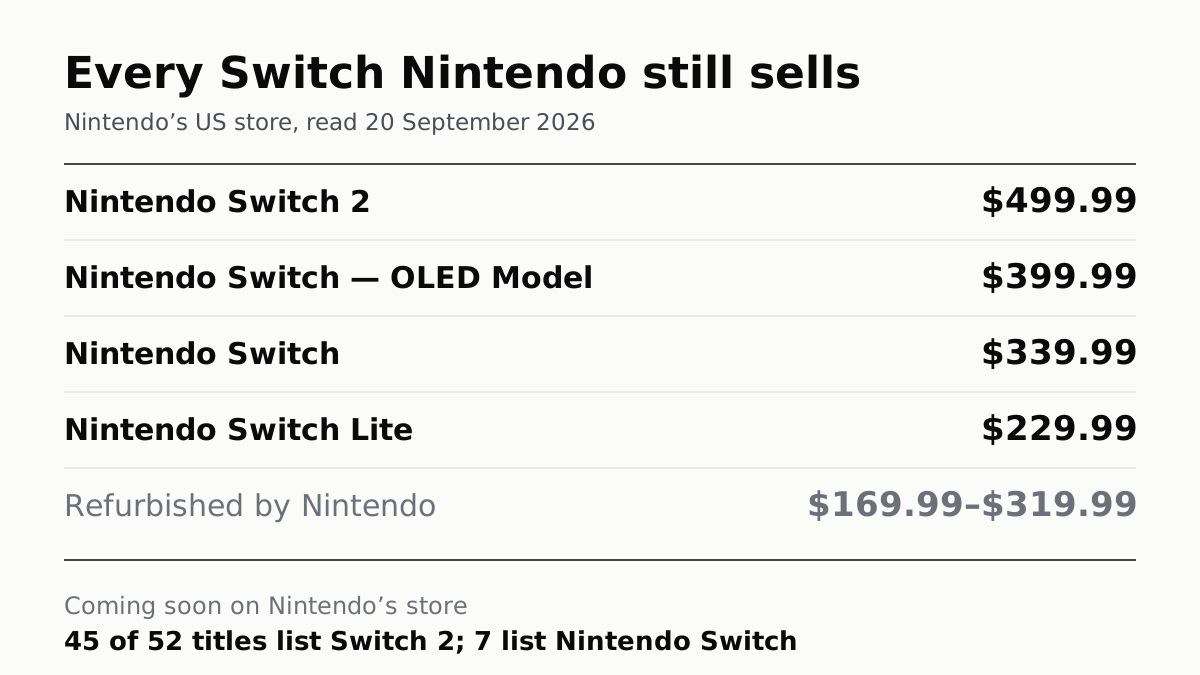
The OLED is $399.99, a hundred under a Switch 2. Of the 52 games Nintendo lists as coming soon, seven play on the original.
Resetting a Steam Deck Wipes Every Game and Local Save
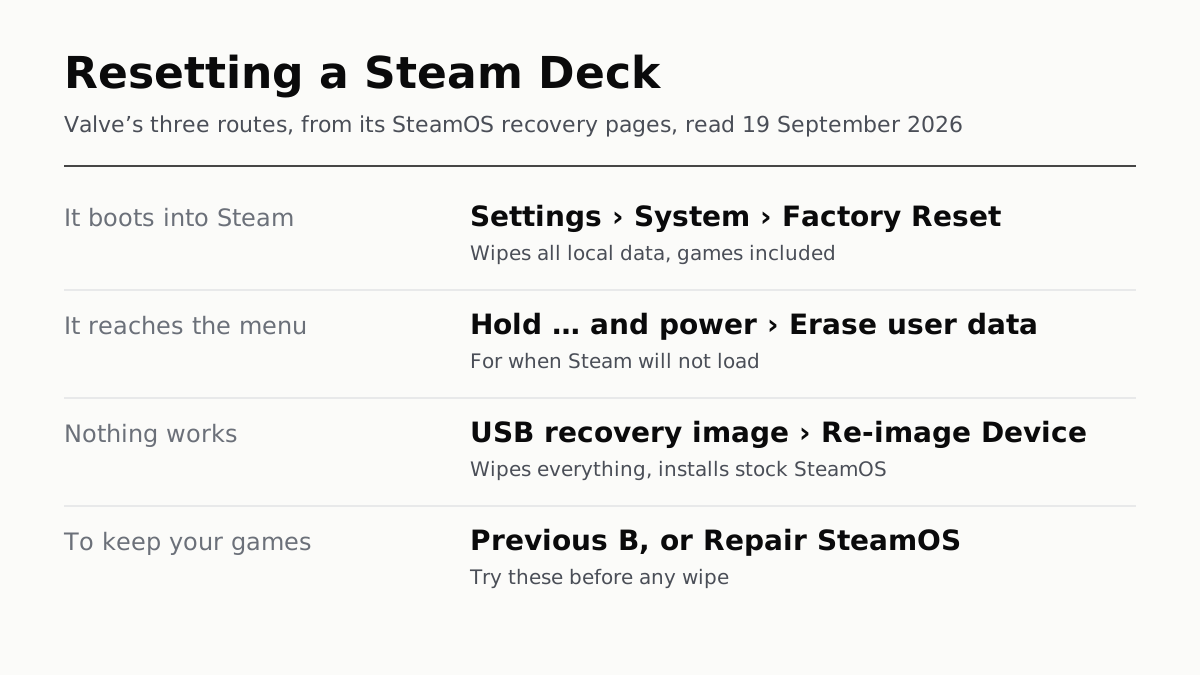
If it boots, the reset is in Settings, under System. If not, Valve has two more routes, and two repairs that keep your games.
Xbox's Digital Copy of Your Disc Lasts While You Keep It
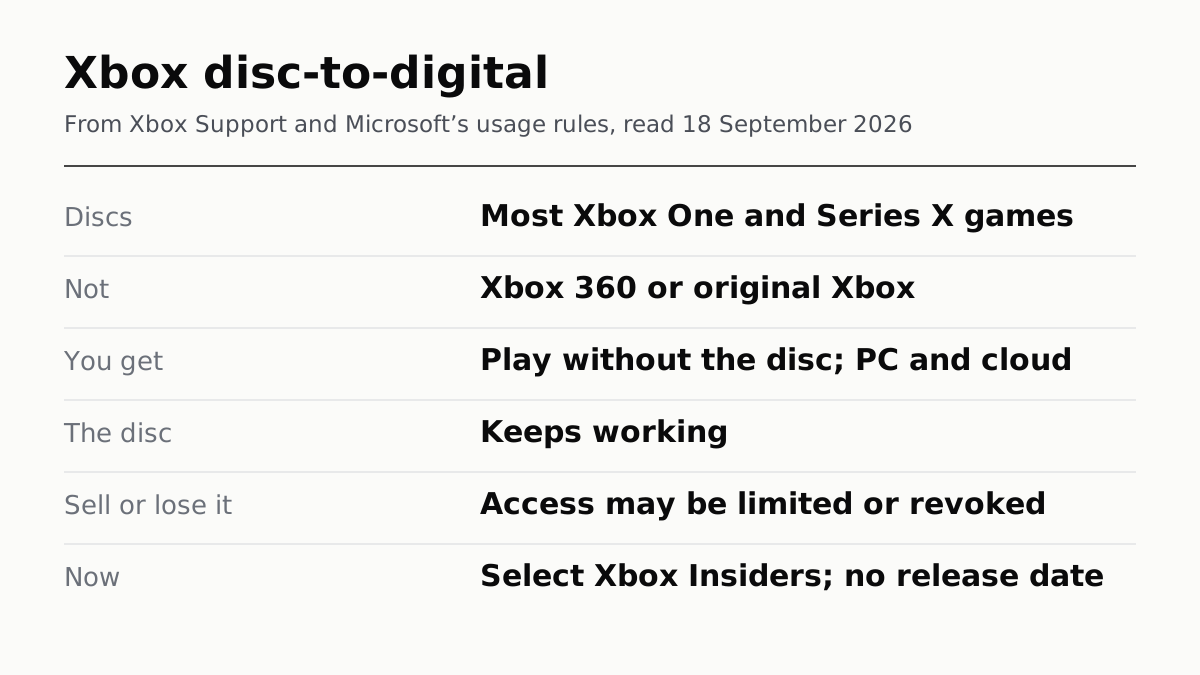
Disc-to-digital gives Xbox One and Series X discs a digital licence. Sell or lose the disc and Microsoft says access may be revoked.
Switch Update 23.0.0 Fixes a Flaw That Needs Your QR Code
Nintendo's advisory covers the original Switch, Lite and OLED. The attack only works if someone else scans the code on your screen.