What the Steam Deck Badges Actually Promise
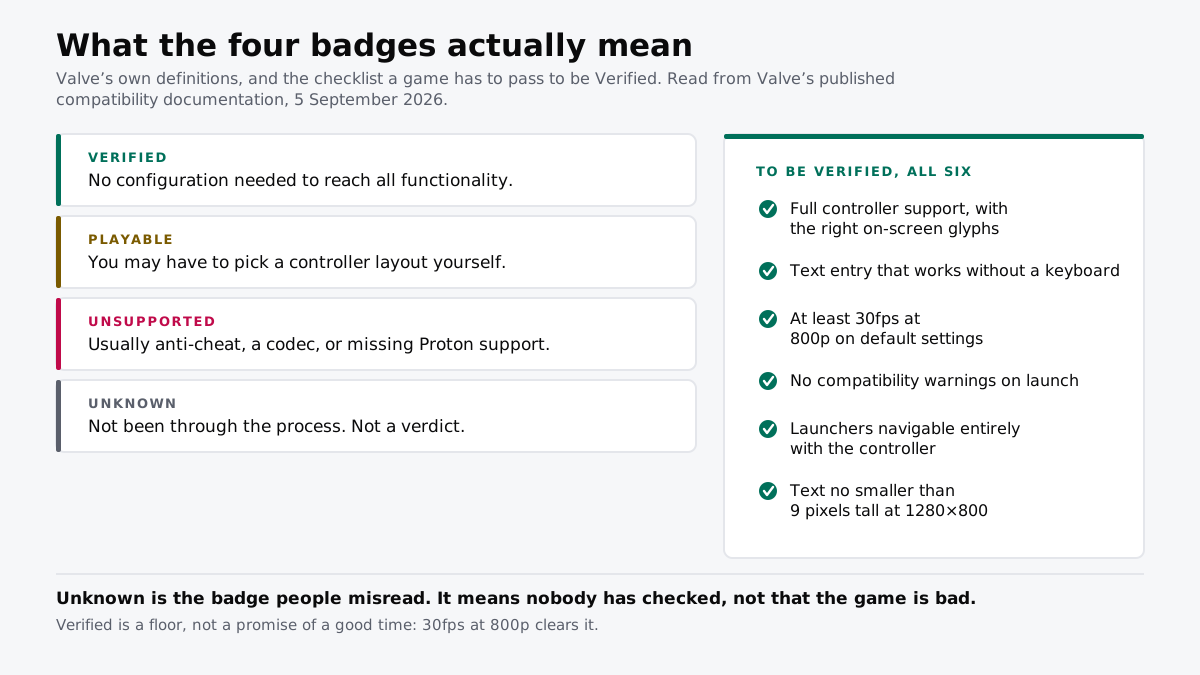
Verified means 30fps at 800p and text no smaller than 9 pixels. Unknown means nobody has checked, not that it is bad.
If you buy through our links, we may earn a commission. It never affects our verdicts or scores — how that works. As an Amazon Associate I earn from qualifying purchases.
Verified is a floor, and Unknown is not a verdict. A Verified game has to reach 30fps at 800p and render text no smaller than nine pixels tall. An Unknown game has simply not been looked at.
Both of those are commonly misread, and in opposite directions.
The four badges
| What Valve means by it | |
|---|---|
| Verified | Passes every check. No configuration work required to access all functionality. |
| Playable | Works, but you may have to pick a controller layout or call up the keyboard yourself. |
| Unsupported | Does not function. Usually anti-cheat, a media codec, or Windows behaviour Proton lacks. |
| Unknown | Has not completed review. Not a failure, not a warning. |
Valve’s own definitions, from its developer documentation.
What Verified actually tests
Six things, and a game has to pass all of them.
- Full controller support, with the correct on-screen glyphs
- Text entry that works without a keyboard
- At least 30fps at 800p on default settings
- No compatibility warnings at launch
- Launchers navigable entirely with the controller
- Text no smaller than 9 pixels tall at 1280×800
Two of those are worth sitting with. Thirty frames per second at 800p is the performance bar, which is a floor rather than a target, so Verified tells you a game runs and not that it runs well. And the legibility check exists because the single most common way a PC game fails on a small screen is that its interface was designed for a monitor three feet further away.
Unknown is the badge people get wrong
It reads like a shrug and gets treated like a red flag. It is neither. It means the game has not been through the process.
Enormous numbers of games are Unknown simply because nobody has reviewed them, and plenty of them run perfectly. The badge describes Valve’s queue, not the game. Treating it as a warning removes most of the back catalogue from consideration for no reason.
The practical move is the one Valve’s own policy already gives you: buy it and find out, inside the two hours the refund window allows.
Playable is the honest middle
Playable is the badge that tells you the most, because it names a specific piece of work you will have to do. Picking a community controller configuration takes a minute. Summoning the keyboard manually is an irritation you will feel every session.
Those are different costs wearing the same badge, and the store page usually says which one applies. It is worth the ten seconds of reading.
What to actually do
- Read Verified as “it will run”, not “it will be good”. Thirty frames at 800p clears the bar.
- Do not skip Unknown games. The badge is about the review queue, and the refund window is the real safety net.
- Check what Playable is asking of you before buying, because the two common cases differ enormously in how annoying they are.
- Re-check a badge you remember from last year. Ratings move with patches and with Proton updates, in both directions.
- Treat anti-cheat as the one hard no. It is the most common cause of Unsupported and the least likely to change.
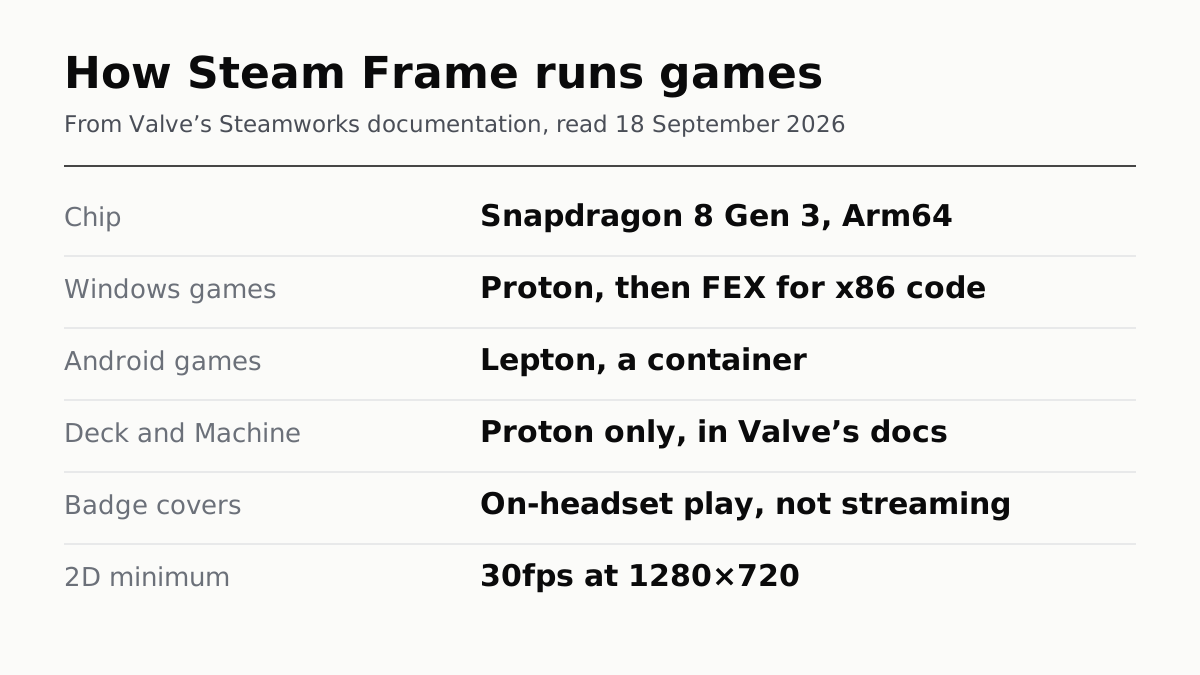
- On a Steam Frame the badge is a different test, covering only games run on the headset: how Steam Frame runs your games.
How we researched this
No one at bitcritiq has handled this product. Everything here comes from published sources, listed below.
- What this cannot tell you
- This describes Valve's process, not how any specific game runs. A Verified badge is a floor rather than a promise: it says a game clears a defined bar, not that it plays well, and a game can be Verified and still be a poor experience on a handheld for reasons no checklist captures. Ratings are reviewed over time and a game's badge can change with a patch or a Proton update. bitcritiq has not tested any game on any handheld, and this page carries no score.
How we chose this, and what we did
- Why this subject
- Handhelds are a gift-season category and the badge on the store page is the only compatibility information most buyers ever see. Valve publishes the criteria behind those badges in full, in its developer documentation, where nobody shopping for a game will ever find them. Reading them changes what the badges are worth: one of the four is routinely misread as a warning when it is not.
- How we looked at it
- The four definitions and every checklist item are drawn from Valve's own published compatibility documentation for developers, read on 5 September 2026. Where this page quotes a threshold, it is Valve's number rather than a measurement of ours.
What this rests on
6 claims, all official. Nothing here was measured by bitcritiq — see how we test for why. Open a claim to read the source it came from.
Verified requires a game to pass every check with no configuration by the user.Official
Valve's documentation defines Verified as the game passing all compatibility checks, with no configuration work required for users to access all game functionality.
The Verified performance bar is a minimum of 30fps at 800p on default settings.Official
Stated in Valve's compatibility checklist alongside the other Verified requirements.
Verified includes a legibility threshold of 9 pixels minimum font height at 1280 by 800.Official
Valve's checklist requires text legibility at a 9px minimum font height at that resolution.
Playable means the game works but the player has to do something to make it work.Official
Valve defines Playable as functioning on the device but possibly requiring manual work, giving examples including selecting a community controller configuration and calling up the on-screen keyboard manually.
Unsupported usually means anti-cheat, a codec, or Windows behaviour Proton has not implemented.Official
Valve lists unsupported anti-cheat middleware, incompatible media codecs and unimplemented Windows functionality in Proton as the common causes.
Unknown means the game has not completed review, not that it failed.Official
Valve defines Unknown as a game that has not completed the compatibility review process, with information about how it will play unavailable.
Sources 3
- Steam Deck compatibility review — Valve, Steamworks documentationOfficialaccessed Sep 5, 2026
- Steam's Refund Window Shuts Before Christmas — bitcritiqaccessed Sep 5, 2026
- The Best Gaming Handhelds, According to the Reviews — bitcritiqaccessed Sep 5, 2026
No email, no account
Follow bitcritiq
Every new article, in whatever reader you already use.
Subscribe by RSSAll the ways to follow
Using Chrome on Android? Open the browser menu and tap Follow. New articles then turn up in the Following tab in Discover.
read next
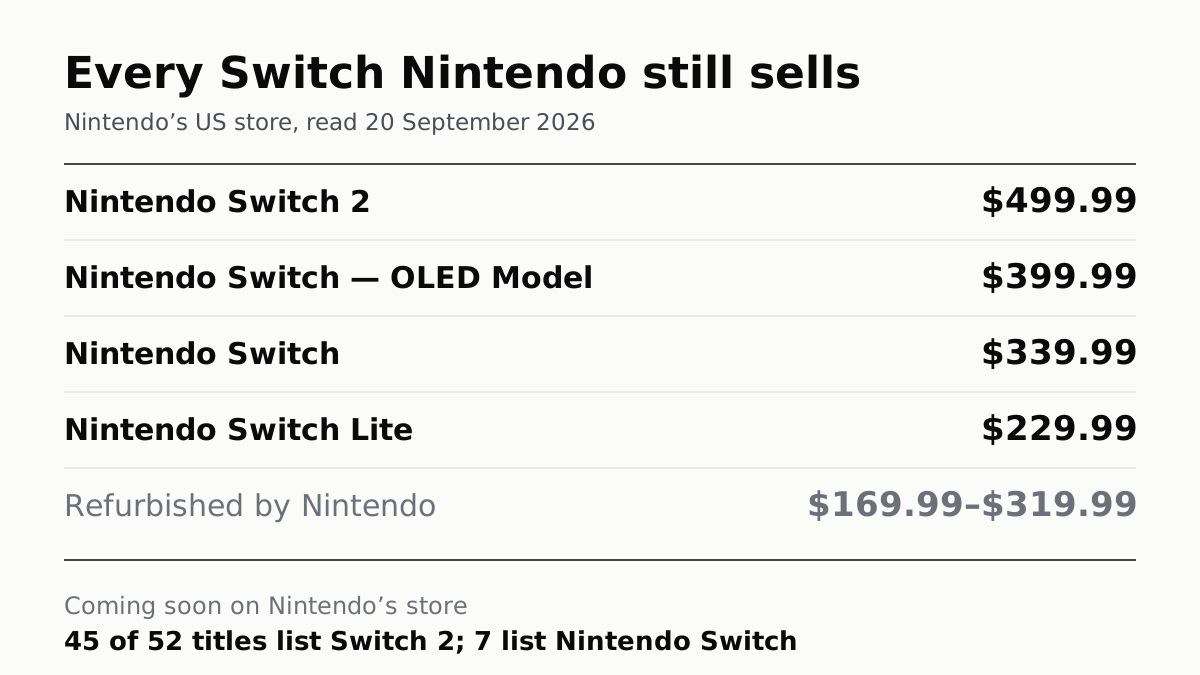
Nintendo Still Sells Three Old Switch Models, From $229.99
The OLED is $399.99, a hundred under a Switch 2. Of the 52 games Nintendo lists as coming soon, seven play on the original.
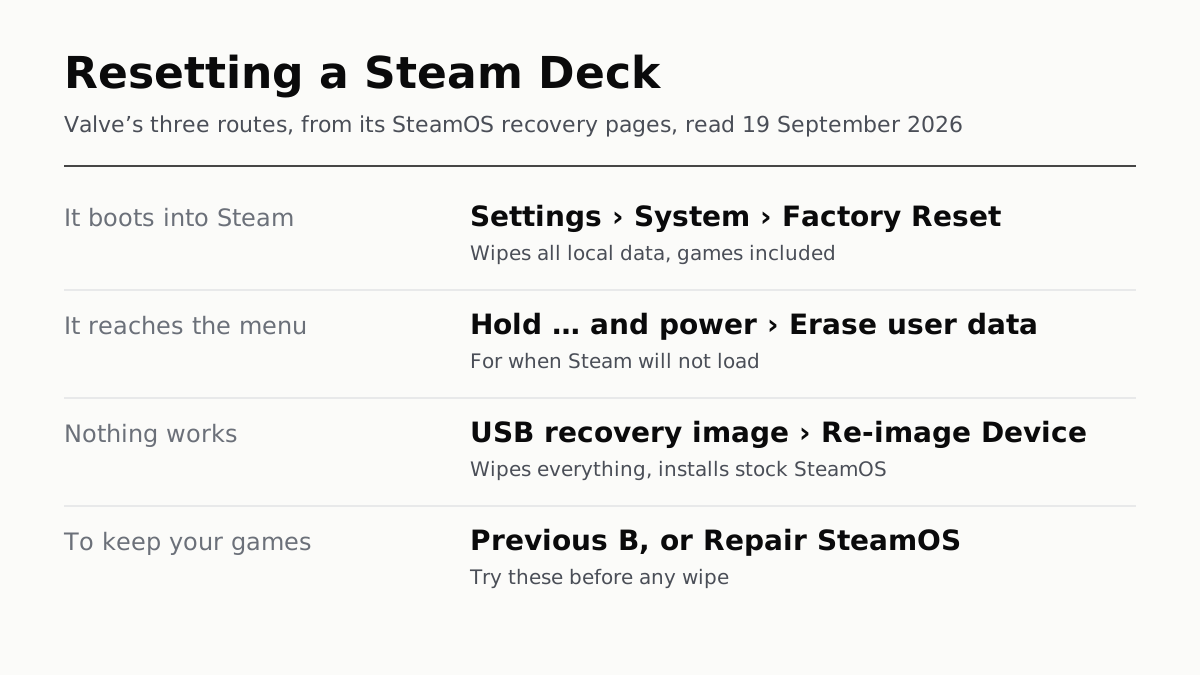
Resetting a Steam Deck Wipes Every Game and Local Save
If it boots, the reset is in Settings, under System. If not, Valve has two more routes, and two repairs that keep your games.
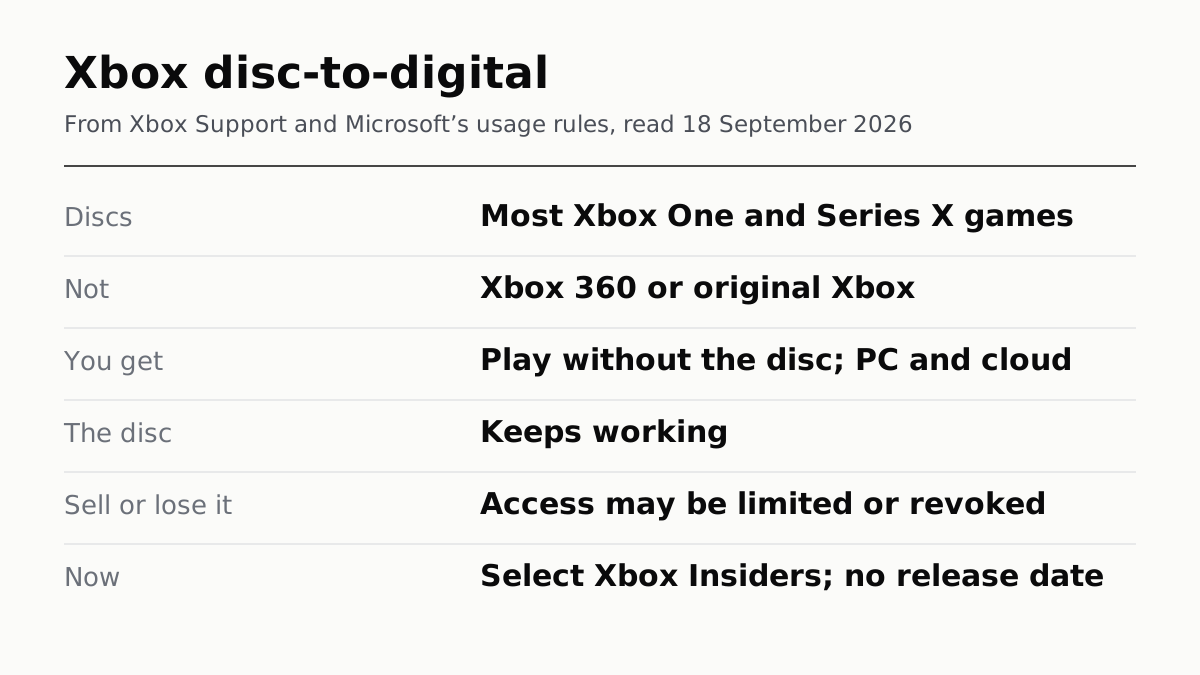
Xbox's Digital Copy of Your Disc Lasts While You Keep It
Disc-to-digital gives Xbox One and Series X discs a digital licence. Sell or lose the disc and Microsoft says access may be revoked.
Proton, FEX and Lepton: How Steam Frame Runs Your Games
Steam Frame's Arm chip runs Windows games through two translation layers, Android ones in a container. Its badge ignores streaming.