Steam's Refund Window Shuts Before Christmas
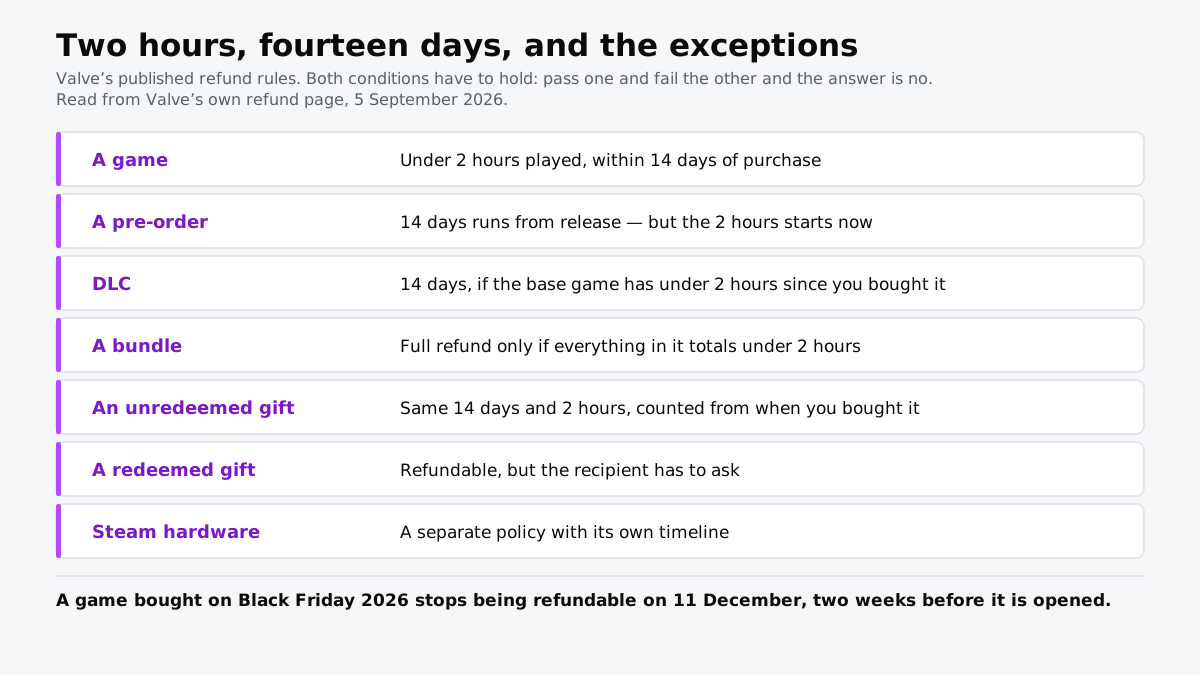
Two hours played, fourteen days from purchase. A game bought on Black Friday stops being refundable on 11 December.
If you buy through our links, we may earn a commission. It never affects our verdicts or scores — how that works. As an Amazon Associate I earn from qualifying purchases.
Both conditions have to hold, and the calendar one runs from your card, not from the wrapping paper. A PC game bought on Black Friday 2026 stops being refundable on 11 December — a fortnight before anybody opens it.
Valve’s policy is the most generous in mainstream retail and it is still no help at Christmas, because it was designed for the person who buys a game to play it that evening.
The rules, and the exceptions that catch people
| The condition | |
|---|---|
| A game | Under 2 hours played, within 14 days of purchase |
| A pre-order | The 14 days runs from release — but the 2 hours starts immediately |
| DLC | 14 days, if the base game has under 2 hours since you bought the DLC |
| A bundle | Full refund only if everything in it totals under 2 hours |
| An unredeemed gift | The same 14 days and 2 hours, counted from your purchase |
| A redeemed gift | Refundable, but the recipient has to ask |
| Steam hardware | A separate policy, with its own timeline |
From Valve’s own refund page, read 5 September 2026.
A Steam Deck, Steam Machine or Steam Frame is not covered by any of this: Valve’s hardware returns run 14 days from delivery, with no playtime limit.
The pre-order rule is the one nobody expects
Read it twice. The fourteen days does not start until the game is released. The two hours does.
So a pre-order bought in September for a November release has a refund window that opens on release day, and a player who spent ninety minutes in an early access build or a beta has already spent most of it. The generous half of the rule and the strict half run on different clocks, which is exactly the shape of thing nobody reads a policy carefully enough to notice.
Gifts run on the buyer’s clock
An unredeemed gift sitting in your inventory is still your purchase, and its fourteen days are ticking from the day you paid. It does not pause because it has not been opened.
Once redeemed, it becomes the recipient’s, and Valve says the refund has to come from them. That means neither party has a working window on a game bought in a November sale and given in December, which is the same trap that catches physical gifts and for the same reason: the return window is measured from purchase.
Steam is one of the stores that lets you give a specific game at all; how gifting a digital game works on Steam, Xbox, PlayStation and Switch sets the four side by side.
What the policy is actually generous about
Worth saying, because the criticism above is a criticism of timing rather than of Valve.
Two hours is a real trial. It is enough to find out that a game runs badly on your machine, that the controls are wrong, or that it is not the game the trailer sold. No console store offers anything close, and physical media offers nothing at all once opened. Valve also states it will consider requests outside these criteria at its discretion, so the automated no is not always the final one.
What to actually do
- Buy the gift close to the day, not in the sale, if the ability to refund matters more than the discount. Those two goals are in direct conflict here.
- Play it for twenty minutes yourself before wrapping it, which stays well inside the two hours and catches the worst outcome: a game that will not run.
- Watch the pre-order trap. Time in a beta or early access counts against a window that has not opened yet.
- Send the money instead if you are not sure. A gift card carries no clock, and the recipient buys inside their own refund window rather than yours.
- Check the exceptions before assuming a bundle is safe. Two hours across everything in it is a lower bar than two hours in the one you wanted.
How we researched this
No one at bitcritiq has handled this product. Everything here comes from published sources, listed below.
- What this cannot tell you
- This describes Valve's policy for Steam. Other storefronts have their own rules and consoles are different again, with digital purchases generally far harder to reverse than Valve makes them. Valve states it will consider refunds outside these conditions as a matter of discretion, so a refusal by the automated criteria is not always the end of it. Hardware is governed by a separate policy this page does not cover, and regional consumer law can give rights beyond anything a storefront offers.
How we chose this, and what we did
- Why this subject
- PC games are bought in the autumn sales and given at Christmas, and Steam's refund clock runs from the purchase rather than from the gift. That turns the most generous refund policy in retail into one that has already expired by the time anyone plays the thing. The rules are published in full by Valve, so the arithmetic can be done in advance rather than discovered.
- How we looked at it
- Every rule is quoted or paraphrased from Valve's own published refund page, read on 5 September 2026. Dates are calculated from Black Friday 2026, which falls on 27 November. Nothing here comes from community summaries, which is deliberate: the exceptions are where the summaries go wrong.
What this rests on
6 claims, all official. Nothing here was measured by bitcritiq — see how we test for why. Open a claim to read the source it came from.
Steam refunds require both under two hours of playtime and a request within fourteen days of purchase.Official
Valve's refund page states games and software are refundable within two weeks of purchase and with less than two hours of playtime. Both conditions must hold.
A game bought on Black Friday 2026 stops being refundable on 11 December, two weeks before Christmas Day.Official
Black Friday 2026 falls on 27 November. Fourteen days later is 11 December, and 25 December is a further fourteen days after that.
On a pre-order the fourteen-day clock starts at release, but the two-hour limit applies from the moment you can play.Official
Valve states the fourteen-day period does not begin until the release date, while the two-hour playtime limit applies immediately.
An unredeemed gift is refundable on the buyer's clock, not the recipient's.Official
Valve states unredeemed gifts follow the standard fourteen-day and two-hour rules, which run from the purchase. A redeemed gift is refundable but the recipient has to make the request.
A bundle is only fully refundable if everything in it together is under two hours.Official
Valve states a full refund on a bundle requires combined usage under two hours and that no item in it has been transferred.
Steam hardware is governed by a separate policy with its own timeline.Official
Valve's refund page directs hardware purchases to a distinct Hardware Refund Policy rather than these terms.
Sources 3
- Steam Refunds — ValveOfficialaccessed Sep 5, 2026
- Steam Subscriber Agreement — ValveOfficialaccessed Sep 5, 2026
- The Return Window Is the Spec Nobody Checks — bitcritiqaccessed Sep 5, 2026
Pass it on
Know someone weighing this up? Send them the answer.
bitcritiq.com/p3fqThe link is permanent: it opens this article for good, even if the title changes.
No email, no account
Follow bitcritiq
Every new article, in whatever reader you already use.
Subscribe by RSSAll the ways to follow
Using Chrome on Android? Open the browser menu and tap Follow. New articles then turn up in the Following tab in Discover.
read next
PS5 and Xbox Controllers Pair With PCs and Phones
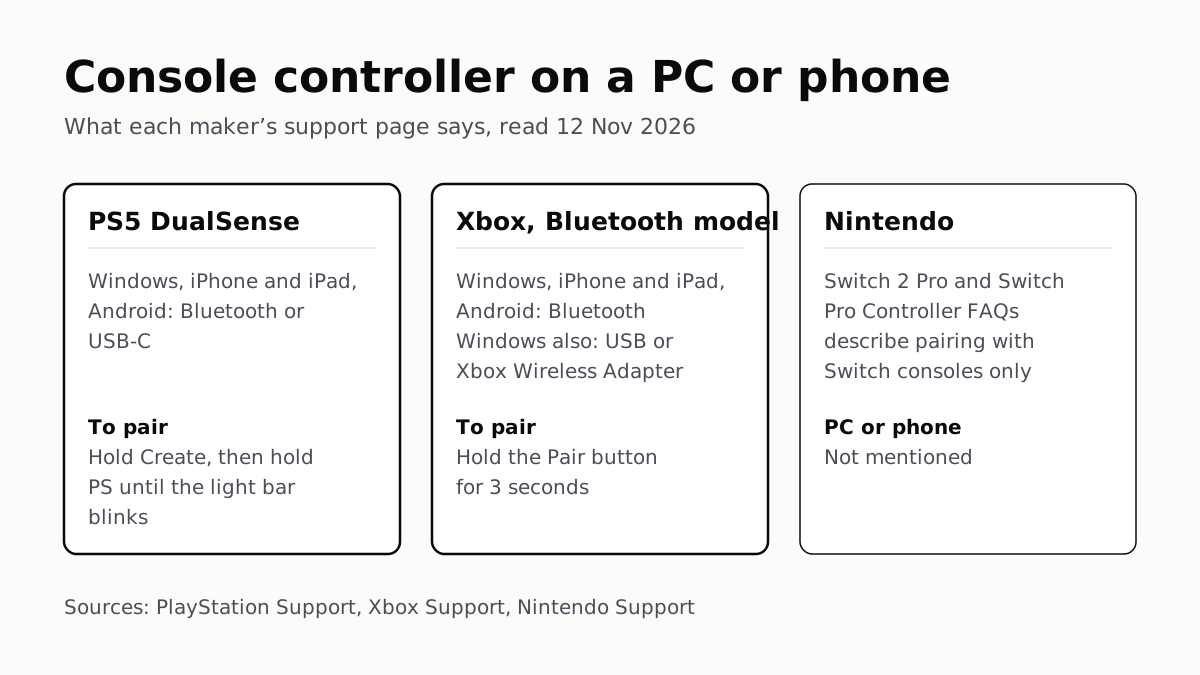
Hold Create and PS on a DualSense, or Pair on a Bluetooth Xbox pad. Nintendo’s Pro Controller FAQs mention no PC or phone.
Before You Sell a Console, Unlink It, Then Reset It
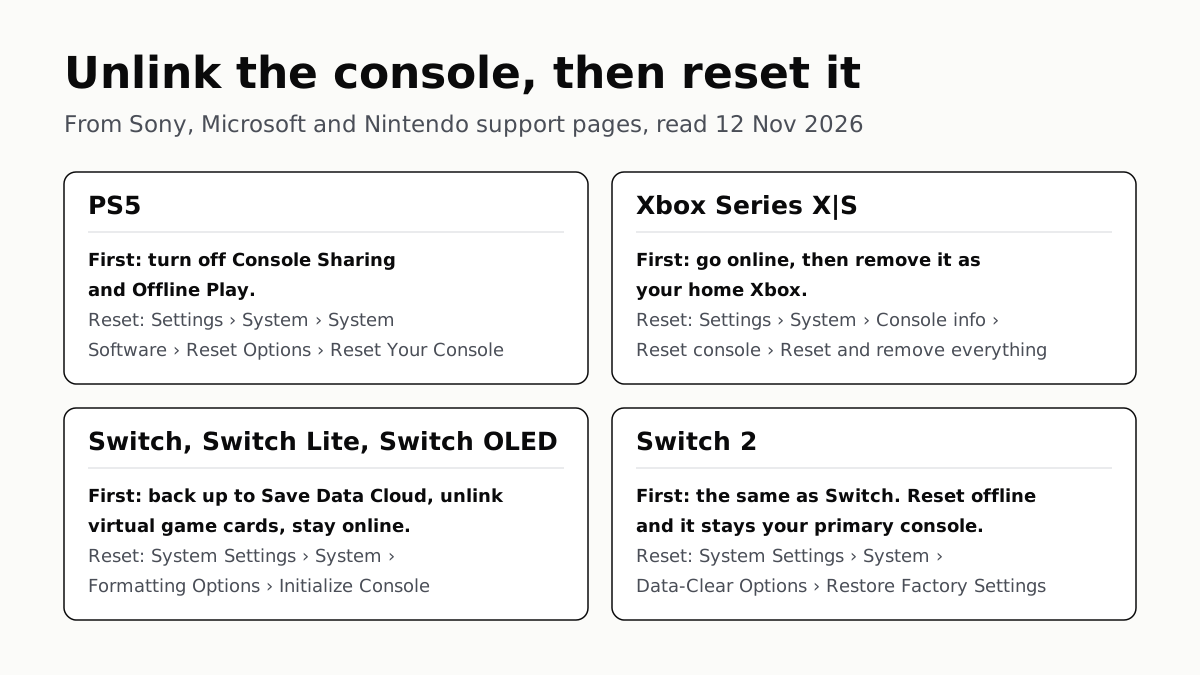
Each maker has a setting that ties a console to your account. Switch it off and back up your saves before the wipe.
PS5, Xbox and Switch 2 Games Aren’t Region-Locked
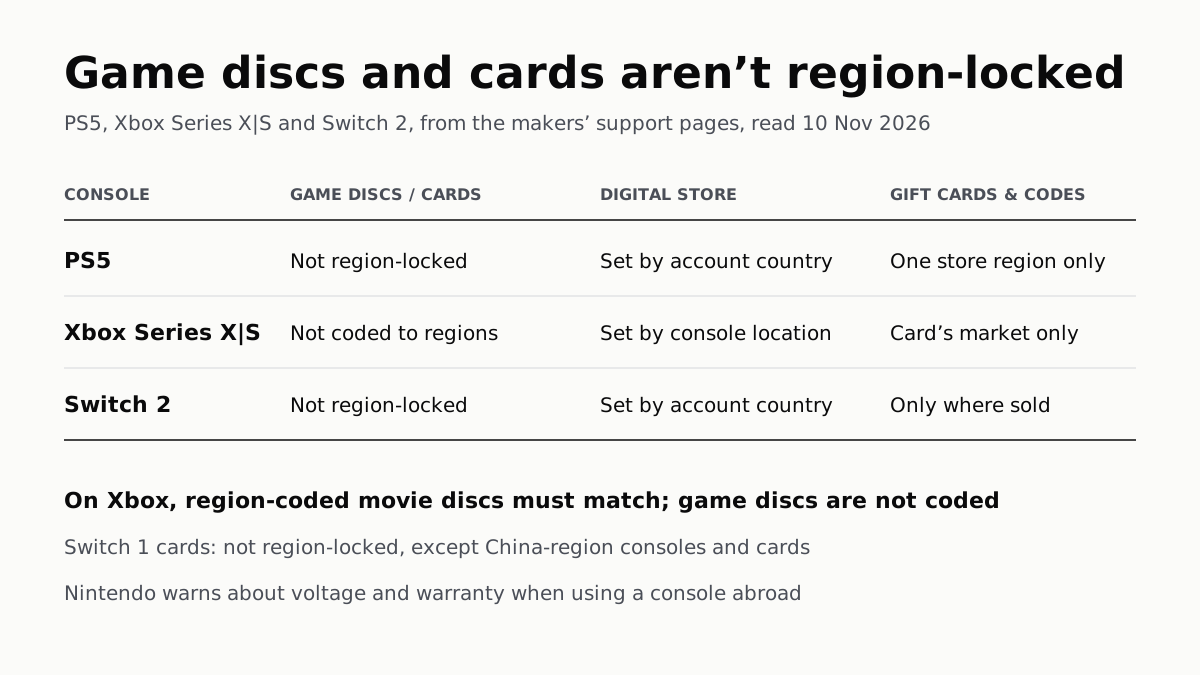
Your account’s or console’s country decides what you can buy; gift cards, subscription codes and some add-ons stay in one region.
4K 120Hz on PS5 or Xbox Starts With a TV Port Setting
Samsung calls it Input Signal Plus, LG HDMI Ultra HD Deep Color, Sony Enhanced format. Then turn on 120Hz, VRR and ALLM on the console.