The Steam Machine Is a $1,049 Waitlist, Not a Purchase
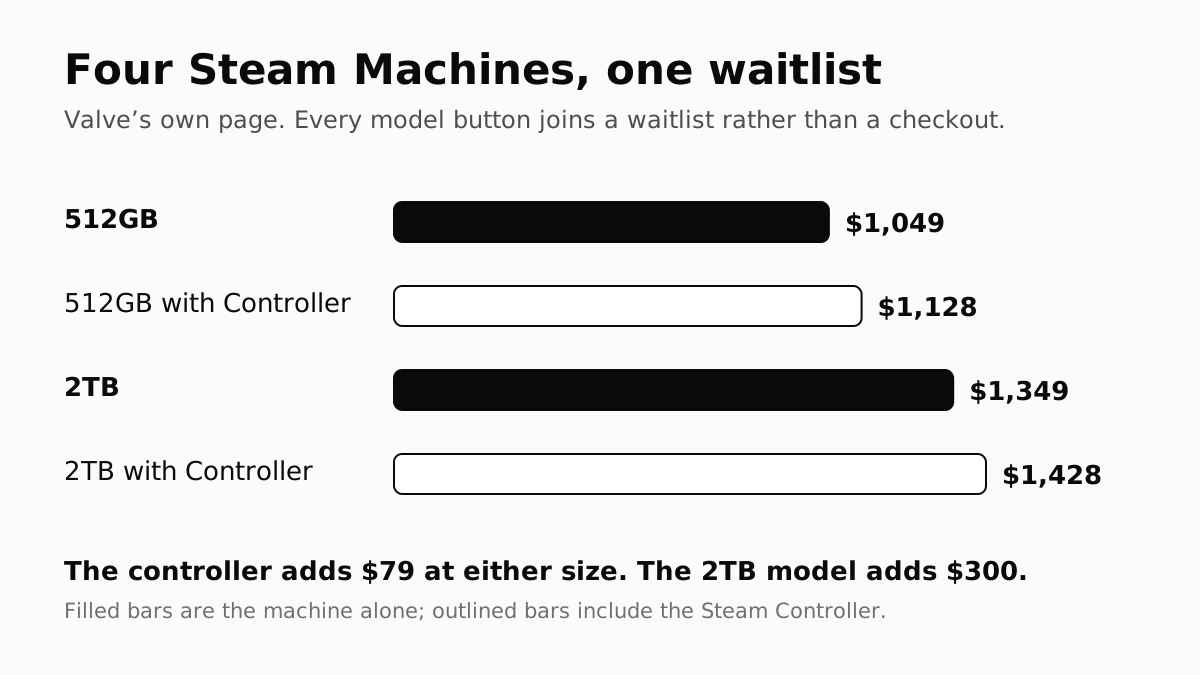
Valve's own page lists four models from $1,049 to $1,428, and every button joins a waitlist. The controller adds $79.
If you buy through our links, we may earn a commission. It never affects our verdicts or scores — how that works. As an Amazon Associate I earn from qualifying purchases.
The price is the headline, but the button is the story. Valve’s own Steam Machine page lists four models from $1,049 to $1,428, and every one of them joins a waitlist: “you will be notified if units become available.”
So the question this week is not which model to buy. It is which waitlist to join, and whether the one with the controller is worth the extra.
The four models
| Model | Valve’s price |
|---|---|
| 512GB | $1,049 |
| 512GB with Controller | $1,128 |
| 2TB | $1,349 |
| 2TB with Controller | $1,428 |
Two differences fall straight out of that table. The Steam Controller adds $79 at either size, and moving from 512GB to 2TB adds $300. Everything else — processor, graphics, memory — is identical across all four.
On its own, Valve sells the Steam Controller for $99, $20 more than the bundle adds.
That makes the storage step the real decision. The machine has a microSD card slot as well as its NVMe SSD, which is the same arrangement that lets a Steam Deck owner add space without opening anything. Whether $300 for built-in storage beats a card depends on how many large games you keep installed at once, which is a question only your library can answer.
What is inside
Valve lists a semi-custom AMD Zen 4 processor with six cores and twelve threads, semi-custom AMD RDNA3 graphics, 16GB of DDR5 system memory and 8GB of GDDR6 video memory. Connectivity is Wi-Fi 6E, Bluetooth 5.3 and gigabit ethernet, with a wireless adapter for the Steam Controller built in. It runs SteamOS 3 in a box Valve describes as roughly a six-inch cube.
Valve’s one performance line is that it has “over six times the horsepower of Steam Deck”. That is Valve’s claim rather than a measurement, and the page does not say which workload it describes.
What the price does not include
A console’s sticker price is rarely what it costs to own, and the Steam Machine has the same shape of extra as any other: more storage later, a second controller, and a place for it on the network. We set out how those add up in what a console costs after the box. Owners of a Deck weighing the two should also know that a dock turns a Deck into a living-room machine for a fraction of this price, with the obvious trade in performance.
If you would rather play in your hands than on a television, our handheld shortlist ranks what the reviews agree on. Valve’s VR headset is sold through a queue as well, and its rules are stricter: a Steam Frame reservation lasts 72 hours.
How we researched this
No one at bitcritiq has handled this product. Everything here comes from published sources, listed below.
- What this cannot tell you
- Prices are Valve's US listing on one date and may change, and availability is exactly what Valve's page does not promise. 'Over six times the horsepower of Steam Deck' is Valve's own claim, not a measurement, and it does not say which workload it describes. No independent reviews are cited, because a launch analysis is not a verdict and we have not used the machine.
How we chose this, and what we did
- Why this subject
- Searches for Valve's Steam Machine have risen more than eleven-fold in our trend data, and Steam Deck interest is climbing toward its usual November peak. The coverage that ranks leads with the headline price; Valve's own store page says something more useful about whether you can actually buy one.
- How we looked at it
- Every price, specification and quoted line is from Valve's own Steam Machine hardware page on the Steam store, read on 15 September 2026. The $79 and $300 differences are arithmetic on Valve's listed prices. Nothing here has been tested by us; this is the machine on paper.
What this rests on
6 claims, all official. Nothing here was measured by bitcritiq — see how we test for why. Open a claim to read the source it came from.
Valve lists four Steam Machine models, from $1,049 to $1,428.Official
Valve's hardware page lists 512GB at $1,049, 512GB with Controller at $1,128, 2TB at $1,349, and 2TB with Controller at $1,428.
Bundling the Steam Controller adds $79 at either storage size.Official
Arithmetic on Valve's listed prices: $1,128 minus $1,049, and $1,428 minus $1,349, are both $79.
Valve's page offers a waitlist rather than a checkout.Official
The page says to select a model 'to join the waitlist', and states: "Join the waitlist, and you will be notified if units become available."
The machine uses a semi-custom AMD Zen 4 processor and RDNA3 graphics, with 16GB of system memory and 8GB of video memory.Official
Valve lists a semi-custom AMD Zen 4 6-core, 12-thread CPU, a semi-custom AMD RDNA3 GPU, and 16GB DDR5 plus 8GB GDDR6 VRAM.
Valve describes it as more than six times as powerful as the Steam Deck.Official
Valve's page states: "With over six times the horsepower of Steam Deck, Steam Machine has the power to play your whole Steam library."
It runs SteamOS 3 in a box of roughly six inches on each side, with Wi-Fi 6E and gigabit ethernet.Official
Valve lists SteamOS 3, a small form factor of about a six-inch cube, Wi-Fi 6E, Bluetooth 5.3, gigabit ethernet, an NVMe SSD with a microSD card slot, and an integrated Steam Controller wireless adapter.
Sources 3
- Steam Machine — Steam Hardware (Valve)Officialaccessed Sep 15, 2026
- What Is a Steam Deck? A PC That Happens to Be Handheld — bitcritiqaccessed Sep 15, 2026
- What a Console Costs After You Buy It — bitcritiqaccessed Sep 15, 2026
Pass it on
Know someone weighing this up? Send them the answer.
bitcritiq.com/232wThe link is permanent: it opens this article for good, even if the title changes.
No email, no account
Follow bitcritiq
Every new article, in whatever reader you already use.
Subscribe by RSSAll the ways to follow
Using Chrome on Android? Open the browser menu and tap Follow. New articles then turn up in the Following tab in Discover.
read next
PS5 and Xbox Controllers Pair With PCs and Phones
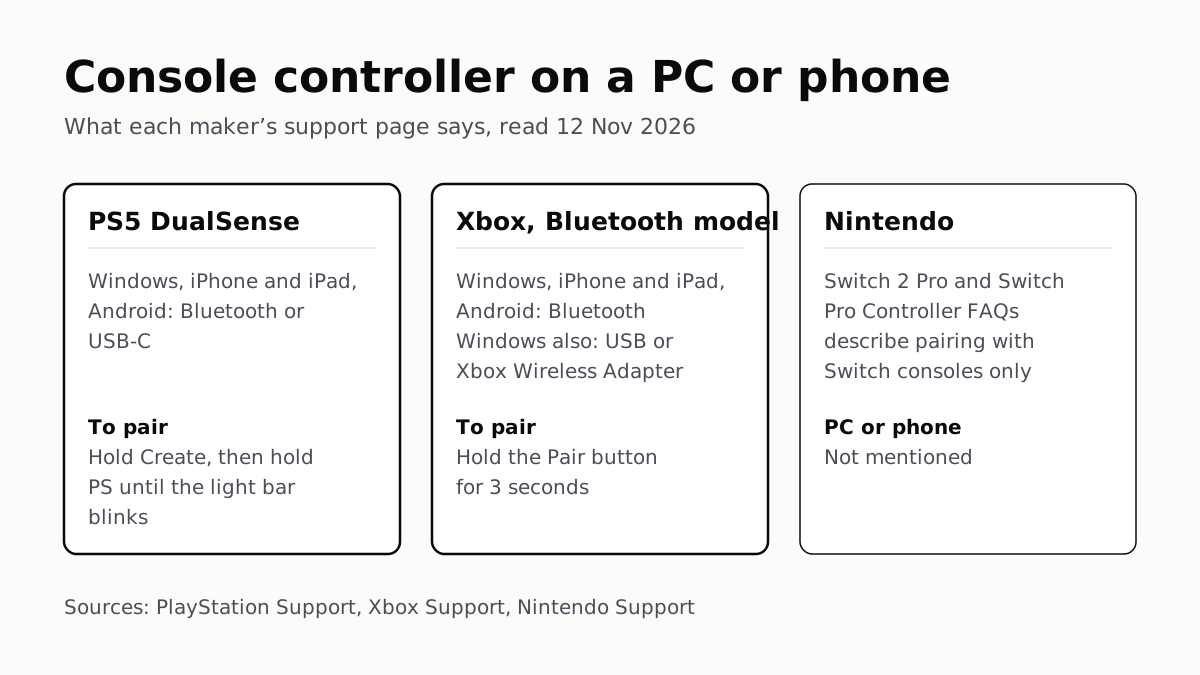
Hold Create and PS on a DualSense, or Pair on a Bluetooth Xbox pad. Nintendo’s Pro Controller FAQs mention no PC or phone.
Before You Sell a Console, Unlink It, Then Reset It
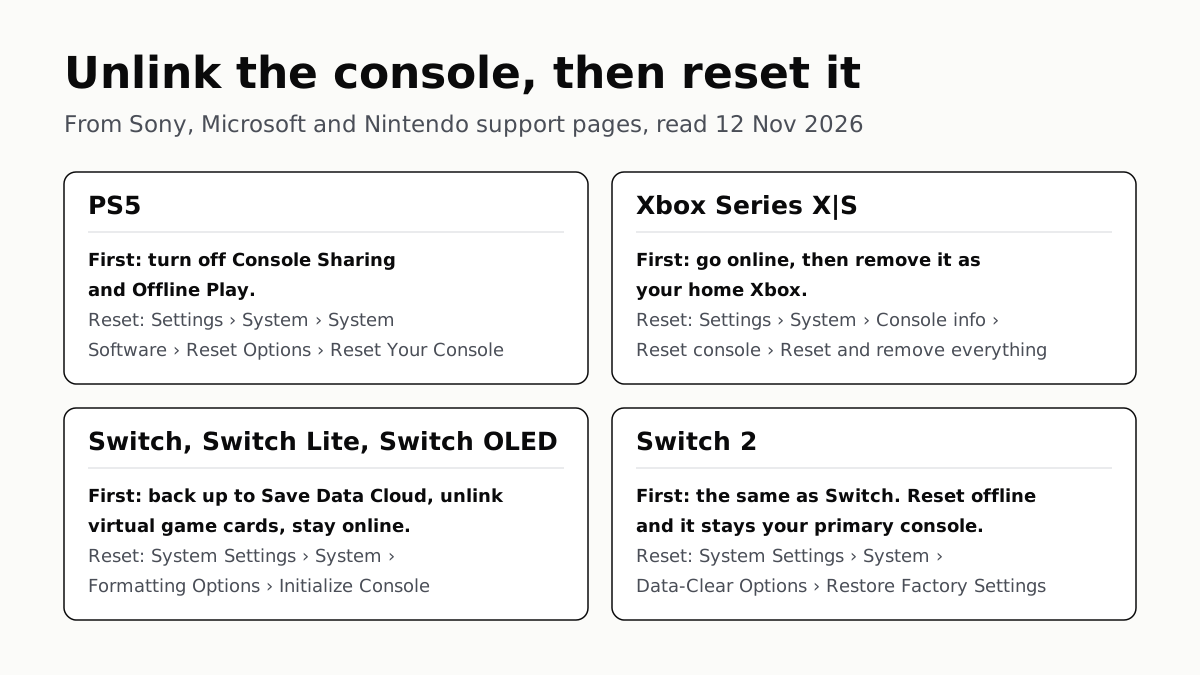
Each maker has a setting that ties a console to your account. Switch it off and back up your saves before the wipe.
PS5, Xbox and Switch 2 Games Aren’t Region-Locked
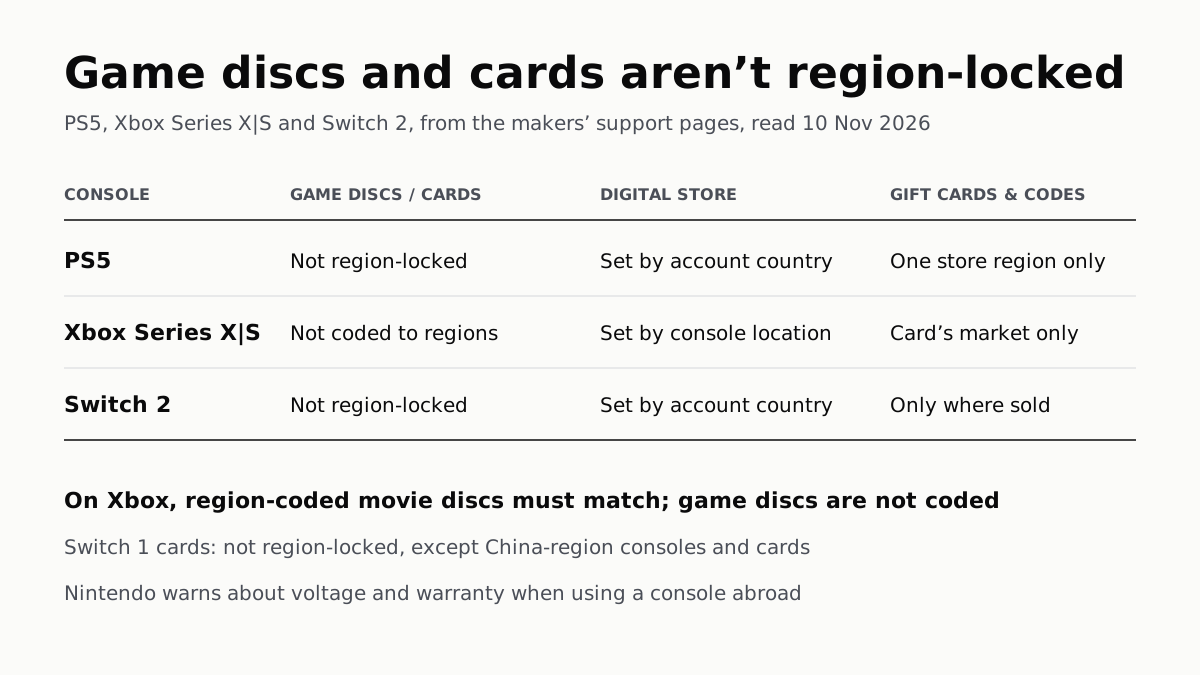
Your account’s or console’s country decides what you can buy; gift cards, subscription codes and some add-ons stay in one region.
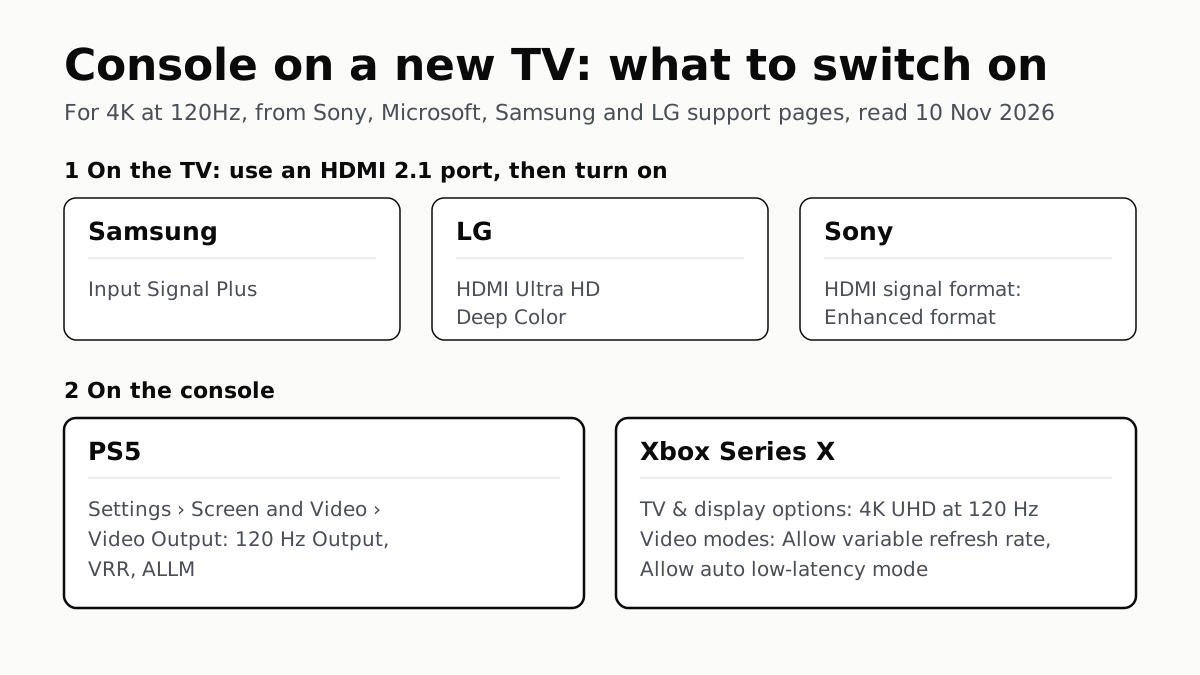
4K 120Hz on PS5 or Xbox Starts With a TV Port Setting
Samsung calls it Input Signal Plus, LG HDMI Ultra HD Deep Color, Sony Enhanced format. Then turn on 120Hz, VRR and ALLM on the console.