Xbox's Digital Copy of Your Disc Lasts While You Keep It
Disc-to-digital gives Xbox One and Series X discs a digital licence. Sell or lose the disc and Microsoft says access may be revoked.
If you buy through our links, we may earn a commission. It never affects our verdicts or scores — how that works. As an Amazon Associate I earn from qualifying purchases.
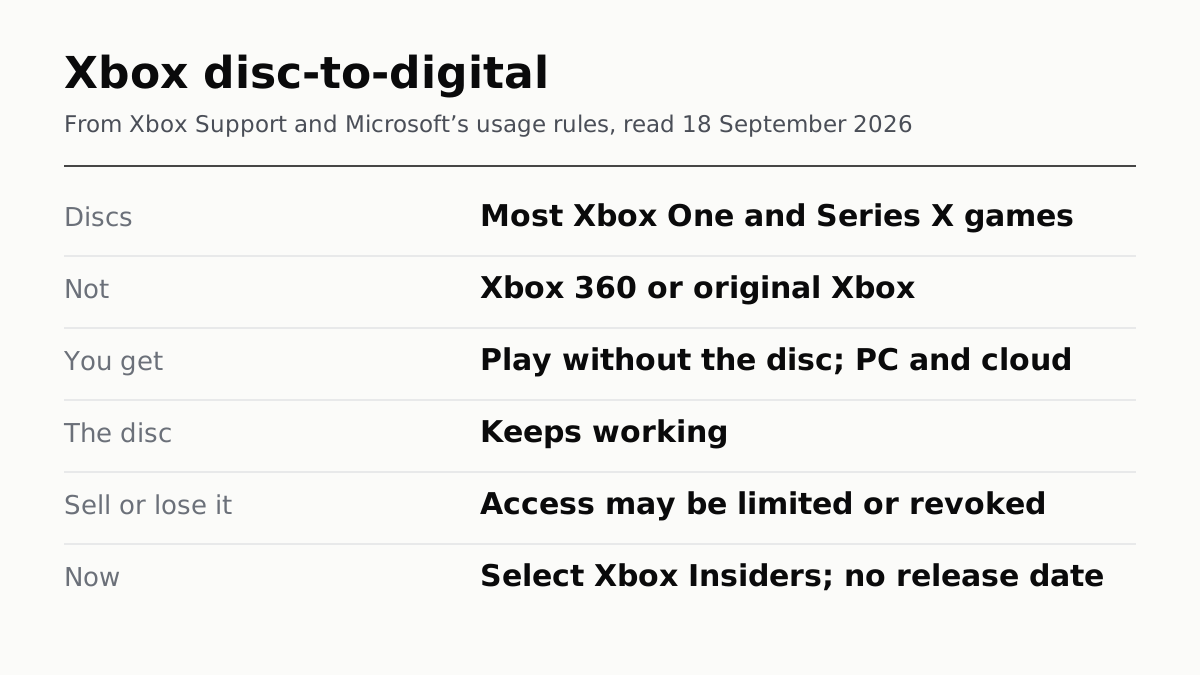
Xbox’s disc-to-digital feature gives you a digital copy of a game you own on disc, but the copy depends on keeping the disc. Microsoft’s support page says that if you sell, give away or lose the disc, access to the licence may be limited or revoked.
For now, most Xbox owners cannot use it. It is open to select Xbox Insiders only, since 31 August, and Microsoft has given no date for everyone else. The Verge reported a wider rollout in the coming months.
What it does
Put a supported Xbox One or Xbox Series X disc into an Xbox One or Series X console and play it while signed in, and Microsoft grants a digital licence tied to that disc. You can also claim one from the game’s menu on the Home screen with Get digital license, then Claim. After that:
- The disc still works, in Microsoft’s words “exactly as it always has”.
- You can play without the disc in the drive.
- You can play on PC or through Cloud Gaming where the game supports Xbox Play Anywhere or cloud streaming.
Most Xbox One and Series X discs qualify, Microsoft says, but not all, and no official list exists. Xbox 360 and original Xbox discs do not qualify at all. Microsoft lists no fee.
What you actually get
Microsoft’s usage rules call it a limited access digital licence that remains conditioned on continued possession of the qualifying disc. Three rules follow from that wording:
- It cannot be sold or given away on its own. The rules say the licence cannot be transferred separately from the disc.
- Microsoft may check. The rules say it may require users to revalidate eligibility. It does not say how often, or how.
- Eligibility can change. Microsoft may add or remove eligible discs at any time, and its support page cites technical, licensing, publishing and manufacturing reasons.
Otherwise the licence works like any Xbox digital game, which the same rules say is licensed, not sold. Sony and Valve take the same position in their own terms, set out in the word buy does not mean buy.
Selling, lending and losing the disc
| If you… | What Microsoft says |
|---|---|
| Keep the disc | The licence stays, and the disc still plays |
| Sell or give it away | Access may be limited or revoked |
| Lose it | The same |
| Lend it | The licence cannot move separately from the disc |
| Get it back | Reinsert the disc to regain access, or buy the game digitally |
Selling the disc and still playing is what the rules rule out. A disc you sell goes with its licence, as far as Microsoft’s wording goes. The Verge reported that the licence moves to whoever holds the disc; Microsoft’s pages say only that it cannot be transferred without it.
What is not covered
- Codes in the box. Add-ons from separate redemption codes may not be included.
- Accessories. A game that needs a peripheral still needs it.
- Multi-disc games are claimed from disc one.
- The Series S. It has no drive, so it cannot claim. Microsoft does not say whether a licence claimed on another console plays on it.
Should you claim?
Once it reaches your console, Microsoft lists no cost and says the disc keeps working, so on its published terms claiming takes nothing away from the disc. What it adds is play without the disc and on PC or the cloud where a game supports them. What it does not add is a game you can keep after the disc is gone. If you are weighing where your money goes on a console, storage is part of it too, covered in what a console costs after you buy it; and Sony’s decision to stop selling game vouchers at retail ended in a PlayStation Store settlement with no claim form.
Games bought digitally from the Microsoft Store follow a separate set of rules for a household: how the home Xbox and the other platforms share games with family.
How we researched this
No one at bitcritiq has handled this product. Everything here comes from published sources, listed below.
- What this cannot tell you
- We have not claimed a licence. Microsoft publishes no general release date, no official list of supported games, and no detail on how often it checks that you still have the disc. It does not say whether a claimed licence plays on a Series S, which has no disc drive, or whether region limits apply. Microsoft lists no fee; that is not the same as a promise it will stay free.
How we chose this, and what we did
- Why this subject
- Microsoft announced disc-to-digital on 26 August, and The Verge, Ars Technica, Tom's Hardware, Engadget and IGN covered it; The Verge returned to it on 17 September. Most coverage leads with getting a digital copy for free. The question a disc owner has is what happens to that copy when the disc leaves the house, and Microsoft answers it in its usage rules rather than in the announcement.
- How we looked at it
- What the feature does, which discs qualify and how to claim are from Xbox Wire's announcement of 26 August 2026 and the Xbox Support page on disc-to-digital licensing. What the licence is, and what ends it, are from Microsoft's Usage Rules for Digital Goods and the Microsoft Services Agreement. All were read on 18 September 2026. The Verge's reporting is used only for the expected wider rollout and is labelled as reported.
What this rests on
6 claims, all official. Nothing here was measured by bitcritiq — see how we test for why. Open a claim to read the source it came from.
Inserting a supported Xbox One or Series X disc into an Xbox One or Series X console grants a digital licence tied to that disc, and the disc keeps working.Official
Microsoft's usage rules: 'A limited access digital license is granted when a user inserts a supported XBOX One or XBOX Series X game disc into a supported XBOX console'. Xbox Support: 'A disc to digital license is associated with the qualifying game disc.' Xbox Wire: 'your physical disc continues to work exactly as it always has.'
If you sell, give away or lose the disc, Microsoft says access to the licence may be limited or revoked.Official
Xbox Support: 'if you lose, sell, give away, or otherwise no longer possess a qualifying disc, access to associated disc to digital licenses may be limited or revoked.' The usage rules: the licence 'remains conditioned on continued possession of the qualifying disc'.
The licence cannot be transferred separately from the disc, and Microsoft may ask you to revalidate eligibility.Official
Usage rules: 'Limited access digital licenses may not be transferred separately from the qualifying disc' and 'Microsoft may require users to revalidate eligibility'.
Xbox 360 and original Xbox discs are not supported, and Microsoft can add or remove eligible discs at any time.Official
Xbox Support: 'Original XBOX and XBOX 360 game discs are not supported.' Usage rules: 'Microsoft may add or remove eligibility for specific discs at any time.'
The feature is available to select Xbox Insiders only, since 31 August 2026, with no general release date from Microsoft.Official
Xbox Wire said Insiders 'can begin testing next week on August 31.' Xbox Support, read 18 September 2026, says it is available to select Xbox Insiders at this time. The Verge reported on 26 August a broader rollout 'in the coming months'.
Microsoft's usage rules state that all digital goods are licensed, not sold.Official
Usage rules, general rules: 'All Digital Goods are licensed, not sold.' The Microsoft Services Agreement: 'The software is licensed, not sold'.
Sources 6
- Your Discs. Now Also Digital. — Xbox Wire, 26 August 2026Officialaccessed Sep 18, 2026
- Disc to Digital Licensing on Xbox — Xbox SupportOfficialaccessed Sep 18, 2026
- Usage rules for Digital Goods — Microsoft SupportOfficialaccessed Sep 18, 2026
- Microsoft Services AgreementOfficialaccessed Sep 18, 2026
Show 2 more
Pass it on
Know someone weighing this up? Send them the answer.
bitcritiq.com/7v5uThe link is permanent: it opens this article for good, even if the title changes.
No email, no account
Follow bitcritiq
Every new article, in whatever reader you already use.
Subscribe by RSSAll the ways to follow
Using Chrome on Android? Open the browser menu and tap Follow. New articles then turn up in the Following tab in Discover.
read next
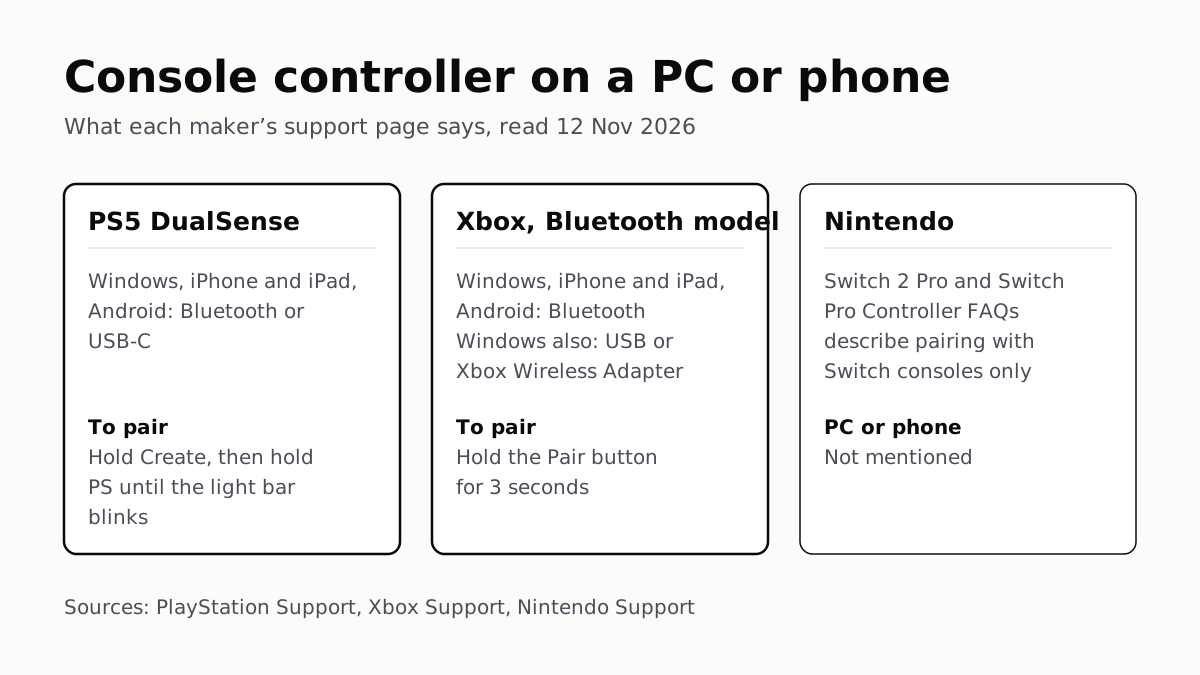
PS5 and Xbox Controllers Pair With PCs and Phones
Hold Create and PS on a DualSense, or Pair on a Bluetooth Xbox pad. Nintendo’s Pro Controller FAQs mention no PC or phone.
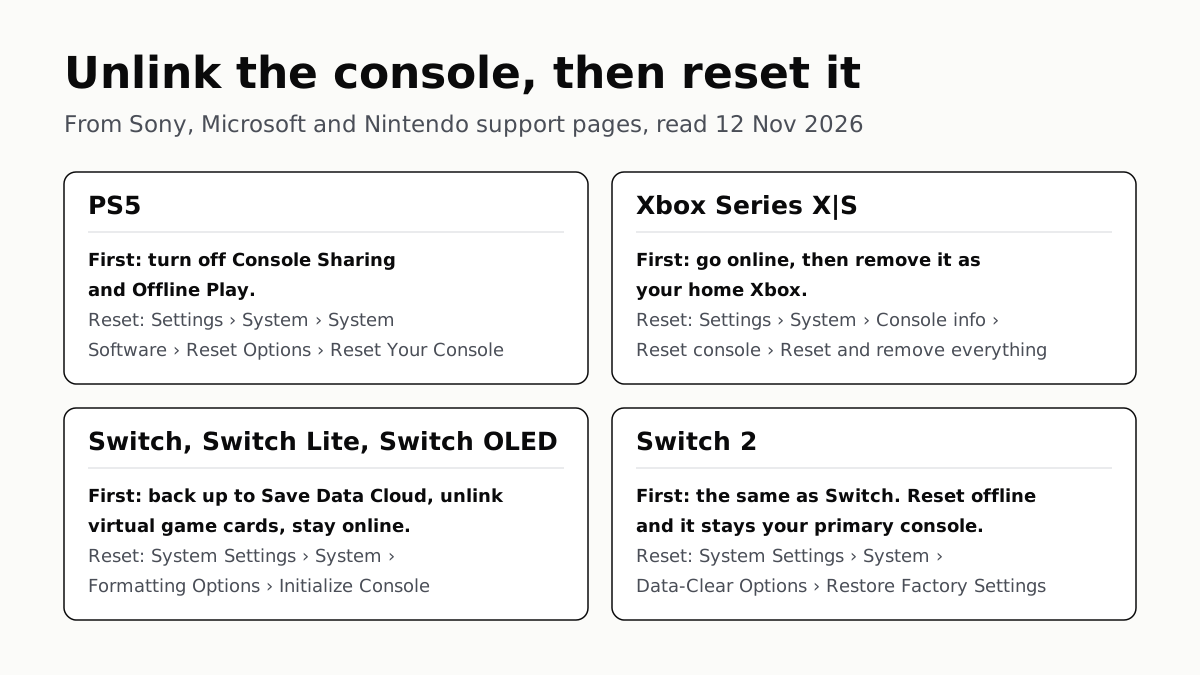
Before You Sell a Console, Unlink It, Then Reset It
Each maker has a setting that ties a console to your account. Switch it off and back up your saves before the wipe.
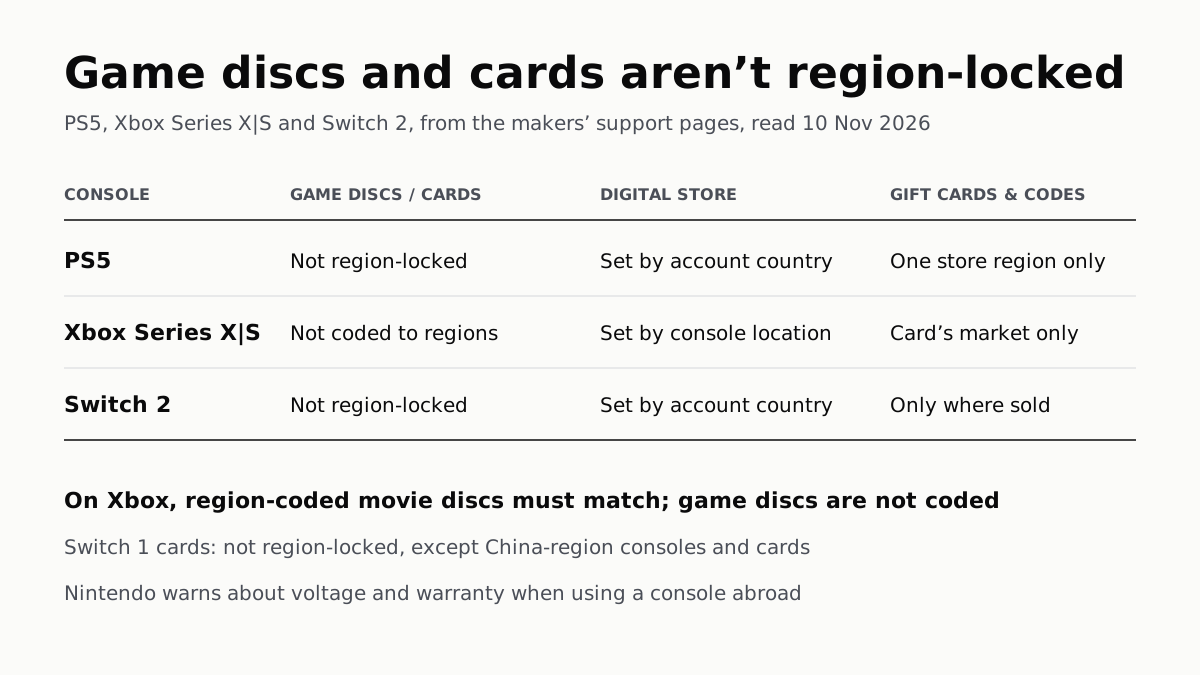
PS5, Xbox and Switch 2 Games Aren’t Region-Locked
Your account’s or console’s country decides what you can buy; gift cards, subscription codes and some add-ons stay in one region.
4K 120Hz on PS5 or Xbox Starts With a TV Port Setting
Samsung calls it Input Signal Plus, LG HDMI Ultra HD Deep Color, Sony Enhanced format. Then turn on 120Hz, VRR and ALLM on the console.