A VPN Concentrator Is Not a Better VPN. Here's What It Is
Datacentre hardware for terminating hundreds of tunnels at once. If you are one person wanting into your own network, you want software.

If you buy through our links, we may earn a commission. It never affects our verdicts or scores — how that works. As an Amazon Associate I earn from qualifying purchases.
A VPN concentrator is a piece of datacentre equipment whose job is to terminate a very large number of VPN tunnels in one place. It is not a faster VPN, a more private VPN, or a premium version of the app on your phone.
The word is escaping into consumer search the same way “kill switch” and “passthrough” did, and for the same reason: it sounds like a more serious version of something you already have. It is a different thing entirely, sold to different people, for a problem you almost certainly do not have.
What it is actually for
Cisco’s own deployment documentation puts it in the right setting immediately: in the datacentre, an appliance “can be deployed to serve as a VPN concentrator”, with branch offices building site-to-site tunnels back to it.
Picture the shape of the problem. A company has forty branch offices and a datacentre. Every branch needs an encrypted path to the applications in that datacentre. Somebody has to be the other end of forty tunnels, keep them up, re-establish them when a line drops, and route between them. That endpoint is the concentrator.
Two details from the same documentation tell you how far this is from a home:
- It has its own operating mode. An appliance runs in either routed mode or concentrator mode — this is a role a device is switched into, not a feature you enable.
- It is deployed with a warm spare for high availability, because forty branches losing their link at once is an outage.
Why it keeps showing up in consumer searches
Three words in the same family, each meaning something different, and only one of them is about you:
| Term | What it is | Who it is for |
|---|---|---|
| VPN provider | A subscription that routes your traffic through someone else’s server | You |
| VPN passthrough | An old router setting for letting VPN traffic cross NAT | Almost nobody, now |
| VPN concentrator | Datacentre hardware terminating many tunnels | Network teams |
Searching for the third when you meant the first is the most common version of this, and it is why so many results try to sell you a subscription for a piece of rack hardware.
What you actually want, if you are here for remote access
The usual real question underneath this search is: I want to reach something on my home network while I am not at home. That is a solved problem, and the solution is software.
On r/homelab, someone described exactly that — a machine at home they needed to reach from two laptops, no fixed IP from the ISP, and a preference for not buying hardware. Nobody suggested a concentrator. Every answer was software: OpenVPN on a spare Linux box, WireGuard, or a managed layer on top of it.
WireGuard’s own description of itself is worth quoting because it explains the shift: it “aims to be faster, simpler, leaner, and more useful than IPsec”, and it runs on “embedded interfaces and super computers alike”. The heavy protocol that made concentrators necessary is not the one most people reach for now.
What to actually do
- If you are one household wanting in to your own network, you want VPN software on a device you already own — a router that supports it, a spare Raspberry Pi, or a small always-on machine. Not hardware with “concentrator” in the name.
- If you want privacy on public Wi-Fi, you want a VPN provider subscription. Different problem, same word.
- If you are terminating tunnels for dozens of sites, you are the audience for a concentrator, and you already knew that before you searched for it.
- Check what you are actually being sold. If a page defines a concentrator and then offers you a monthly consumer subscription, it is answering a question you did not ask.
Two related pieces if you got here from a router settings page: what a VPN kill switch actually does, and why VPN passthrough is a setting you almost certainly don’t need.
How we researched this
No one at bitcritiq has handled this product. Everything here comes from published sources, listed below.
- What this cannot tell you
- This describes what a concentrator is for and why a household almost certainly does not need one. It is not a configuration guide for any of the software named at the end, and it does not compare VPN providers — a commercial VPN subscription and remote access into your own network are different problems that share a word.
How we chose this, and what we did
- Why this subject
- Searches for what a VPN concentrator is have risen sharply in our keyword data, alongside the same pattern we saw with kill switches and passthrough: an enterprise networking term escaping into consumer search, where people reasonably assume a more serious-sounding VPN thing must be a better one. It is not a consumer product at all.
- How we looked at it
- Read Cisco Meraki's own deployment documentation for the product category rather than a definitions page, because vendor deployment guides describe what the hardware is actually for. Then read what people asking for remote access into their own networks are told by other network engineers on r/homelab, and checked the recommended alternative against its own project documentation.
Sources 5
- VPN Concentrator Deployment Guide — Cisco Meraki documentationOfficialaccessed Aug 28, 2026
- SSID Tunneling and Layer 3 Roaming — VPN Concentration Configuration Guide, Cisco MerakiOfficialaccessed Aug 28, 2026
- WireGuard — fast, modern, secure VPN tunnelOfficialStandards / .govaccessed Aug 28, 2026
- Home Network VPN for remote access? — r/homelabaccessed Aug 28, 2026
- Selfhosted VPN advice for Homelab Access — r/homelabaccessed Aug 28, 2026
Pass it on
Know someone weighing this up? Send them the answer.
bitcritiq.com/6nyeThe link is permanent: it opens this article for good, even if the title changes.
No email, no account
Follow bitcritiq
Every new article, in whatever reader you already use.
Subscribe by RSSAll the ways to follow
Using Chrome on Android? Open the browser menu and tap Follow. New articles then turn up in the Following tab in Discover.
read next
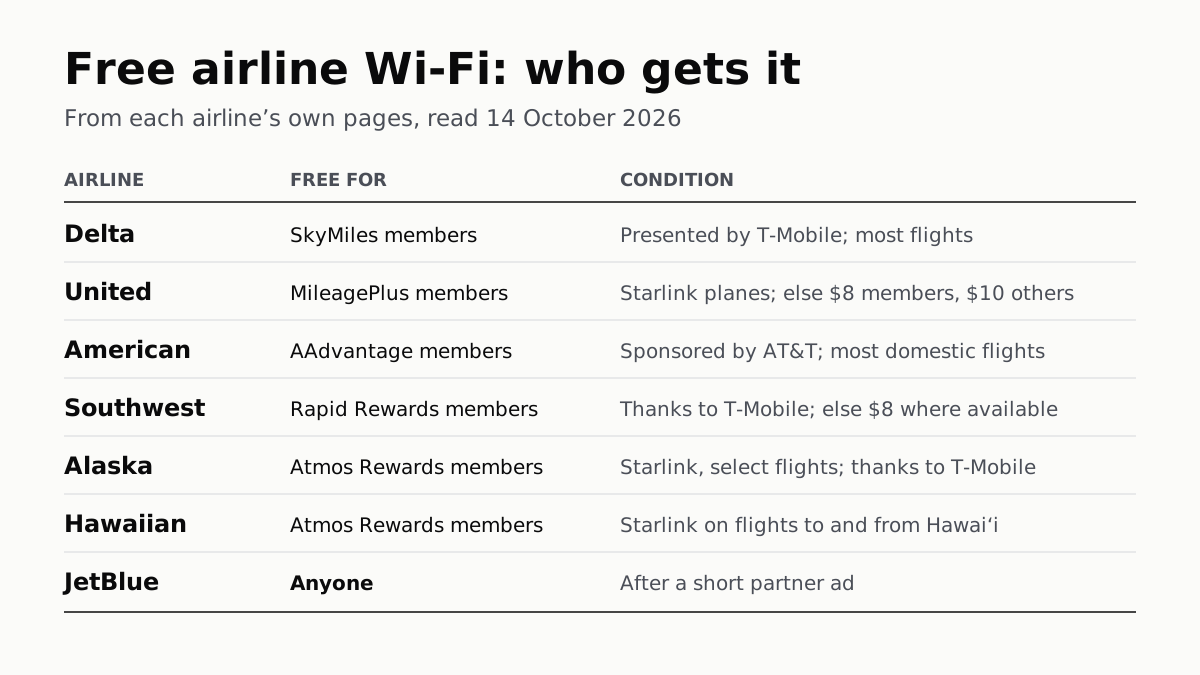
Free Airline Wi-Fi Needs a Loyalty Login, Except JetBlue
Delta, United, American, Southwest, Alaska and Hawaiian are free on equipped planes for members; JetBlue asks for a short ad.
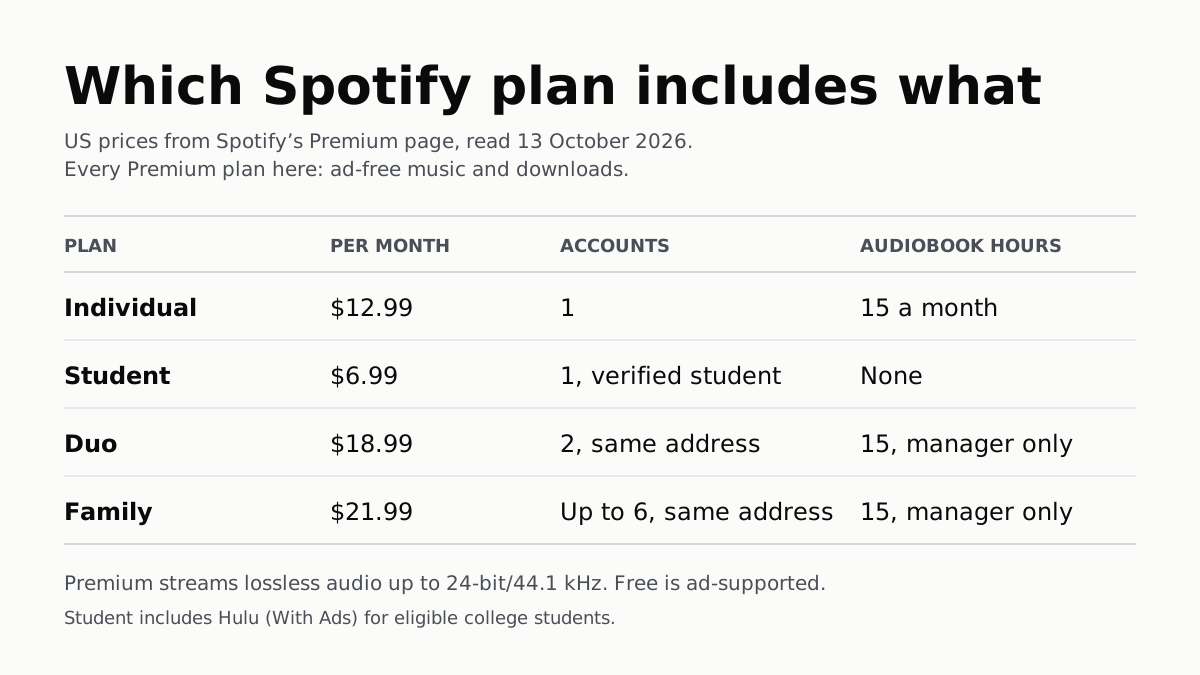
Spotify Premium Is $12.99; Family Covers 6 for $21.99
Duo is $18.99 for two at one address and Student $6.99 with Hulu. Individual and plan managers get 15 audiobook hours a month.
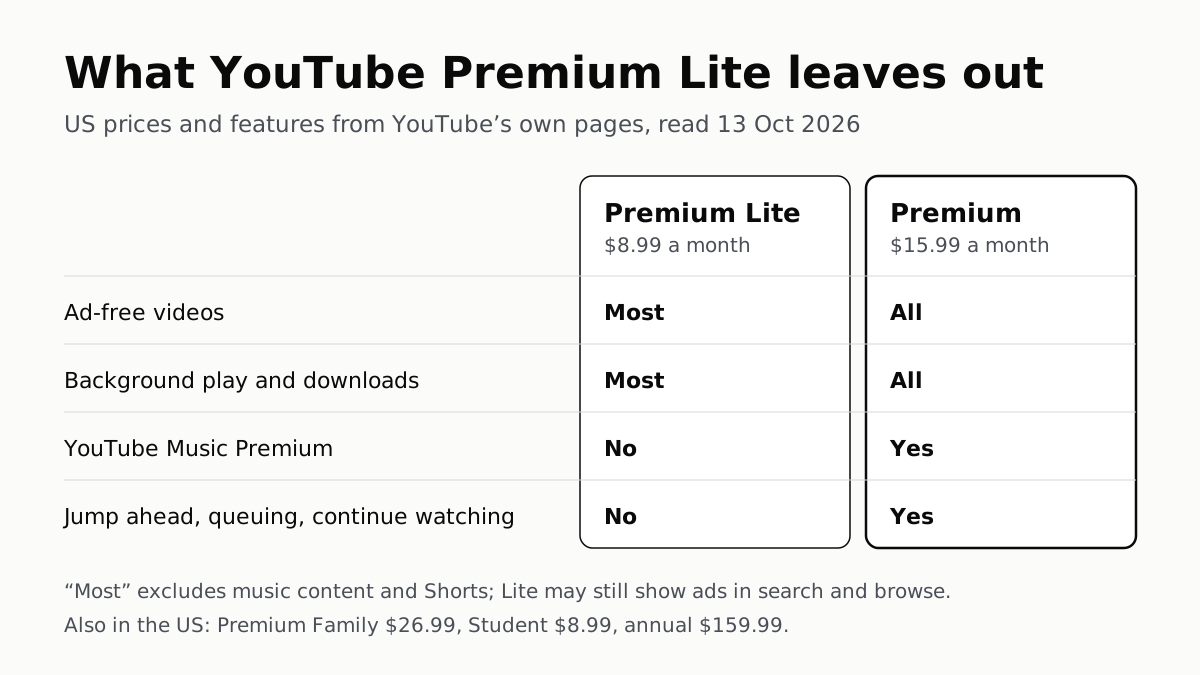
YouTube Premium Lite Keeps Ads on Music and Shorts
At $8.99 a month against $15.99, Lite also leaves out the YouTube Music app and downloads or background play for songs.
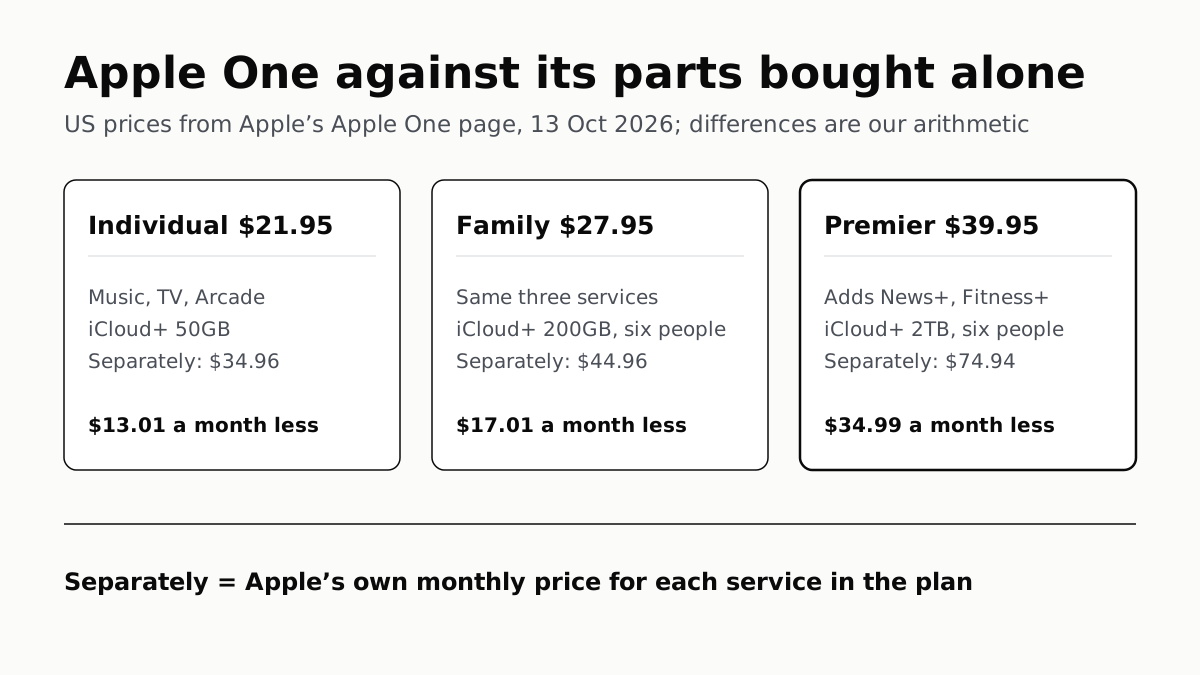
Apple One Costs $13 to $35 a Month Less Than Its Parts
Individual $21.95: Music, TV, Arcade, 50GB. Family $27.95: the same with 200GB, for six. Premier $39.95 adds News+, Fitness+, 2TB.