Why Your VPN Makes Your Internet Slower
Three causes, and encryption is the smallest of them. Two are settings you can change in about a minute.

If you buy through our links, we may earn a commission. It never affects our verdicts or scores — how that works. As an Amazon Associate I earn from qualifying purchases.
Three things slow a VPN down, and the one everybody blames is the smallest. In rough order of how much they cost you: how far away the server is, which protocol you are using, and how busy that server is. Encryption is a rounding error next to the other two.
Distance, which is the big one
A VPN does not shorten your route. It lengthens it. Your traffic goes to the VPN server first and reaches the site afterwards, so a request that used to travel across your city now travels to wherever you chose and back out again.
If you are in London reading a London website through a server in Los Angeles, every click makes two Atlantic crossings that were not there before. No amount of bandwidth fixes that, because it is not a bandwidth problem — it is distance, and distance costs time at the speed of light.
This is why the single most effective thing you can do is pick a nearer server, and why “fastest server” buttons mostly just mean “closest”.
Protocol, which is a setting
This is the one people never look at, and it is a dropdown in your VPN app.
The WireGuard project published a comparison of tunnel protocols on the same hardware:
| Protocol | Throughput | Ping |
|---|---|---|
| WireGuard | 1,011 Mbps | 0.403 ms |
| IPsec (AES-GCM) | 881 Mbps | 0.508 ms |
| IPsec (ChaPoly) | 825 Mbps | 0.521 ms |
| OpenVPN | 258 Mbps | 1.541 ms |
OpenVPN moved a quarter of what WireGuard did on the same machine, and took nearly four times as long to answer. If your app is set to OpenVPN and offers WireGuard, that is the whole fix.
A caveat that belongs with those numbers, and which most articles quoting them leave off. The project labels its own benchmarks “old, crusty, and not super well conducted”, notes that both WireGuard and IPsec “have gotten faster” since, and says replacing them is a work in progress. It stands by one part: “OpenVPN remains extremely slow.”
Treat the table as the shape of the difference rather than figures you will reproduce. The shape is not in dispute; the decimal places are.
Server load, which you cannot see
The third cause is the one no dashboard shows you. A commercial VPN server is shared, and its capacity is divided among everyone connected to it at that moment.
This is why the same server is fine on Tuesday morning and unusable on Sunday evening, and why “switch servers” fixes things that look like faults. If a nearby server is slow and a slightly further one is fast, you have found congestion rather than distance.
The check that separates the three
Two minutes, and it tells you which of the three you have.
- Speed test with the VPN off. This is your ceiling. Nothing below can beat it.
- Turn the VPN on, nearest server, and test again. The gap between this and step 1 is protocol plus that server’s load.
- Try a second nearby server. If it is much faster, step 2 was congestion, not the protocol.
- Now test a deliberately distant server. The extra drop is distance, and it is the part you cannot engineer away — only avoid.
What to actually do
- Choose the nearest server that does the job. If you need a specific country, nearest within that country. Distance is the dominant cost and it is free to avoid.
- Switch the protocol to WireGuard if your provider offers it. It is usually one dropdown, and it is the largest single improvement available to most people.
- Change servers before you blame the provider. Congestion looks exactly like a slow service and is fixed by a different button.
- Do not buy a faster broadband plan to fix VPN speeds. Same mistake as with Wi-Fi — a bigger pipe does nothing about a longer route. If your line itself is the suspect, why your Wi-Fi is slower than the speed you pay for has the test that settles it.
- Expect to lose something. A VPN that costs you nothing at all is doing less than you think. The goal is a cost small enough to forget, not zero.
How we researched this
No one at bitcritiq has handled this product. Everything here comes from published sources, listed below.
- What this cannot tell you
- The protocol figures are from the WireGuard project, which has an interest in the result, and are measured on a local link on old hardware — they show the relative cost of the protocols, not what you will see on a commercial VPN across an ocean. The distance and server-load sections are reasoning from how routing works rather than measurements, and are labelled as such. Nothing here is a comparison of VPN providers.
How we chose this, and what we did
- Why this subject
- People blame encryption, because that is the part a VPN advertises. Encryption is the least of it, and the two causes that dominate are both under the user's control — which makes this worth explaining rather than accepting.
- How we looked at it
- Took the protocol comparison from the WireGuard project's own published benchmarks, and its design claims from the project's front page. Kept the project's own warning about those benchmarks attached to the numbers, because it is part of what the source says and leaving it off would misrepresent how firm the figures are.
Sources 2
- Performance — WireGuardOfficialStandards / .govaccessed Aug 30, 2026
- WireGuard — fast, modern, secure VPN tunnelOfficialStandards / .govaccessed Aug 30, 2026
Pass it on
Know someone weighing this up? Send them the answer.
bitcritiq.com/m8wvThe link is permanent: it opens this article for good, even if the title changes.
No email, no account
Follow bitcritiq
Every new article, in whatever reader you already use.
Subscribe by RSSAll the ways to follow
Using Chrome on Android? Open the browser menu and tap Follow. New articles then turn up in the Following tab in Discover.
read next
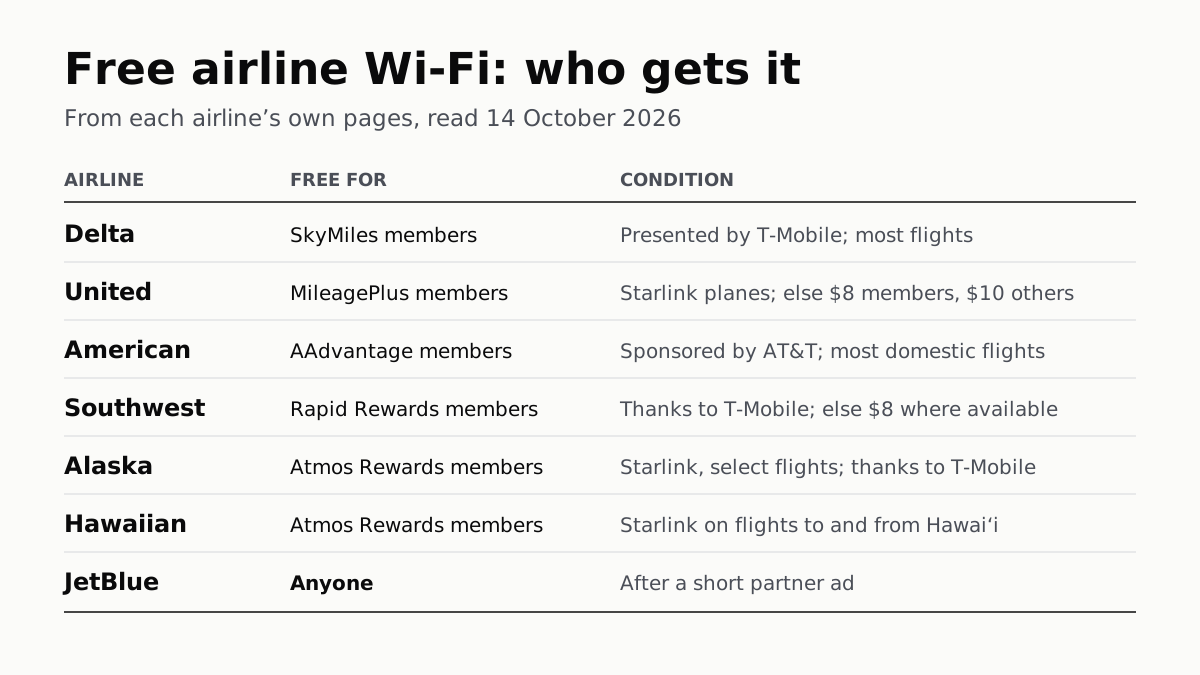
Free Airline Wi-Fi Needs a Loyalty Login, Except JetBlue
Delta, United, American, Southwest, Alaska and Hawaiian are free on equipped planes for members; JetBlue asks for a short ad.
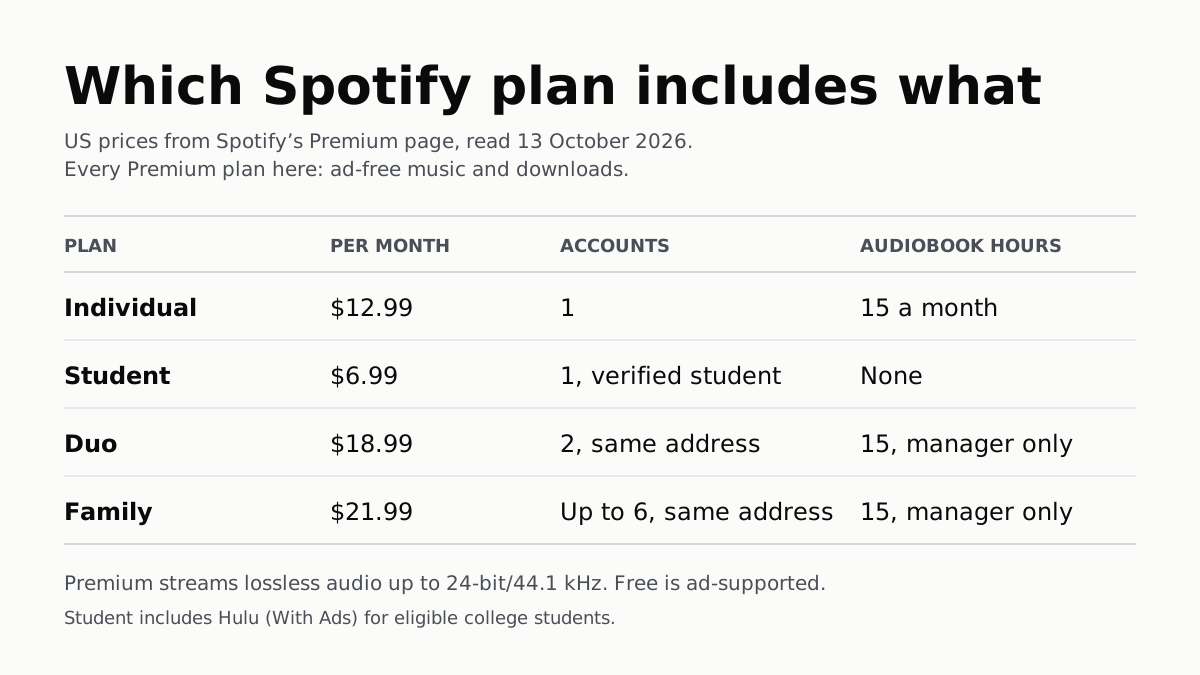
Spotify Premium Is $12.99; Family Covers 6 for $21.99
Duo is $18.99 for two at one address and Student $6.99 with Hulu. Individual and plan managers get 15 audiobook hours a month.
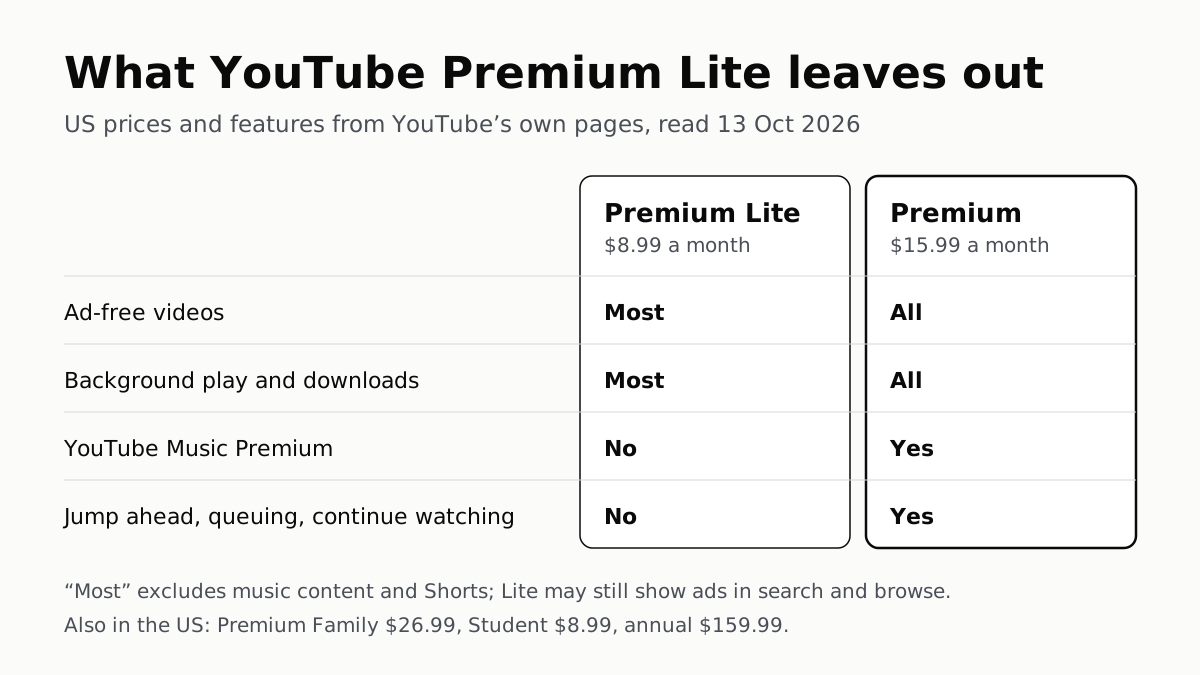
YouTube Premium Lite Keeps Ads on Music and Shorts
At $8.99 a month against $15.99, Lite also leaves out the YouTube Music app and downloads or background play for songs.
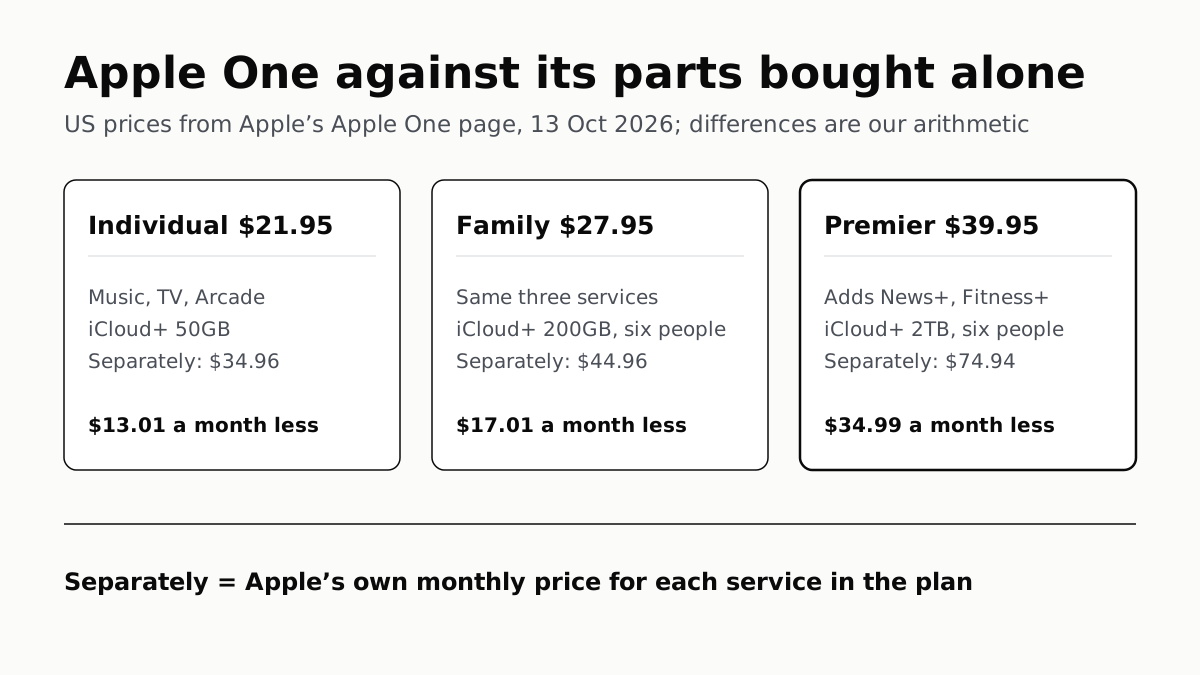
Apple One Costs $13 to $35 a Month Less Than Its Parts
Individual $21.95: Music, TV, Arcade, 50GB. Family $27.95: the same with 200GB, for six. Premier $39.95 adds News+, Fitness+, 2TB.