Galaxy SmartTag3 Works on iPhone, but Not Its Compass View
It runs in Samsung's SmartThings app, not Apple's Find My. Ring Phone and left-behind alerts stay on Galaxy. $29.99 by early November.
If you buy through our links, we may earn a commission. It never affects our verdicts or scores — how that works. As an Amazon Associate I earn from qualifying purchases.
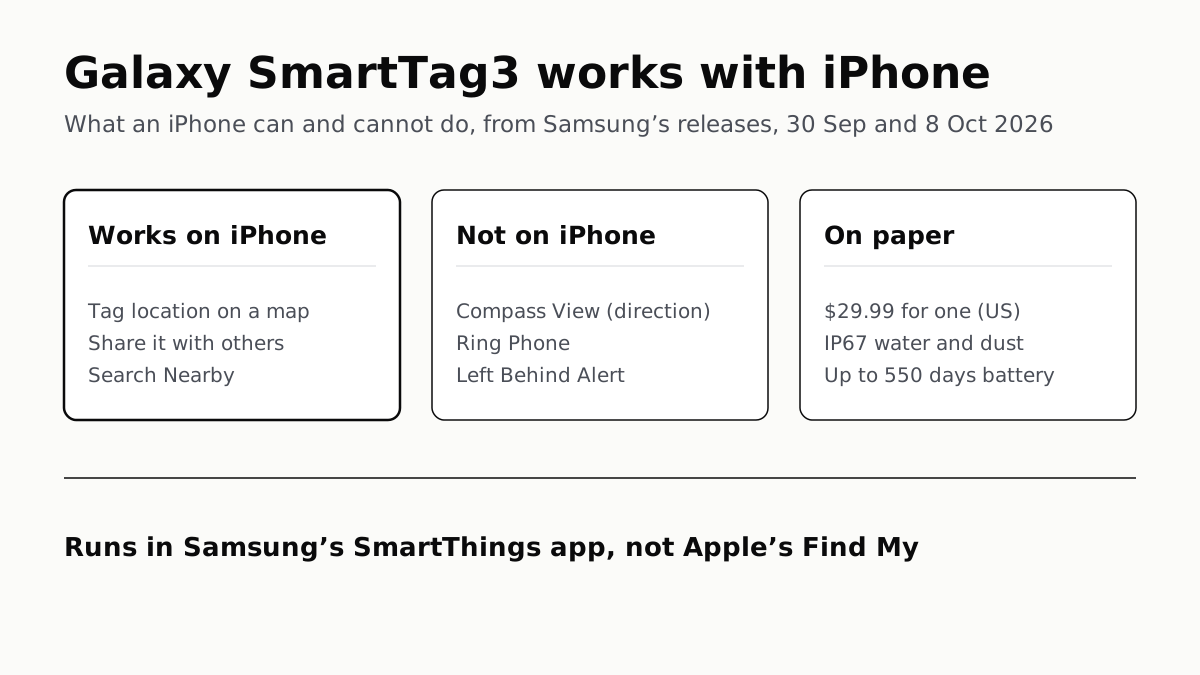
Yes: the Galaxy SmartTag3 is the first Samsung tracker that works with an iPhone, through Samsung’s SmartThings app rather than Apple’s Find My. On an iPhone you can see where the tag is, share it and use Search Nearby, but Samsung says Compass View, Ring Phone and Left Behind Alert are not available on iOS.
It costs $29.99, or $99.99 for four, and Samsung says it reaches the US by early November 2026. Samsung put it on sale in Korea first, from 7 October.
What an iPhone can do with it
| On a Galaxy phone | On an iPhone | AirTag (affiliate link to Amazon, opens in a new tab) on an iPhone | |
|---|---|---|---|
| App | SmartThings (SmartThings Find) | SmartThings, iOS 17.0 or later | Find My, iOS 26 or later |
| See its location, share it | Yes | Yes | Yes, with up to five people |
| Search Nearby | Yes | Yes | Play a sound |
| Direction and distance | Compass View, on supported Galaxy phones | Not available | Precision Finding, iPhone 15 or later |
| Alert when you leave it behind | Left Behind Alert | Not available | Notify When Left Behind |
| Ring Phone | Yes | Not available | — |
| Place Notification, Location History, Movement Detection Alert | Yes | Samsung does not say | — |
The SmartTag3 columns are Samsung’s releases of 30 September and 8 October. The AirTag column is Apple’s own pages, read 9 October, on paper only: we have used neither tag.
How it works on an iPhone
You install Samsung’s SmartThings app, which Apple’s US App Store lists as needing iOS 17.0 or later. Samsung’s releases give no separate minimum for the tag, and do not say which version of the app first supports it.
Samsung describes no link to Apple’s Find My. Its releases name SmartThings Find for the app side and the Galaxy Find Network for finding a tag out of Bluetooth range, which Samsung describes as more than 900 million participating Galaxy devices. None of them mentions Find My. On Samsung’s description, then, the network that spots a lost SmartTag3 out of Bluetooth range is made of Galaxy devices, whichever phone you own.
Samsung’s own example of the iPhone use is sharing: a family member borrows a suitcase and checks its location from their own Galaxy or iOS device. It does not say whether someone with only an iPhone can set up a tag without a Galaxy in the house. Engadget’s report of 30 September says that you can “use and locate things” with the SmartTag3 from either an iPhone or an Android phone.
What stays on Galaxy
Compass View. This is the arrow-and-distance view. Samsung says Bluetooth 6.0 Channel Sounding gives guidance from up to 60 metres, measured in line of sight, before ultra-wideband takes over up close. It needs a Galaxy on Android 12 or later with ultra-wideband or Channel Sounding, and Channel Sounding currently works only on the Galaxy Z Fold8 Ultra, Z Fold8, S26 Ultra and S26 Plus. The Galaxy S26 FE and the base S26 are not on that list.
Left Behind Alert and Ring Phone. Left Behind Alert notifies you when your phone loses its connection to the tagged item. Samsung lists it and Ring Phone as unavailable on iOS, and its SmartTag3 releases do not describe Ring Phone further.
What Samsung does not address. Place Notification (a trial feature that alerts you when a tag enters or leaves an area), Location History (kept seven days) and Movement Detection Alert are described with no platform note. Samsung’s footnote names only three missing features, but that is not a statement that the rest work on iOS.
Pet activity. Engadget reported on 30 September that the tag records how much a pet moves, how long it is active and how much it sleeps, in a pet tab in SmartThings. None of Samsung’s three releases mentions it, though they do describe Place Notification and Location History for pets, so which phones get it is not known.
Other Android phones are out
Samsung’s releases say “Galaxy and iOS devices”, and that wording is now the policy. Android Authority reported on 7 October that a Pixel 11 Pro showed an incompatibility message, and that a Samsung spokesperson said the SmartTag3 “works only with Galaxy devices among Android smartphones”, with no plans to change that.
SmartTag3 or AirTag, if you own an iPhone
On the two companies’ own feature lists, an AirTag (affiliate link to Amazon, opens in a new tab) does more on an iPhone. It finds direction and distance with Precision Finding on an iPhone 15 or later, warns you when you leave it behind, and is found by Apple’s network, which Apple puts at more than a billion iPhone, iPad and Mac devices. On an iPhone the SmartTag3 lacks the first two, and Samsung’s releases describe only the Galaxy network for the third.
An AirTag’s Find My link is also what United, Delta, American and JetBlue take for a delayed bag.
The SmartTag3’s case is a household that mixes phones. A tag on a shared suitcase or the family car keys can be seen from a Galaxy and an iPhone alike, and the Galaxy owner gets Compass View and the alerts. If the household’s main finder is an older Galaxy, Compass View needs Android 12 or later, and Samsung’s update list shows which models are still patched.
| On paper | Galaxy SmartTag3 | AirTag (affiliate link to Amazon, opens in a new tab) |
|---|---|---|
| US price, one | $29.99 (Samsung’s release) | $29 (Apple Store) |
| US price, four | $99.99 | $99 |
| Battery | CR2032, up to 550 days; 790 in Power Saving Mode | User-replaceable CR2032, more than a year |
| Water and dust | IP67, up to 1 m for 30 minutes | IP67, up to 1 m for 30 minutes |
Both battery figures are the makers’ own estimates under their own test conditions, so they are not directly comparable.
Questions people ask
Does the Galaxy SmartTag 3 work with iPhone?
Yes. It is the first SmartTag Samsung says works with iOS. On an iPhone you use Samsung’s SmartThings app to see the tag’s location, share it and use Search Nearby. Compass View, Ring Phone and Left Behind Alert are not available on iOS.
Does the SmartTag 3 use Apple’s Find My network?
Samsung does not say it does. Its releases describe the SmartTag3 working through SmartThings Find and the Galaxy Find Network, which Samsung puts at more than 900 million participating Galaxy devices. None of the three releases mentions Apple’s Find My.
What iOS version do I need for the SmartTag 3?
Samsung’s releases name no minimum. The SmartThings app, which is how an iPhone reaches the tag, requires iOS 17.0 or later on Apple’s US App Store as of 9 October 2026.
Can you use precision finding with a SmartTag 3 on an iPhone?
No. Samsung’s direction-and-distance view, Compass View, is not available on iOS. It needs a Galaxy on Android 12 or later with ultra-wideband or Bluetooth Channel Sounding.
Does the SmartTag 3 work with Pixel or other Android phones?
Not according to Samsung’s latest statement. Android Authority reported on 7 October that a Samsung spokesperson said it works only with Galaxy devices among Android phones, with no plans for others.
How much is the Galaxy SmartTag 3 in the US?
$29.99 for one and $99.99 for a four-pack, from Samsung’s US release, with US availability by early November 2026. An AirTag is $29, or $99 for four, on Apple’s US store on 9 October.
How we researched this
No one at bitcritiq has handled this product. Everything here comes from published sources, listed below.
- What this cannot tell you
- We have not used a SmartTag3, and it is not on sale in the US until early November; we found no listing for it on Samsung's US store on 9 October, so the price is from Samsung's US release. Samsung lists three features as unavailable on iOS and says nothing either way about Place Notification, Location History or Movement Detection Alert on an iPhone. Its releases do not say whether someone with only an iPhone can set up a tag without a Galaxy, or which SmartThings version first supports the SmartTag3. Pet activity tracking is reported by Engadget, not described by Samsung.
How we chose this, and what we did
- Why this subject
- Samsung announced the Galaxy SmartTag3 on 30 September 2026 as the first SmartTag that works with iOS. Engadget and The Verge reported the iPhone support; the question iPhone owners ask is whether it is a usable alternative to an AirTag, which depends on which features reach iOS and which network it uses.
- How we looked at it
- Samsung's claims are from its own releases, read through a browser on 9 October 2026: the global and US newsroom launch releases of 30 September, and the US newsroom's 'Everyday Uses for Galaxy SmartTag3' of 8 October. The iOS requirement is from Samsung's SmartThings listing on Apple's US App Store (version 1.7.51, 28 September). AirTag figures are from apple.com/airtag, Apple's US store page, Apple Support 109021 and the iPhone User Guide. For the absence claims, the control is that the same releases do name SmartThings Find and the Galaxy Find Network, and do describe Place Notification and Location History for pets, while none mentions Apple's Find My or pet activity tracking. The non-Galaxy Android position is Android Authority's report of a Samsung statement, 7 October.
What this rests on
6 claims, 5 official and 1 reported. Nothing here was measured by bitcritiq — see how we test for why. Open a claim to read the source it came from.
The Galaxy SmartTag3 is the first SmartTag that works with iOS, through SmartThings Find, where users can check and share a tag's location and use Search Nearby.Official
Samsung US release, 30 September 2026: “For the first time in the Galaxy SmartTag lineup, Galaxy SmartTag3 also brings cross-OS compatibility for Galaxy and iOS devices… Through SmartThings Find, users can check and share a tag’s location and use Search Nearby across supported devices.”
Compass View, Ring Phone and Left Behind Alert are not available on iOS.Official
Footnote to the same sentence in Samsung's global and US releases: “Feature availability may vary by platform. Compass View, Ring Phone and Left Behind Alert are not available on iOS.”
In the US the SmartTag3 costs $29.99 for one and $99.99 for a four-pack, available by early November 2026.Official
Samsung US release: “Samsung Galaxy SmartTag3 will be available in the U.S. by early November 2026 priced at $29.99 for a one-pack and $99.99 for a four-pack.”
Samsung rates the SmartTag3 at up to 550 days of battery, 790 in Power Saving Mode, and IP67.Official
Samsung global release: “up to 550 days under standard usage and up to 790 days in Power Saving Mode”, tested with the in-box CR2032; “retains an IP67 water and dust resistance rating”, footnoted as up to 1 m for up to 30 minutes.
Samsung's SmartThings app for iPhone requires iOS 17.0 or later.Official
SmartThings listing by Samsung Electronics Co., Ltd. on Apple's US App Store, version 1.7.51 dated 28 September, read 9 October 2026: “Compatibility: Requires iOS 17.0 or later.”
Among Android phones the SmartTag3 works only with Galaxy devices.Reported
Android Authority, 7 October 2026, quoting a Samsung spokesperson: “SmartTag3 currently connects to and works only with Galaxy devices among Android smartphones, and there are currently no plans to support other Android devices.”
Sources 10
- Samsung Galaxy SmartTag3 Makes It Easier To Keep Track of What Matters — Samsung Global Newsroom, 30 September 2026Officialaccessed Oct 9, 2026
- Samsung Galaxy SmartTag3 Makes It Easier to Keep Track of What Matters — Samsung US Newsroom, 30 September 2026Officialaccessed Oct 9, 2026
- Everyday Uses for Galaxy SmartTag3 — Samsung US Newsroom, 8 October 2026Officialaccessed Oct 9, 2026
- SmartThings — Samsung Electronics on the App Store (US)Officialaccessed Oct 9, 2026
Show 6 more · 4 official or standards
- AirTag — AppleOfficialaccessed Oct 9, 2026
- Buy AirTag — Apple Store (US)Officialaccessed Oct 9, 2026
- Use AirTag and Find My to keep track of your personal items — Apple Support 109021Officialaccessed Oct 9, 2026
- Set separation alerts in case you leave an AirTag or item behind in Find My on iPhone — iPhone User GuideOfficialaccessed Oct 9, 2026
- The Samsung Galaxy SmartTag 3's special feature is being a pet activity monitor — Engadget, 30 September 2026accessed Oct 9, 2026
- Samsung backtracks on SmartTag 3 Android support — Android Authority, 7 October 2026accessed Oct 9, 2026
Pass it on
Know someone weighing this up? Send them the answer.
bitcritiq.com/ppu5The link is permanent: it opens this article for good, even if the title changes.
No email, no account
Follow bitcritiq
Every new article, in whatever reader you already use.
Subscribe by RSSAll the ways to follow
Using Chrome on Android? Open the browser menu and tap Follow. New articles then turn up in the Following tab in Discover.
read next
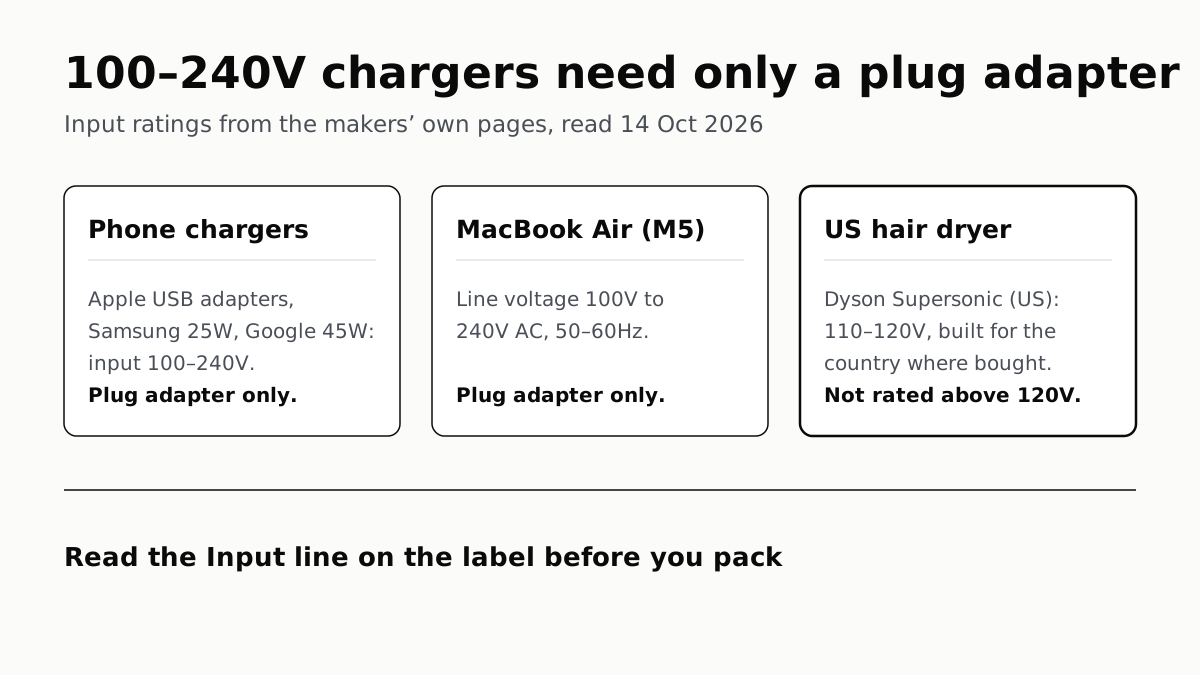
Chargers Rated 100–240V Need Only a Plug Adapter Abroad
Apple, Samsung and Google rate their chargers, and the MacBook Air, for 100–240V. A hair dryer built for 110–120V is a different case.
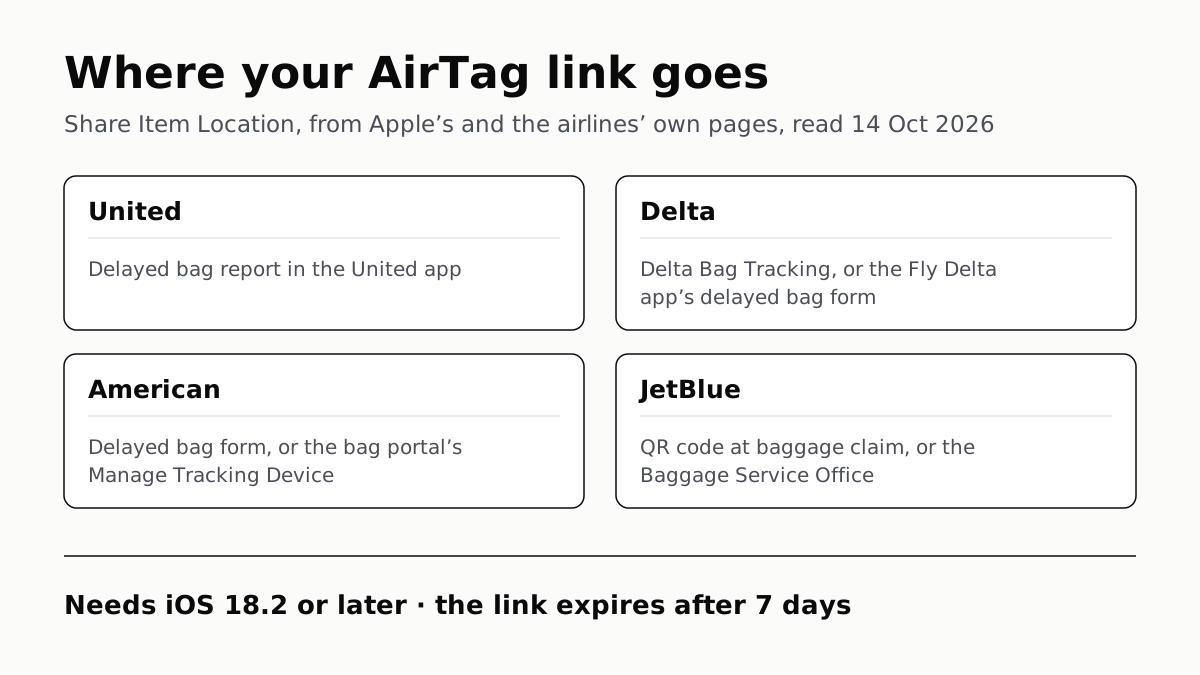
Send Your AirTag Link to United, Delta, American, JetBlue
Find My’s Share Item Location makes a seven-day link a bag agent can open. Apple says more than 50 airlines accept it.
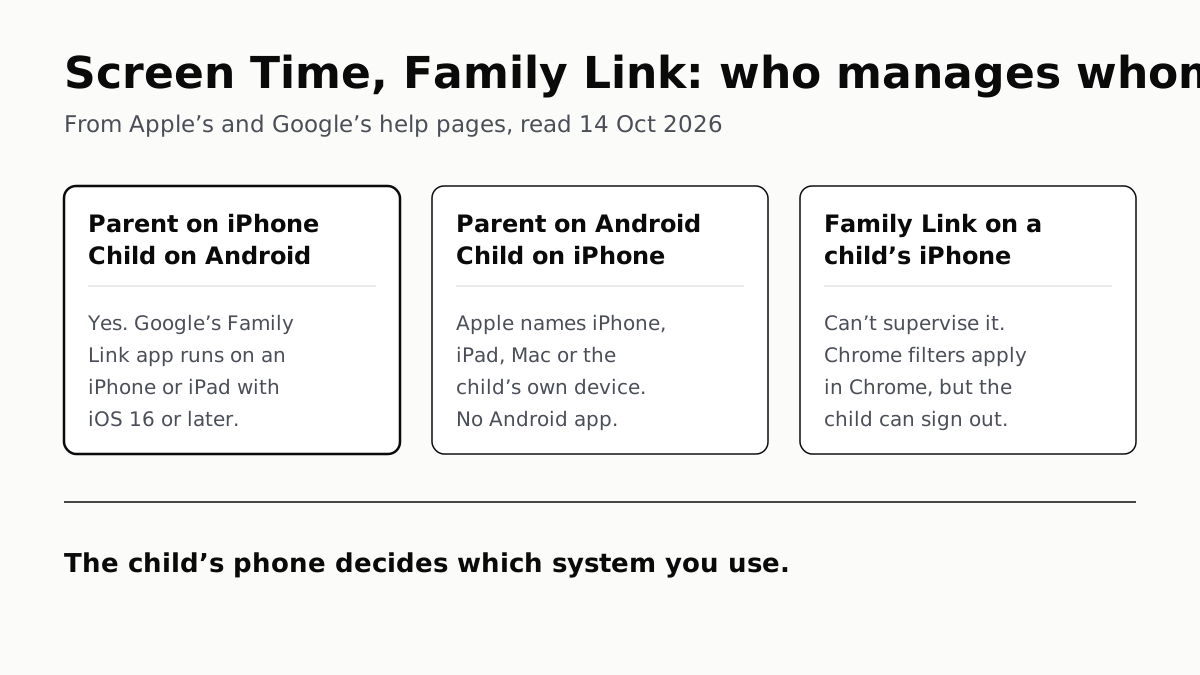
Family Link Works From an iPhone. Screen Time Needs Apple
Neither app supervises the other maker’s phones. App limits, downtime, web filters and more, side by side, with iOS 27’s changes.
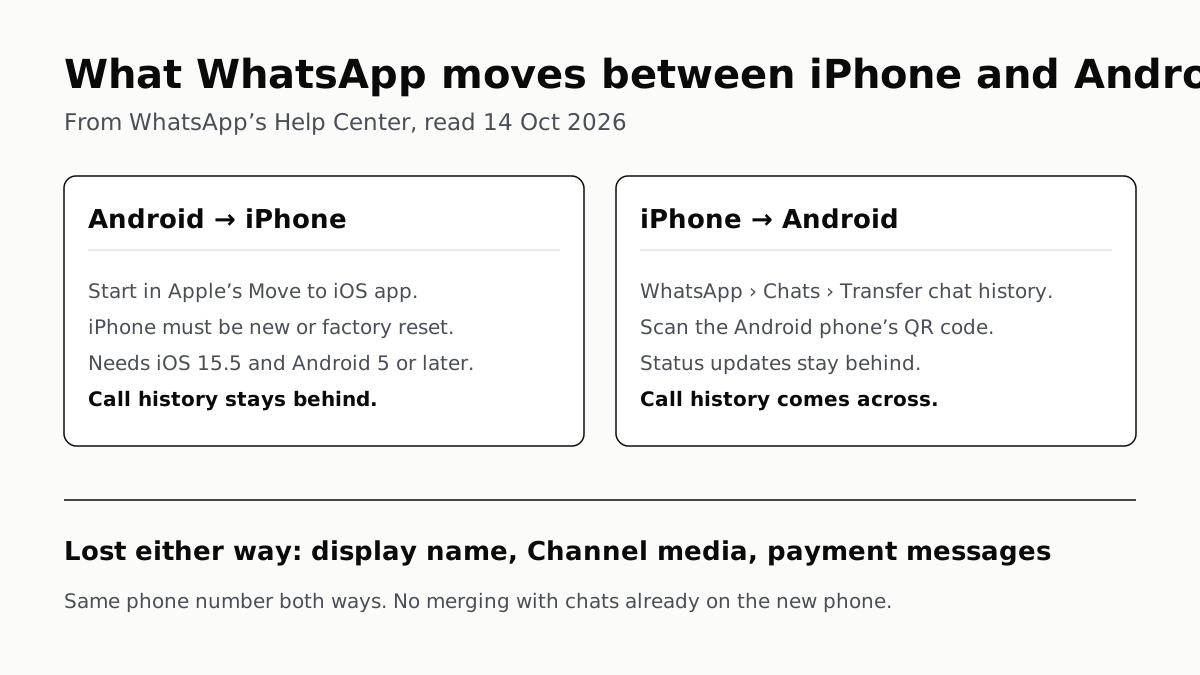
WhatsApp Chats Can Cross Between iPhone and Android
Messages, media and settings move both ways. Display names, Channel media and payment messages don’t, and call logs reach Android alone.