Muse Sees What You Connect, Plus Facebook and Instagram
Meta’s agent, rolling out in the US, asks before it emails or buys. Training on your chats stays on until you switch it off.
If you buy through our links, we may earn a commission. It never affects our verdicts or scores — how that works. As an Amazon Associate I earn from qualifying purchases.
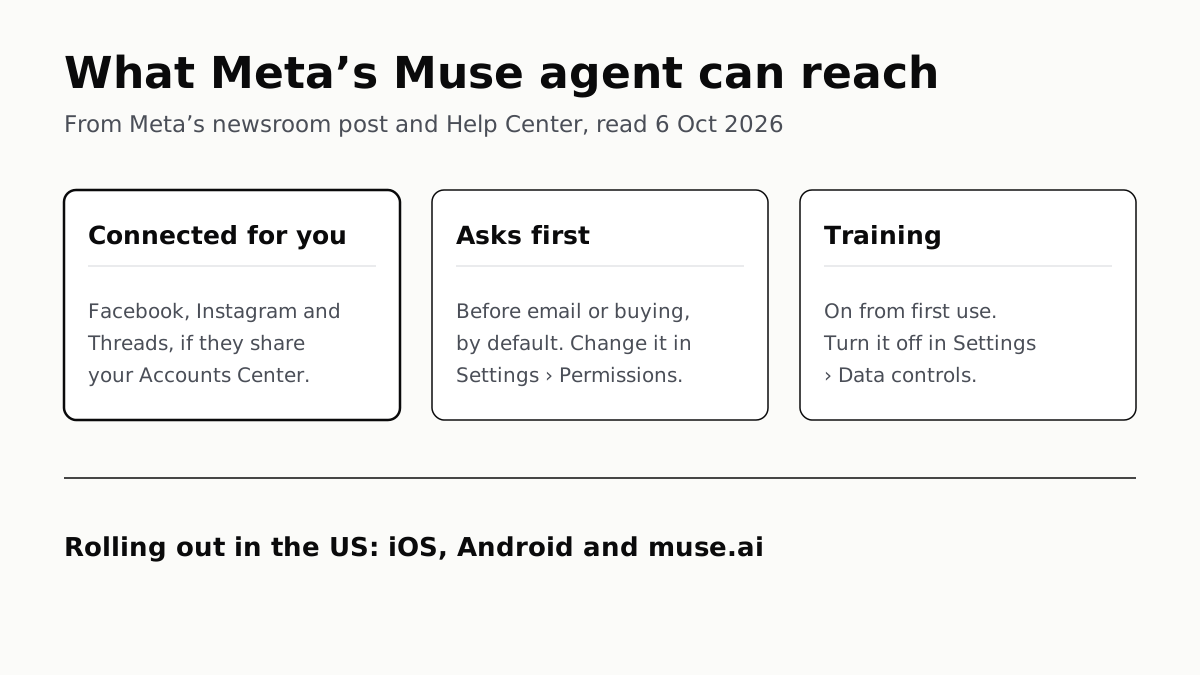
Muse sees whatever you connect to it — email, calendar, other apps — plus Facebook, Instagram and Threads, which Meta connects automatically if they share your Accounts Center. By default it asks before sending an email or buying something; Settings › Permissions changes how often it asks, Settings › Data controls stops Meta training on your chats, and Reset Muse deletes the lot.
Meta launched Muse on 8 September 2026 and says it is rolling out in the US on iOS, Android and the muse.ai website, with AI glasses “coming soon”. You can also talk to it in WhatsApp. Meta’s Help Center says the app and website are “not yet available everywhere”, and the launch post names no country but the US.
On the glasses themselves, Meta says the white capture light stays off when Meta AI uses the camera, on all but the 2023 Ray-Ban Meta.
What Muse can see
Muse runs in its own virtual machine in Meta’s cloud, with a browser and storage. What it can read depends on what you hand it. Meta calls the links to other services Connectors.
| Source | How it gets in | What Meta says about scope |
|---|---|---|
| Facebook, Instagram, Threads | Connected automatically if they share your Accounts Center | Managed in Accounts Center |
| You connect it | Muse searches your mail; it “won’t download your whole inbox (unless you tell it to)” | |
| Calendar | You connect it | Some calendar Connectors push changes to Muse on their own; Meta flags these before you connect |
| Apple Health, Android SMS | You connect it | Access is then managed in your phone’s settings |
| Anything with an API | Muse builds a custom connector | “Meta doesn’t review custom connectors or how they use your information” |
| Websites | Muse’s own browser | You can watch it, take control, or stop the task |
| Files and chats | You upload or tell it | Stored in your VM; Muse keeps a memory file of what it learns |
Two things it does not see, according to Meta’s engineering post. Passwords you give it go into a separate credential store, and the model uses them without reading them. And the email connector filters out one-time codes, password-reset links and magic sign-in links, so that someone who manipulates the agent cannot simply use your inbox to reset your other accounts.
For a comparison, Google’s CC agent takes the opposite approach to mail: it reads only messages from senders you pick and cannot search an inbox at all.
What it can do without you
Meta’s launch post says Muse can send email, book travel, fill in forms, “negotiate on their behalf”, and keep working after you close the app. It messages you unprompted when it thinks something is worth it; the design team’s post says you can tell it to turn that off or dial it down.
Purchases stop for you every time, by Meta’s account. It says every checkout through its wallet triggers an approval with the exact details, and the card the merchant sees is a single-use number tied to that merchant, that amount and a short window.
Other actions follow the defaults in Settings › Permissions:
| Setting | Ask for some actions (default) | Always ask |
|---|---|---|
| Connectors | Asks before every write action and “important read actions” | Asks before any action |
| Web access defaults | Asks when your information may be shared or a site is unfamiliar | Asks before visiting any website |
When it asks, you pick Allow once, Allow for this task, Allow for this site, Always allow or Deny. Always allow is the one to be careful with: it covers that kind of action on that Connector from then on. Manage permissions in the same screen lists what you have allowed, per Connector and per website, and lets you revoke it. Tapping the Muse avatar opens an Activity log of what it did and which permissions you granted.
Where a service separates reading from writing, Muse does too, so you can let it read your calendar without letting it send invites. Meta’s own advice is to start with low-risk tasks; its Help Center also says you are “responsible for fixing errors”, and an email Muse has sent cannot be recalled.
How to limit or turn it off
- Cut a Connector: Settings › Connectors, then disconnect. This stops new data flowing, but what Muse already learned stays in its memory and chat history until you delete it.
- Make it forget: ask Muse to forget a topic, or edit Memory.md directly (tap the Assistant icon, then Identity, then Memory).
- Stop training on your chats: Settings › Data controls › toggle off Help improve our AI models › Turn off. It is on from your first use, and Meta says switching it off also applies to earlier interactions.
- Keep a copy: Settings › Data controls › Download your Muse data.
- Remove it: Settings › Data Controls › Reset Muse › Reset. This permanently deletes chat history, files and active tasks and cannot be undone. Deleting your Meta account in Accounts Center also deletes Muse.
For Facebook, Instagram and Threads, Meta points you to Accounts Center rather than to the steps above.
Meta is not alone in that training default: ChatGPT’s consumer app also trains on chats until you say no. Meta says it removes names, email addresses, phone numbers and Social Security numbers from what it trains on and separates the interactions from your account.
What Meta can see
Meta says Muse does not share your conversations or VM data with its ad systems, even if your Accounts Center includes its other apps. Its engineering post adds two caveats in plain terms. Sites Muse visits see it as you, so a shop it buys from can retarget you on Instagram. And today’s design “does not prevent Meta from accessing data when necessary to support, secure or operate the service”. Meta’s fix for that is a Confidential VM, encrypted with a key only you hold. Meta promises it for “later this year”. Until it arrives, Meta’s own post says the current design does not keep Meta out of your Muse data when it needs access to run or secure the service.
Agents that act inside other services are arriving from several directions at once; Google is opening its Home devices to outside AI agents in a similar permission-by-permission way.
Questions people ask
Can Meta Muse read my email?
Only if you connect your email. Meta says it can then search your mail but will not download the whole inbox unless you tell it to, and its email connector filters out one-time codes, password-reset links and login links. Whether it can also send is a separate permission.
Does Muse have access to my Facebook and Instagram?
Yes, by default, if those accounts share an Accounts Center with your Meta Account. Meta’s Help Center says Facebook, Instagram and Threads connect automatically, and you manage them in Accounts Center.
How do I stop Muse doing things without asking?
Open Settings, then Permissions. Set Connectors and Web access defaults to Always ask, and Muse asks before any action and before visiting any website. Check Manage permissions for anything you earlier set to Always allow.
How do I stop Meta training AI on my Muse chats?
In Muse, go to Settings, tap Data controls, toggle off Help improve our AI models and tap Turn off. It is on when you first use Muse, and Meta says switching it off also covers your earlier interactions.
How do I delete Muse completely?
Settings, then Data Controls, then Reset Muse, and tap Reset. That permanently deletes chat history, files and active tasks and cannot be undone. Download your Muse data in the same menu first if you want a copy.
Is Meta Muse available outside the US?
Meta’s launch post names only the US, on iOS, Android and muse.ai, and its Help Center says Muse is not yet available everywhere. Meta has not published dates for other countries.
Does Muse use my data for ads?
Meta says Muse does not share your conversations or the data in your virtual machine with its ad systems. Sites Muse visits for you see it as your visit, though, so they can retarget you, including on Instagram.
How we researched this
No one at bitcritiq has handled this product. Everything here comes from published sources, listed below.
- What this cannot tell you
- We have not used Muse, so we cannot say how often it asks for approval in practice, or how well the forget skill removes something. The Help Center articles describe the app; the web version may label things differently. Meta's newsroom post names only the US for the rollout and gives no dates for other countries. Meta says it will add a Confidential VM that keeps Meta itself out 'later this year'; that is a plan, and nothing here assumes it has shipped. Muse's subscription prices are outside this piece.
How we chose this, and what we did
- Why this subject
- Meta launched Muse, an AI agent that acts on a person's behalf in a cloud computer of its own, on 8 September 2026, and it drew a second wave of coverage from The Verge, Tom's Hardware, CNET, Engadget and Ars Technica in late September and early October. The question a new user has is not what it can do in a demo but what it can see, what it does without asking, and how to rein it in or remove it. Meta answers those across a newsroom post, an engineering post and several Help Center articles rather than in one place.
- How we looked at it
- Everything here is from Meta's own pages, read on 6 October 2026: the newsroom post 'Introducing Muse' (8 September 2026), the engineering post 'How We Built Safety Into Muse' (8 September 2026), the design post 'How We Designed Muse', and five Meta Help Center articles: How Muse works with Connectors; How Muse works with your guidance and approval; How to manage your Muse data; How your Muse agent browses the web; and How Muse handles your privacy, safety and security. Setting names and paths are given exactly as those pages give them. No outlet reporting is relied on.
What this rests on
6 claims, all official. Nothing here was measured by bitcritiq — see how we test for why. Open a claim to read the source it came from.
Facebook, Instagram and Threads connect to Muse automatically if they are in the same Accounts Center.Official
Meta Help Center, How Muse works with Connectors: “Three of these – Facebook, Instagram and Threads – are connected automatically if you have your accounts in the same Accounts Center. You don’t need to do anything to set these up.”
Muse asks before important actions such as sending an email by default, and the defaults are changed in Settings, Permissions.Official
Connectors article: “By default, Muse will not take many important actions, like sending an email, without your approval.” Guidance and approval article: “To manage your Muse permissions, navigate to Settings, then tap Permissions.” “Always ask” makes Muse “ask for permission before any action.”
Use of Muse interactions for AI training is on at first use and is turned off in Settings, Data controls, Help improve our AI models; the change also applies to past interactions.Official
How to manage your Muse data: “This setting is on when you first use Muse… Changes to this setting also apply to previous interactions.” Steps: “Go to Settings, then tap Data controls. Toggle off Help improve our AI models. Select Turn off to confirm.”
Disconnecting a Connector stops new data exchange but does not remove what Muse already learned from it.Official
Connectors article: “Disconnecting stops Muse from exchanging data with the Connector. Information that Muse previously used to perform tasks with that Connector might still remain in Muse’s memories and your conversation history.”
Muse does not share conversations or VM data with Meta's ad systems, but its browsing appears as the user's activity and can indirectly influence ads.Official
How We Built Safety Into Muse: “Muse doesn’t share your conversations or the data in your Virtual Machine with Meta ad systems… When Muse browses the internet, it will appear as your activity, so if you ask Muse to buy a shirt from a clothing designer’s website, that designer might use your visit to show you an ad on Instagram.”
Muse is rolling out in the US on iOS, Android and muse.ai.Official
Meta Newsroom, 8 September 2026: “Muse is rolling out in the US on iOS, Android, and muse.ai, and coming soon to AI glasses.” The Help Center adds: “The Muse app and website are not yet available everywhere.”
Sources 8
- Introducing Muse: The World’s First Personal AI Agent Built for Everyone — Meta Newsroom, 8 September 2026Officialaccessed Oct 6, 2026
- How We Built Safety Into Muse — Meta AI Research, 8 September 2026Officialaccessed Oct 6, 2026
- How We Designed Muse — Meta, September 2026Officialaccessed Oct 6, 2026
- How Muse works with Connectors — Meta Help CenterOfficialaccessed Oct 6, 2026
Show 4 more · 4 official or standards
- How Muse works with your guidance and approval — Meta Help CenterOfficialaccessed Oct 6, 2026
- How to manage your Muse data — Meta Help CenterOfficialaccessed Oct 6, 2026
- How your Muse agent browses the web — Meta Help CenterOfficialaccessed Oct 6, 2026
- How Muse handles your privacy, safety and security — Meta Help CenterOfficialaccessed Oct 6, 2026
Pass it on
Know someone weighing this up? Send them the answer.
bitcritiq.com/7tkeThe link is permanent: it opens this article for good, even if the title changes.
No email, no account
Follow bitcritiq
Every new article, in whatever reader you already use.
Subscribe by RSSAll the ways to follow
Using Chrome on Android? Open the browser menu and tap Follow. New articles then turn up in the Following tab in Discover.
read next
OpenClaw Runs on a Local LLM via Ollama or LM Studio
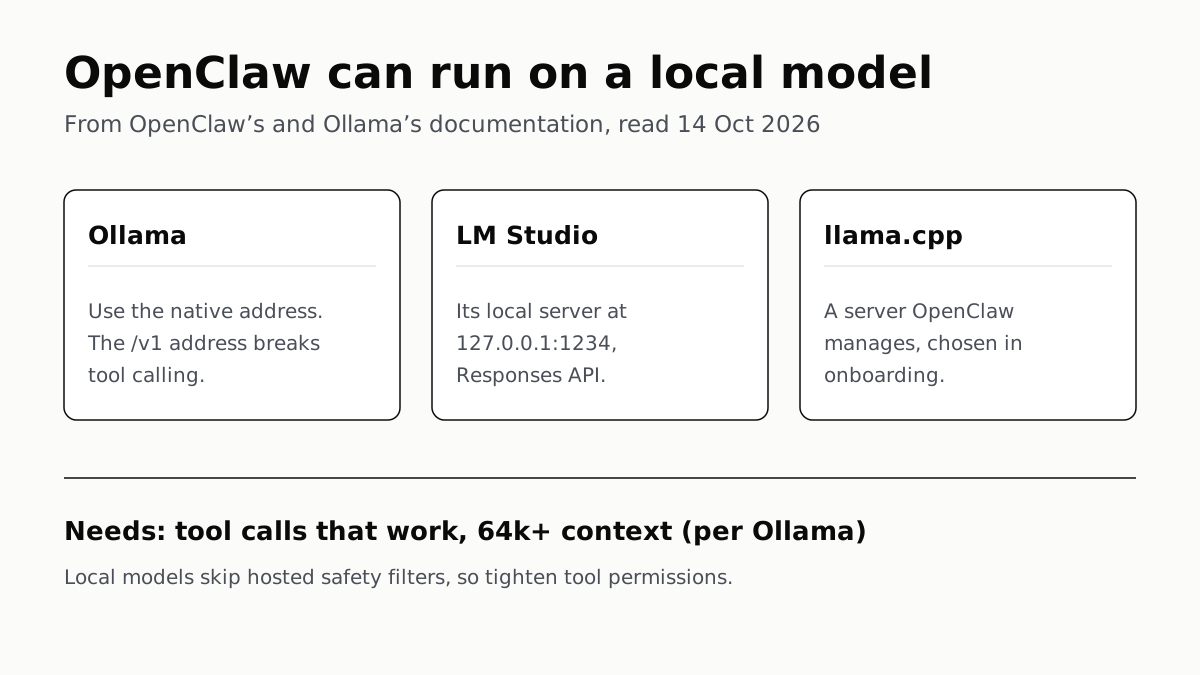
OpenClaw's docs also cover llama.cpp, vLLM and any OpenAI-compatible server. Ollama advises 64k context; small models are easier to hijack.
Free AI Writing Tools Ration Rewrites in Different Units
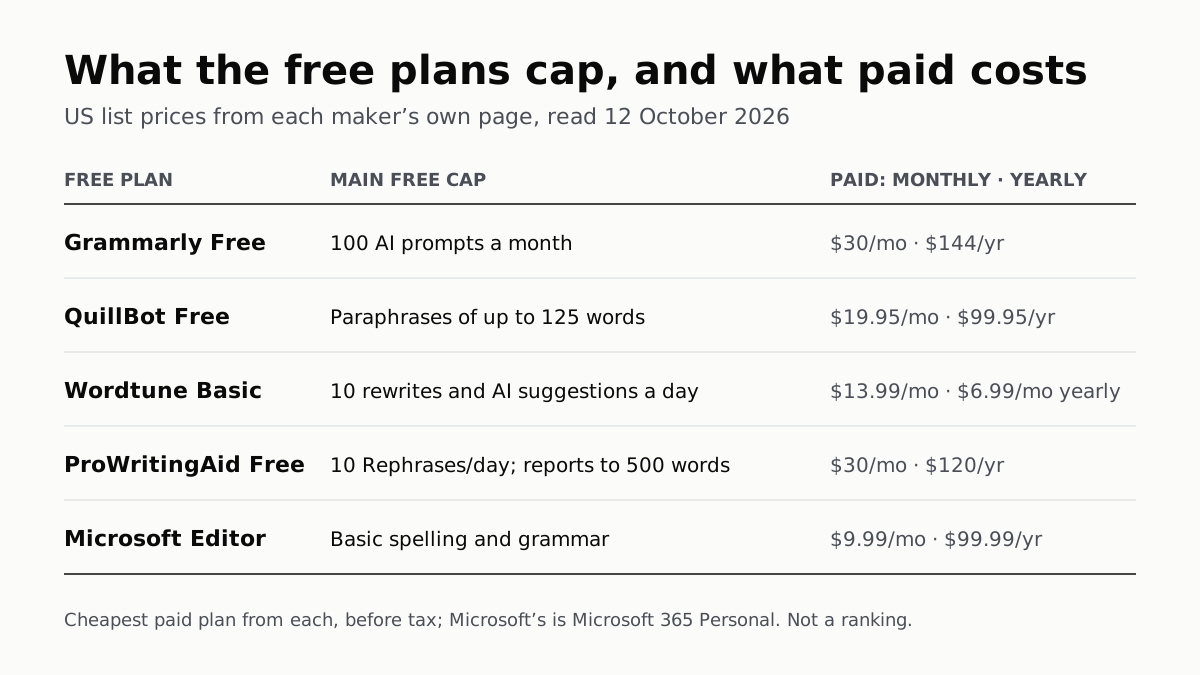
Grammarly gives 100 AI prompts a month, Wordtune 10 rewrites a day, QuillBot 125 words a paraphrase. Yearly billing halves most prices.
Of Four Free AI Chatbots, Only ChatGPT Lists Unlimited Chat
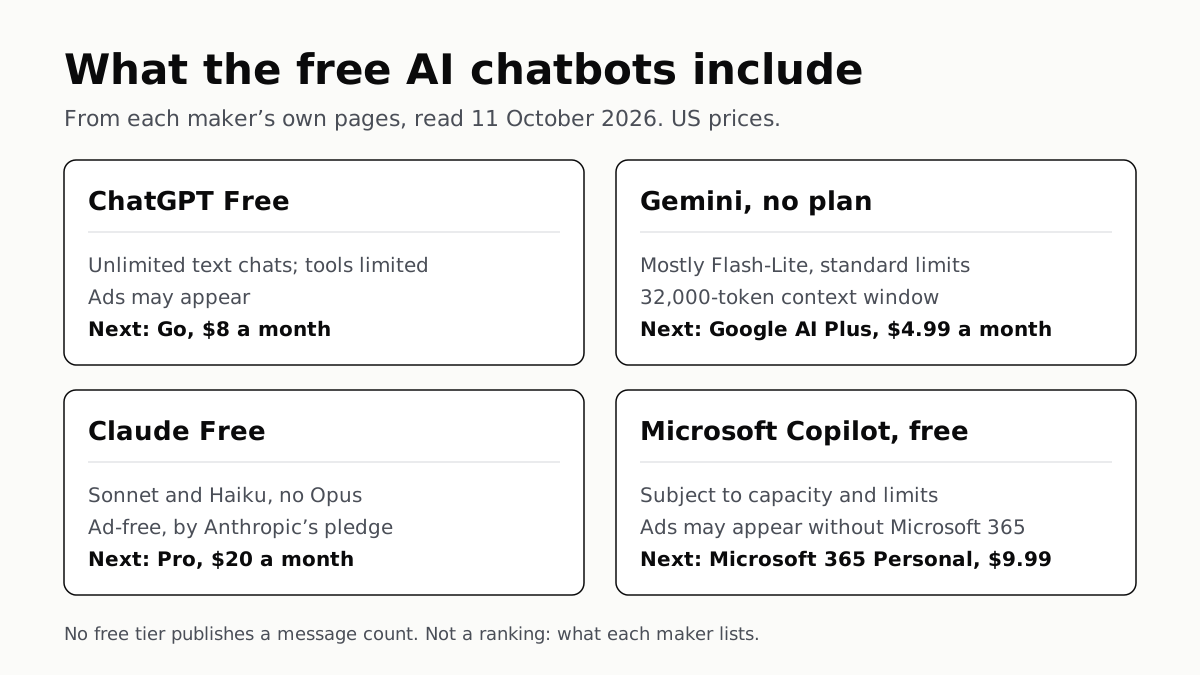
ChatGPT’s free tier carries ads, as Copilot’s may; Gemini’s leans on Flash-Lite and Claude’s leaves out Opus.
Google’s Offline AI Note-Taker Runs Only on a Mac
Transcription and AI run on the Mac itself, with no phone version. Google says your audio, notes and files never leave the computer.