Google’s Offline AI Note-Taker Runs Only on a Mac
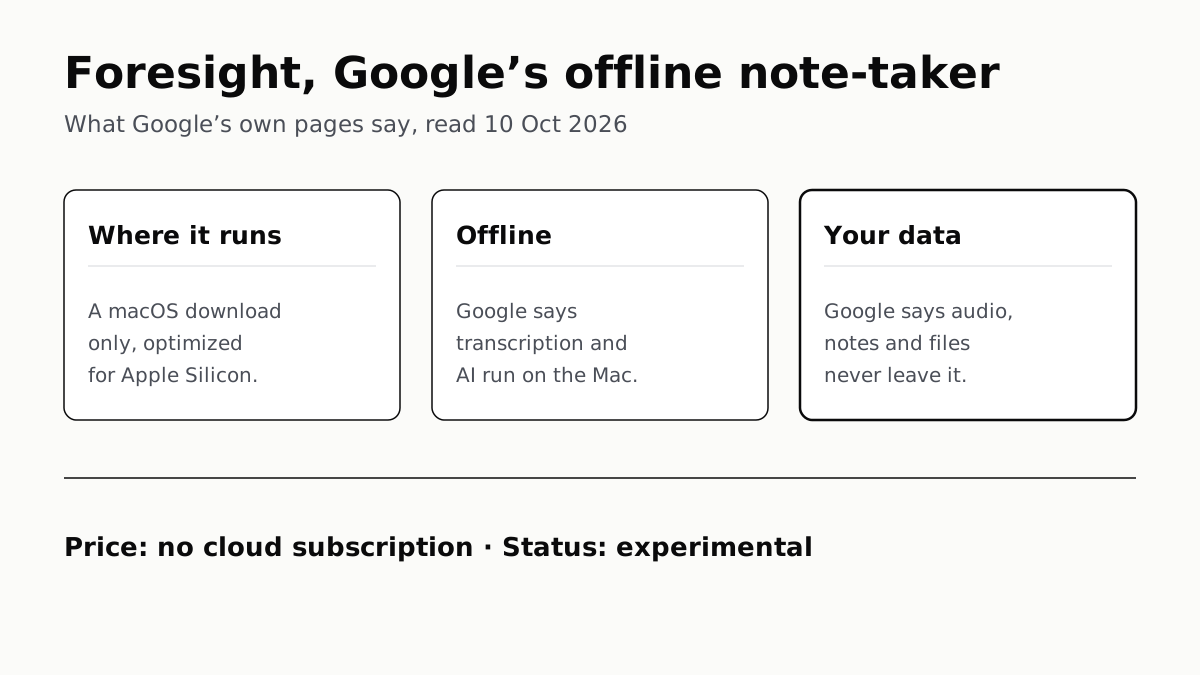
Transcription and AI run on the Mac itself, with no phone version. Google says your audio, notes and files never leave the computer.
If you buy through our links, we may earn a commission. It never affects our verdicts or scores — how that works. As an Amazon Associate I earn from qualifying purchases.
Google AI Edge Foresight is an experimental meeting note-taker that runs on a Mac, not a phone, with no cloud subscription, and Google says it works with no internet connection. Google’s own FAQ says the transcript, the AI and your files stay on the computer: meeting audio and notes “never leave your computer”.
Google released it on 6 October 2026, mainly as a showcase for a new on-device model, EmbeddingGemma 2. The Verge and CNET reported on it two days later.
What Google says, question by question
| Question | Google’s answer | Where it says so |
|---|---|---|
| Does it work offline? | Yes: the model and the file search “run on your hardware without internet” | Foresight FAQ |
| What does it run on? | A macOS download, “optimized for Apple Silicon” | Foresight page |
| Phone or Windows version? | None offered | Foresight page |
| What does it cost? | “No cloud subscription costs”; no price shown | Developers Blog |
| Where do recordings go? | Audio, notes and files “never leave your computer” | Foresight FAQ |
| Is it finished? | Called “an experimental app” | Developers Blog |
What it does
You take rough notes during a meeting and Foresight fills them out from the transcript; Google’s page calls the result “polished notes”. It listens to the Mac’s system audio and microphone, so it picks up both sides of a Google Meet or Zoom call, or a conversation in the room.
It can also read your own material. Google lists PDFs, Google Docs, Microsoft Office formats, plain text, Markdown and web bookmarks, from local folders or Google Drive. You can then ask questions about it in a chat, or use Live Assistance, which Google says listens and answers questions automatically. When a topic from your files comes up in the meeting, Google says Foresight shows “context cards with exact citations”.
The engine is EmbeddingGemma 2, a 740-million-parameter model that turns text, images, audio and video into searchable vectors, paired with Gemma 4 to write the answers. Google released EmbeddingGemma 2 as an open model under the Apache 2.0 licence, and Foresight is its demonstration of the two running together on one machine. If you want the same kind of setup with models you choose yourself, Ollama and LM Studio run local models at no cost.
Does it really work offline?
Google says so plainly: “Foresight is completely offline-first. Both the Gemma model and the local vector embeddings engine run on your hardware without internet.” It names flights and “air-gapped secure facilities” as places it works. We have not installed it, so this is Google’s claim, not a test result.
One part of the pitch needs a network by definition. Connecting Google Drive means fetching files from Google’s servers, and Google’s page does not explain what happens to that connection offline. What Google claims is that the processing happens on the Mac, not that nothing touches the internet.
Which devices it runs on
Google offers Foresight as a single macOS download and says it is “optimized for Apple Silicon”. It does not say whether Intel Macs can run it, and gives no minimum macOS version, memory or storage figure. Its only hardware claim is “a light footprint with low battery drain”, without numbers.
There is no phone version and no Windows version. Google’s phone app for the same model, Google AI Edge Gallery on Android and iPhone, adds two demos for searching your photos and videos; it does not take meeting notes. CNET noted on 8 October that Google had not said whether a Windows version is coming.
What it costs
Google’s developer blog lists “no cloud subscription costs” among Foresight’s benefits, and its download page shows no price. The Verge reported on 8 October that it “is free to use”. That sets it apart from Google’s own cloud AI, where the Gemini plans run from nothing to $199.99 a month. The catch is in Google’s own description: it calls Foresight “an experimental app”, not a finished product.
What happens to your notes and recordings
Google’s privacy answer is direct: “All AI inference runs 100% locally on your device… No personal files, recordings, or transcripts are ever transmitted to external cloud servers.” If that holds, Google never receives your meetings, which is a different arrangement from a cloud assistant. ChatGPT, for comparison, trains on consumer chats by default until you switch it off.
Three things Google’s page leaves open:
- Usage data. The privacy answer covers files, recordings and transcripts. It says nothing about whether the app sends usage analytics or crash reports.
- The policy. The page links Google’s general Privacy Policy and Terms of Service, not a privacy notice written for Foresight.
- Everyone else on the call. Foresight records system audio, which means other people’s voices as well as yours. Keeping the recording on your Mac does not change that they are being recorded.
Support goes to an email address, ai-edge-support@google.com, rather than a help centre.
Questions people ask
Does Google AI Edge Foresight work offline?
Google says yes. Its FAQ says both the Gemma model and the search engine over your files run on your hardware without internet, including on planes. We have not run it, so that is Google’s claim rather than our finding.
Is Google Foresight free?
Google’s page shows no price, and its developer blog says there are no cloud subscription costs. The Verge reports it is free to use. Google calls it an experimental app.
Is Google Foresight on Android or iPhone?
No. Google offers it only as a macOS download. Google’s phone app for the same model, Google AI Edge Gallery, adds photo and video search demos, not meeting notes.
Does Foresight work on Windows or Intel Macs?
There is no Windows download. For Macs, Google says Foresight is optimized for Apple Silicon but does not say whether Intel Macs can run it, and gives no minimum macOS version or memory figure.
Does Google see my meeting recordings in Foresight?
Google says no: meeting audio, notes and files never leave your computer, and no recordings or transcripts are sent to cloud servers. Its page does not say whether the app sends usage or crash data.
Which meeting apps does Google Foresight work with?
Google names Google Meet and Zoom, plus in-person conversations. It listens to the Mac’s system audio and microphone, so Google says it works with any meeting platform.
How we researched this
No one at bitcritiq has handled this product. Everything here comes from published sources, listed below.
- What this cannot tell you
- We have not installed or run Foresight, so whether it works offline, how accurate its transcripts are and how much battery it uses are Google's claims, not our findings. Google does not say whether the app sends usage or crash data, or how its Google Drive connection works without a network. The page links only Google's general Privacy Policy and Terms, not a privacy notice for the app. Google does not state whether Foresight runs on Intel Macs, only that it is optimized for Apple Silicon. 'Free' is The Verge's word; Google's own wording is 'no cloud subscription costs', and its page shows no price.
How we chose this, and what we did
- Why this subject
- Google released Google AI Edge Foresight on 6 October 2026 as a showcase for its EmbeddingGemma 2 model, and The Verge and CNET covered it as an offline AI note-taker over the following two days. Readers searching for it want four things settled: what it is, whether it really runs without the internet, what it runs on, and where their recordings go. Google answers each on its own pages, so we quote those rather than the coverage.
- How we looked at it
- Read through a browser on 10 October 2026: the Foresight product page at developers.google.com/edge/foresight (its text sits in an embedded frame, read directly), the Google Developers Blog post 'Bring multimodal semantic search to the edge with EmbeddingGemma 2' (6 October 2026), and the Keyword post 'EmbeddingGemma 2: an open, lightweight multimodal embedding model' (6 October 2026). The Verge (Emma Roth, 8 October) and CNET (8 October) are used only for what they report, labelled as such. Absence claims are checked against a control on the same page: the Foresight page's download buttons all read 'Download for macOS' and link one .dmg file, and nothing else is offered; its privacy FAQ answer, which does name files, recordings and transcripts, says nothing about usage analytics or crash reports; and its hardware answer, which does name Apple Silicon, gives no macOS version, memory or storage figure.
What this rests on
6 claims, all official. Nothing here was measured by bitcritiq — see how we test for why. Open a claim to read the source it came from.
Google says Foresight's transcription and AI run on the Mac and work without an internet connection.Official
Foresight FAQ: “Yes. Foresight is completely offline-first. Both the Gemma model and the local vector embeddings engine run on your hardware without internet.” The page also says: “Transcript and audio processed on your computer — not in the cloud.”
Google says meeting audio, notes and files are not sent to its servers.Official
Foresight FAQ: “All AI inference runs 100% locally on your device using on-device Gemma models. Your personal knowledge sources, meeting audio, and notes never leave your computer. No personal files, recordings, or transcripts are ever transmitted to external cloud servers.”
Foresight is offered as a macOS download and is optimized for Apple Silicon.Official
Every download button on the Foresight page reads “Download for macOS” and links dl.google.com/foresight-mac/foresight_mac.dmg. FAQ: “Foresight is optimized for Apple Silicon.”
Foresight runs on EmbeddingGemma 2, a 740-million-parameter model, together with Gemma 4.Official
Foresight page: “EmbeddingGemma 2 is a 740M parameter on-device multimodal embedding model… Combined with Gemma 4, it delivers fully on-device RAG pipelines.”
Google calls Foresight experimental and says it carries no cloud subscription cost; The Verge reports it is free to use.Official
Google Developers Blog, 6 October 2026: “the launch of Google AI Edge Foresight for Mac, an experimental app” with “no cloud subscription costs”. The Verge, 8 October 2026: “is free to use and runs on macOS”.
Foresight transcribes system audio, so it works alongside any meeting app as well as in-person conversations.Official
Foresight FAQ: it “runs unobtrusively on your desktop alongside Google Meet, Zoom, or offline conversations, transcribing local system audio in real time.” Developers Blog: “By integrating directly with your system audio and microphone, it works out-of-the-box with any meeting platform.”
Sources 5
- Google AI Edge Foresight — Google for DevelopersOfficialaccessed Oct 10, 2026
- Bring multimodal semantic search to the edge with EmbeddingGemma 2 — Google Developers Blog, 6 October 2026Officialaccessed Oct 10, 2026
- EmbeddingGemma 2: an open, lightweight multimodal embedding model — The Keyword, 6 October 2026Officialaccessed Oct 10, 2026
- Google’s AI note-taking app transcribes your meetings completely offline — The Verge, 8 October 2026accessed Oct 10, 2026
- Google's New AI Notetaker Keeps Things Local and Private — CNET, 8 October 2026accessed Oct 10, 2026
Pass it on
Know someone weighing this up? Send them the answer.
bitcritiq.com/w6mnThe link is permanent: it opens this article for good, even if the title changes.
No email, no account
Follow bitcritiq
Every new article, in whatever reader you already use.
Subscribe by RSSAll the ways to follow
Using Chrome on Android? Open the browser menu and tap Follow. New articles then turn up in the Following tab in Discover.
read next
OpenClaw Runs on a Local LLM via Ollama or LM Studio
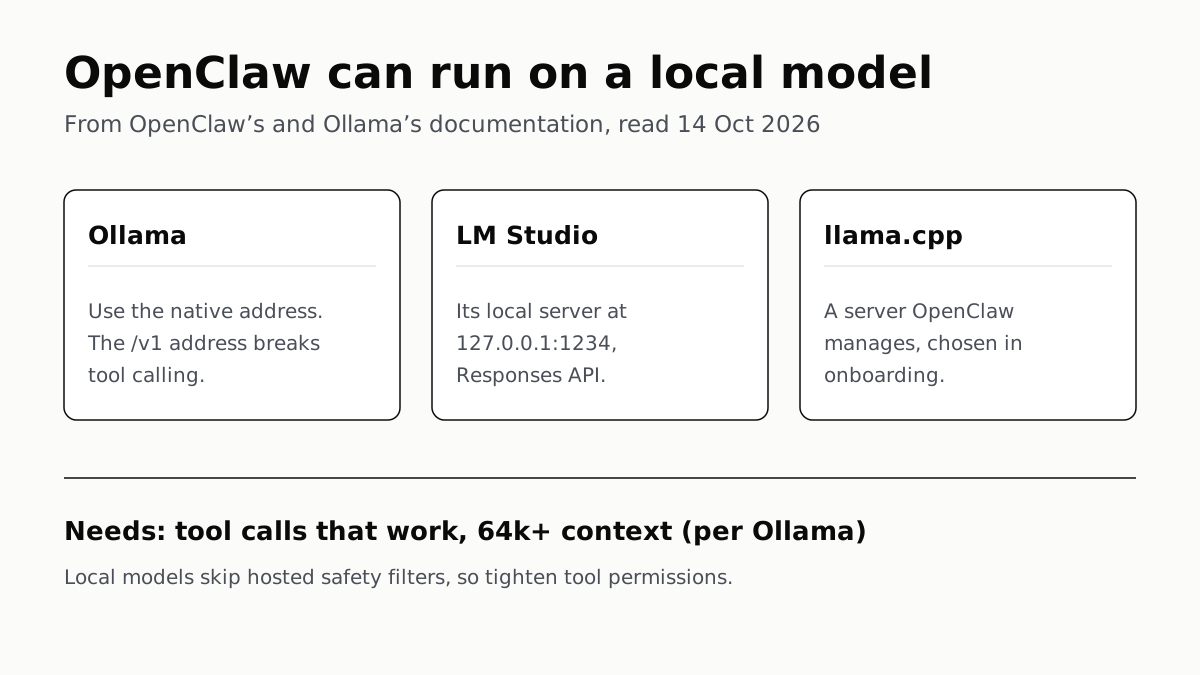
OpenClaw's docs also cover llama.cpp, vLLM and any OpenAI-compatible server. Ollama advises 64k context; small models are easier to hijack.
Free AI Writing Tools Ration Rewrites in Different Units
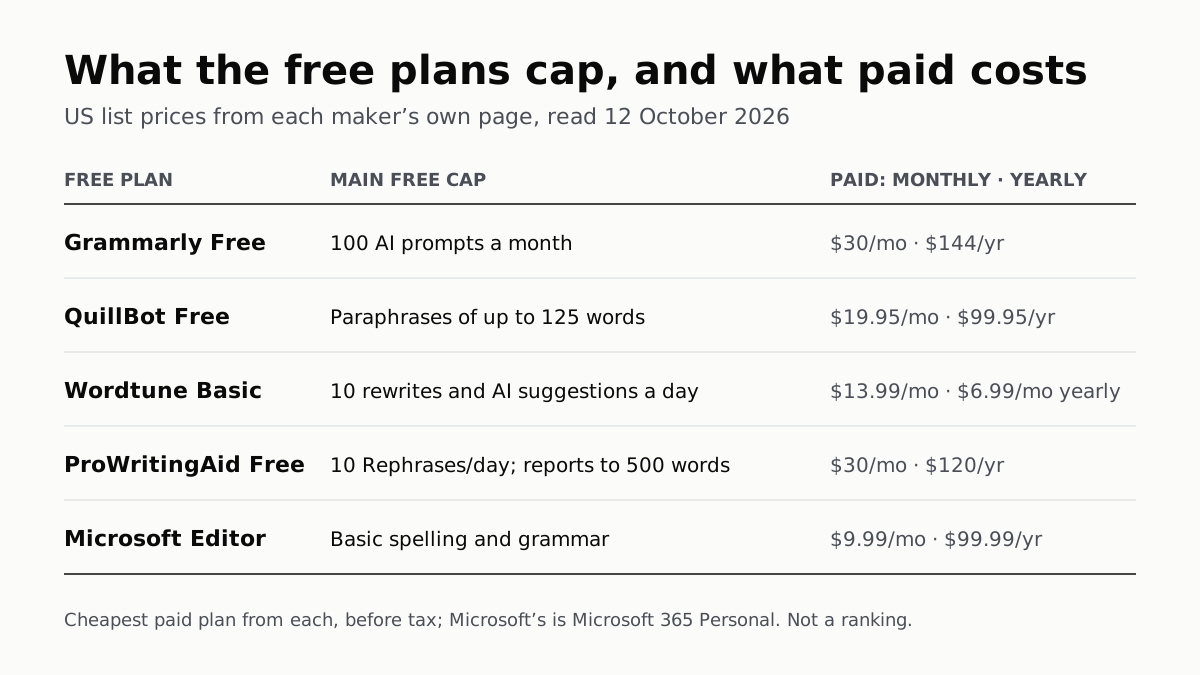
Grammarly gives 100 AI prompts a month, Wordtune 10 rewrites a day, QuillBot 125 words a paraphrase. Yearly billing halves most prices.
Of Four Free AI Chatbots, Only ChatGPT Lists Unlimited Chat
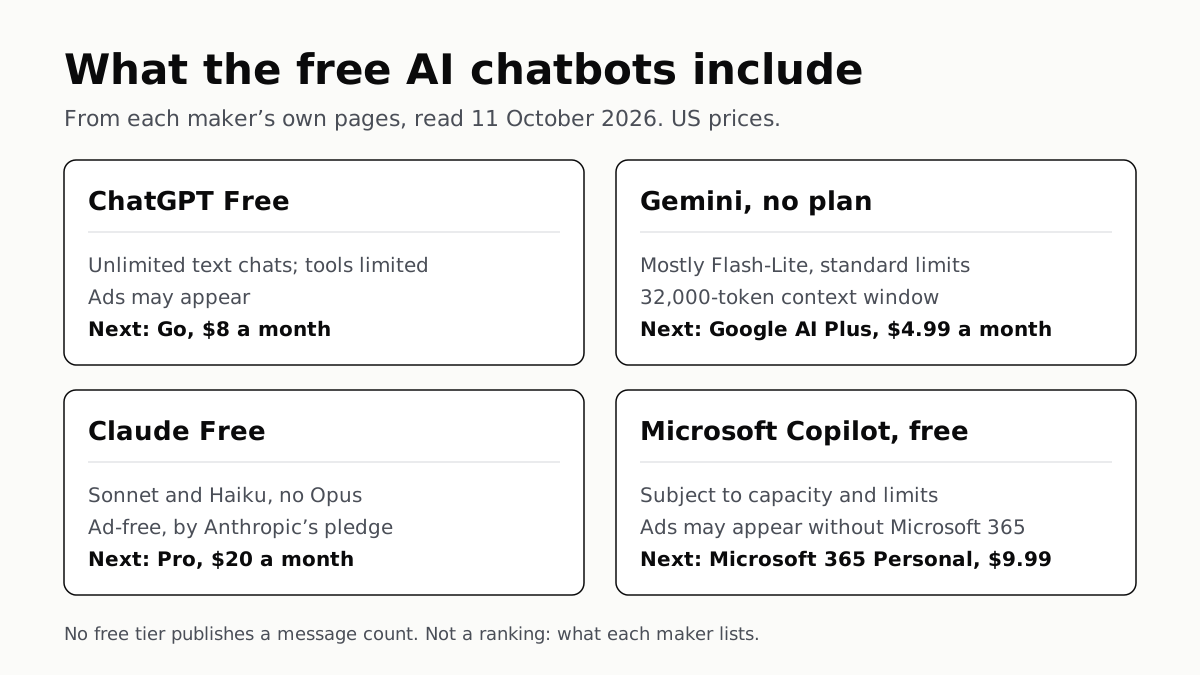
ChatGPT’s free tier carries ads, as Copilot’s may; Gemini’s leans on Flash-Lite and Claude’s leaves out Opus.
Copilot Gets File Access on Copilot+ PCs, With Permission
Microsoft promises it “in the coming months” and names no setting for it yet. What you can limit today: agents’ folder access, or the app.