Run a Local LLM: One Free App, One 2GB Model
Ollama and LM Studio both run models on Windows, macOS and Linux at no cost. Start small, and know which models are cloud ones.
If you buy through our links, we may earn a commission. It never affects our verdicts or scores — how that works. As an Amazon Associate I earn from qualifying purchases.
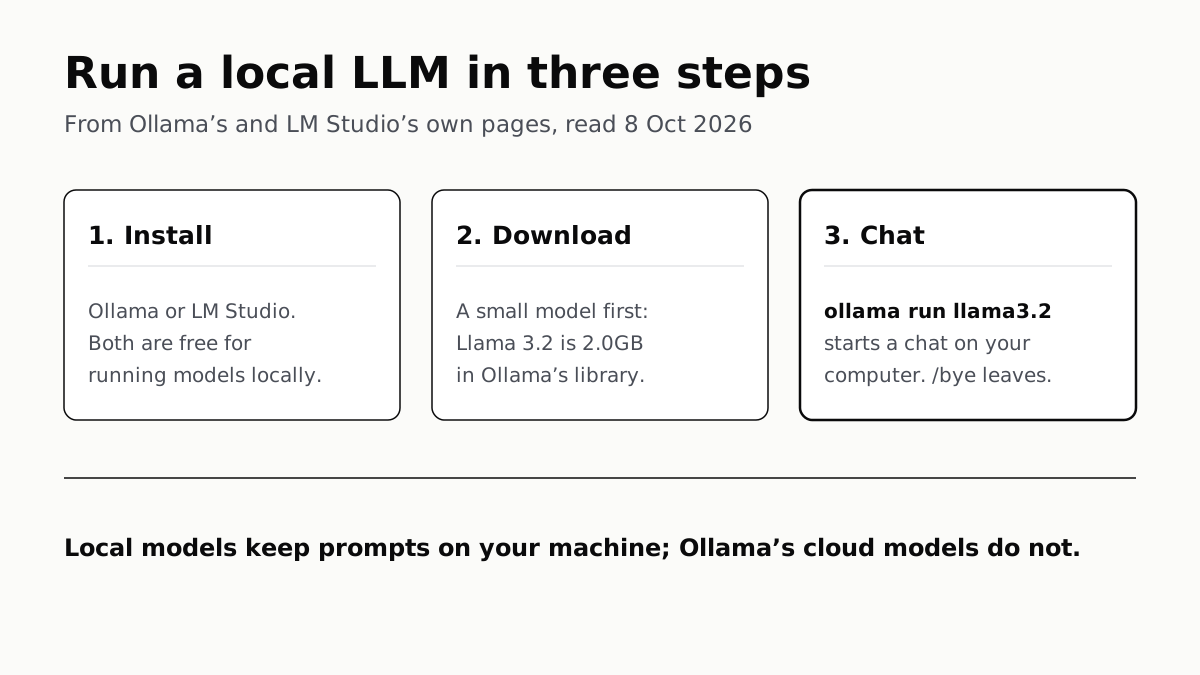
A local LLM is a language model that runs on your own computer instead of a company’s servers, and to run one you install a free app such as Ollama or LM Studio and download a small model. In Ollama, the command ollama run llama3.2 fetches a 2.0GB model and opens a chat in your terminal.
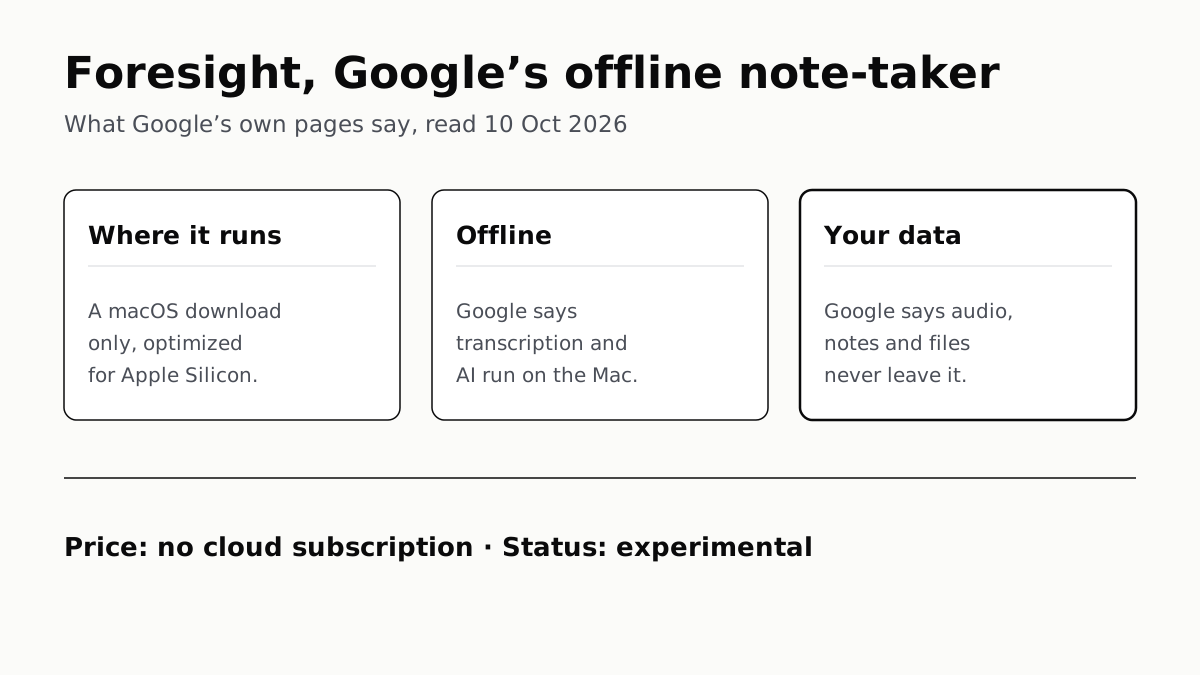
Both tools are free for running models locally, and both say what you type into a local model stays on your machine. Google makes a similar promise for meeting recordings with Foresight, its offline note-taker for the Mac. The catch is that both now offer cloud models too, so it is worth knowing which is which.
Pick a tool
Each maker’s own pages, read 8 October 2026:
| Ollama | LM Studio | llama.cpp | |
|---|---|---|---|
| Windows | 10 22H2 or newer, Home or Pro | x64 with AVX2, or Arm (Snapdragon X Elite) | Pre-built binaries or a PowerShell install script |
| Mac | macOS 14 or newer; Intel Macs CPU only | macOS 14 or newer, Apple silicon only | Apple silicon, via Metal |
| Linux | Install script; x64 and ARM64 | AppImage, x64 and ARM64; Ubuntu 20.04 or newer | Install script or build from source |
| How you use it | App plus terminal commands | Desktop app, with built-in model search | Terminal, plus a web UI when run as a server |
| Memory guidance | No figure published | 16GB+ RAM; on Windows, 4GB+ dedicated VRAM recommended | No figure published |
| Price for local use | Free, MIT licence | Free plan, $0 | Free, MIT licence |
| Models from | Ollama’s library | Hugging Face, via the app | Hugging Face |
For a first try, Ollama and LM Studio do more of the setup for you: each has an installer and its own model catalogue. llama.cpp is an engine others build on, and LM Studio says its runtime has “MLX and llama.cpp under the hood”; llama.cpp’s own quick start is a set of terminal commands.
Run your first model with Ollama
- Install it. On Windows, run OllamaSetup.exe from ollama.com. Ollama says it installs in your home folder without Administrator rights and needs at least 4GB of disk for itself. On a Mac, open the .dmg and drag Ollama to Applications. On Linux, run
curl -fsSL https://ollama.com/install.sh | sh. - Start a model. Open a terminal and type
ollama run llama3.2. Ollama’s quickstart says it “downloads the model and starts a chat on your computer”. Type/byeto leave. - Check where it ran. Type
ollama ps. The PROCESSOR column reads 100% GPU, 100% CPU or a split. Our VRAM guide explains what a split means and why it slows answers down. - Free the memory. Ollama keeps a model loaded for five minutes after use;
ollama stop llama3.2unloads it at once.
Downloaded models live in ~/.ollama/models on a Mac, /usr/share/ollama/.ollama/models on Linux and C:\Users\%username%\.ollama\models on Windows. Ollama warns that models “can be tens to hundreds of GB in size”; the OLLAMA_MODELS setting moves them to another drive.
Or with LM Studio, without a terminal
- Install the app from lmstudio.ai. Its home page now leads with Bionic, LM Studio’s agent; the Free plan includes it and local model support.
- Open the Discover tab (⌘+2 on a Mac, Ctrl+2 on Windows and Linux) and search for a model by name, such as gemma or llama.
- Pick a download option. LM Studio lists several, named things like Q3_K_S or Q8. Its advice is to “choose a 4-bit option or higher if your machine is capable enough”.
- Load it and chat. The models folder can be changed under My Models.
Choose a small first model
Download size is the number to read first, because the model has to fit in memory. From Ollama’s library:
| Ollama tag | Download | Note |
|---|---|---|
llama3.2:1b |
1.3GB | The 1B model |
llama3.2 |
2.0GB | The 3B model; last updated two years ago |
gemma4:e2b |
4.6GB–7.5GB | The example in Ollama’s quickstart |
gemma4 |
6.6GB–9.5GB | The default tag is the e4b model, not the smallest |
The Gemma 4 ranges span two builds: the e2b tags page lists a 4.6GB four-bit build and a 7.5GB MLX build. Beyond these, what fits on the graphics card you already own works through which model sizes suit 8GB, 12GB, 16GB and 24GB cards.
What works offline, and what does not
LM Studio is the more explicit of the two. Its offline page says chatting with models, chatting with documents and running a local server need no internet, and that “nothing you enter into LM Studio when chatting with LLMs leaves your device”. Searching for models, downloading them, fetching new runtimes and app updates do need a connection.
Ollama’s FAQ says “Ollama runs locally. We don’t see your prompts or data when you run locally”, and that it pulls models from the internet. Its pages we read do not use the word offline.
Watch for cloud models. Ollama’s library now carries cloud tags, such as gemma4:cloud, and its FAQ says that for those “we process your prompts and responses”, though it does not store or log them. To rule them out, set OLLAMA_NO_CLOUD=1 and restart Ollama, which also removes its web search. LM Studio’s paid plans, at $20 and $100 a month, are for its cloud-hosted models; the $0 plan runs local ones.
Two things that surprise new users
The conversation is short by default. Ollama’s context-length page gives 4k tokens on machines with under 24GiB of graphics memory, and recommends at least 64,000 for agents and coding tools. Raising it costs memory, which is why local coding assistants often disappoint. Ollama gives the same 64k advice for running the OpenClaw agent on a local model.
The fan gets loud. A model answering keeps the processor or graphics chip busy, and on a laptop that means the fan speeds up. Apple and Microsoft call that rushing-air sound normal under heavy work; what makes a laptop fan loud covers when it is not.
Questions people ask
What is a local LLM?
A large language model that runs on your own computer rather than on a company’s servers. You download the model file once, and a program such as Ollama or LM Studio runs it with your processor and graphics chip. Ollama and LM Studio both say prompts sent to a local model stay on your machine.
How do I run a local LLM on Windows?
Install Ollama with OllamaSetup.exe, which needs Windows 10 22H2 or newer and no Administrator rights, then open a terminal and type ollama run llama3.2. Or install LM Studio, which needs a CPU with AVX2 on x64 PCs, and download a model from its Discover tab.
Can a local LLM run without internet?
Yes, once the model is downloaded. LM Studio says chatting, chatting with documents and its local server need no internet; searching for and downloading models do. Ollama says it runs locally and pulls models from the internet.
Is Ollama free?
Yes. Ollama is MIT-licensed open-source software and running models locally costs nothing. It also offers cloud models, which need you to sign in; Ollama’s FAQ explains how to turn cloud features off.
Ollama or LM Studio for a beginner?
LM Studio is a desktop app with a built-in model search, so nothing is typed into a terminal. Ollama has an app too, but its steps for running a local model are terminal commands. LM Studio does not support Intel Macs; Ollama does, on the CPU only.
What is the smallest model to try first?
In Ollama’s library, Llama 3.2 is 2.0GB and its 1B version is 1.3GB. Start there, then run ollama ps to see whether it loaded onto the graphics chip. Which larger models fit depends on how much memory that chip has.
Where does Ollama store downloaded models?
Ollama’s FAQ gives ~/.ollama/models on macOS, /usr/share/ollama/.ollama/models on Linux and C:\Users%username%.ollama\models on Windows. Set the OLLAMA_MODELS environment variable to keep them elsewhere, for example on a larger drive.
How we researched this
No one at bitcritiq has handled this product. Everything here comes from published sources, listed below.
- What this cannot tell you
- bitcritiq has installed none of these tools for this piece and has run no model; nothing here is a measurement of speed or quality. Requirements are each maker's own statements and change with new releases. Ollama's pages do not give a minimum RAM figure, so the table says so rather than inventing one. Llama 3.2 is suggested for its small published size, not for its quality; its tags page shows it was last updated two years ago.
How we chose this, and what we did
- Why this subject
- Five Google Trends pulls up to 4 October 2026 had “what is a local llm”, “run local llm”, “local llm models”, “ollama” and “local ai” as top or rising queries. Our existing local-AI pieces are about memory and sizing, written for someone who already runs a model. None covered the first install for someone who has never run one.
- How we looked at it
- Everything is from the tools' own pages, read through a browser on 8 October 2026: Ollama's quickstart, Windows, macOS, Linux, FAQ and context-length documentation at docs.ollama.com; the llama3.2 and gemma4 tags pages in Ollama's model library; Ollama's MIT licence on GitHub; LM Studio's system requirements, offline operation, model download and pricing pages; and the llama.cpp README on GitHub. The statement that Ollama's pages do not use the word “offline” is from a full read of its FAQ, which does contain “Ollama runs locally” (the control).
What this rests on
6 claims, all official. Nothing here was measured by bitcritiq — see how we test for why. Open a claim to read the source it came from.
Ollama runs on Windows 10 22H2 or newer, macOS Sonoma (14) or newer, and Linux; on Intel Macs it uses the CPU only.Official
Ollama's Windows page: “Windows 10 22H2 or newer, Home or Pro”. Its macOS page: “MacOS Sonoma (v14) or newer” and “Apple M series (CPU and GPU support) or x86 (CPU only)”. Its Linux page gives the install command curl -fsSL https://ollama.com/install.sh | sh.
LM Studio on a Mac needs Apple silicon and macOS 14 or newer, and recommends 16GB or more of RAM.Official
LM Studio system requirements: “Chip: Apple Silicon (M1/M2/M3/M4). macOS 14.0 or newer is required. 16GB+ RAM recommended.” and “Intel-based Macs are currently not supported.”
Prompts sent to a local model stay on your machine in both Ollama and LM Studio; Ollama's cloud models are processed by Ollama.Official
Ollama FAQ: “Ollama runs locally. We don’t see your prompts or data when you run locally. When using cloud-hosted models, we process your prompts and responses to provide the service but do not store or log that content”. LM Studio: “Nothing you enter into LM Studio when chatting with LLMs leaves your device.”
Ollama lists Llama 3.2 at 2.0GB and its 1B version at 1.3GB.Official
Ollama's llama3.2 tags page: llama3.2:latest and llama3.2:3b 2.0GB (digest a80c4f17acd5); llama3.2:1b 1.3GB.
LM Studio's Free plan runs local models at $0; its $20 and $100 monthly plans add cloud-hosted models.Official
LM Studio pricing: “Free $0 — Run local LLMs on your machine”; “Bionic+ $20 USD / month — Private, US-hosted OSS models”; “Pro $100 USD / month — 5× usage limits”.
Ollama and llama.cpp are both MIT-licensed.Official
Ollama's LICENSE file on GitHub begins “MIT License, Copyright (c) Ollama”; the llama.cpp repository is labelled “MIT license”.
Sources 14
- Quickstart — Ollama documentationOfficialaccessed Oct 8, 2026
- Windows — Ollama documentationOfficialaccessed Oct 8, 2026
- macOS — Ollama documentationOfficialaccessed Oct 8, 2026
- Linux — Ollama documentationOfficialaccessed Oct 8, 2026
Show 10 more · 10 official or standards
- FAQ — Ollama documentationOfficialaccessed Oct 8, 2026
- Context length — Ollama documentationOfficialaccessed Oct 8, 2026
- llama3.2 tags — Ollama model libraryOfficialaccessed Oct 8, 2026
- gemma4 tags — Ollama model libraryOfficialaccessed Oct 8, 2026
- Ollama licence (MIT) — GitHubOfficialaccessed Oct 8, 2026
- System Requirements — LM Studio documentationOfficialaccessed Oct 8, 2026
- Offline Operation — LM Studio documentationOfficialaccessed Oct 8, 2026
- Download an LLM — LM Studio documentationOfficialaccessed Oct 8, 2026
- Pricing — LM StudioOfficialaccessed Oct 8, 2026
- llama.cpp — GitHub (ggml-org)Officialaccessed Oct 8, 2026
Pass it on
Know someone weighing this up? Send them the answer.
bitcritiq.com/4ne6The link is permanent: it opens this article for good, even if the title changes.
No email, no account
Follow bitcritiq
Every new article, in whatever reader you already use.
Subscribe by RSSAll the ways to follow
Using Chrome on Android? Open the browser menu and tap Follow. New articles then turn up in the Following tab in Discover.
read next
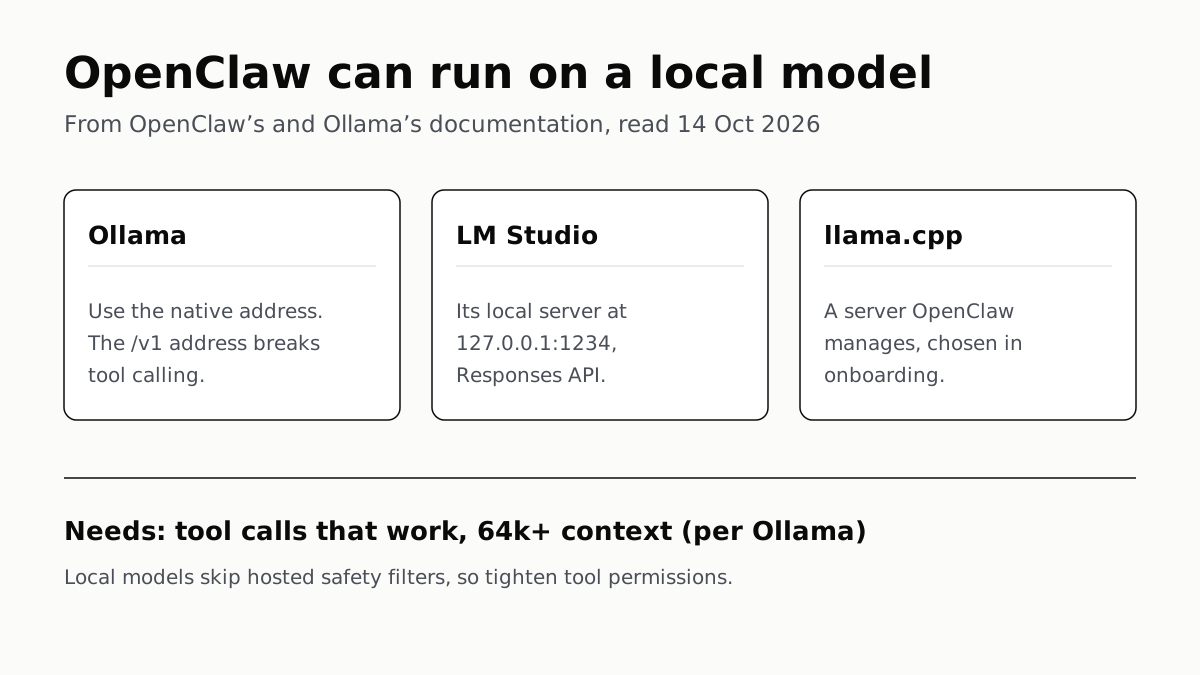
OpenClaw Runs on a Local LLM via Ollama or LM Studio
OpenClaw's docs also cover llama.cpp, vLLM and any OpenAI-compatible server. Ollama advises 64k context; small models are easier to hijack.
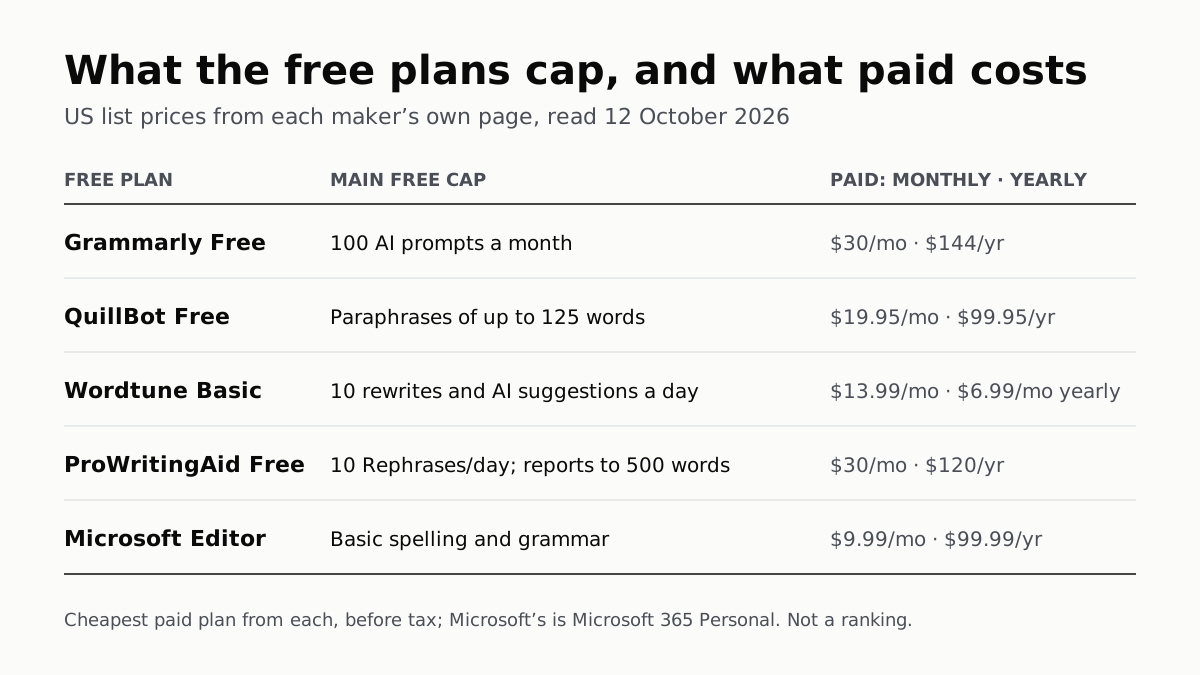
Free AI Writing Tools Ration Rewrites in Different Units
Grammarly gives 100 AI prompts a month, Wordtune 10 rewrites a day, QuillBot 125 words a paraphrase. Yearly billing halves most prices.
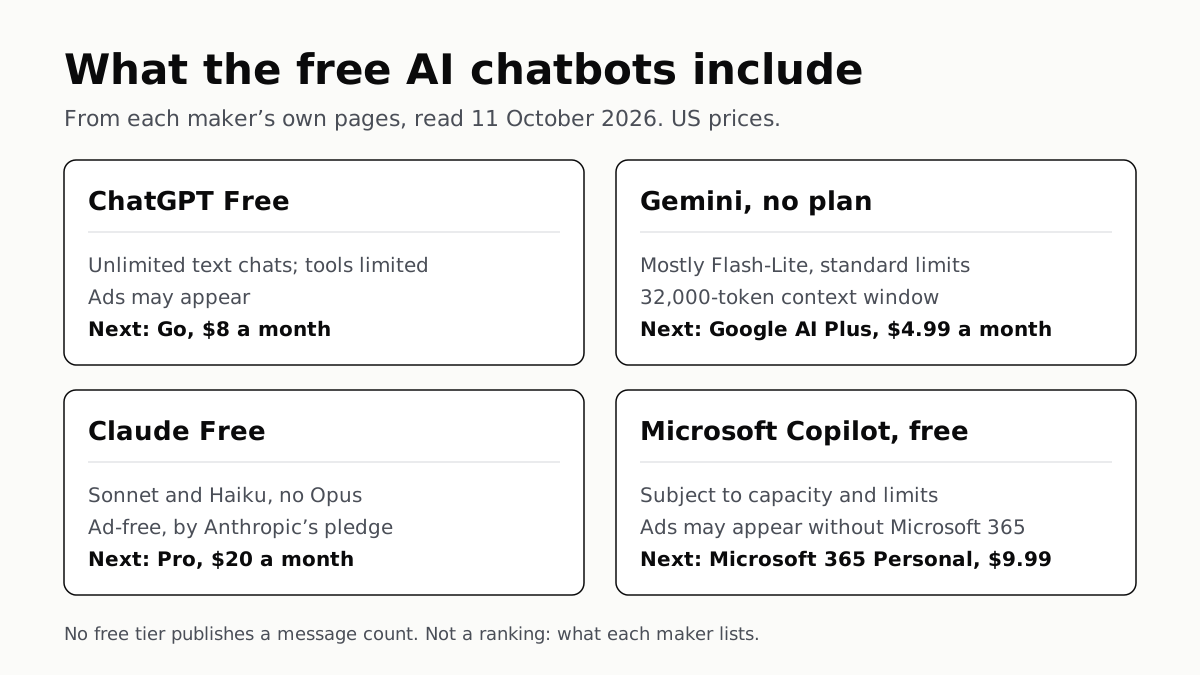
Of Four Free AI Chatbots, Only ChatGPT Lists Unlimited Chat
ChatGPT’s free tier carries ads, as Copilot’s may; Gemini’s leans on Flash-Lite and Claude’s leaves out Opus.
Google’s Offline AI Note-Taker Runs Only on a Mac
Transcription and AI run on the Mac itself, with no phone version. Google says your audio, notes and files never leave the computer.