Ecobee and Honeywell Need a C-Wire; Nest Often Doesn’t
Each maker has a fix for homes without the wire, and each sends you to its own compatibility checker before you buy.
If you buy through our links, we may earn a commission. It never affects our verdicts or scores — how that works. As an Amazon Associate I earn from qualifying purchases.
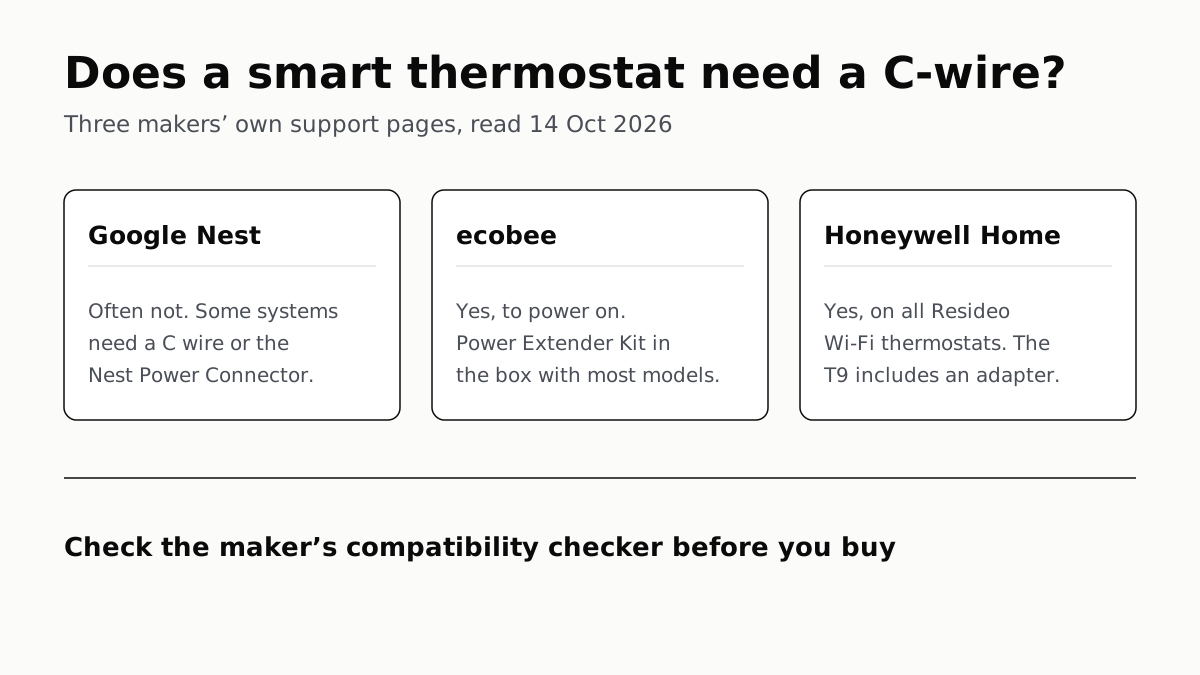
Whether a smart thermostat needs a C-wire depends on the maker: ecobee and Honeywell Home say theirs do, while Google says a Nest can often run without one. Every maker we checked has a substitute for homes that lack the wire, and each has a compatibility checker that answers for your own system before you buy.
A C wire is the thermostat’s power line. Google puts it plainly: “Unlike other wires connected to your thermostat, a C wire doesn’t control heating or cooling functions. It only provides constant power to your thermostat.”
What each maker says
| Thermostat | Needs a C-wire? | The maker’s fix if you have none |
|---|---|---|
| Google Nest Thermostat (affiliate link to Amazon, opens in a new tab), Nest Learning Thermostat (4th gen) (affiliate link to Amazon, opens in a new tab) | Often not. Heating-only, cooling-only, zoned and heat pump systems do | Nest Power Connector, or a pro runs a new wire |
| Google Nest Thermostat E, Learning Thermostat (3rd gen) | Only if it has power problems or the battery keeps draining | Nest Power Connector |
| ecobee smart thermostats | Yes, to power on | Power Extender Kit (affiliate link to Amazon, opens in a new tab): in the box with most models, sold separately for Lite and Essential (affiliate link to Amazon, opens in a new tab) |
| Honeywell Home (Resideo) Wi-Fi thermostats | Yes | A C-wire adapter, an unused spare wire, or a pro; the T9 (affiliate link to Amazon, opens in a new tab) has the adapter in the box |
Google Nest: often no, and the app tells you
Nest thermostats “are designed to use very little power”, Google says, and in many cases draw enough from the heating and cooling wires already there. For the Nest Thermostat (affiliate link to Amazon, opens in a new tab) and the Nest Learning Thermostat (4th gen) (affiliate link to Amazon, opens in a new tab), the Google Home app runs a power test during setup and “will often tell you” if a C wire is needed. If your old thermostat had one connected, expect to be told to connect it.
The exceptions Google names are heating-only, cooling-only, zone-controlled and heat pump systems, which need a C wire or the Nest Power Connector (affiliate link to Amazon, opens in a new tab). Google’s own add-on works with the Nest Thermostat, Thermostat E and Learning Thermostat 3rd and 4th gen, on 24 VAC systems only; millivolt and high-voltage systems are out. For the 1st and 2nd gen Learning Thermostats, Google says to consult a Nest Pro, though those two lost app support and updates in October 2025.
Google also warns that “some 3rd party C wire adapters can cause problems or damage your Nest thermostat, even if they claim to be Nest compatible”. If a setup power test reports “Low power. You need a Nest Power Connector”, Google says you can request one free.
ecobee: yes, but the kit is usually in the box
ecobee is unambiguous: “ecobee thermostats require a C (common) wire to power on.”
Its substitute is the Power Extender Kit (affiliate link to Amazon, opens in a new tab), which needs at least four wires at the thermostat. ecobee includes it with its smart thermostats except the Smart Thermostat Lite and Smart Thermostat Essential (affiliate link to Amazon, opens in a new tab), for which it is sold separately. The kit does not work with heat-only or dual-transformer systems. For a heat-only system with two or three wires, ecobee says you will need parts that are not in the box, which can include new wiring or an external 24 VAC transformer.
If there is an unused spare wire at the thermostat, ecobee says it may serve as the C wire instead of the kit.
Honeywell Home: yes, on every Wi-Fi model
Honeywell Home’s support page says “C-Wires are required on all Resideo WiFi thermostats.” Without one, it lists three routes: an unused wire already in the wall, a C-wire adapter, or an HVAC professional.
The T9 Smart Thermostat (affiliate link to Amazon, opens in a new tab) comes with the adapter, so Honeywell Home answers “No” to whether you need a C-wire to install it. Honeywell’s adapter needs both a G and a Y wire; without them, the company sends you to a professional installer.
Signs a thermostat is short of power
Google lists these symptoms for a Nest that is not getting steady power: a battery that keeps draining, a blank screen, Wi-Fi dropping out, the system switching on and off by itself, or a fan that will not stop. A Nest that is short of power can also turn off features, including Matter support and occupancy detection, which matters if you are building around one of the three big smart-home platforms.
Before you buy, and who should fit it
Each maker publishes a compatibility checker: Google’s is at g.co/nest/works, and ecobee and Honeywell Home link theirs from their support sites. They ask which wires are at your current thermostat and tell you whether you need a C-wire, an adapter or neither.
Fitting a C wire or any of these adapters means working at the furnace or air handler, not just the wall. Google and Honeywell Home both recommend a professional if you are not comfortable doing that, and ecobee links to professional installation from its support pages. Google adds that having a pro run a new C wire “can be expensive”. A space heater on a smart plug is not a substitute: the one rule about smart plugs is to plug a heater straight into the wall.
We left out the Amazon Smart Thermostat: the C-wire answer we found for it is on amazon.com, which we do not read, and Amazon’s newsroom page about it does not mention a C-wire. That page says that it works “with most existing 24V HVAC systems”.
Questions people ask
Does a Nest thermostat need a C-wire?
Often not. Google says Nest thermostats can usually draw enough power from the heating and cooling wires. Heating-only, cooling-only, zoned and heat pump systems need a C wire or the Nest Power Connector, and the Google Home app tells you during setup of a Nest Thermostat or Learning Thermostat (4th gen).
Can I install an ecobee without a C-wire?
Not without a substitute. ecobee says its thermostats need a C wire to power on. With at least four wires, its Power Extender Kit can stand in; it comes in the box with most models but not the Smart Thermostat Lite or Essential, and it does not work on heat-only or dual-transformer systems.
Does the Honeywell T9 need a C-wire?
It needs C-wire power, but you do not need the wire itself: Honeywell Home says the T9 comes with a C-wire adapter for homes without one. Its support page says the adapter needs both a G and a Y wire.
What does a C-wire do on a thermostat?
It carries power, nothing else. Google says a C wire does not control heating or cooling and only provides constant power to the thermostat, which keeps the screen, Wi-Fi and battery going.
What happens if my smart thermostat does not get enough power?
Google lists a draining battery, a blank screen, Wi-Fi dropping out, and heating or cooling switching on and off on its own. A Nest short of power may also switch off features such as Matter support and occupancy detection.
Can I use any C-wire adapter with a Nest thermostat?
Google advises against it. It warns that some third-party C wire adapters can cause problems or damage a Nest thermostat, even ones that claim to be Nest compatible, and recommends its own Nest Power Connector.
How we researched this
No one at bitcritiq has handled this product. Everything here comes from published sources, listed below.
- What this cannot tell you
- We left the Amazon Smart Thermostat out of the table: its C-wire requirement is stated on amazon.com product and help pages, which we do not read, and its newsroom page is silent on it. Honeywell Home's statement covers its Wi-Fi thermostats; we did not check each non-Wi-Fi T-series model. We did not install anything, and nothing here tells you whether your own system is compatible; only the makers' checkers or an installer can.
How we chose this, and what we did
- Why this subject
- Heating season, and Google Trends' smart-home top queries this week were led by “smart home system” and “google home”. The question buyers hit at the checkout is whether the thermostat will even power on with the wires already in their wall. Each maker answers it differently, and the answers are spread across their support sites.
- How we looked at it
- Every claim is from the makers' own support pages, read through a browser on 14 October 2026: Google Home and Nest Help 9251212 (the C wire) and 10523126 (Nest Power Connector); ecobee Support articles on the Power Extender Kit, PEK compatibility by model, and heat-only systems; Honeywell Home's support articles on how the C-wire works and on the T9. For the Amazon Smart Thermostat we read Amazon's newsroom (aboutamazon.com), which describes the thermostat but does not mention a C-wire; the control phrase on that page was “most existing 24V HVAC systems”, which is there.
What this rests on
6 claims, all official. Nothing here was measured by bitcritiq — see how we test for why. Open a claim to read the source it came from.
A C wire does not control heating or cooling; it only gives the thermostat constant power.Official
Google Help 9251212: “Unlike other wires connected to your thermostat, a C wire doesn’t control heating or cooling functions. It only provides constant power to your thermostat.”
Nest thermostats can often run on the heating and cooling wires alone, but heating-only, cooling-only, zoned and heat pump systems need a C wire or the Nest Power Connector.Official
Google Help 9251212: “in many cases they can use your system’s heating and cooling wires to get enough consistent power.” and “Some systems, including heating-only, cooling-only, zone-controlled, and heat pump systems, require a C wire or a compatible power accessory, like the Nest Power Connector.”
The Nest Power Connector works with the Nest Thermostat, Nest Thermostat E and Nest Learning Thermostat 3rd and 4th gen, on 24 VAC systems only.Official
Google Help 10523126: “Works with 24 VAC systems only. Millivolt and high-voltage systems are incompatible. Works with the Nest Thermostat, Nest Thermostat E, Nest Learning Thermostat (3rd gen), and Nest Learning Thermostat (4th gen).”
ecobee thermostats need a C wire to power on.Official
ecobee Support, heat-only systems article: “ecobee thermostats require a C (common) wire to power on.”
ecobee includes its Power Extender Kit with its smart thermostats except the Smart Thermostat Lite and Essential, and the kit does not work with heat-only or dual-transformer systems.Official
ecobee Support: “the Power Extender Kit (PEK), included with your smart thermostat*” … “*Smart Thermostat Lite and Smart Thermostat Essential do NOT come with a Power Extender Kit and will need to be purchased separately.” and “The Power Extender Kit is not compatible with Dual Transformer systems, or Heat Only systems.”
Honeywell Home requires a C-wire on all Resideo Wi-Fi thermostats, and the T9 comes with a C-wire adapter.Official
Honeywell Home support: “C-Wires are required on all Resideo WiFi thermostats.” T9 FAQ: “No, the T9 Smart Thermostat comes with a c-wire adapter so it’s compatible with homes that do not have a c-wire.”
Sources 8
- Learn about the common or C wire — Google Home and Nest Help 9251212Officialaccessed Oct 14, 2026
- Nest Power Connector — Google Home and Nest Help 10523126Officialaccessed Oct 14, 2026
- My heat-only system only has two or three wires connected to the thermostat. Am I compatible with ecobee? — ecobee SupportOfficialaccessed Oct 14, 2026
- Installing your ecobee thermostat with the Power Extender Kit (no C wire) — ecobee SupportOfficialaccessed Oct 14, 2026
Show 4 more · 4 official or standards
- ecobee Thermostat PEK Compatibility — ecobee SupportOfficialaccessed Oct 14, 2026
- How the c-wire works on your thermostat — Honeywell Home support (updated 29 January 2026)Officialaccessed Oct 14, 2026
- Do I need a c-wire to install the T9 Smart Thermostat? — Honeywell Home supportOfficialaccessed Oct 14, 2026
- How we’re inventing to shape a sustainable future — About AmazonOfficialaccessed Oct 14, 2026
Pass it on
Know someone weighing this up? Send them the answer.
bitcritiq.com/46grThe link is permanent: it opens this article for good, even if the title changes.
No email, no account
Follow bitcritiq
Every new article, in whatever reader you already use.
Subscribe by RSSAll the ways to follow
Using Chrome on Android? Open the browser menu and tap Follow. New articles then turn up in the Following tab in Discover.
read next
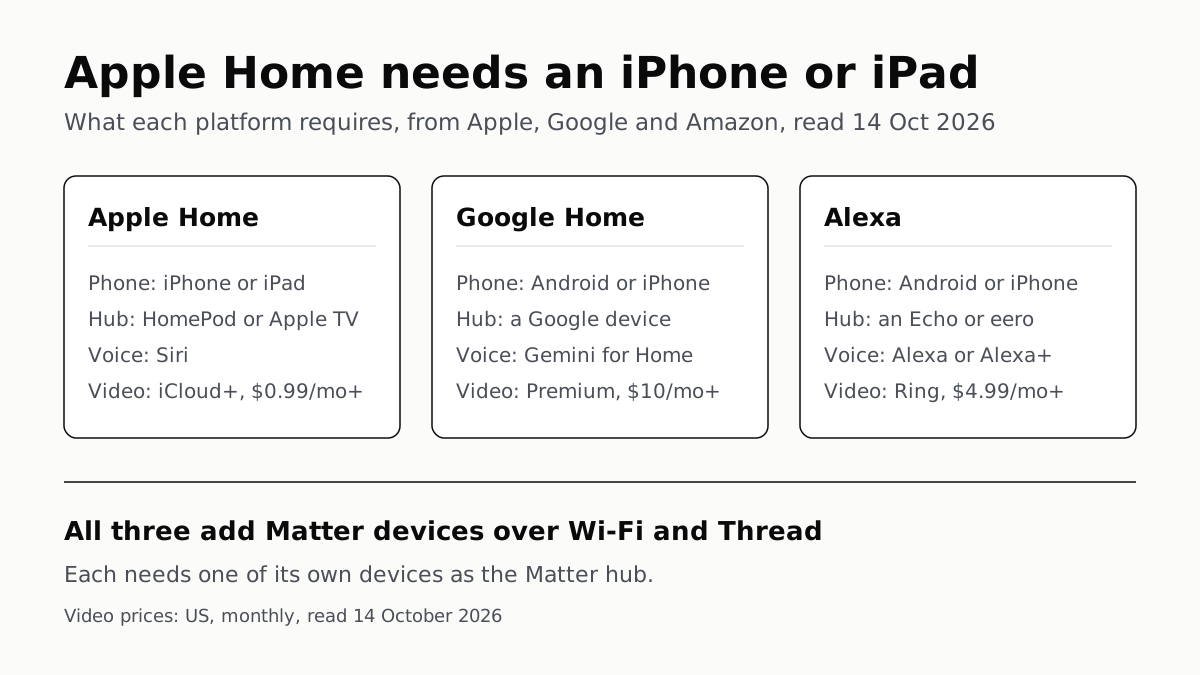
Apple Home Needs an iPhone; Google and Alexa Run on Both
All three add Matter and Thread devices. They differ in which hub you need, which assistant answers and what camera video history costs.
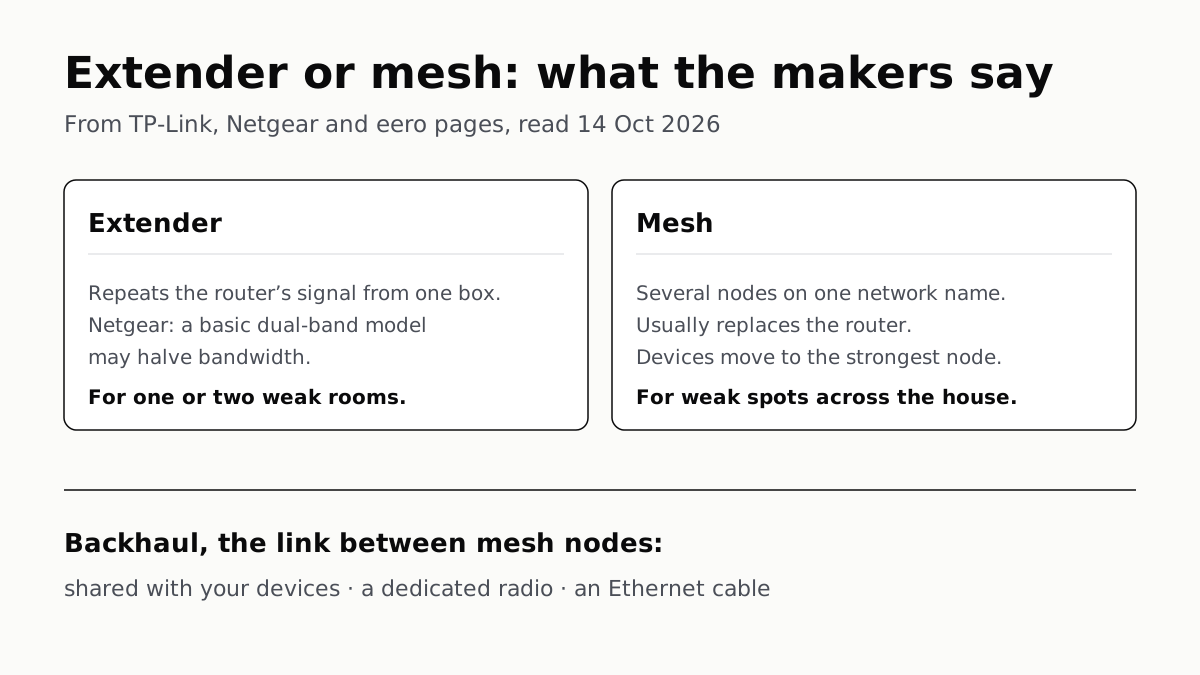
Extender for One Dead Room, Mesh for a Whole House
An extender repeats your router from one plug; mesh runs several nodes as one network. How the nodes link sets the speed.
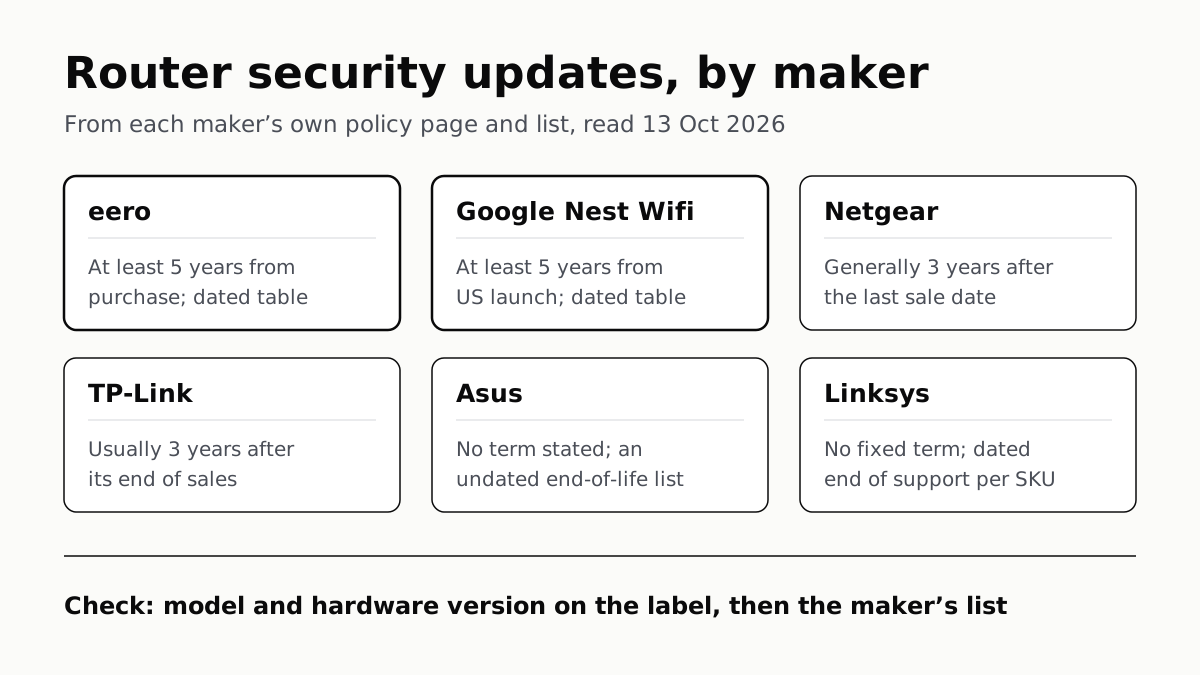
Four Router Makers Set an Update Term; Asus, Linksys Don’t
eero and Google guarantee five years at minimum; Netgear and TP-Link stop about three years after a model leaves sale.
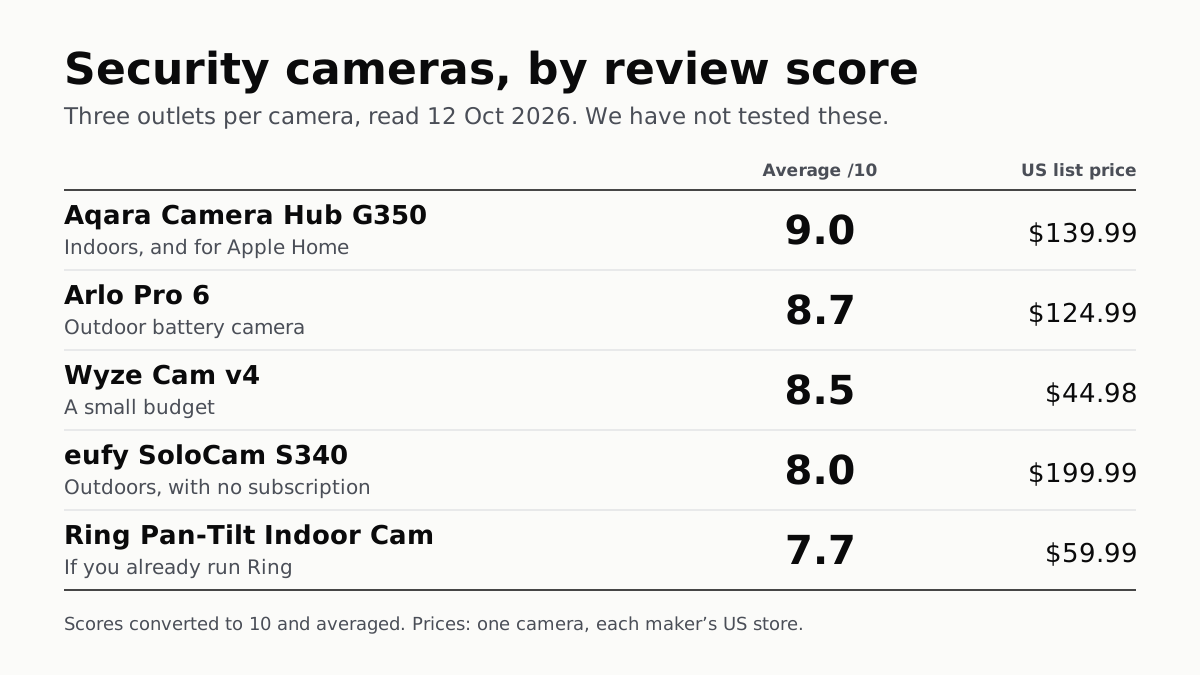
The Best Security Cameras, According to the Reviews
Fifteen scores from nine outlets, read 12 October. The top indoor camera suits Apple Home; Ring’s pan-tilt cam splits its reviewers.