Split Tunneling Lets Chosen Apps Skip Your VPN
Turn it on to fix one app that breaks on the VPN. Excluded traffic uses your real IP, and on iPhone the feature is mostly missing.
If you buy through our links, we may earn a commission. It never affects our verdicts or scores — how that works. As an Amazon Associate I earn from qualifying purchases.
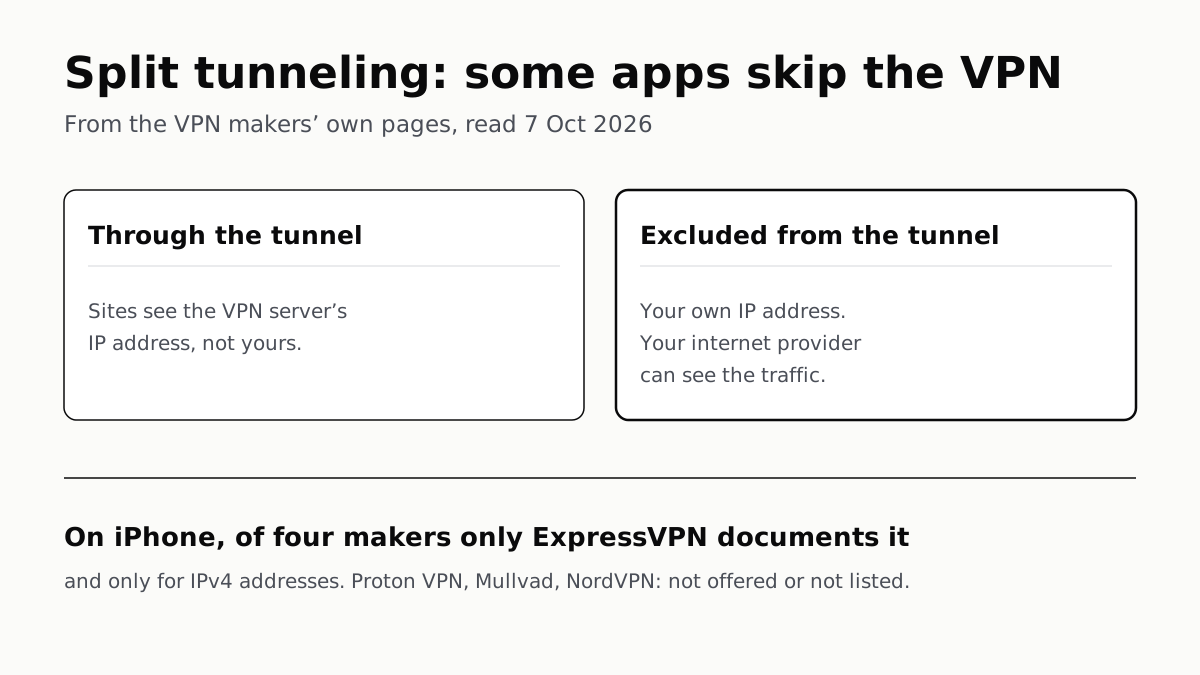
Split tunneling sends the apps you choose around your VPN, over your normal connection, while everything else stays in the tunnel. Turn it on when one app breaks with the VPN on and exclude just that app, because whatever you exclude goes out on your real IP address.
What it does
NordVPN’s definition is the clearest of the four makers we read: the feature “lets you divide your internet traffic into two routes”. One goes through the tunnel, so sites see the VPN server’s address. The other “connects directly to the internet without a VPN, using your normal connection and IP address.”
Mullvad’s page puts the cost in capitals: “The Internet traffic in the excluded applications will not go through the VPN. Your own IP address will be exposed.” Whatever you exclude is ordinary traffic again: your internet provider, or the café’s Wi-Fi, can see where it goes, as it could before you had a VPN.
There are three ways to draw the line, and apps mix them:
- By app. You pick apps to exclude. The common form.
- By address. You exclude IP addresses or ranges; browser extensions do the same by website.
- Inverse. Everything bypasses the VPN except the apps you choose. Proton calls it Include mode, or Inverse mode on Android.
Who offers what, by platform
Read on each maker’s own pages on 7 October 2026.
| Maker | Exclude apps on | Exclude addresses or sites | Inverse mode | iPhone and iPad |
|---|---|---|---|---|
| Proton VPN | Windows, Mac (experimental), Linux, Android, Android TV | IPs on Windows and Android; domains in the browser extension | Windows, Linux, Android, Android TV, extension | Not listed |
| Mullvad | Windows, Mac, Linux, Android | Not described | Not planned | “Not possible currently” |
| NordVPN | Windows, Android, Android TV | Ports and subnets on Linux; sites in the browser extension | Not described | Not listed |
| ExpressVPN | Windows, Mac (macOS 11 and later), Linux, Android 7.0 and later | IPs and subnets on Windows, Mac and Linux | Desktop apps | Single IPv4 addresses only |
Of the four, ExpressVPN is the one that documents any split tunneling on iPhone, and there it excludes single IPv4 addresses, not apps. ExpressVPN itself calls it “a feature not usually available on iPhone VPN apps”.
Apple’s own deployment guide points to why. Its per-app VPN, Apple’s version of the idea, works on iPhone only when “a device management service” manages the app: a company tool, not a switch a consumer VPN can flip. The makers do not give that as their reason, so treat it as context rather than the cause.
Proton charges for it: split tunneling is “available to everyone with a paid Proton VPN plan.”
The catches the makers list
It can clash with the kill switch. Proton says split tunneling “is not compatible” with either of its kill switches on most platforms; Windows is the exception. NordVPN says its kill switch blocks excluded apps whenever it is on, so you lose internet in them until you turn one of the two off. If you rely on a kill switch, and the strict kind is the one worth having, check your app before combining them.
Exclusion can spread. Mullvad’s Windows page lists cases where excluding one app excludes another it launches. If an excluded Chrome opens a magnet link in qBittorrent, the torrent client “will leak your IP even if it’s set to use the Mullvad network interface”. Mullvad’s advice is to start installers from Windows Explorer, not from an excluded browser.
Safari cannot be excluded on a Mac. Both Proton and Mullvad say so, because WebKit apps share networking processes with macOS. Proton’s Mac version excludes apps only, needs its WireGuard or Stealth protocols, and is labelled experimental.
Your DNS may stay in the tunnel. The fear is usually that split tunneling leaks DNS. Mullvad and NordVPN describe the reverse: excluded apps keep using the VPN’s DNS server. NordVPN says this can confuse streaming services, which see one location in the DNS lookup and another in the connection. Mullvad’s fix is DNS over HTTPS in the excluded browser.
Should you turn it on?
Leave it off by default. Mullvad has no plans for an inverse mode because it believes “a VPN should be used by default and not by exception”, and the same reasoning applies to what you exclude.
Turn it on when something specific breaks:
- A site or app that blocks VPNs, such as a bank. Exclude that app, or that site in the browser extension.
- A device on your home network. NordVPN’s feature page says split tunneling lets you reach “printers, smart home appliances, and other LAN devices” that the VPN can cut you off from.
- A game or call that suffers on the VPN. Excluding it removes the detour. If everything is slow, the cause is usually elsewhere: distance to the server is the usual reason a VPN slows your internet, and a closer server fixes every app at once.
Exclude the one app that needs it, and test it: Mullvad suggests excluding a browser and checking that its connection check reports “Not using Mullvad VPN”.
On a work VPN
Company VPNs use the same word for a decision made by IT, not you. Microsoft’s Windows documentation calls the choice “force tunnel”, where all traffic goes through the VPN and which is the default, or “split tunnel”, where only listed routes do. The routes live in the VPN profile, which IT configures in tools such as Intune, so on a work laptop split tunneling is company policy rather than a toggle. The hardware at the far end that terminates all those connections is a VPN concentrator, which is a different thing from a better VPN.
Questions people ask
What is split tunneling in a VPN?
A setting that sends some of your traffic through the VPN and the rest straight out over your normal connection. Usually you pick apps to exclude; some apps also let you exclude IP addresses or websites, or reverse it so only chosen apps use the VPN.
Should I turn on split tunneling?
Only to fix a specific problem, such as a bank, game or local printer that does not work with the VPN on. Exclude that one app. Everything you exclude goes out on your real IP address, visible to your internet provider.
Is split tunneling safe?
Your VPN traffic stays as protected as before. The excluded traffic is not protected at all, and Mullvad documents cases on Windows where an app launched from an excluded app is excluded too, such as a torrent client leaking your IP.
Does split tunneling work on iPhone?
Mostly not. Mullvad says it is not possible currently, and Proton’s and NordVPN’s split tunneling pages do not list iOS. ExpressVPN offers it on iOS for single IPv4 addresses, not for apps.
What is inverse split tunneling?
The reverse: everything bypasses the VPN except the apps you choose. Proton calls it Include or Inverse mode; ExpressVPN offers it in its desktop apps. Mullvad says it has no plans to add it.
Can I use split tunneling with a kill switch?
It depends on the app. Proton says the two are incompatible on most platforms except Windows. NordVPN says its kill switch blocks excluded apps too, so you have to turn one of them off.
Does split tunneling make my VPN faster?
Only for the apps you exclude, because their traffic no longer goes through the VPN server. Apps still in the tunnel run at the same speed as before.
How we researched this
No one at bitcritiq has handled this product. Everything here comes from published sources, listed below.
- What this cannot tell you
- We did not run any of these apps, so nothing here says the features work as documented, and makers change platform support between versions. We read four consumer VPNs; others will differ. Inverse mode on NordVPN is marked as not described because the pages we read do not document it, not because we confirmed it is absent. ExpressVPN's support pages were not read; its platform list comes from its feature page.
How we chose this, and what we did
- Why this subject
- Our VPN explainers on kill switches, passthrough, concentrators and speed rank for definitional VPN searches, and split tunneling was the setting in the same menu we had not explained. The reader's question has two halves: what it does, and whether to switch it on.
- How we looked at it
- Read on 7 October 2026 through a browser: the split tunneling support pages of Proton VPN, Mullvad and NordVPN, NordVPN's page on how its kill switch and split tunneling interact, NordVPN's and ExpressVPN's split tunneling feature pages, Apple's Platform Deployment VPN overview and Microsoft's 'VPN routing decisions' for Windows. The table records what each maker's own page says, per platform. Absence claims were controlled: Proton's page lists six platforms including Android TV and the browser extension, but not iOS; NordVPN's support page covers Windows, Android, Android TV and Linux, but not macOS or iOS; Mullvad's page states its iOS position directly.
What this rests on
6 claims, all official. Nothing here was measured by bitcritiq — see how we test for why. Open a claim to read the source it came from.
Traffic from an app excluded by split tunneling does not go through the VPN and uses your own IP address.Official
Mullvad: “WARNING: The Internet traffic in the excluded applications will not go through the VPN. Your own IP address will be exposed.” ExpressVPN: “data not routed through ExpressVPN could be visible to your ISP or third parties.”
Mullvad has no split tunneling on iOS or iPadOS and no plans for an inverse mode.Official
Mullvad FAQ: “Will you add split tunneling to the iOS / iPadOS app? A: It is not possible to do this currently.” and on inverse split tunneling: “We are not planning to add this currently because we believe that a VPN should be used by default and not by exception.”
ExpressVPN's iOS app supports split tunneling only as single IPv4 address exclusions.Official
ExpressVPN feature page: “Choose which websites bypass the VPN through single IPv4 address exclusions while the rest of your internet traffic stays protected.”
On most Proton VPN platforms, split tunneling cannot be used with the kill switch; Windows is the exception.Official
Proton VPN support: “On most platforms, split tunneling is not compatible kill switch (Advanced or Standard)… However, on Windows, you can use either the Advanced or Standard kill switch with split tunneling.”
With NordVPN, an enabled kill switch blocks apps excluded by split tunneling.Official
NordVPN support: “Even apps excluded from the VPN through Split Tunneling will be blocked by the Kill Switch when you are connected to the VPN.”
On iPhone, Apple's per-app VPN needs the app to be managed by a device management service.Official
Apple Platform Deployment: “To use per-app VPN in iOS, iPadOS, watchOS 10, and visionOS 1.1, a device management service needs to manage the app.”
Sources 8
- How to use split tunneling — Proton VPN supportOfficialaccessed Oct 7, 2026
- Split tunneling with the Mullvad app — Mullvad help (updated 30 September 2026)Officialaccessed Oct 7, 2026
- What is Split Tunneling and how to use it with NordVPN? — NordVPN supportOfficialaccessed Oct 7, 2026
- How Kill Switch and Split Tunneling interact in NordVPN? — NordVPN supportOfficialaccessed Oct 7, 2026
Show 4 more · 4 official or standards
- VPN split tunneling: how it works and how to use it — NordVPNOfficialaccessed Oct 7, 2026
- VPN split tunneling — ExpressVPNOfficialaccessed Oct 7, 2026
- VPN overview for Apple device deployment — Apple Platform DeploymentOfficialaccessed Oct 7, 2026
- VPN routing decisions — Microsoft LearnOfficialaccessed Oct 7, 2026
Pass it on
Know someone weighing this up? Send them the answer.
bitcritiq.com/t4byThe link is permanent: it opens this article for good, even if the title changes.
No email, no account
Follow bitcritiq
Every new article, in whatever reader you already use.
Subscribe by RSSAll the ways to follow
Using Chrome on Android? Open the browser menu and tap Follow. New articles then turn up in the Following tab in Discover.
read next
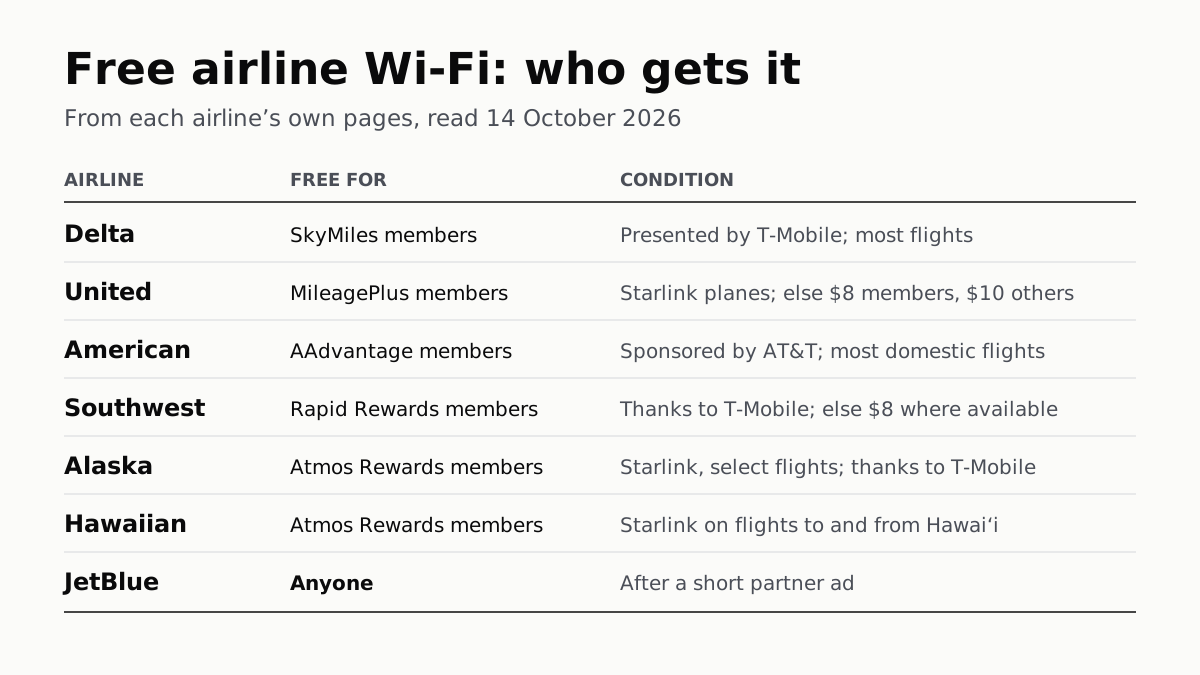
Free Airline Wi-Fi Needs a Loyalty Login, Except JetBlue
Delta, United, American, Southwest, Alaska and Hawaiian are free on equipped planes for members; JetBlue asks for a short ad.
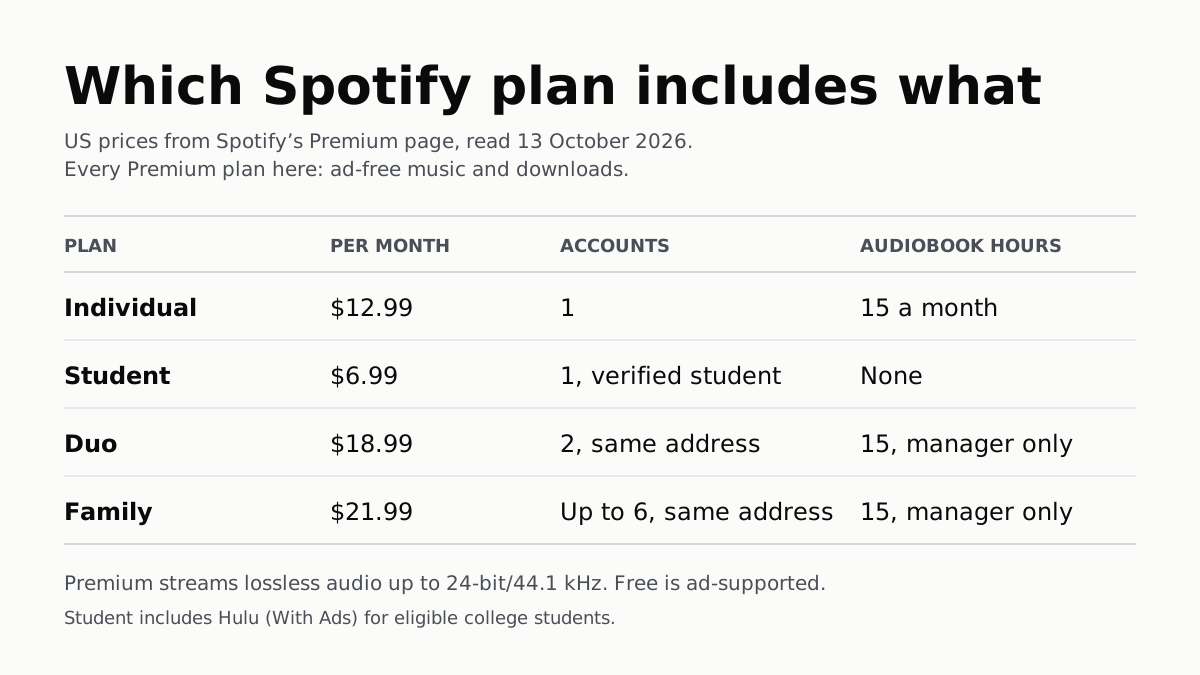
Spotify Premium Is $12.99; Family Covers 6 for $21.99
Duo is $18.99 for two at one address and Student $6.99 with Hulu. Individual and plan managers get 15 audiobook hours a month.
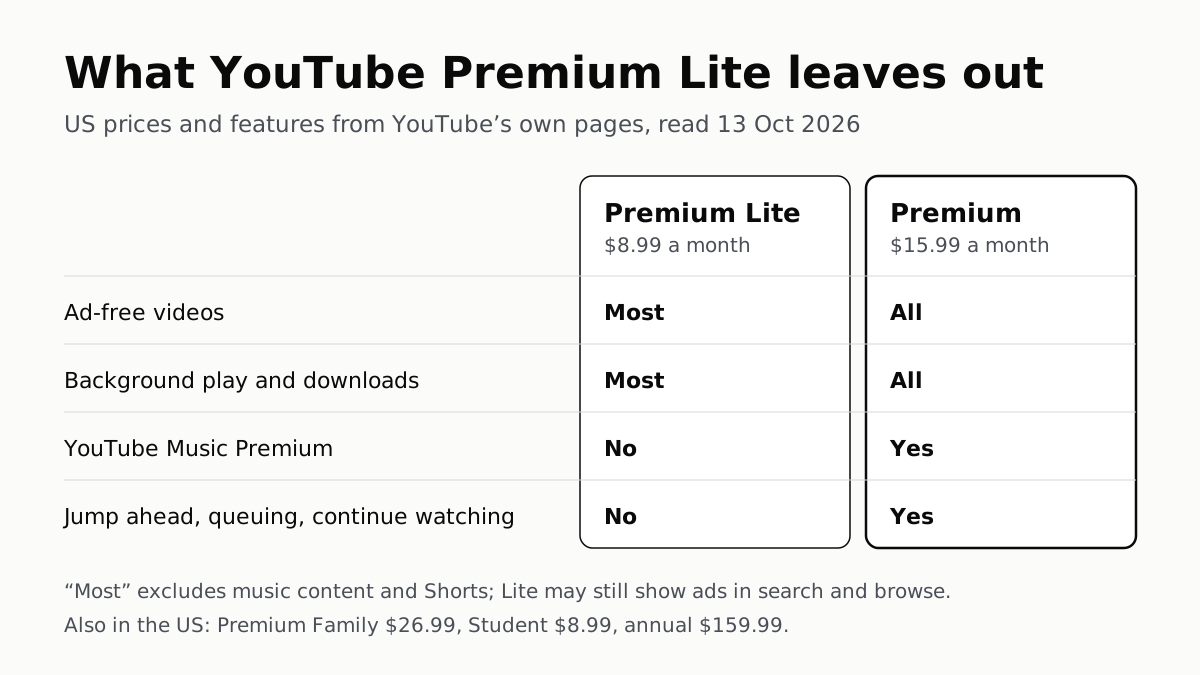
YouTube Premium Lite Keeps Ads on Music and Shorts
At $8.99 a month against $15.99, Lite also leaves out the YouTube Music app and downloads or background play for songs.
Apple One Costs $13 to $35 a Month Less Than Its Parts
Individual $21.95: Music, TV, Arcade, 50GB. Family $27.95: the same with 200GB, for six. Premier $39.95 adds News+, Fitness+, 2TB.