watchOS 27 Drops Series 6 to 8. Siri AI Hinges on the iPhone
Every watch that gets the update is on Apple’s Apple Intelligence list. Whether it runs Siri AI depends on the iPhone it is paired with.
If you buy through our links, we may earn a commission. It never affects our verdicts or scores — how that works. As an Amazon Associate I earn from qualifying purchases.
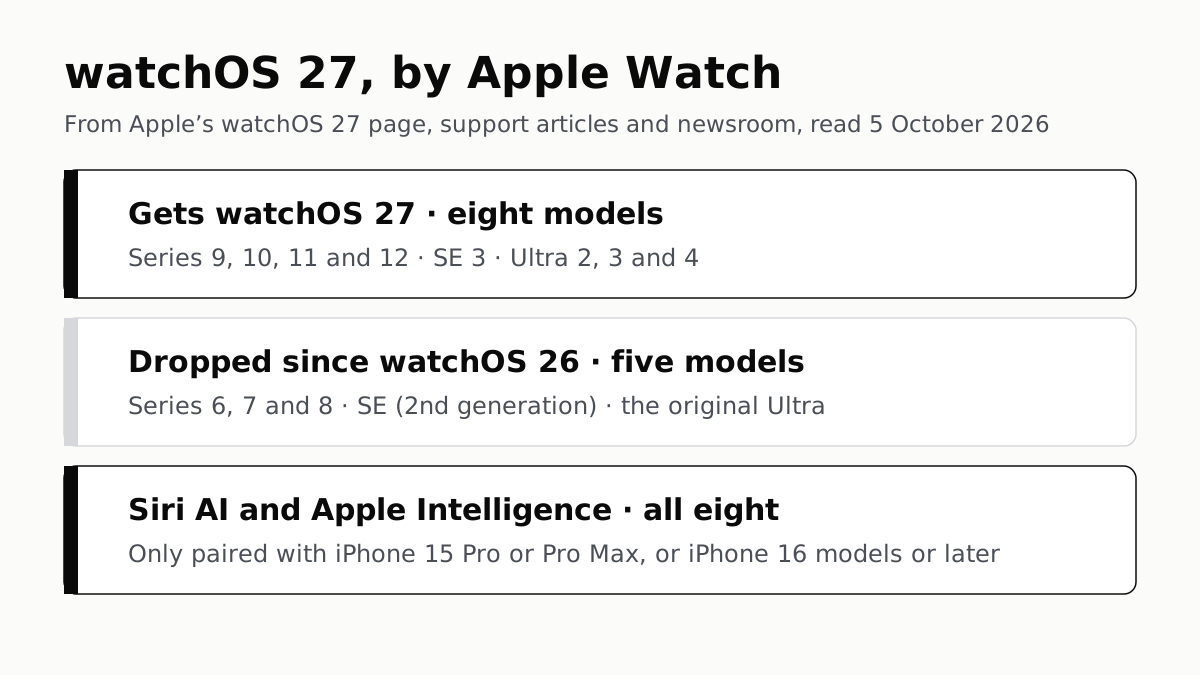
watchOS 27 runs on eight Apple Watch models: Series 9 and later, the SE 3, and Ultra 2 and later. Five watches that ran watchOS 26 are dropped: Series 6, 7 and 8, the SE (2nd generation) and the original Ultra. Every watch on the list is also on Apple’s Apple Intelligence list, so whether you get Siri AI is decided by the iPhone it is paired with.
Which watches get it, and which stop
| Apple Watch | watchOS 27 |
|---|---|
| Series 9, 10, 11 (affiliate link to Amazon, opens in a new tab) and 12 (affiliate link to Amazon, opens in a new tab) | Yes |
| SE 3 (affiliate link to Amazon, opens in a new tab) | Yes |
| Ultra 2, 3 (affiliate link to Amazon, opens in a new tab) and 4 (affiliate link to Amazon, opens in a new tab) | Yes |
| Series 6, 7 and 8 | No, stays on watchOS 26 |
| SE (2nd generation) | No, stays on watchOS 26 |
| Ultra (original) | No, stays on watchOS 26 |
The dropped five come from comparing two of Apple’s own lists name by name: the watchOS 26 announcement covered “Apple Watch Series 6 or later, Apple Watch SE (2nd generation), and all Apple Watch Ultra models”, and the watchOS 27 page names none of those five. Apple released watchOS 27 on 14 September 2026.
What a dropped watch gets next is not on Apple’s pages. Apple’s security releases page lists watchOS 26.6 on 27 July 2026 and no watchOS 26 update since, while it lists iOS 26.7 on the same day as watchOS 27. That is a record of what has shipped so far, not a cut-off date, and Apple publishes none. Apple’s compatibility table also sets no upper iOS version for these watches, so it does not say they stop pairing with an iPhone on iOS 27.
The iPhone draws the Siri AI line
On the iPhone and the Mac, Apple’s lists split the new release into tiers. Its watch lists do not: the Apple Intelligence footnote names Series 9 or later, Ultra 2 or later and SE 3, exactly the watches that can install watchOS 27. The condition is the phone: Apple Intelligence on the watch works only “when paired with an Apple Intelligence–enabled iPhone”.
| Paired iPhone | watchOS 27 | Siri AI and Apple Intelligence on the watch |
|---|---|---|
| iPhone 15 Pro, 15 Pro Max, iPhone 16 models or later, Air (affiliate link to Amazon, opens in a new tab), Duo | Yes | Yes |
| iPhone 15 and 15 Plus | Yes | No |
| iPhone 11 to 14, iPhone SE (2nd generation) and later | Yes | No |
So a Series 12 paired with an iPhone 13 runs watchOS 27 and does not get Siri AI. The iPhone rules are the ones we set out for which iPhones get iOS 27 and Siri AI, where the iPhone 15 and 15 Plus are the models that get the update and miss Apple Intelligence.
Apple also notes that “some features on Apple Watch require iPhone nearby”, and that Apple Intelligence needs up to 1.5GB of storage on the watch.
What Apple Intelligence does on the watch
Apple’s feature list for watchOS 27 names these on Apple Watch:
- Siri AI, in beta, in English to start, and not initially available in the EU on watchOS. Server-side features, Siri AI among them, carry daily usage limits.
- Call Context, which surfaces details such as a confirmation code when you call a business.
- Workout Buddy, now in Spanish as well as English, and usable without the iPhone nearby. Apple’s footnote says it needs Bluetooth headphones, and a Wi-Fi or cellular connection when the phone is not with you.
- Live Translation in Messages and notification summaries.
Other watchOS 27 changes in Apple’s release, such as new Smart Stack widget suggestions with a single-handed tap gesture and faster music playback, are not on Apple’s Apple Intelligence feature list, and its watchOS 27 page attaches no model list to them.
Setting up a new watch
The two newest watches need the newest iPhone software. Apple’s compatibility table lists the Series 12 and Ultra 4 as needing an iPhone 11 or later on iOS 27 or later, while the Series 11, SE 3 and Ultra 3 need iOS 26 or later. Update the iPhone first.
If you are choosing a watch, the phone limits the choice before the model does: an Apple Watch pairs only with an iPhone, which is why our smartwatch shortlist is sorted by phone rather than by rank. If Siri AI is part of the reason to buy, check the iPhone against the table above as well as the watch.
Questions people ask
Which Apple Watch models can get watchOS 27?
Apple lists eight: Apple Watch SE 3, Series 9, Series 10, Series 11, Series 12, Ultra 2, Ultra 3 and Ultra 4. The watch must be paired with an iPhone 11 or later, or an iPhone SE (2nd generation) or later, running iOS 27.
Will my Apple Watch Series 8 get watchOS 27?
No. Series 6, 7 and 8, the SE (2nd generation) and the original Ultra all ran watchOS 26 and are not on Apple’s watchOS 27 list. They stay on watchOS 26.
Does Siri AI work on Apple Watch Series 9?
Yes, if the watch is paired with an Apple Intelligence-enabled iPhone: an iPhone 15 Pro or 15 Pro Max, an iPhone 16 model or later, iPhone Air or iPhone Duo. Siri AI is in beta, in English to start, and not initially available in the EU on watchOS.
Can I use watchOS 27 with an iPhone 13?
Yes. An iPhone 13 can run iOS 27, which is all watchOS 27 asks of the phone. It is not on Apple’s Apple Intelligence list, though, so a watch paired with it gets watchOS 27 without Siri AI or the other Apple Intelligence features.
Does a new Apple Watch Series 12 work with an iPhone on iOS 26?
Not according to Apple’s compatibility table, which lists Series 12 and Ultra 4 as needing an iPhone 11 or later on iOS 27 or later. Update the iPhone before setting up either watch.
How much storage does Apple Intelligence need on Apple Watch?
Apple says up to 1.5GB of storage is required on Apple Watch, alongside the storage it needs on the paired iPhone.
How we researched this
No one at bitcritiq has handled this product. Everything here comes from published sources, listed below.
- What this cannot tell you
- Apple publishes no end date for watchOS 26 security updates, so we cannot say how long a dropped watch stays patched; its security releases page lists no watchOS 26 update after 26.6 on 27 July 2026, which is a record of what has shipped, not a statement of policy. Feature availability also depends on language and region. We have not run watchOS 27 on any watch, and a requirements list cannot tell you how well a feature runs on the oldest supported model.
How we chose this, and what we did
- Why this subject
- watchOS 27 was released on 14 September 2026 alongside iOS 27 and macOS 27, and we have answered the same question for both of those. On the watch the answer has a different shape: Apple’s watchOS 27 list and its Apple Intelligence list name the same watches, so the line that decides Siri AI is drawn on the iPhone instead.
- How we looked at it
- The watchOS 27 model list and iPhone requirement are from apple.com/os/watchos, including its five numbered footnotes, which we matched to the features they qualify. The watchOS 26 list is from Apple’s newsroom release of 9 June 2025; the dropped models come from comparing the two name by name. Apple Intelligence device requirements are from Apple’s newsroom update of 14 September 2026 and Apple Support 121115; per-model iPhone and iOS requirements from Apple Support 118490; release dates from Apple’s security releases page, 100100. All read on 5 October 2026.
What this rests on
6 claims, all official. Nothing here was measured by bitcritiq — see how we test for why. Open a claim to read the source it came from.
watchOS 27 runs on Apple Watch SE 3, Series 9, 10, 11 and 12, and Ultra 2, 3 and 4, paired with an iPhone 11 or later or iPhone SE (2nd generation or later) on iOS 27.Official
apple.com/os/watchos: “watchOS 27 requires iPhone 11 or later or iPhone SE (2nd generation or later) with iOS 27 and one of the following Apple Watch models: Apple Watch SE 3, Apple Watch Series 9, Apple Watch Series 10, Apple Watch Series 11, Apple Watch Series 12, Apple Watch Ultra 2, Apple Watch Ultra 3, Apple Watch Ultra 4.”
Series 6, Series 7, Series 8, SE (2nd generation) and the original Ultra ran watchOS 26 and are not on the watchOS 27 list.Official
Apple Newsroom, 9 June 2025: watchOS 26 is “a free software update for Apple Watch Series 6 or later, Apple Watch SE (2nd generation), and all Apple Watch Ultra models”. None of those five appears in the watchOS 27 list on apple.com/os/watchos.
Apple Intelligence and Siri AI in watchOS 27 are available on Series 9 or later, Ultra 2 or later and SE 3, only when paired with an Apple Intelligence-enabled iPhone.Official
Apple Newsroom, 14 September 2026: available on “Apple Watch Series 9 or later, Apple Watch Ultra 2 or later, and Apple Watch SE 3 when paired with an Apple Intelligence-enabled iPhone. Some features on Apple Watch require iPhone nearby.” The iPhones named are iPhone Duo, iPhone Air, iPhone 16 models or later, iPhone 15 Pro and iPhone 15 Pro Max.
Siri AI is in beta, in English to start, and not initially available in the EU on watchOS.Official
apple.com/os/watchos footnote 1: “Siri AI is available in beta in iOS 27, iPadOS 27, macOS 27, watchOS 27, and visionOS 27 … Available in English to start. Siri AI will not be initially available in the EU on iOS, iPadOS, and watchOS.”
Apple Watch Series 12 and Ultra 4 need an iPhone on iOS 27 or later; Series 11, SE 3 and Ultra 3 need iOS 26 or later.Official
Apple Support 118490 lists Series 12 and Ultra 4 with “iPhone 11 or later / iOS 27 or later / watchOS 27 or later”, and Series 11, SE 3 and Ultra 3 with “iOS 26 or later”.
Apple Intelligence needs up to 1.5GB of storage on Apple Watch.Official
Apple Support 121115, System requirements: “Up to 1.5GB of storage is required on Apple Watch.”
Sources 6
- watchOS 27 — AppleOfficialaccessed Oct 5, 2026
- Major updates for Apple’s software platforms are now available — Apple Newsroom, 14 September 2026Officialaccessed Oct 5, 2026
- How to get the next generation of Apple Intelligence — Apple Support 121115Officialaccessed Oct 5, 2026
- Apple Watch and iPhone compatibility — Apple Support 118490Officialaccessed Oct 5, 2026
Show 2 more · 2 official or standards
- watchOS 26 delivers more personalized ways to stay active and connected — Apple Newsroom, 9 June 2025Officialaccessed Oct 5, 2026
- Apple security releases — Apple Support 100100Officialaccessed Oct 5, 2026
Pass it on
Know someone weighing this up? Send them the answer.
bitcritiq.com/6bgzThe link is permanent: it opens this article for good, even if the title changes.
No email, no account
Follow bitcritiq
Every new article, in whatever reader you already use.
Subscribe by RSSAll the ways to follow
Using Chrome on Android? Open the browser menu and tap Follow. New articles then turn up in the Following tab in Discover.
read next
Chargers Rated 100–240V Need Only a Plug Adapter Abroad
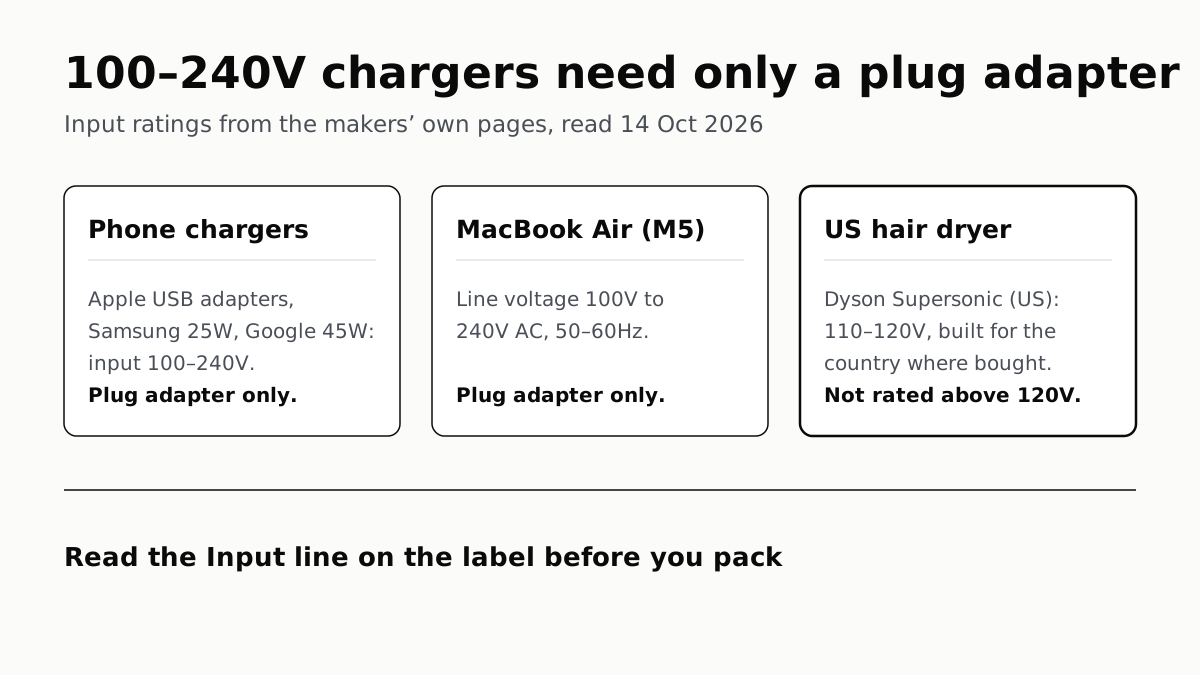
Apple, Samsung and Google rate their chargers, and the MacBook Air, for 100–240V. A hair dryer built for 110–120V is a different case.
Send Your AirTag Link to United, Delta, American, JetBlue
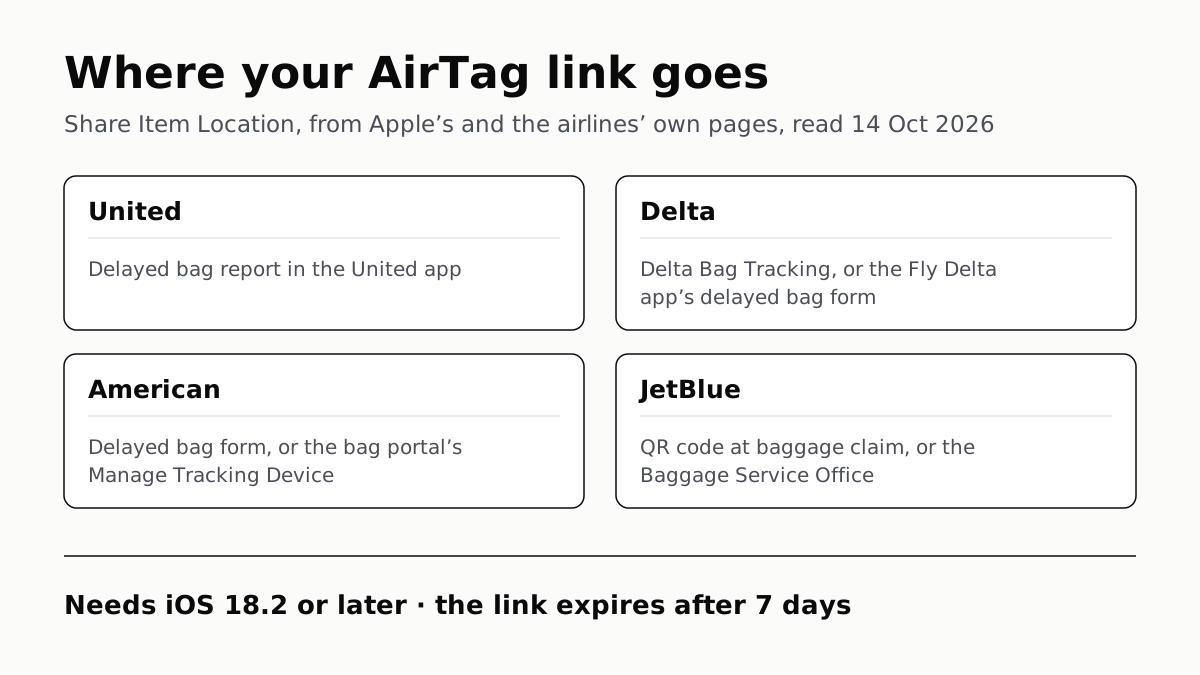
Find My’s Share Item Location makes a seven-day link a bag agent can open. Apple says more than 50 airlines accept it.
Family Link Works From an iPhone. Screen Time Needs Apple
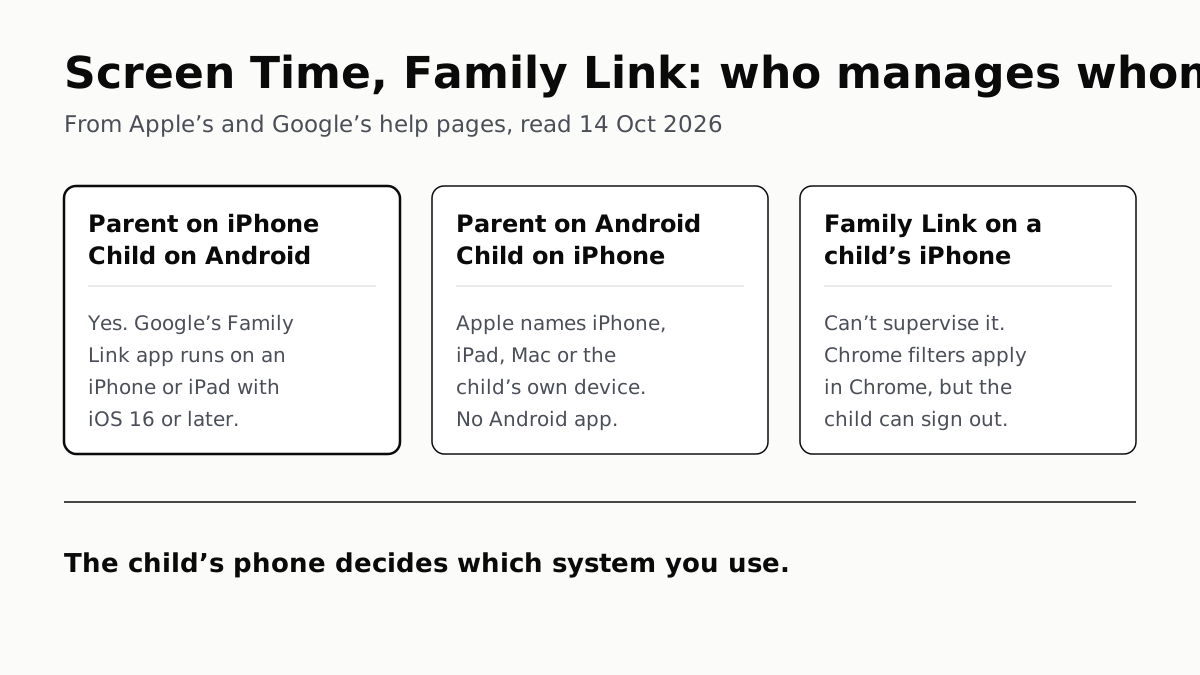
Neither app supervises the other maker’s phones. App limits, downtime, web filters and more, side by side, with iOS 27’s changes.
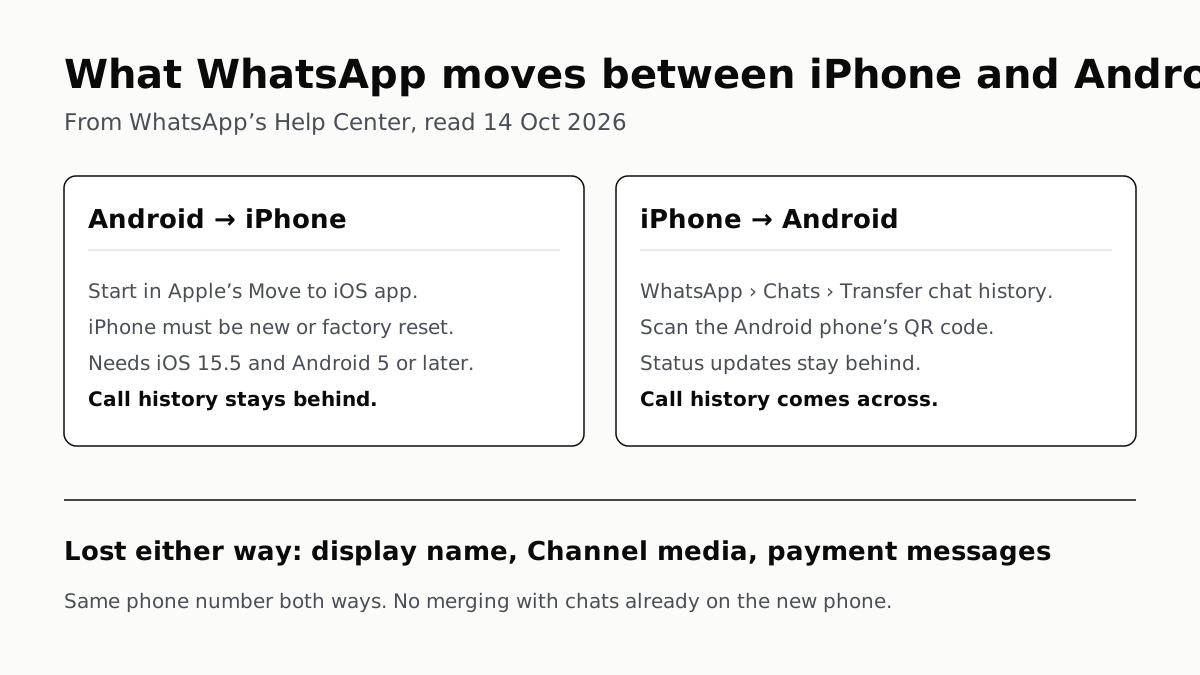
WhatsApp Chats Can Cross Between iPhone and Android
Messages, media and settings move both ways. Display names, Channel media and payment messages don’t, and call logs reach Android alone.