Gemini’s Call for Me Phones Businesses From Your Number
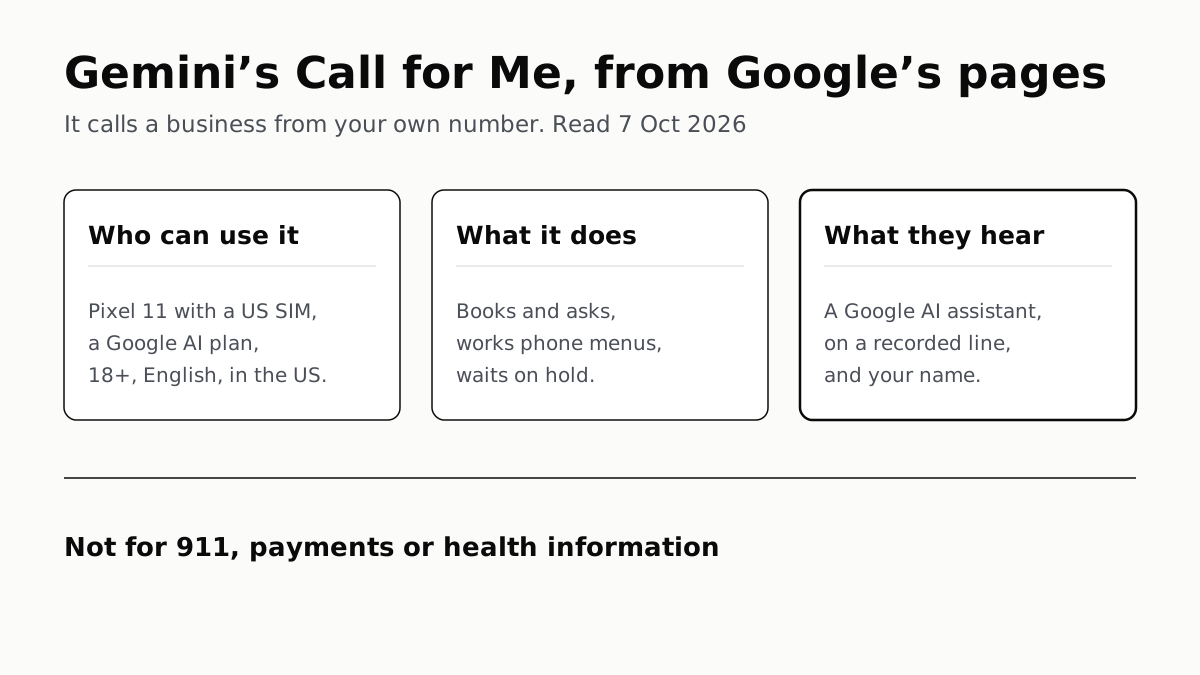
US only, on a Pixel 11 with a paid Google AI plan. Each call opens by saying it is a Google AI assistant on a recorded line.
If you buy through our links, we may earn a commission. It never affects our verdicts or scores — how that works. As an Amazon Associate I earn from qualifying purchases.
Call for Me lets the Gemini app phone a business from your own number to book an appointment, ask a question or wait on hold for you, and Google says each call opens by announcing an AI assistant from Google, on a recorded line, calling on your behalf by name. For now it needs a Pixel 11 (affiliate link to Amazon, opens in a new tab) with a US SIM, a Google AI subscription, English, and a user who is 18 or over and in the US.
Google is releasing it gradually, so an eligible phone may not have it yet. It calls US numbers only. TechCrunch reported on 24 September that Google called the launch an experiment starting “at a small scale”.
What it can and cannot do
Google’s Help page gives three kinds of task, and a list of calls Gemini will not make.
| Gemini can | Gemini will not |
|---|---|
| Ask for business hours, product availability, service quotes | Call 911 or other emergency services |
| Book, confirm and manage appointments and reservations | Pay, complete a financial transaction or give a card number |
| Work through phone menus and wait on hold | Relay Social Security numbers, passwords or health information |
| Share details you approved, like your name and contact info | Sell products or services |
Google’s terms add that the feature is for personal calls, not calls for a business, government agency or law enforcement, and that it may misread answers or give wrong information on a call. There is a daily cap on calls, and Google’s page does not say how many.
How a call works
- Open the Gemini app on the Pixel and ask it to call, or include @Call for me in the prompt. Give the dates, times and fallbacks you would give a person.
- Gemini shows a summary: the number it will dial and what it will share, which can include your name, email and phone number. You have to approve it before anything is dialled.
- Tap Call for me. You can cancel before the call connects.
- While it runs, a live transcript shows in Gemini and you can listen in with your microphone muted. Take over unmutes you; Gemini announces the handover and leaves the call.
- When it ends, a notification opens Gemini’s summary of the outcome. The full transcript and recording are in the Phone app’s call history.
The call goes out over your mobile network, from your number, and Google says standard carrier rates apply. If Gemini is now your phone’s default assistant, what the move from Google Assistant changed covers the rest of the switch.
Who can use it
| Requirement | What Google’s Help page asks for |
|---|---|
| Phone | A Pixel 11 with a US SIM card |
| Plan | A Google AI subscription; no tier is named |
| Apps | Public beta of the Phone by Google app; latest Gemini app |
| Language | Device set to English |
| Person | 18 or over, in the US |
The free tier is out: a paid plan is a stated requirement. The page does not say whether the cheapest plan counts. What each Gemini plan costs a year sets out the tiers.
What the business hears
By Google’s description, the person who answers hears at the start that they are talking to an AI assistant from Google, that the line is recorded, that it is calling on someone’s behalf, and that person’s name. The caller ID is your own number. Google’s terms say users “may not attempt to disable, bypass, or obscure this disclosure”, and require them to give accurate identity and contact details for Gemini to pass on.
If you take over, Gemini says so before it drops off, so the business knows a person is now on the line.
Opting out. Google’s Help page links an opt-out page for anyone who does not want automated calls from Gemini users. It asks for a phone number and confirms it with a one-time code by text or call, and the same page lets you opt back in. Google’s opt-out is by phone number rather than by business account.
Not the same as Google’s AI calls from Search
Google already calls businesses from Search, and that is a separate system with its own opt-out.
| Gemini Call for Me | AI Mode and “Have AI check pricing” in Search | |
|---|---|---|
| Who places the call | Gemini, from your own number | |
| Where you ask | Gemini app on a Pixel 11 | Google Search, mobile or desktop |
| Who can use it | 18+, US, paid Google AI plan | Signed-in users 18+, in English; pricing checks US only |
| Results | Summary, transcript and recording on your phone | In AI Mode or by email, in up to about 30 minutes |
| Business opt-out | Gemini calling opt-out page, by phone number | Business Profile settings, or telling the caller to stop |
In AI Mode, Google says it calls when a business’s details are not online, and typing “don’t call” keeps it to the web. Its Business Profile page says those calls are “monitored and recorded” and covers requests made through “Google Search or Maps”; it does not mention Gemini. Google does not say whether switching off automated calls in a Business Profile also blocks Call for Me, so a business that wants neither should use both opt-outs.
What Google keeps
Google’s Privacy Hub says Gemini confirms what it will share before dialling and will not share card numbers, passwords or health information during the call. After it:
- Transcripts are stored on Google’s servers and used for the call summaries and your activity in Gemini.
- Audio is not stored on Google’s servers. The recording, and a copy of the transcript, sit in the Phone app’s call history on your phone.
- Training: Google says it does not use the recordings or transcripts to train its AI models.
- Deleting: the activity is in Gemini Apps Activity and can be deleted there; the call history, transcripts and recordings can also be deleted in the Phone app.
The Privacy Hub does not say how long the server-side transcripts are kept beyond pointing to the general Gemini Apps privacy notice.
Questions people ask
How does Gemini Call for Me work?
You ask the Gemini app on a Pixel 11 to call a business, or add @Call for me to the prompt. Gemini shows the number and the details it will share, you tap Call for me, and it places the call from your number. You get a summary, a transcript and the recording afterwards.
Does Gemini tell the business it is an AI?
Yes, by Google’s own description. Its Help page says Gemini starts every call by saying it is an AI assistant from Google, calling on a recorded line on your behalf, and stating your name. Google’s terms bar users from trying to disable or hide that.
Which phones support Gemini Call for Me?
Google’s Help page lists one: a Pixel 11 with a US SIM card, running the public beta of the Phone by Google app and the latest Gemini app, with the device language set to English.
Is Gemini Call for Me free?
No. Google’s Help page requires a Google AI subscription, without naming a tier. The call itself goes over your mobile plan, and Google says standard carrier rates apply.
How do I stop Gemini from calling my business?
Google’s Gemini Help page links an opt-out page where you enter your phone number and confirm it with a one-time code. That page covers calls from Gemini users. Automated calls Google makes through Search and Maps are switched off separately, in Business Profile settings.
Does Google keep recordings of Call for Me calls?
Not on its servers, by Google’s Privacy Hub. Google stores the transcript; the recording and a copy of the transcript stay in the Phone app’s call history on your phone. Google says neither is used to train its AI models, and you can delete both.
How we researched this
No one at bitcritiq has handled this product. Everything here comes from published sources, listed below.
- What this cannot tell you
- Google does not say which Google AI plans qualify, how many calls the daily limit allows, or whether a business that has switched off automated calls in its Business Profile is also shielded from Call for Me. We could not open the opt-out page past its phone-number step without entering a number. We have not used the feature, which needs a Pixel 11, a paid plan and a beta app, and we have not heard a call.
How we chose this, and what we did
- Why this subject
- Google opened Call for Me, a Gemini feature that phones businesses on the user's behalf, to a first group of US Pixel 11 owners in late September 2026. The Verge, Engadget and CNET covered it; bitcritiq had not. The reader question is practical and two-sided: what it does for me, and what the person who picks up hears.
- How we looked at it
- Everything about how the feature works is from Google, read through a browser on 7 October 2026: Gemini Apps Help 18336420 ('Ask Gemini to handle your everyday phone calls'), the agentic-calling section of the Gemini Apps Privacy Hub (13594961), the Gemini Apps Agentic Calling Additional Terms of Service (last modified 24 September 2026), and the Gemini calling opt-out page the Help article links to. For Google's other AI calling, Search Help 17104441 (AI Mode) and 16421135 ('Have AI check pricing') and Google Business Profile Help 7690269. We found no Keyword blog post announcing Call for Me: the Gemini and Pixel blog indexes, the September 2026 AI recap and the Gemini release notes do not mention it, so the launch timing comes from TechCrunch. Absence claims have controls: the Help article names no plan tier but does name the phone model and the Phone app version; it gives no number for the daily limit but has a section headed 'About daily limits'; the Business Profile page does not mention Gemini but does name 'Google Search or Maps' as the source of the calls it covers.
What this rests on
6 claims, 5 official and 1 reported. Nothing here was measured by bitcritiq — see how we test for why. Open a claim to read the source it came from.
Call for Me requires someone 18 or over in the US, a Pixel 11 with a US SIM, a Google AI subscription, the public beta of the Phone by Google app and English as the device language, and it calls US numbers only.Official
Gemini Apps Help 18336420: “Be 18 or over and in the US. Use a Pixel 11 phone with a US SIM card. Sign in to the Gemini mobile app. Have a Google AI subscription… Have the Public Beta version of the Phone by Google app… Have your device language set to English.” “For now, Gemini can only make phone calls to US phone numbers.”
Gemini calls from the user's own number and opens each call by saying it is an AI assistant from Google on a recorded line, calling on the user's behalf, and giving the user's name.Official
Help 18336420: “Gemini makes calls using your device’s mobile network and your phone number. Standard carrier rates apply. Gemini starts every call by disclosing that it’s an AI assistant from Google calling on a recorded line on your behalf, stating your name.” The Additional Terms add: “You may not attempt to disable, bypass, or obscure this disclosure.”
Gemini will not call emergency services, make payments, relay sensitive personal information or make telemarketing calls, and the feature is for personal calls only.Official
Help 18336420: “Gemini cannot call emergency services, like 911… cannot make payments, complete financial transactions, or share sensitive financial information… cannot make calls that relay sensitive personal information, such as social security numbers, financial information, passwords, or health information… cannot be used to sell products or services.” Additional Terms: “You can only use the Feature for personal reasons.”
Anyone who does not want automated calls from Gemini users can opt out of them, and opt back in, on a Google page.Official
Help 18336420: “If you don’t want to get automated calls from other Gemini users, you can opt out.” The linked page, titled “Gemini Calling Opt-out”, reads: “Manage whether to receive or block automated calls from Gemini”, and asks for a phone number and a one-time passcode sent by text or call.
Google stores call transcripts on its servers but not the audio, keeps the recording and transcript on the phone, and does not use either to train its AI models.Official
Gemini Apps Privacy Hub: “Transcripts are sent to and securely stored on Google servers. Google does not store your audio recordings on its servers.” “A copy of the call transcript and audio recording is saved locally in your Phone by Google app's call history.” “We don’t use these audio recordings or transcripts to train Google's AI models.”
Google described the launch as a small-scale start because real-world conversations are nuanced.Reported
TechCrunch, 24 September 2026: “Google said it’s starting this experiment at a small scale because ‘real-world conversations are nuanced,’ and it needs time to get the feature right before rolling it out more broadly.”
Sources 8
- Ask Gemini to handle your everyday phone calls — Gemini Apps Help 18336420Officialaccessed Oct 7, 2026
- Gemini Apps Privacy Hub: What happens to my data when I use Gemini's agentic calling capability? — Gemini Apps Help 13594961Officialaccessed Oct 7, 2026
- Gemini Apps Agentic Calling Additional Terms of Service — Google, last modified 24 September 2026Officialaccessed Oct 7, 2026
- Gemini Calling Opt-out — GoogleOfficialaccessed Oct 7, 2026
Show 4 more · 3 official or standards
- Use AI Mode to check local availability and pricing — Google Search Help 17104441Officialaccessed Oct 7, 2026
- How to check pricing for local businesses with AI in Google Search — Google Search Help 16421135Officialaccessed Oct 7, 2026
- About automated calls and texts from Google to your business — Google Business Profile Help 7690269Officialaccessed Oct 7, 2026
- Google tests letting Gemini call businesses for you — TechCrunch, 24 September 2026accessed Oct 7, 2026
Pass it on
Know someone weighing this up? Send them the answer.
bitcritiq.com/b57pThe link is permanent: it opens this article for good, even if the title changes.
No email, no account
Follow bitcritiq
Every new article, in whatever reader you already use.
Subscribe by RSSAll the ways to follow
Using Chrome on Android? Open the browser menu and tap Follow. New articles then turn up in the Following tab in Discover.
read next
OpenClaw Runs on a Local LLM via Ollama or LM Studio
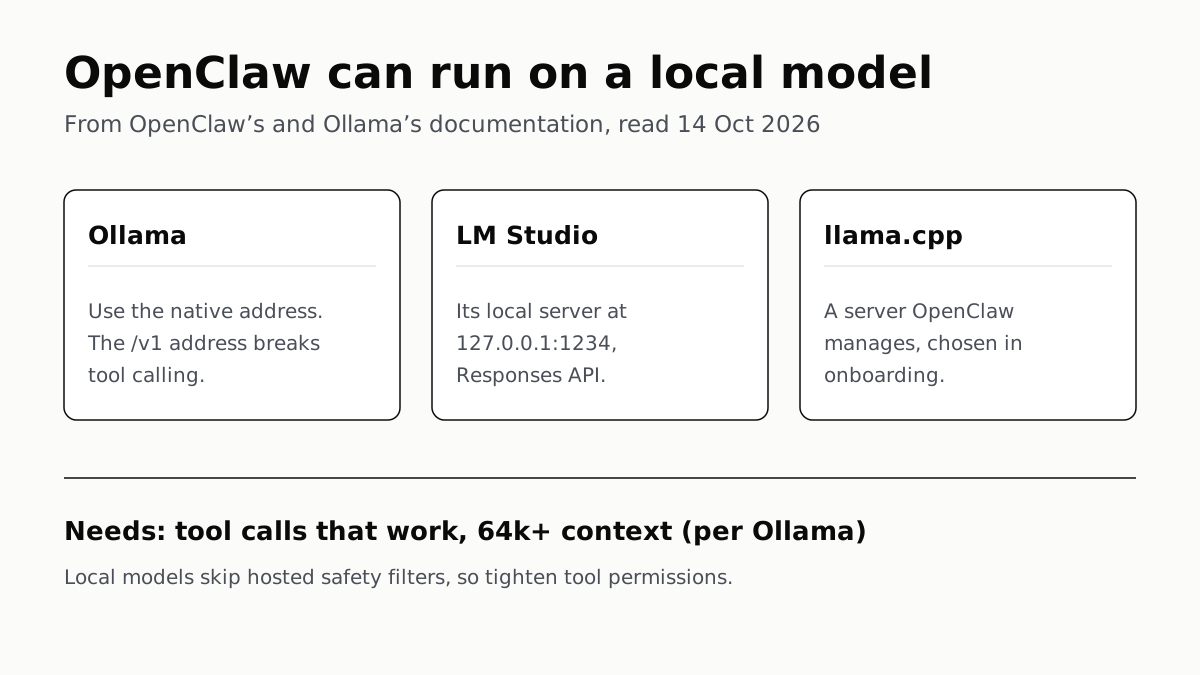
OpenClaw's docs also cover llama.cpp, vLLM and any OpenAI-compatible server. Ollama advises 64k context; small models are easier to hijack.
Free AI Writing Tools Ration Rewrites in Different Units
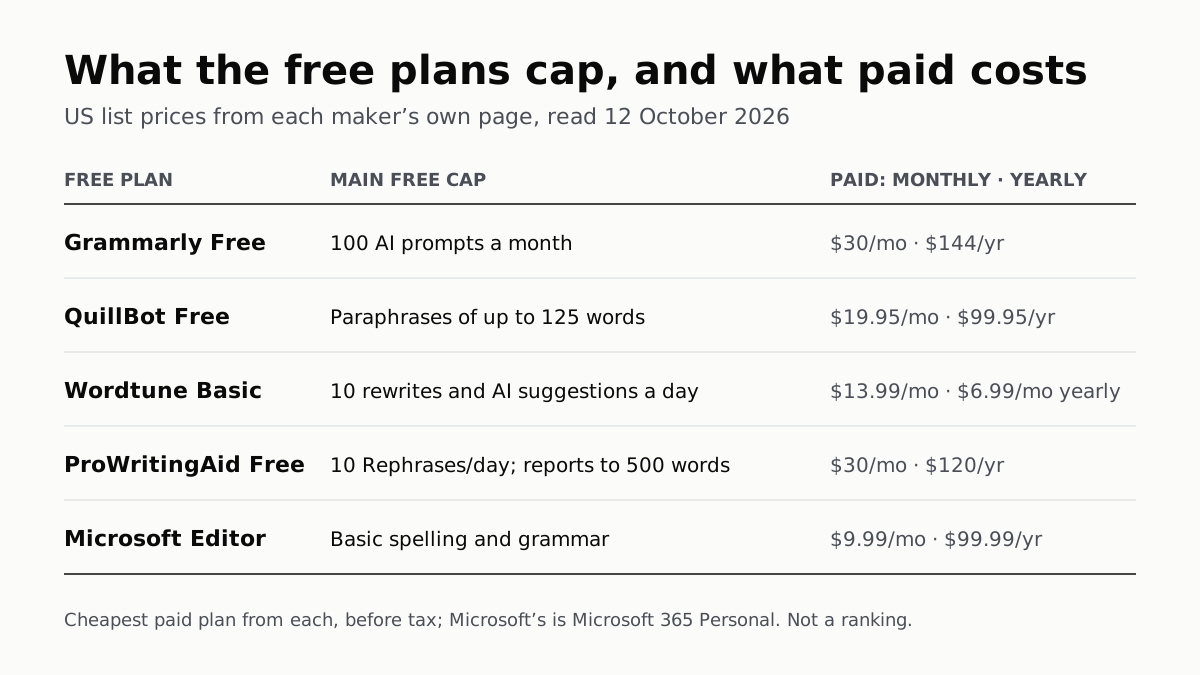
Grammarly gives 100 AI prompts a month, Wordtune 10 rewrites a day, QuillBot 125 words a paraphrase. Yearly billing halves most prices.
Of Four Free AI Chatbots, Only ChatGPT Lists Unlimited Chat
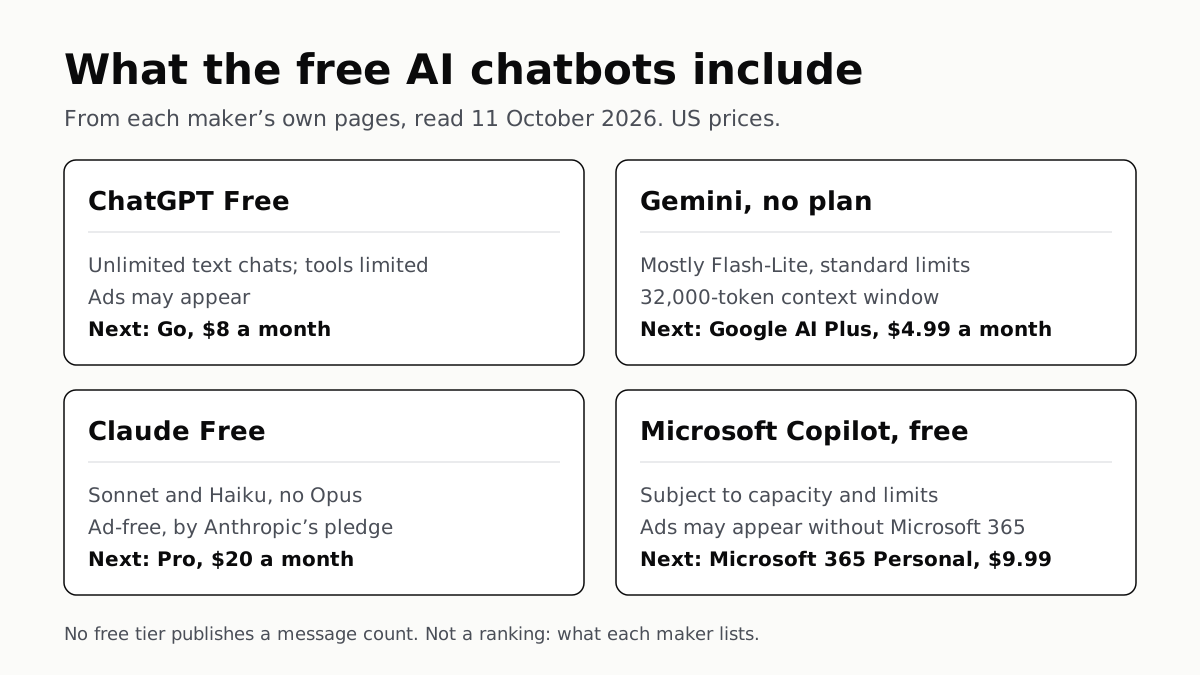
ChatGPT’s free tier carries ads, as Copilot’s may; Gemini’s leans on Flash-Lite and Claude’s leaves out Opus.
Google’s Offline AI Note-Taker Runs Only on a Mac
Transcription and AI run on the Mac itself, with no phone version. Google says your audio, notes and files never leave the computer.