Switch 2 Game-Key Cards Hold a Key, Not the Game
Internet for the first launch, free space for the download, and the card in the slot every time you play. You can lend it to anyone.
If you buy through our links, we may earn a commission. It never affects our verdicts or scores — how that works. As an Amazon Associate I earn from qualifying purchases.
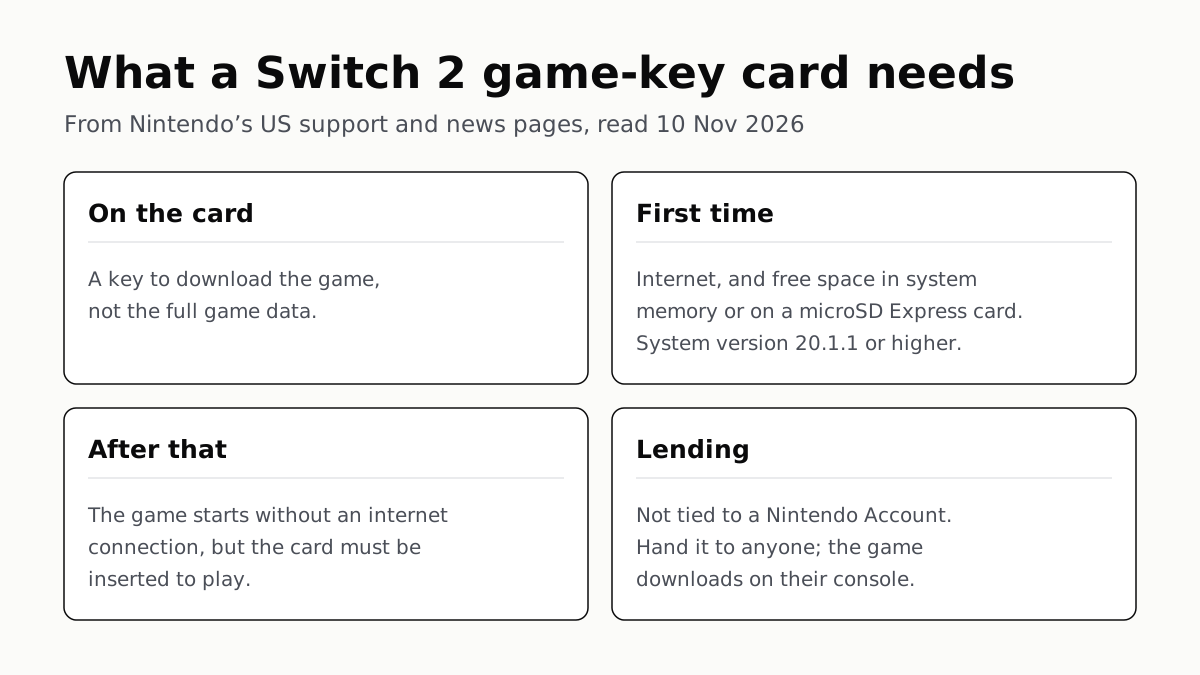
A Switch 2 game-key card is a physical card that holds a key to download the game, not the game itself. To play one you need an internet connection and free storage for the first download and launch, a console on system version 20.1.1 or later, and the card in the slot whenever you play.
Nintendo’s wording is plain: game-key cards “don’t contain the full game data. Instead, the game-key card is your “key” to downloading the full game to your system via the internet.” Once the game has downloaded and launched once, it starts without a connection.
Game card, game-key card or digital: the differences
Nintendo describes three ways a Switch 2 game arrives. This is how they compare, in Nintendo’s own terms.
| Regular game card | Game-key card | Digital (eShop or download code) | |
|---|---|---|---|
| What is on the cartridge | The game data | A key; not the full game data | No cartridge; a virtual game card on your account |
| Download needed | No: the data is on the card | Yes, the full game, over the internet | Yes |
| Where the game lives | On the card | System memory or a microSD Express card | System memory or a microSD Express card |
| Card needed to play | Yes | Yes, inserted every time | No; the virtual card is loaded on the console |
| Internet after setup | Not for the game data | Not after the first launch | Not once the virtual card is loaded on the console |
| Lending | Hand it to family or friends | Hand it to anyone; it downloads on their console | Certain games, to family group members, for 14 days |
| Tied to a Nintendo Account | Not stated | No | Yes, the account used to buy or redeem it |
Nintendo’s pages do not cover reselling any of the three, so the table leaves it out.
What you need the first time
The overview lists three steps: insert the card, download the game, play. For the download, Nintendo says “an internet connection and enough free space in your Nintendo Switch 2 system memory or microSD Express card are required.”
- Space. “The amount of free space required is indicated on the game-key card packaging,” and it is also shown on the Nintendo Store or eShop page for the game’s digital version. Nintendo’s data FAQ says Switch 2 has 256 GB of storage, part of it reserved for the system. More space means a microSD Express card, the card type the overview names; our microSD card guide covers which cards Switch 2 takes.
- System version. “Your Nintendo Switch 2 system must be updated to version 20.1.1 or higher.”
- No account step. “A Nintendo Account is not required to download the game data.”
Save data is kept in the console’s system memory whatever form the game takes, Nintendo’s data FAQ says, and it stays there if you delete the downloaded game to free space.
After that: offline, with the card in
After the first launch, the game starts without an internet connection. Nintendo’s sentence in full: “An internet connection is only required when you launch the game for the first time. After this, the game can be started even without an internet connection. However, like regular physical software, the game-key card must be inserted into the system in order to play the game.”
That is the practical difference from a digital game. A digital game, which Nintendo calls a virtual game card, plays offline once it is loaded on the console and needs no cartridge. A game-key card behaves like a cartridge for starting the game, but its data lives on the console like a download.
Lending, and playing on another console
Nintendo says game-key cards are not tied to a Nintendo Account. “That means you can lend a game-key card to whomever you want by handing it to them. Once your friend inserts the game-key card into their system, the game data will download (just like it did for you).” The friend needs the same things you did: internet, free space and a current system version.
Digital games are narrower. Nintendo ties them to the Nintendo Account used to buy or redeem them, loads them on up to two linked consoles, and lends them only to members of your family group, for 14 days at a time. Our guide to sharing games with family sets out those rules beside Steam’s, Xbox’s and PlayStation’s.
Giving a boxed Switch 2 game as a gift
A game-key card is a real box to wrap, and it does not need your Nintendo Account or theirs to download. Check the case first: Nintendo says you can tell a game-key card “by looking at the label towards the bottom half of its case.”
If it is one, the person opening it will need a Switch 2 updated to 20.1.1 or later, an internet connection for the first download and launch, and the free space printed on the box. If their console is short of storage, a microSD Express card is the add-on Nintendo names.
If you would rather give the digital version, the options change soon. Nintendo announced on 9 November that from 16 November the eShop will let family group members “gift digital games to other members of their group”, on system version 23.5.0 or greater. It says some products will not be eligible, supervised accounts cannot send gifts, and the number of gift purchases in a period is limited. For how the other consoles handle it, see gifting a digital game.
Questions people ask
What is a game-key card on Switch 2?
A physical card in a game case that holds a key, not the game. Nintendo says game-key cards “don’t contain the full game data”; inserting one starts a download of the full game to your console, and you then play with the card in the slot.
Do you need internet for a Switch 2 game-key card?
Only at the start. Nintendo says the download needs an internet connection and that internet “is only required when you launch the game for the first time.” After that the game starts offline, as long as the card is inserted.
Do you need the game-key card in the console to play?
Yes. Nintendo says that, like regular physical software, “the game-key card must be inserted into the system in order to play the game,” even though the game itself is stored on the console or microSD Express card.
How much storage does a game-key card need?
It varies by game. Nintendo prints the free space needed on the game-key card packaging, and lists it on the Nintendo Store or eShop page for the digital version. The game goes into system memory or onto a microSD Express card.
Can you lend or share a game-key card?
Yes. Nintendo says game-key cards are not tied to a Nintendo Account, so you can lend one to anyone by handing it over. The game downloads on their console when they insert it. Nintendo’s pages do not mention reselling.
How can you tell if a Switch 2 game is a game-key card?
Look at the case. Nintendo says you can tell “by looking at the label towards the bottom half of its case.” Some Switch 2 games use game-key cards and others regular game cards, so check each box.
Do you need a Nintendo Account to use a game-key card?
Not for the download. Nintendo’s overview says “A Nintendo Account is not required to download the game data.” The console does need system version 20.1.1 or higher to play a game-key card.
How we researched this
No one at bitcritiq has handled this product. Everything here comes from published sources, listed below.
- What this cannot tell you
- We have not used a game-key card; this is what Nintendo says. Nintendo's pages do not mention selling a game-key card, a physical game card or a digital game, so we do not say whether a used game-key card works for its next owner beyond Nintendo's lending answer. The overview names Nintendo Switch 2 and does not say whether a game-key card works in an original Switch. Nintendo says some games use game-key cards and others regular game cards; it publishes no list on these pages, so check the box. The digital gifting feature was announced for 16 November and was not live when we read the page.
How we chose this, and what we did
- Why this subject
- Boxed Switch 2 games are a common gift, and some of the boxes hold a game-key card rather than the game itself, which surprises a buyer when the recipient opens it. Nintendo explains the format on its own support site and news page, so the answer can be given in Nintendo's words. bitcritiq's gifting and sharing pages cover digital games, not game-key cards.
- How we looked at it
- Read through a browser on 10 November 2026, US pages only: Nintendo Support's 'Nintendo Switch 2 Game-Key Card Overview' (68415), its 'Nintendo Switch 2 Data Management FAQ' (68447) and its 'Virtual Game Card Guide' (67891); Nintendo's US news articles 'Not sure what a game-key card is? Let's talk about it!' (23 September 2026) and 'Coming soon: Gift digital games to family group members' (9 November 2026). Absence control for resale: the same Nintendo news article asks and answers 'Can I lend out a game-key card?' and 'Can I lend out a physical game card?'; selling would sit beside those answers, and neither page mentions it.
What this rests on
6 claims, all official. Nothing here was measured by bitcritiq — see how we test for why. Open a claim to read the source it came from.
A game-key card does not contain the full game; it is a key to download the game over the internet.Official
Nintendo Support 68415: “Game-key cards are different from regular game cards, because they don’t contain the full game data. Instead, the game-key card is your "key" to downloading the full game to your system via the internet.”
The download needs an internet connection and free space in system memory or on a microSD Express card; the space needed is printed on the packaging.Official
Nintendo Support 68415: “To download the game, an internet connection and enough free space in your Nintendo Switch 2 system memory or microSD Express card are required.” “The amount of free space required is indicated on the game-key card packaging.”
After the first launch the game starts without internet, but the card must be inserted to play.Official
Nintendo Support 68415: “An internet connection is only required when you launch the game for the first time. After this, the game can be started even without an internet connection. However, like regular physical software, the game-key card must be inserted into the system in order to play the game.”
No Nintendo Account is needed for the download, and the console must run system version 20.1.1 or higher.Official
Nintendo Support 68415: “A Nintendo Account is not required to download the game data.” “To play software using a game-key card, your Nintendo Switch 2 system must be updated to version 20.1.1 or higher.”
Game-key cards are not tied to a Nintendo Account and can be lent to anyone; the game downloads on the borrower's console.Official
Nintendo (US news, 23 Sept 2026): “Unlike a digital game, game key cards are not tied to a Nintendo Account. That means you can lend a game-key card to whomever you want by handing it to them. Once your friend inserts the game-key card into their system, the game data will download (just like it did for you).”
Nintendo says eShop gifting to family group members arrives on 16 November, on system version 23.5.0 or greater.Official
Nintendo (US news, 9 Nov 2026): “This feature will be added* to Nintendo eShop for the Nintendo Switch™ and Nintendo Switch 2 systems on Nov. 16.” “*This feature will be available on systems supporting system version 23.5.0 or greater, releasing Nov. 9, 2026.”
Sources 5
- Nintendo Switch 2 Game-Key Card Overview — Nintendo SupportOfficialaccessed Nov 10, 2026
- Nintendo Switch 2 Data Management FAQ — Nintendo SupportOfficialaccessed Nov 10, 2026
- Virtual Game Card Guide — Nintendo SupportOfficialaccessed Nov 10, 2026
- Not sure what a game-key card is? Let's talk about it! — Nintendo (US)Officialaccessed Nov 10, 2026
- Coming soon: Gift digital games to family group members — Nintendo (US)Officialaccessed Nov 10, 2026
Pass it on
Know someone weighing this up? Send them the answer.
bitcritiq.com/c5cpThe link is permanent: it opens this article for good, even if the title changes.
No email, no account
Follow bitcritiq
Every new article, in whatever reader you already use.
Subscribe by RSSAll the ways to follow
Using Chrome on Android? Open the browser menu and tap Follow. New articles then turn up in the Following tab in Discover.
read next
PS5 and Xbox Controllers Pair With PCs and Phones
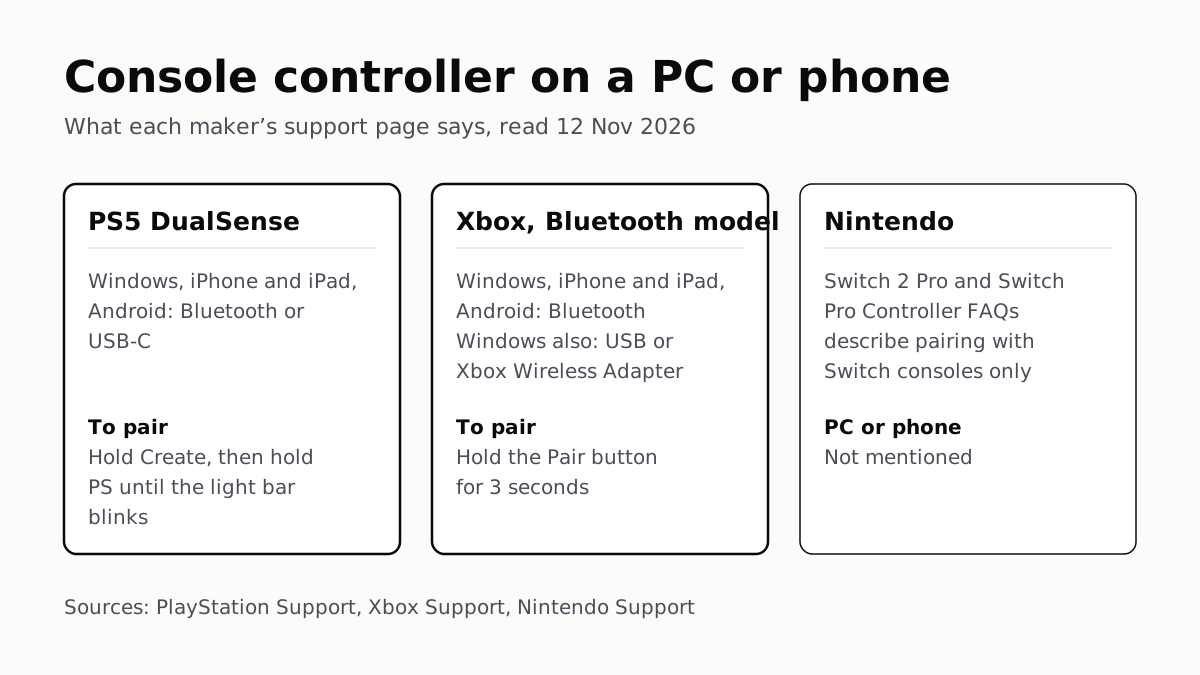
Hold Create and PS on a DualSense, or Pair on a Bluetooth Xbox pad. Nintendo’s Pro Controller FAQs mention no PC or phone.
Before You Sell a Console, Unlink It, Then Reset It
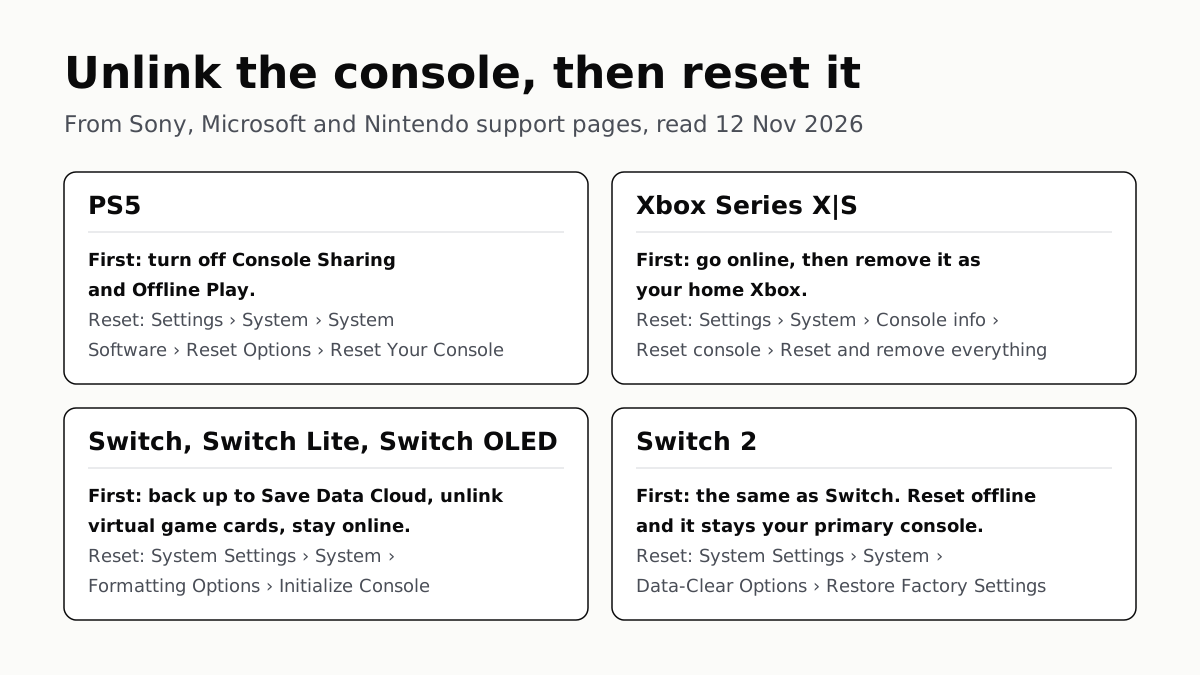
Each maker has a setting that ties a console to your account. Switch it off and back up your saves before the wipe.
PS5, Xbox and Switch 2 Games Aren’t Region-Locked
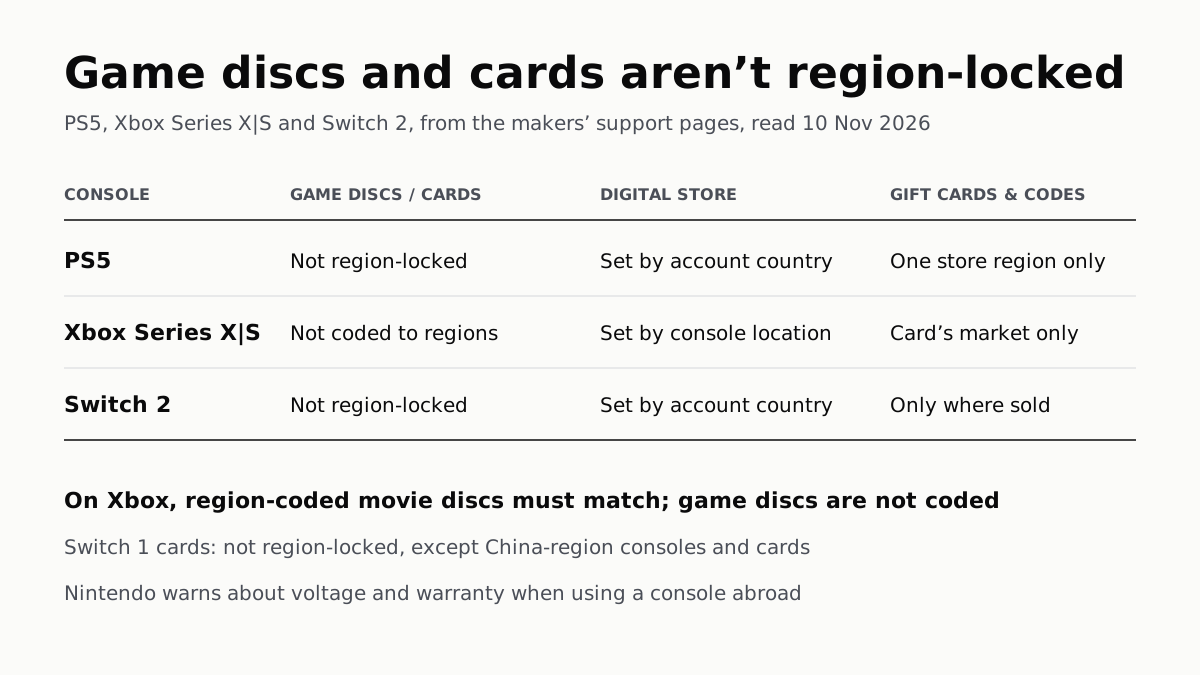
Your account’s or console’s country decides what you can buy; gift cards, subscription codes and some add-ons stay in one region.
4K 120Hz on PS5 or Xbox Starts With a TV Port Setting
Samsung calls it Input Signal Plus, LG HDMI Ultra HD Deep Color, Sony Enhanced format. Then turn on 120Hz, VRR and ALLM on the console.