A Mac Can Run Windows, but Apple Silicon Means No Boot Camp
Microsoft authorizes Parallels on M1 to M3; Fusion and UTM are free. All run Windows 11 for Arm, where some games may not work.
If you buy through our links, we may earn a commission. It never affects our verdicts or scores — how that works. As an Amazon Associate I earn from qualifying purchases.
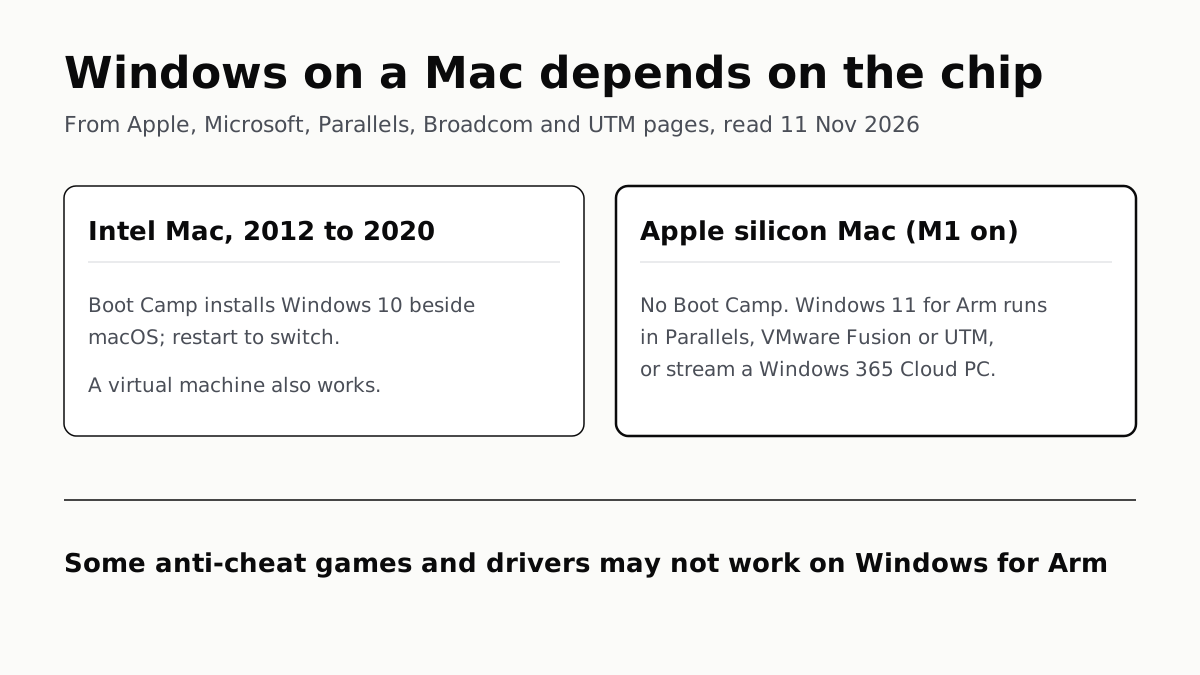
Yes, a Mac can run Windows, but how depends on its chip. An Intel Mac can install Windows beside macOS with Apple’s Boot Camp. A Mac with Apple silicon (M1 and later) cannot use Boot Camp, and runs Windows 11 for Arm in a virtual machine, or streams a Windows PC from Microsoft’s cloud.
Five options, side by side
| Option | Which Macs | Windows it runs | Price, US list, 11 Nov | Licence | Stated limits |
|---|---|---|---|---|---|
| Boot Camp (Apple) | Intel Macs on Apple’s list, 2012 to 2020 | Windows 10 Home or Pro, 64-bit | Included with the Mac | Full Windows licence | Restart to switch; Windows 10 support ended 14 Oct 2025 |
| Parallels Desktop | Apple silicon (version 27); Intel on version 26 | Windows 11 for Arm on Apple silicon | Standard $99.99 a year; Pro $119.99 a year; Business $149.99 a year (list prices; Parallels showed a sale on 11 Nov) | Not included | Arm Windows limits below; no nested virtualization |
| VMware Fusion | Intel and Apple silicon | Windows 11 for Arm on Apple silicon; x86 Windows on Intel | Free | Not stated on the pages we read | No x86 or older Windows on Apple silicon; shared folders for Linux guests only |
| UTM | Apple silicon and Intel | Arm Windows at near native speed; x86 Windows by slower emulation | Free, open source | “A valid license from Microsoft” | x86 Windows on Apple silicon defaults to one core |
| Windows 365 Cloud PC | M-series Macs, among other devices Microsoft names | Windows 11, streamed | Business plans $36.00, $56.00 or $108.80 per user a month | Per-user subscription | Sold to organizations; runs in Microsoft’s cloud, not on the Mac |
Windows 11 Pro itself is $199.99 from Microsoft’s US store. Microsoft says Pro product keys are “platform agnostic (x64 vs Arm)”, so the same key works in an Arm virtual machine.
Intel Macs: Boot Camp
Apple’s Boot Camp page lists the Intel models it supports, among them the Mac mini from 2012 to 2018, MacBook Air and MacBook Pro from 2012 to 2020, and the iMac from 2012 to 2020. It explicitly excludes the M1 MacBook Air and the 13-inch M1 MacBook Pro of 2020. You hold the Option key at startup to choose macOS or Windows.
The catch is the version. Apple’s instructions are for 64-bit Windows 10 Home or Pro, and Microsoft ended Windows 10 support on 14 October 2025, so it no longer gets security updates. Apple’s page does not cover Windows 11.
Intel Macs can also use a virtual machine. Broadcom’s table shows Fusion running x86 Windows on Intel, including Windows XP, 7 and 8, and Parallels says Intel owners can keep using Parallels Desktop 26 because version 27 needs Apple silicon.
Apple silicon Macs: a virtual machine or the cloud
Apple silicon is an Arm chip, so Windows has to be the Arm version. Broadcom puts it plainly: on these Macs “Fusion can only run operating systems that are arm64 or aarch64 based”, and older Windows releases with no Arm version “will not function”. Parallels no longer supports Windows 10 on M-series Macs.
Microsoft’s own Mac page names two routes: a Windows 365 Cloud PC, and Parallels Desktop versions 18, 19 and 20 on “Apple M1, M2, and M3 computers”. That page has not caught up with newer chips or Parallels versions. Parallels’ store now sells version 27 and describes it as “the only solution authorized by Microsoft to run Windows 11 on Apple M-Series Macs”. Microsoft’s page does not mention M4 or later chips either way.
Free options exist. VMware Fusion became free for everyone, including commercial users, on 11 November 2024, and it has a built-in Get Windows download on Apple silicon. UTM is free and open source; its Mac App Store version has the same features and only adds automatic updates.
Windows 365 is different: Windows runs on Microsoft’s servers and streams to the Mac. Microsoft describes it as a service “for organizations of all sizes, offered on a per-user, per-month basis”, and the Business plans listed are for up to 300 users.
Because a virtual machine shares the Mac’s memory, the Mac’s RAM decides how much Windows gets, and on a current Mac mini memory cannot be added after purchase.
What does not work on Windows for Arm
Microsoft’s pages list the limits, and they apply whichever app runs the virtual machine:
- Some games. Games and apps “might not work if they rely on ‘anti-cheat’ drivers that aren’t made for Windows 11 Arm-based PCs”.
- DirectX 12. Microsoft says Arm Windows has limitations with apps that rely on DirectX 12. UTM says it supports DirectX 11 and 12 on Windows 11, and Fusion lists DirectX 11 from version 13.5, so results depend on the app and the game.
- Drivers. Hardware and software that need a driver work only if that driver is built into Windows or made for Arm. Microsoft names antivirus, printing and PDF tools, assistive technology and virtualization software among the kinds that use drivers. Extra graphics hardware is not an option either: Apple silicon Macs do not support external GPUs.
- Nested virtualization in Parallels. Windows Subsystem for Linux, Windows Sandbox and virtualization-based security are not supported there.
- 32-bit Arm apps from the Store are not supported on M1, M2 and M3 Macs. Intel Windows apps still run, through emulation.
Emulation is the same idea as Apple’s Rosetta running Intel Mac apps on Apple silicon, which Apple is winding down after macOS 27. Inside a virtual machine, though, Windows uses its own built-in emulator for Intel apps; Parallels says Rosetta cannot translate virtual machines.
If you mainly want Windows
If what you need is Windows rather than macOS, a mini PC with an Intel or AMD chip runs the standard x64 Windows, so the Arm limits above do not apply. Our mini PC shortlist compares small desktops, Windows models among them, by outlets’ published review scores.
Going the other way, from a Windows PC to a new Mac, Apple’s Windows Migration Assistant copies files, email, contacts and browser bookmarks across; our guide to moving to a new Mac lists what lands where.
Questions people ask
Can a Mac mini run Windows?
Yes, two ways depending on the chip. Apple lists Intel Mac mini models from 2012 to 2018 for Boot Camp. An Apple silicon Mac mini cannot use Boot Camp, but runs Windows 11 for Arm in a virtual machine such as Parallels, VMware Fusion or UTM, or streams a Windows 365 Cloud PC.
Does Boot Camp work on M1, M2 or M3 Macs?
No. Apple’s Boot Camp page says it requires a Mac with an Intel processor, and its model list explicitly excludes the M1 MacBook Air and 13-inch M1 MacBook Pro. Apple silicon Macs use a virtual machine or a cloud PC instead.
Can I play Windows games on a Mac?
Some. Windows for Arm emulates many Intel apps, and Fusion supports DirectX 11 graphics. Microsoft says games may not work if they rely on anti-cheat drivers not made for Arm, and Arm Windows has limits with apps that rely on DirectX 12.
Do I need to buy Windows to run it on a Mac?
Yes, for a virtual machine. Microsoft says each instance of Windows 11 Pro needs its own licence, including one in a virtual machine, and that Pro keys work for both x64 and Arm. Parallels says a Windows licence is not included; UTM says you need a valid licence from Microsoft.
Is Parallels free on a Mac?
No. Parallels Desktop is sold by subscription, with a one-time licence for the Standard Edition. VMware Fusion and UTM are free. Microsoft’s support page names Parallels as an authorized way to run Windows 11 on M1, M2 and M3 Macs.
Can I move my Windows virtual machine from an Intel Mac to an Apple silicon Mac?
Not directly. Parallels says a virtual machine created on an Intel Mac cannot be used on a Mac with Apple silicon, and recommends creating a new Arm-based one and moving your data across.
How we researched this
No one at bitcritiq has handled this product. Everything here comes from published sources, listed below.
- What this cannot tell you
- We have not run Windows on a Mac. Microsoft's Mac page still names Parallels Desktop 18 to 20 and M1 to M3 chips, while Parallels' own store sells version 27 and calls it Microsoft-authorized on M-series Macs; we report both as written and cannot say when Microsoft will update its page. Microsoft says Arm Windows has limits with apps that rely on DirectX 12, while UTM says it supports DirectX 12 on Windows 11; we could not settle which games that covers. Which specific games and drivers work is not stated by any of these makers; Microsoft points to the third-party site worksonwoa.com, which we did not read.
How we chose this, and what we did
- Why this subject
- Search Console shows searches for a Mac mini Windows equivalent and Mac mini alternatives landing on our mini PC shortlist, and Mac mini is rising in our trend data. Behind both sits a prior question the shortlist does not answer: whether the Mac itself can run Windows. The answer splits on the chip, so this page covers the five ways the makers themselves document.
- How we looked at it
- Every claim is from first-party pages read through a browser on 11 November 2026: Apple Support 102622 on Boot Camp; Microsoft Support's 'Options for using Windows 11 with Mac computers with Apple M1, M2, and M3 chips', its Windows Arm-based PCs FAQ and its Windows 10 end-of-support notice; Microsoft's US store pages for Windows 11 Pro and Windows 365 Business; Parallels KB 125375 and 125343 and its US buy page; Broadcom KB 315609 and the VMware blog post of 11 November 2024; UTM's home page and Windows 11 guide. Absence claims: Apple's Boot Camp model list names Intel models and explicitly excludes the M1 MacBook Air and 13-inch M1 MacBook Pro, which is the control that Apple silicon is out of scope. Microsoft's page names chips by number (the control phrase is 'Apple M1, M2, and M3 computers'); it does not mention M4 or later, and we say only that, not that later chips are unsupported. Prices are list prices from each vendor's US page; Parallels showed a sale, recorded separately.
What this rests on
6 claims, all official. Nothing here was measured by bitcritiq — see how we test for why. Open a claim to read the source it came from.
Boot Camp needs a Mac with an Intel processor; Apple's list excludes the M1 MacBook Air and 13-inch M1 MacBook Pro.Official
Apple Support 102622: “Boot Camp requires one of these Mac models, which have an Intel processor” … “MacBook Air introduced in 2012 through 2020, excluding MacBook Air (M1, 2020)” … “Mac mini introduced in 2012 through 2018”.
Apple's Boot Camp page covers 64-bit Windows 10 Home or Pro, and Microsoft ended Windows 10 support on 14 October 2025.Official
Apple Support 102622: “A 64-bit version of Windows 10 Home or Windows 10 Pro on a disk image (ISO) or other installation media.” Microsoft Support: “Windows 10 has reached the end of support on October 14, 2025.”
Microsoft names two ways to use Windows 11 on an Apple silicon Mac: a Windows 365 Cloud PC, and Parallels Desktop 18, 19 and 20 on M1, M2 and M3 Macs.Official
Microsoft Support: “here are two different ways to use Windows with Mac.” … “Parallels® Desktop versions 18, 19, and 20 are authorized solutions for running Arm® versions of Windows 11 Pro and Windows 11 Enterprise in a virtual environment on its platform on Apple M1, M2, and M3 computers.”
In Parallels on Apple silicon, features that need nested virtualization do not work, including Windows Subsystem for Linux and Windows Sandbox.Official
Microsoft Support: “Experiences that depend on an additional layer of virtualization (nested virtualization) aren't supported, including: Windows Subsystem for Android … Windows Subsystem for Linux … Windows Sandbox … Virtualization-based security (VBS)”.
On Arm Windows, games that rely on anti-cheat drivers not made for Arm might not work, and hardware needs Arm64 drivers.Official
Microsoft's Windows Arm-based PCs FAQ: “Games and apps might not work if they rely on "anti-cheat" drivers that aren't made for Windows 11 Arm-based PCs.” … “Peripherals and devices only work if the drivers they depend on are built into Windows 11, or if the hardware developer has released Arm64 drivers for the device.”
VMware Fusion has been free for all users since 11 November 2024, and on Apple silicon it runs only Arm operating systems.Official
VMware blog, 11 November 2024: “these powerful desktop hypervisor products will be available for free to everyone—commercial, educational, and personal users alike.” Broadcom KB 315609: “on Macs with Apple silicon, Fusion can only run operating systems that are arm64 or aarch64 based”.
Sources 13
- Install Windows 10 on your Mac with Boot Camp Assistant — Apple Support 102622Officialaccessed Nov 11, 2026
- Options for using Windows 11 with Mac computers with Apple M1, M2, and M3 chips — Microsoft SupportOfficialaccessed Nov 11, 2026
- Windows Arm-based PCs FAQ — Microsoft SupportOfficialaccessed Nov 11, 2026
- Windows 10 support has ended on October 14, 2025 — Microsoft SupportOfficialaccessed Nov 11, 2026
Show 9 more · 9 official or standards
- Buy and Download Windows 11 Pro — Microsoft Store (US)Officialaccessed Nov 11, 2026
- Compare Windows 365 Business Licenses and Pricing — Microsoft (US)Officialaccessed Nov 11, 2026
- Install Windows 11 on a Mac with Apple silicon — Parallels KB 125375Officialaccessed Nov 11, 2026
- About Parallels Desktop for Mac with Apple silicon — Parallels KB 125343Officialaccessed Nov 11, 2026
- Buy Parallels Desktop for Mac — Parallels (US)Officialaccessed Nov 11, 2026
- Features of Windows 11 VM on Mac with Intel vs. Apple silicon — Broadcom KB 315609Officialaccessed Nov 11, 2026
- VMware Fusion and Workstation are Now Free for All Users — VMware blog, 11 November 2024Officialaccessed Nov 11, 2026
- UTM — Virtual machines on Apple devicesOfficialaccessed Nov 11, 2026
- Windows 11 — UTM DocumentationOfficialaccessed Nov 11, 2026
Pass it on
Know someone weighing this up? Send them the answer.
bitcritiq.com/q6haThe link is permanent: it opens this article for good, even if the title changes.
No email, no account
Follow bitcritiq
Every new article, in whatever reader you already use.
Subscribe by RSSAll the ways to follow
Using Chrome on Android? Open the browser menu and tap Follow. New articles then turn up in the Following tab in Discover.
read next
Windows Backup Moves Files and Settings, Not Desktop Apps
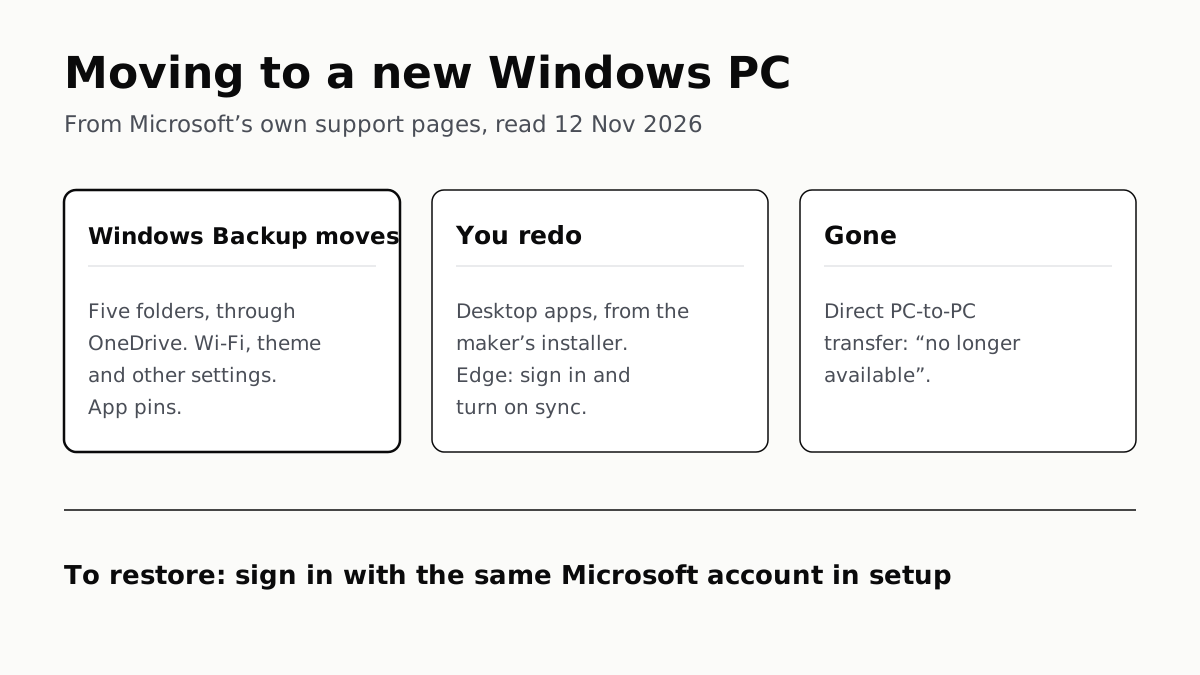
Sign in with the same Microsoft account during setup to restore. Files travel through OneDrive, whose free tier is 5 GB.
Migration Assistant Moves Your Old Mac or PC to a New Mac
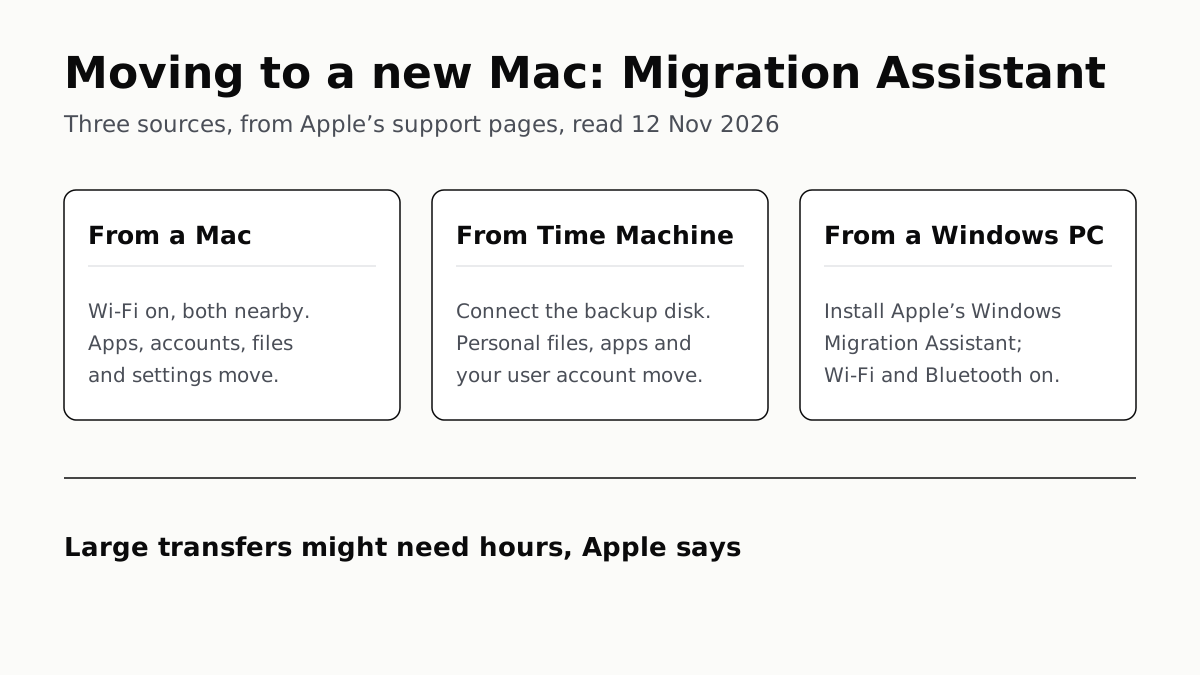
It comes with your Mac. A PC needs Apple’s Windows Migration Assistant, and Apple warns large transfers might need hours.
Windows 11 Pro Adds BitLocker, Remote Desktop and VMs
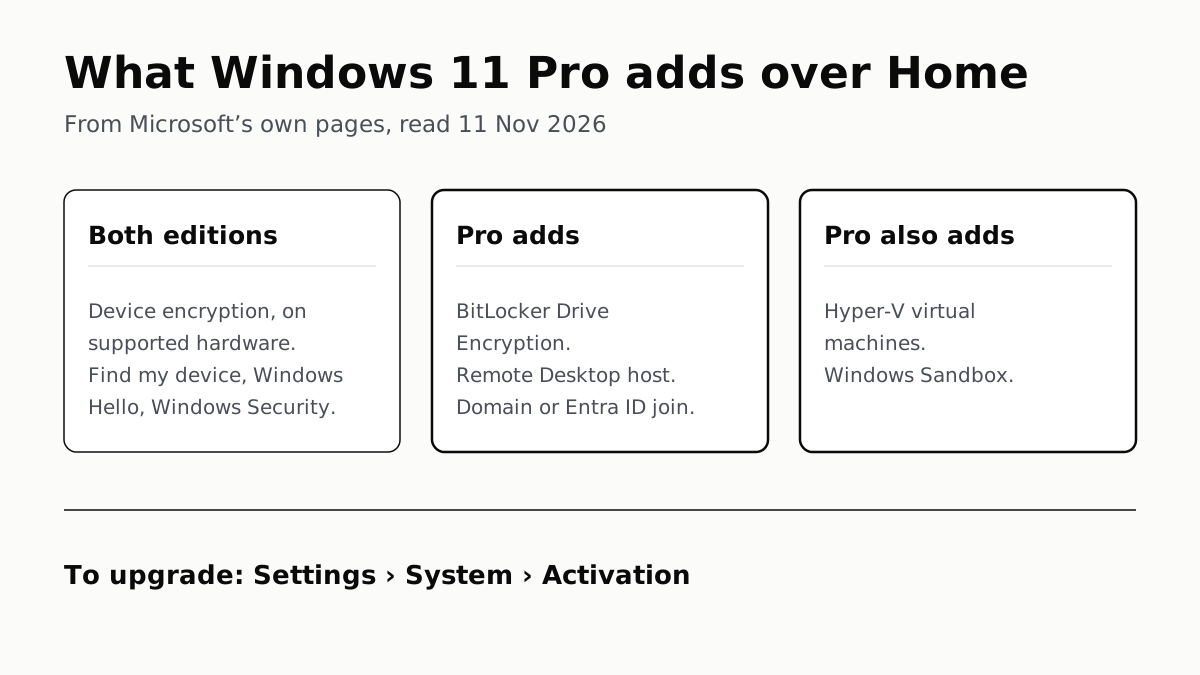
Home can encrypt the drive on supported laptops. Pro adds a Remote Desktop host, Hyper-V, Windows Sandbox and domain join.
Office on a New Windows Laptop Is a Trial Unless You Paid
It is a one-month Microsoft 365 Family trial. Word, Excel and PowerPoint stay free in a browser, or you can buy Office once.