Google Home Needs a Hub for Matter and Thread Devices
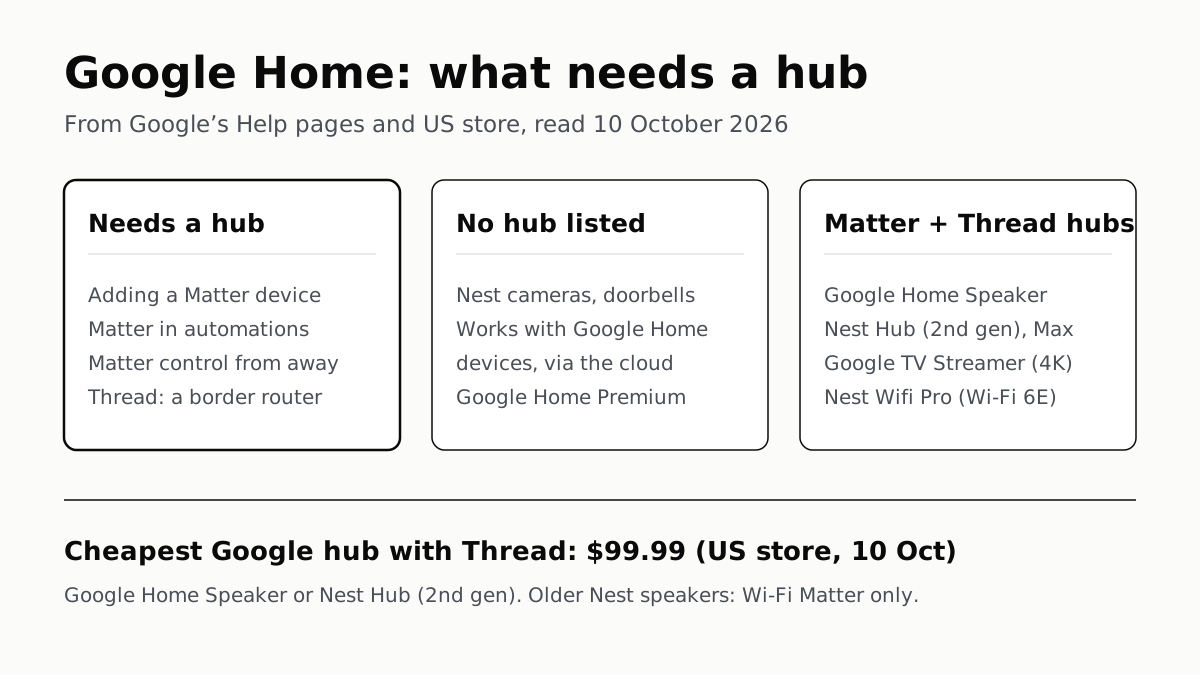
Google Home Speaker, Nest Hub (2nd gen), TV Streamer or Nest Wifi Pro covers both. Nest cameras and cloud-linked gear list no hub.
If you buy through our links, we may earn a commission. It never affects our verdicts or scores — how that works. As an Amazon Associate I earn from qualifying purchases.
By Google’s own pages, you need a hub for Google Home once you add Matter or Thread devices; Nest cameras, Google Home Premium and devices that link through their maker’s cloud have no hub on their requirement lists. Google requires a hub to add any Matter device, to put one in an automation, and to control it from away. The cheapest hubs on Google’s US store on 10 October were the Google Home Speaker and Nest Hub (2nd gen), $99.99 each, and both also handle Thread.
What needs a hub
| Task | Hub needed? | What Google says |
|---|---|---|
| Add a Matter device | Yes | “You need a Matter-enabled hub” first |
| Control Matter devices at home | Yes, done locally | The hub controls them “locally instead of over the cloud” |
| Control Matter devices away from home | Yes | Cloud to hub, then hub to device |
| Matter devices in automations | Yes | “A hub for Google Home is required” |
| Set up a Thread device | A Thread border router | Help 9249088 |
| Works with Google Home devices | Not listed | Remote control through the maker’s cloud |
| Nest cameras and doorbells | Not listed | Wi-Fi, a phone and the Home app |
| Google Home Premium | Not listed | A Nest device, a Google Account and internet |
The Matter rows come from Google’s Matter help pages, which say you need a hub “to: Add Matter-enabled devices to your smart home; Control your Matter-enabled devices locally instead of over the cloud on the internet; Control your smart devices remotely when you’re away from home.” Google’s automation troubleshooting page adds that “a hub for Google Home is required to add Matter devices to automations.”
A device with the “Works with Google Home” badge is different. Google describes those commands going from its cloud to the maker’s cloud and back to your home, and its setup page for them names no hub. That path is also how they fail: Google’s page warns that Wemo devices would show as offline in the Home app once Belkin ended Wemo’s cloud service on 31 January 2026.
Which Google devices are a hub
| Device | Matter over Wi-Fi | Thread border router | Google Store US, 10 Oct 2026 |
|---|---|---|---|
| Google Home Speaker (2026) | Yes | Yes, on two of Google’s four lists | $99.99 |
| Nest Hub (2nd gen) | Yes | Yes | $99.99 |
| Nest Hub Max (affiliate link to Amazon, opens in a new tab) | Yes | Yes | $229, out of stock |
| Google TV Streamer (4K) (affiliate link to Amazon, opens in a new tab) | Yes | Yes | $149.99 |
| Nest Wifi Pro (Wi-Fi 6E) (affiliate link to Amazon, opens in a new tab) | Yes | Yes | $199.99 (sale $129.99 to 12 Oct) |
| Nest Hub (1st gen) | Yes | No | Not listed |
| Nest Audio, Nest Mini, Google Home Mini, Google Home | Yes | No | Store pages redirect to the Google Home Speaker |
| Select TVs compatible with Google Home | Yes | Check with the TV maker | — |
Older Nest speakers and the first Nest Hub are Matter hubs for Wi-Fi devices only; a Matter-over-Thread device needs one of Google’s Thread models. Google’s hub list does not include the older Nest Wifi or Google Wifi routers; the Nest Wifi Pro is the only Google router on it.
Google says its own hubs need no special setup: add the device to the Home app and it “automatically receives the latest updates and acts as a hub for Google Home.” On the TV Streamer, Thread has its own switch, under Settings, Network and Internet, and Google warns that turning it off stops the Streamer acting as a Thread border router. What Thread is, and why a battery sensor needs a border router to reach your Wi-Fi, is covered in our explainer on Matter, Thread and Zigbee.
Google’s pages disagree on the Google Home Speaker. Its Thread page (Help 9249088) and its Matter hub page both list the Google Home Speaker (2026) as a Thread border router. Its Google TV Streamer and Android Thread pages still list only the Nest Hub (2nd gen), Nest Hub Max, Nest Wifi Pro and TV Streamer. We went with the two pages that name the newer speaker.
Two things to check before you add a Matter device
IPv6. Google says IPv6 must be enabled on your home network for Matter, and that without it setup “may initially appear to succeed”, but “control and other functionalities eventually fail.” Your router’s manual or your internet provider can tell you whether it is on.
One hub per app. Matter lets the same device appear in Google Home, Apple Home and Alexa at once, but Google says you need “one Matter-certified smart home hub for each Matter-certified app”. A Nest Hub covers Google Home; the same light in Apple Home needs a HomePod or Apple TV as Apple’s hub.
Local control, and what still needs the internet
At home, Google says Matter commands are “sent directly to the Matter-enabled device over your home wireless Wi-Fi or Thread network without the need to connect to the cloud.” Away from home, the command goes to Google’s cloud, which hands it to your hub to check and carry out locally.
Automations are less clear-cut. Google’s automation page says they “can depend on working internet, Wi-Fi, and service availability” from Google and the device makers, and it does not say which ones run on the hub alone.
Cameras, Premium and Gemini
Nest cameras connect straight to your Wi-Fi. Google’s setup page asks for the camera, 2.4 GHz and 5 GHz Wi-Fi, a compatible phone with Bluetooth on, and the Google Home app. Google Home Premium, which adds video history and Gemini features, lists a compatible Nest camera, doorbell, speaker or display, a Google Account, a supported country and a working internet connection; its Standard plan is $10 a month and Advanced $20.
Gemini for Home is the voice assistant on Google’s speakers and displays, not a hub feature; on older models it is still early access, rolling out by country and language. Google lists the full version on the Google Home Speaker (2026), both Nest Hub generations, the Nest Hub Max (affiliate link to Amazon, opens in a new tab), Nest Audio, Nest Mini (2nd gen) and Home Mini; Gemini Live needs Premium. What changes when a home switches from Assistant is in our piece on Google Assistant and Gemini, and how long Google promises security updates for an older hub is in its per-device table.
Questions people ask
Do I need a Google Home hub?
By Google’s pages, for Matter and Thread devices. Google requires a hub to add a Matter device, to put one in an automation and to control it from away. Nest cameras, Works with Google Home devices that link through their maker’s cloud, and Google Home Premium have no hub on their requirement lists.
Which Google devices are a Google Home hub?
For Matter over Wi-Fi: the Google Home Speaker, Nest Audio, Nest Mini, Google Home Mini, Google Home, every Nest Hub, the Nest Wifi Pro, the Google TV Streamer (4K) and select TVs. Only the Google Home Speaker (2026), Nest Hub (2nd gen), Nest Hub Max, Nest Wifi Pro and TV Streamer also handle Thread.
Is a Nest Mini a Matter hub?
Yes, for Matter devices that use Wi-Fi. Google lists the Nest Mini, Nest Audio, Google Home Mini and original Google Home as Matter hubs over Wi-Fi only. For Matter devices that use Thread you need one of Google’s Thread hubs, such as a Nest Hub (2nd gen).
Is the Google TV Streamer a smart home hub?
Yes. Google lists the Google TV Streamer (4K) as a hub for Matter over Wi-Fi and Thread, and its store page calls it “your hub for Google Home and Matter”. Its Thread switch is in Settings, Network and Internet; turning it off stops it acting as a Thread border router.
Do Nest cameras need a hub?
No. Google’s setup page for Nest cameras asks for the camera, 2.4 GHz and 5 GHz Wi-Fi, a compatible phone with Bluetooth on and the Google Home app, and no hub. Video history and Gemini camera features need a Google Home Premium plan instead.
Does Google Home Premium need a Nest Hub?
Not by Google’s requirements, which ask for a compatible Nest camera, doorbell, speaker or display, a Google Account, a supported country and a working internet connection. Gemini Live, one Premium feature, runs on a compatible speaker or display.
What is the cheapest Google Home hub?
On Google’s US store on 10 October 2026, the Google Home Speaker and Nest Hub (2nd gen) at $99.99 each, and both also handle Thread. The Google TV Streamer (4K) was $149.99 and the Nest Wifi Pro $199.99, on sale at $129.99 until 12 October.
How we researched this
No one at bitcritiq has handled this product. Everything here comes from published sources, listed below.
- What this cannot tell you
- Google does not say in one sentence what works with no hub; we read it from which pages name one. Its automation pages name a hub only for Matter devices and say automations can depend on the internet and the device maker’s service, so we cannot say from Google which automations keep running offline. Four Google pages list Thread border routers: two include the Google Home Speaker (2026) and two omit it; we went with the two that name it. The hub table covers “select TVs” without naming them. We have not set up any of this ourselves.
How we chose this, and what we did
- Why this subject
- Google Trends showed “google home” and “google smart home” among the top smart-home queries in the four weeks to 4 October 2026, and the question under most of them is whether Google Home needs a Nest Hub or similar box. Google’s answer is spread across Matter, Thread, automation, camera and Premium help pages, and the Google Home Speaker that went on sale in June changed which devices count. We had already answered the same question for Apple.
- How we looked at it
- Every requirement is from Google’s own pages, read through a browser on 10 October 2026: Google Home and Nest Help 12391458 (Prepare your smart home for Matter, including its hub table), 13127223 (Matter setup), 9249088 (How Google products use Thread), 15765771 (Troubleshoot automations), 16214649 (Manage automations), 9159862 (third-party devices), 9293657 (Nest camera setup) and 16618650 (Gemini for Home); Google TV Help 15178609 and Android Help 16335330 for their Thread lists; and the Google Store US pages for Google Home Premium and each hub, for prices the same day. For the claim that Nest cameras, Works with Google Home devices and Premium carry no hub requirement, the controls are those pages’ own requirement lists (Wi-Fi, a phone, Bluetooth and the app for cameras; a Google Account, a supported country and internet for Premium), which name everything else they need and no hub.
What this rests on
6 claims, all official. Nothing here was measured by bitcritiq — see how we test for why. Open a claim to read the source it came from.
Adding a Matter device to Google Home needs a Matter-enabled hub, which also handles local control and control from away.Official
Google Help 12391458: “Before you can add Matter-enabled devices to Google Home, you need a Matter-enabled hub device set up on your home wireless network to: Add Matter-enabled devices to your smart home; Control your Matter-enabled devices locally instead of over the cloud on the internet; Control your smart devices remotely when you’re away from home.”
Google’s Matter hubs over Wi-Fi are the Google Home Speaker, Nest Audio, Nest Mini, Google Home Mini, Google Home, Nest Hub (1st and 2nd gen), Nest Hub Max, Nest Wifi Pro, Google TV Streamer (4K) and select TVs; of those, the Google Home Speaker (2026), Nest Hub (2nd gen), Nest Hub Max, Nest Wifi Pro and Google TV Streamer also support Thread.Official
Google Help 12391458, “Hubs for Google Home (Wi-Fi only)” and “Hubs for Google Home (Wi-Fi and Thread)”: “Speakers: Google Home Speaker (2026); Displays: Nest Hub (2nd gen), Nest Hub Max; Wi-Fi routers: Nest Wifi Pro (Wi-Fi 6E); Streamers: Google TV Streamer (4K)”.
Matter devices can only be added to automations if the home has a hub for Google Home.Official
Google Help 15765771, under “Device can't be automated”: “A hub for Google Home is required to add Matter devices to automations.”
Setting up a Thread device in the Google Home app needs a Thread border router, and Google’s own lists disagree on whether the Google Home Speaker (2026) is one.Official
Google Help 9249088: “To set up a Thread device using the Google Home app, a Thread Border Router is required”, and lists “Speaker: Google Home Speaker (2026)” first. Google TV Help 15178609 and Android Help 16335330 list only Nest Hub (2nd gen), Nest Hub Max, Nest Wifi Pro (Wi-Fi 6E) and Google TV Streamer (4K).
Matter commands given away from home go through Google’s cloud to the hub, which carries them out locally.Official
Google Help 13127223: “The request from the cloud sends the command to your hub for Google Home to verify if it’s from an authorized person. The hub for Google Home carries out your command directly to the Matter-enabled device, locally over your home wireless Wi-Fi or Thread network.”
On 10 October 2026 Google’s US store listed the Google Home Speaker and Nest Hub (2nd gen) at $99.99, the Google TV Streamer (4K) at $149.99, the Nest Wifi Pro from $199.99 (on sale at $129.99 until 12 October), and the Nest Hub Max at $229, out of stock.Official
Google Store US product pages, read 10 October 2026. Nest Wifi Pro: “From $129.99 $199.99” and “Save $70 on Nest Wifi Pro. Ends 10/12.” Nest Hub Max: “$229” and “Out of stock”.
Sources 16
- Prepare your smart home for Matter — Google Home and Nest Help 12391458Officialaccessed Oct 10, 2026
- Set up, manage, and control Matter-enabled devices with Google Home — Google Home and Nest Help 13127223Officialaccessed Oct 10, 2026
- How Google products use Thread in a smart home — Google Home and Nest Help 9249088Officialaccessed Oct 10, 2026
- Connect Thread smart devices with Google TV Streamer (4K) — Google TV Help 15178609Officialaccessed Oct 10, 2026
Show 12 more · 12 official or standards
- Connect Thread smart home devices with your Android device — Android Help 16335330Officialaccessed Oct 10, 2026
- Troubleshoot Google Home automations — Google Home and Nest Help 15765771Officialaccessed Oct 10, 2026
- Manage smart home automations in Google Home — Google Home and Nest Help 16214649Officialaccessed Oct 10, 2026
- Connect third-party smart home devices in the Google Home app — Google Home and Nest Help 9159862Officialaccessed Oct 10, 2026
- Set up your Nest camera in the Google Home or Nest app — Google Home and Nest Help 9293657Officialaccessed Oct 10, 2026
- Learn about Gemini for Home voice assistant — Google Home and Nest Help 16618650Officialaccessed Oct 10, 2026
- Google Home Premium Subscription — Google Store (US)Officialaccessed Oct 10, 2026
- Google Home Speaker — Google Store (US)Officialaccessed Oct 10, 2026
- Nest Hub (2nd Gen) — Google Store (US)Officialaccessed Oct 10, 2026
- Google Nest Hub Max — Google Store (US)Officialaccessed Oct 10, 2026
- Google TV Streamer (4K) — Google Store (US)Officialaccessed Oct 10, 2026
- Nest Wifi Pro — Google Store (US)Officialaccessed Oct 10, 2026
Pass it on
Know someone weighing this up? Send them the answer.
bitcritiq.com/g6g7The link is permanent: it opens this article for good, even if the title changes.
No email, no account
Follow bitcritiq
Every new article, in whatever reader you already use.
Subscribe by RSSAll the ways to follow
Using Chrome on Android? Open the browser menu and tap Follow. New articles then turn up in the Following tab in Discover.
read next
Ecobee and Honeywell Need a C-Wire; Nest Often Doesn’t
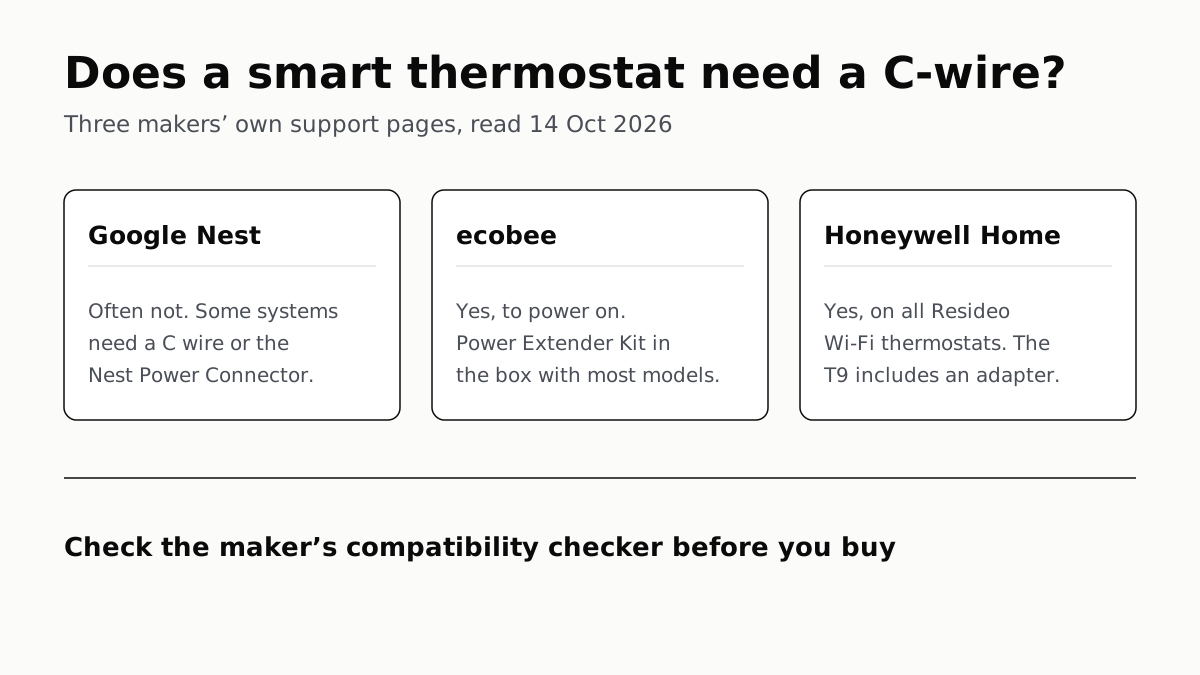
Each maker has a fix for homes without the wire, and each sends you to its own compatibility checker before you buy.
Apple Home Needs an iPhone; Google and Alexa Run on Both
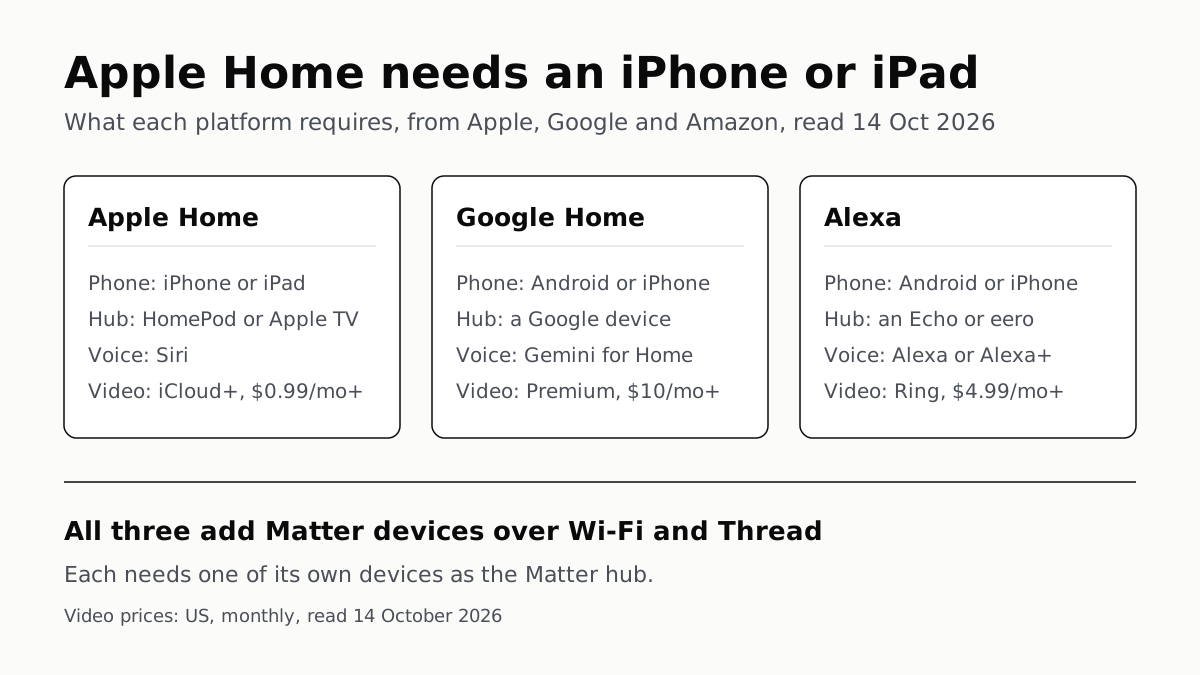
All three add Matter and Thread devices. They differ in which hub you need, which assistant answers and what camera video history costs.
Extender for One Dead Room, Mesh for a Whole House
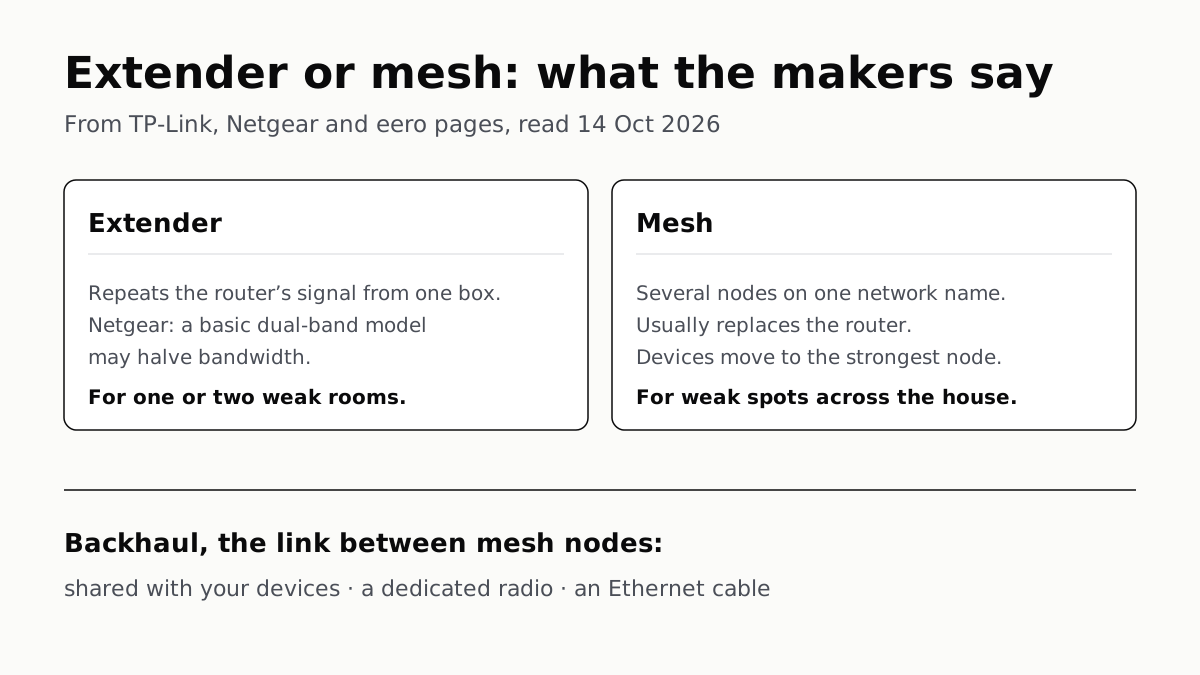
An extender repeats your router from one plug; mesh runs several nodes as one network. How the nodes link sets the speed.
Four Router Makers Set an Update Term; Asus, Linksys Don’t
eero and Google guarantee five years at minimum; Netgear and TP-Link stop about three years after a model leaves sale.