How to Check Your Phone's Battery Health, and What It Means
Where iPhone, Pixel and Samsung Galaxy show it, and what each maker says a reading means. Only Apple and Google give you a percentage.

If you buy through our links, we may earn a commission. It never affects our verdicts or scores — how that works. As an Amazon Associate I earn from qualifying purchases.
On an iPhone, open Settings › Battery › Battery Health; on a Pixel 8a or later, Settings › Battery › Battery health; on a Samsung Galaxy, run Battery status in Samsung Members’ Phone diagnostics. iPhone and Pixel show a capacity percentage and both makers draw their line at 80%, while Samsung answers Normal, Weak or Bad.
Where each phone shows battery health
| Phone | Where | What it shows |
|---|---|---|
| iPhone 15 and later | Settings › Battery › Battery Health | Maximum capacity (%), cycle count, manufacture date, first use date, Peak Performance Capability |
| iPhone 6 to iPhone 14 | Settings › Battery › Battery Health & Charging | Maximum capacity (%), Peak Performance Capability |
| Pixel 8a and later | Settings › Battery › Battery health, then Battery capacity | Normal, Reduced or Unavailable, plus an estimated capacity (%) |
| Pixel 8a and later | Settings › About phone › Battery information | Cycle count, manufacture date, date of first use |
| Pixel 6 to Pixel 8 Pro | Settings › Battery › Battery Diagnostics | A diagnostics tool; Google says the 6a, 7, 7 Pro, 7a, 8 and 8 Pro “don’t indicate battery health status” |
| Samsung Galaxy | Samsung Members › Support › Phone diagnostics › Battery status | Normal, Weak or Bad; no percentage |
| Samsung Galaxy, Android 12 or later | Settings › Device care › Diagnostics › Phone diagnostics | The same Phone diagnostics, from Settings |
Google’s battery-health feature is not on Pixel Tablet. Samsung says menu names and layouts vary by model and software version.
The percentage is not a fuel gauge. Apple’s maximum capacity “measures the device battery capacity relative to when it was new”, so 85% means a full charge now holds 85% of what it held new, not that the battery is nearly full. To see how full it is right now, turn on the battery percentage instead.
“Phone info” and battery capacity
If you searched for battery health under phone info, the nearest thing on a maker’s own menus is Pixel’s Settings › About phone › Battery information, on Pixel 8a and later. It gives the cycle count and dates; the capacity percentage itself sits under Settings › Battery › Battery health › Battery capacity.
Apps called Phone Info on Google Play come from third-party developers. None of the Apple, Google or Samsung battery pages cited here mentions them, or any dialer code, so we cannot say what their figures measure.
What the reading means
Every row below is the maker’s own wording or figure. Samsung publishes no percentage, so its rows are status words.
| Reading | Phone | What the maker says |
|---|---|---|
| 80% after 500 complete cycles | iPhone 14 and earlier | The design target, “under ideal conditions” |
| 80% after 1,000 complete cycles | iPhone 15 models | The design target, “under ideal conditions” |
| Below 80% | iPhone with AppleCare | “We’ll replace the battery for no extra charge” |
| “Significantly degraded” message | iPhone | A service provider can replace the battery “to restore full performance and capacity”. Apple gives no percentage for it |
| 80% for about 800 cycles | Pixel 3 to Pixel 8 Pro, Pixel Fold | Replace below 80% or at 800 cycles |
| 80% for about 1,000 cycles | Pixel 8a and later | Replace below 80% or at 1,000 cycles |
| Normal | Pixel 8a and later | “Battery capacity is within normal limits” |
| Reduced | Pixel 8a and later | Capacity below 80%; “consider a battery replacement” |
| Unavailable | Pixel 8a and later | “Can’t determine your battery status” |
| Normal | Samsung Galaxy | “No issues with the battery” |
| Weak | Samsung Galaxy | Efficiency “may have decreased due to use or environmental conditions” |
| Bad | Samsung Galaxy | “Significantly degraded”; Samsung says to visit a support centre |
Apple and Google both draw their line at 80%. A reading above 80% on a phone short of its rated cycles is within what its maker designed for. Apple’s page names iPhone 15 models for the 1,000-cycle figure and, as read on 13 October 2026, no later model, so we do not extend it to newer iPhones.
iPhone
Settings › Battery › Battery Health, which Apple’s User Guide calls Battery Health & Charging on iPhone 14 and earlier. Apple says battery health screens exist from iPhone 6 onward.
- Maximum capacity is the percentage. Apple says a new phone can show “slightly less than 100 percent”, depending on how long it sat between being made and being activated.
- Cycle count, manufacture date and first use date appear on iPhone 15 models and later.
- Peak Performance Capability says whether performance management has been applied. Apple turns it on only after an unexpected shutdown on a battery with “diminished ability” to deliver peak power. If it says the battery is “currently supporting normal peak performance”, that feature has not been applied.
- “Significantly degraded” is the service message. Apple says it “doesn’t indicate a safety issue” and that you can still use the battery.
AppleCare covers the replacement once capacity drops below 80%. Without it, Apple’s price depends on the model: see what an iPhone battery replacement costs.
Android
Pixel and Samsung each publish their own path, and they measure different things.
Pixel
On Pixel 8a and later, Settings › Battery › Battery health shows Normal or Reduced, and Battery capacity beneath it shows the estimated percentage. Cycle count, battery manufacture date and date of first use are in Settings › About phone › Battery information.
Earlier Pixels show no battery-health status. Google’s Battery Diagnostics tool, at Settings › Battery › Battery Diagnostics, covers Pixel 6 and later, and Google lists “know when your battery needs replacement” among what checking battery performance is for.
Battery health assistance, on Pixel 6a and later, lowers the battery’s maximum voltage in stages from 200 to 1,000 cycles and adjusts charging speed to match. Google says it is on by default and cannot be turned off from Pixel 9a onward; on Pixel 6a to Pixel 9 Pro Fold it is a switch under Battery health.
Samsung Galaxy
Samsung’s documented check is the Battery status test in Samsung Members: open the app, tap Support, start Phone diagnostics, then tap Battery status. The result is Normal, Weak or Bad. Samsung US says the same diagnostics also sit under Diagnostics on the app’s Discover tab.
Samsung also points to Settings › Device care › Battery to “review battery usage and health information”, and says Device care diagnostics run on Galaxy devices with Android 12 or later. A Galaxy may also show a battery performance degradation alert on its own; Samsung says to have the battery inspected if it does.
What the number does not tell you
It is not a fault. Apple says all rechargeable batteries “are consumable components that become less effective as they chemically age”, and Google that batteries “aren’t meant to last indefinitely”.
It is an estimate. Google says capacity “is estimated by the battery’s fuel gauge”, and Apple that the exact percentage “depends on how the devices are regularly used and charged”. A one- or two-point move says less than the trend over months.
It says nothing about charging faults. A phone that will not charge at all is a different problem from one that runs down fast, and the health screen does not diagnose it. Apple’s checks for an iPad that says Not Charging start with the adapter and cable. What does wear a battery, according to the makers, is heat, charge cycles and time spent full, covered in whether wireless charging hurts your battery.
What to do with the reading
- Write down the number and the date. Compare it in a few months: the slope tells you more than one reading.
- Replace when the phone stops lasting the day you need it to, or when it crosses the maker’s line: below 80%, Reduced on a Pixel, Bad on a Galaxy.
- Buying second-hand? Ask the seller for this screen. On iPhone 15 and later it also shows the cycle count; on Pixel 8a and later that is under About phone › Battery information.
Correction, 21 September 2026. Three corrections after re-reading the makers’ pages. Apple states its 1,000-cycle figure for iPhone 15 models, not “iPhone 15 and later” as we had it. Google shows battery health only on Pixel 8a and later, which we did not say. And on iPhone 14 and earlier the menu item is Battery Health & Charging. Samsung Galaxy phones are now covered too.
Questions people ask
How do I check battery health in phone info?
On a Pixel 8a or later, Settings › About phone › Battery information shows cycle count, manufacture date and date of first use, and Settings › Battery › Battery health shows the status and capacity. Apps called Phone Info on Google Play are third-party; the Apple, Google and Samsung pages cited here do not mention them or any dialer code.
How do I check my phone’s battery capacity?
On iPhone, Settings › Battery › Battery Health shows Maximum capacity, a percentage of what the battery held when new. On a Pixel 8a or later, Settings › Battery › Battery health › Battery capacity shows Google’s estimate. Samsung’s Battery status test answers Normal, Weak or Bad rather than a percentage.
How do I check battery health on Android?
It depends on the maker. On a Pixel 8a or later, open Settings › Battery › Battery health for a Normal or Reduced status, then Battery capacity for the percentage. On a Samsung Galaxy, open Samsung Members › Support › Phone diagnostics and tap Battery status, which reports Normal, Weak or Bad. Other Android makers put it in different places, or not at all.
How do I check the battery health of my iPhone?
Open Settings, tap Battery, then tap Battery Health (on iPhone 14 and earlier the item is called Battery Health & Charging). Maximum capacity is the percentage. On iPhone 15 models and later the same screen also shows cycle count, manufacture date and first use date.
Is 80 percent battery health bad?
It is the line both makers draw. Apple designs iPhone batteries to hold 80% after 500 complete cycles (iPhone 14 and earlier) or 1,000 (iPhone 15 models), and AppleCare replaces the battery at no extra charge below 80%. Google labels a Pixel battery Reduced below 80% and recommends replacing it. At 80% the battery has aged as designed; below it, Google recommends a new one and AppleCare pays for one.
How is battery health calculated?
It is the charge the battery can hold now, as a percentage of what it held when new. Google says its figure is estimated by the battery’s fuel gauge and that initial values are based on lab results. Charge cycles count usage: Apple counts one cycle each time you use 100% of the battery’s capacity, and Google counts going from 100% to 50% and back as 0.5 cycles.
Can you fix phone battery health?
Not with a setting. Apple says capacity falls as the battery chemically ages, and both Apple and Google name the remedy as a new battery. What can be recalibrated is the reading: Apple recalibrated reporting on iPhone 11 models in iOS 14.5, and Google gives a restart, charge, drain and recharge routine to show a Pixel’s latest battery performance.
How can I test my phone battery health?
Use the maker’s own diagnostics. Samsung’s Phone diagnostics in Samsung Members includes a Battery status test, and Samsung says Device care diagnostics run on Galaxy phones with Android 12 or later. Google’s Battery Diagnostics, at Settings › Battery › Battery Diagnostics, covers Pixel 6 and later. iPhone reports health on the Battery Health screen without a separate test.
How we researched this
No one at bitcritiq has handled this product. Everything here comes from published sources, listed below.
- What this cannot tell you
- Covers iPhone, Pixel and Samsung Galaxy only. Other Android makers put the same information in different places, or do not expose it, and a general Android path would be wrong on most phones. Apple's pages give the models that show each item, not a minimum iOS version, so the table lists models. Samsung notes that menu names vary by model and software version; Samsung Members community posts describe a Battery information screen on some Galaxy phones, but no Samsung support page we found does, so it is left out. We did not test third-party Phone Info apps. Replacement prices are in a separate article.
How we chose this, and what we did
- Why this subject
- Search Console shows this page found for more than a dozen wordings of the same task, with the heaviest demand on Android, alongside battery health 80 percent and how to calculate battery health. In the 28 days to 5 October 2026 it also appeared for “phone info battery health” and “check phone battery capacity”, so this edition adds a per-maker table, a capacity answer and what the makers say (and do not say) about “phone info”.
- How we looked at it
- Every path, threshold and status message was re-read on the maker's own support pages on 13 October 2026: Apple Support 101575 and 119954, the iPhone User Guide, Apple's iPhone battery service page, Google's two Pixel Phone Help articles, and Samsung's UK, US and Gulf support articles. No third-party summaries. For “phone info”: none of those pages names an app called Phone Info or a dialer code; control: the same pages do name their makers' own tools (Battery Health, Battery health, Battery Diagnostics, Phone diagnostics). A DuckDuckGo search of samsung.com for dialer codes returned nothing.
What this rests on
6 claims, all official. Nothing here was measured by bitcritiq — see how we test for why. Open a claim to read the source it came from.
iPhone 14 models and earlier are designed to retain 80% of original capacity at 500 complete charge cycles; iPhone 15 models at 1000.Official
Apple Support 101575, published 1 June 2026, re-read 13 October 2026: 'Batteries of iPhone 15 models are designed to retain 80 percent of their original capacity at 1000 complete charge cycles under ideal conditions.' No later model is named.
Pixel shows battery health only on Pixel 8a and later; Pixel 6a to Pixel 8 Pro do not indicate a battery health status.Official
Google Pixel Phone Help 15738128, re-read 13 October 2026: 'This feature is only available on Pixel 8a and later' and 'Pixel 6a, Pixel 7, Pixel 7 Pro, Pixel 7a, Pixel 8, and Pixel 8 Pro don’t indicate battery health status.'
A Pixel battery is labelled Reduced when its capacity is below 80%, and Google recommends replacement below 80% or at 800 cycles (Pixel 3 to 8 Pro, Pixel Fold) or 1000 cycles (Pixel 8a and later).Official
Google Pixel Phone Help 15738128, re-read 13 October 2026: 'Reduced: Battery reached capacity is below 80%.'
Samsung's battery check reports Normal, Weak or Bad, with no percentage.Official
Samsung UK support, updated 15 April 2026, re-read 13 October 2026, lists the three results. Control: the same page names the Battery status test and its results, and contains no capacity percentage; Samsung US (dated 20 August 2026) and Samsung Gulf (26 August 2026) give none either.
Samsung's Phone diagnostics can also be opened from Settings › Device care › Diagnostics on Galaxy devices running Android 12 or later.Official
Samsung US ANS10003632, dated 20 August 2026, re-read 13 October 2026: 'Device care diagnostics are available on Galaxy devices running Android 12 or later … Open Settings, then tap Device care. Tap Diagnostics. From here, tap Phone diagnostics.'
AppleCare replaces the battery at no extra charge once capacity drops below 80%.Official
Apple's iPhone battery service page, AppleCare tab, re-read 13 October 2026: 'We’ll replace the battery for no extra charge if the capacity drops below 80%.'
Sources 9
- iPhone battery and performance — Apple Support 101575 (published 1 June 2026)Officialaccessed Oct 13, 2026
- Understand your iPhone battery usage and health — iPhone User GuideOfficialaccessed Oct 13, 2026
- About recalibration of battery health reporting in iOS 14.5 or later — Apple Support 119954Officialaccessed Oct 13, 2026
- iPhone battery service — Apple SupportOfficialaccessed Oct 13, 2026
Show 5 more · 5 official or standards
- Understand your Pixel battery — Google Pixel Phone HelpOfficialaccessed Oct 13, 2026
- Fix issues with your Pixel phone battery — Google Pixel Phone HelpOfficialaccessed Oct 13, 2026
- How to check the battery status on your Samsung Galaxy phone — Samsung UK (updated 15 April 2026)Officialaccessed Oct 13, 2026
- Check your Samsung Galaxy device status and run diagnostics — Samsung US (dated 20 August 2026)Officialaccessed Oct 13, 2026
- How to check when it may be time to replace your Samsung Galaxy phone battery — Samsung Gulf (updated 26 August 2026)Officialaccessed Oct 13, 2026
Pass it on
Know someone weighing this up? Send them the answer.
bitcritiq.com/kp4vThe link is permanent: it opens this article for good, even if the title changes.
No email, no account
Follow bitcritiq
Every new article, in whatever reader you already use.
Subscribe by RSSAll the ways to follow
Using Chrome on Android? Open the browser menu and tap Follow. New articles then turn up in the Following tab in Discover.
read next
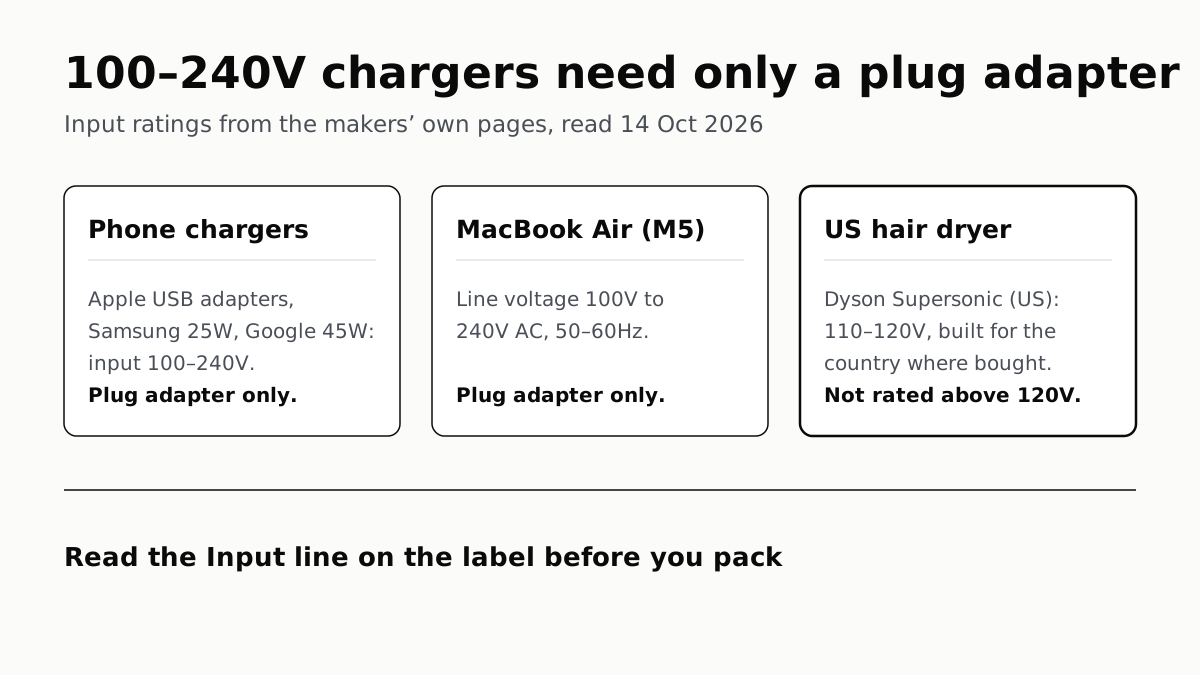
Chargers Rated 100–240V Need Only a Plug Adapter Abroad
Apple, Samsung and Google rate their chargers, and the MacBook Air, for 100–240V. A hair dryer built for 110–120V is a different case.
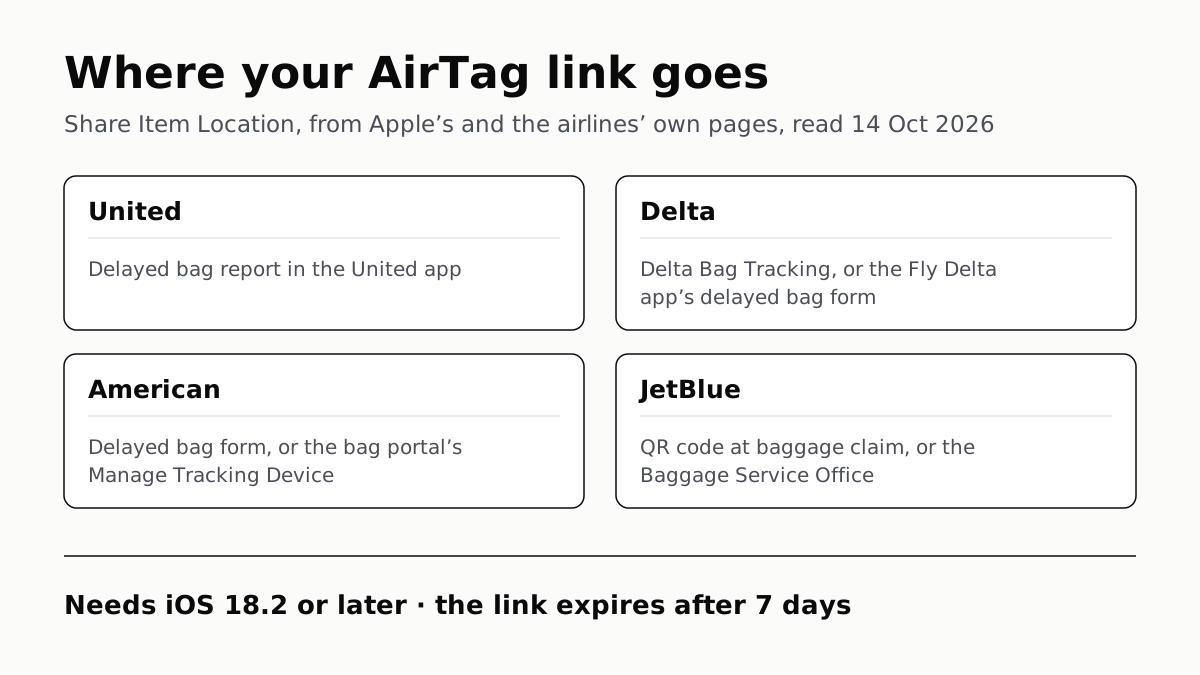
Send Your AirTag Link to United, Delta, American, JetBlue
Find My’s Share Item Location makes a seven-day link a bag agent can open. Apple says more than 50 airlines accept it.
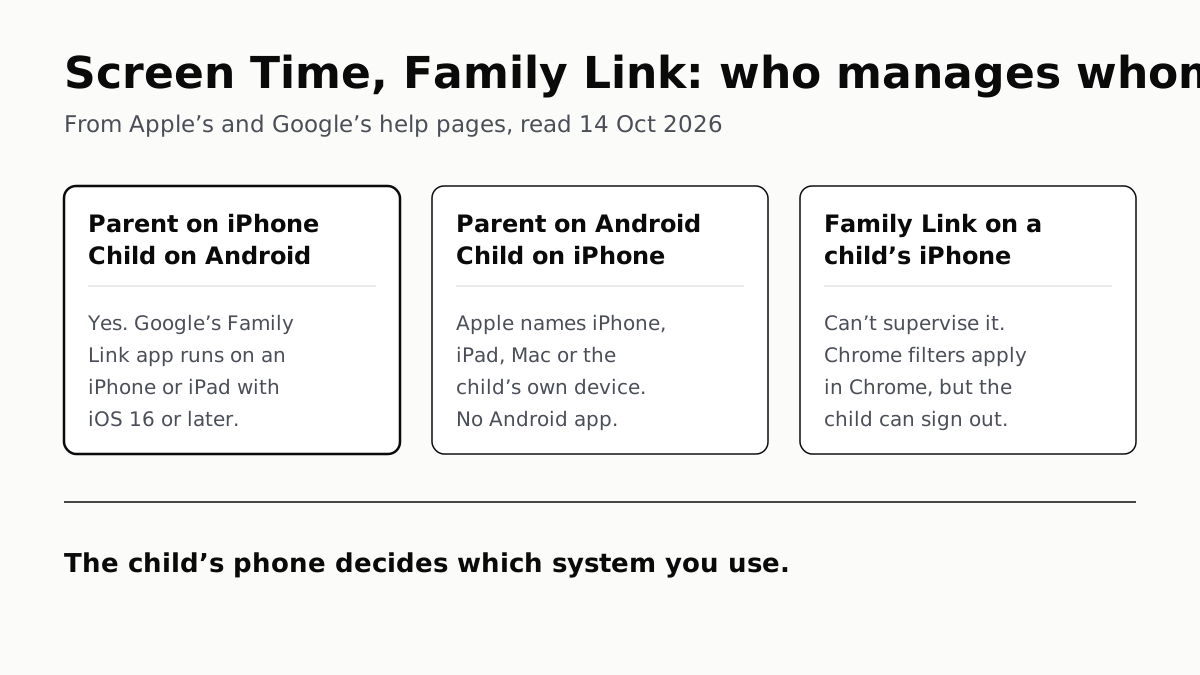
Family Link Works From an iPhone. Screen Time Needs Apple
Neither app supervises the other maker’s phones. App limits, downtime, web filters and more, side by side, with iOS 27’s changes.
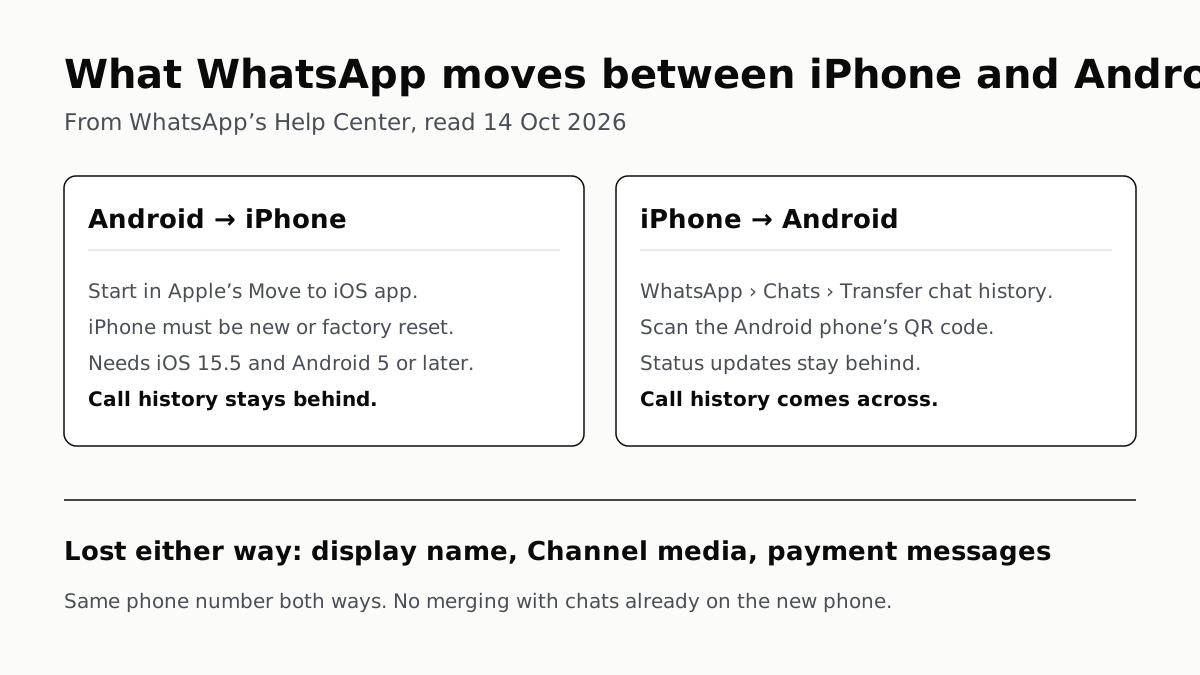
WhatsApp Chats Can Cross Between iPhone and Android
Messages, media and settings move both ways. Display names, Channel media and payment messages don’t, and call logs reach Android alone.