Battery Percentage: One Switch, Unless You Have a Galaxy
Settings, then Battery, on iPhone, iPad and Pixel. Samsung made the number permanent in One UI 8.5; its switch now hides only the icon.
If you buy through our links, we may earn a commission. It never affects our verdicts or scores — how that works. As an Amazon Associate I earn from qualifying purchases.
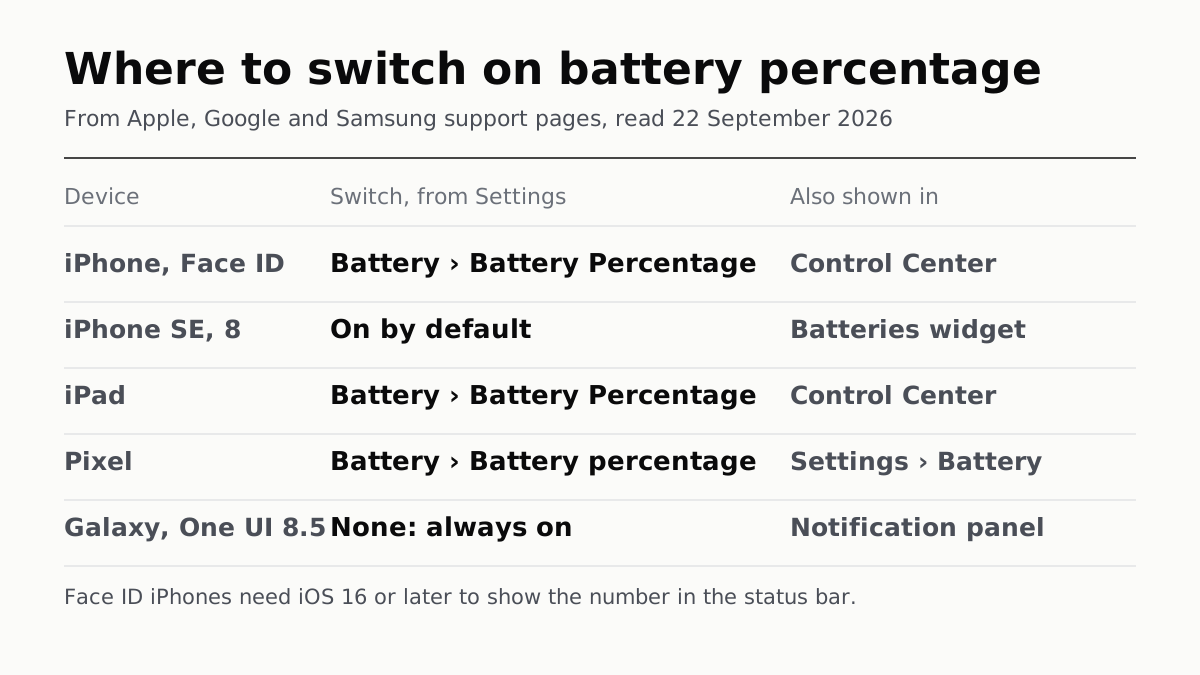
To show your battery percentage, open Settings, tap Battery and turn on Battery Percentage — the same switch, under the same name, on an iPhone, an iPad and a Google Pixel. On a Samsung Galaxy running One UI 8.5 or later there is nothing to turn on, because Samsung keeps the number in the status bar.
To see the number once without changing a setting: swipe down from the top-right corner of a Face ID iPhone or an iPad to open Control Center, pull down the notification panel on a Galaxy, or open Settings on a Pixel, where Battery shows how much charge is left and about how long it will last.
This page is about charge — how full the battery is right now. If you meant whether the battery itself is wearing out, that is battery health, a different reading in a different menu.
Where each maker puts it
| Device | Switch it on | Where the number shows | Models that can’t |
|---|---|---|---|
| iPhone with Face ID (iPhone X and later) | Settings › Battery › Battery Percentage | Inside the battery icon; Control Center without the switch | None named; needs iOS 16 or later |
| iPhone SE (2nd and 3rd generation), iPhone 8 or earlier | On by default; if not, the same switch | Status bar | None named |
| iPad | Settings › Battery › Battery Percentage | Beside the battery icon; Control Center even with the switch off | None named |
| Google Pixel | Settings › Battery › Battery percentage | Status bar; Settings, under Battery | None named; Google says some steps need Android 14 |
| Samsung Galaxy, One UI 8.5 or later | No switch: the number stays on | Status bar; notification panel | None named |
| Samsung Galaxy, Android 10 | Settings › Notifications › Status bar › Show battery percentage | Status bar | — |
Apple’s rows are from its “Show the battery percentage” article and the iOS 27 and iPadOS 27 User Guides; Google’s from Pixel Phone Help; Samsung’s from its US One UI 8.5 article, its UAE battery-percentage page and, for Android 10, its UK page, which was last updated in March 2022.
Why an iPhone shows only the battery icon
On a Face ID iPhone, the percentage lives in Control Center. Apple’s support article says that with iOS 16 and later you can also turn it on so it appears in the status bar, where the iOS 27 User Guide says it is drawn inside the battery symbol rather than beside it.
So an iPhone showing just the icon has one of two explanations: the switch under Settings › Battery is off, or the phone is on iOS 15 or earlier. Apple’s current page names no iPhone that cannot show the number. The iPhone X, XS and XR — the oldest Face ID models — are all on Apple’s iOS 16 compatibility list, and every iPhone that runs this year’s update is well past that line: iOS 27 starts at the iPhone 11.
On the iPhone SE (2nd and 3rd generation) and the iPhone 8 and earlier, Apple says the number shows all the time. If one does not, the fix is the same switch.
iPad is where Apple’s pages disagree. The support article says every iPad shows the percentage always; the iPadOS 27 User Guide says an iPad shows the icon without a percentage by default. The guide is the one written for the current software, and the fix is the same either way: Settings › Battery › Battery Percentage. Control Center shows it regardless.
Samsung: the number is not optional any more
From One UI 8.5, Samsung’s “Show battery percentage” switch became “Show battery background”. Samsung says the numeric percentage “remains displayed” either way; turning the new switch off, under Settings › Notifications › Status bar, removes the battery outline and leaves only the number.
That is the opposite of what owners of older Galaxy phones may remember, when the switch hid the number. Samsung’s own step-by-step for those versions is thin: its UK page covers Android 10 (the path in the table) and Android 11 and 12 (Settings › Notifications › Advanced settings › Show battery percentage), and its UAE page, updated this June, says only to look under “Advanced settings or Display, depending on your device model”. We found no Samsung page giving the exact path for the versions between, so we have not given one.
Your watch, earbuds and stylus
Apple’s Batteries widget puts every charge on one screen. The iOS 27 User Guide says it monitors the iPhone and connected accessories, including AirPods, and Apple’s Apple Watch page says it shows a connected watch’s charge too. It goes on the Home Screen or the Lock Screen; on iPad, Apple adds Apple Pencil to the list.
- AirPods alone: open the case lid or take them out, then Settings › Bluetooth, and tap the Info button beside their name. Apple also sends a notification at 20, 10 and 5 percent.
- On the watch itself: press the side button to open Control Center, which shows the percentage.
- Pixel: Google’s battery widget shows the phone and nearby connected devices that report their battery over Bluetooth or Fast Pair. It needs Android 12 or later.
If the number falls faster than it should
That is a different problem from finding it. If the percentage started dropping quickly after this month’s iPhone update, Apple’s battery screen can flag an update still finishing in the background, and that is worth checking before anything else. If the drop has been gradual over years, the health reading linked above is the one to look at.
Questions people ask
What is my battery percentage right now on my phone?
On a Face ID iPhone, swipe down from the top-right corner to open Control Center, which shows it. On a Pixel, open Settings, where Battery shows the charge left. A Galaxy on One UI 8.5 or later already shows the number in the status bar. To keep it on screen on iPhone or Pixel, turn on Battery Percentage under Settings › Battery.
How do I see my battery percentage?
On iPhone, iPad and Pixel, open Settings, tap Battery and turn on Battery Percentage; the number then stays in the status bar. A Samsung Galaxy on One UI 8.5 or later shows it without a setting.
Why can’t I see battery percentage on iPhone?
Either the Battery Percentage switch under Settings › Battery is off, or the iPhone runs iOS 15 or earlier, where Face ID models show the number only in Control Center. Apple’s current page names no iPhone that cannot show it on iOS 16 or later, and every Face ID iPhone can run iOS 16 or later.
How do I show battery percentage on Samsung?
From One UI 8.5 you do not need to: Samsung says the number stays in the status bar, and the old Show battery percentage switch became Show battery background, which hides only the icon behind the number. On Android 10 Samsung gives Settings › Notifications › Status bar › Show battery percentage.
What percent is my tablet?
On an iPad, open Control Center: Apple says it shows the percentage even when Battery Percentage is off in Settings. To keep the number beside the battery icon, turn on Settings › Battery › Battery Percentage.
How much battery is left on my phone?
The status-bar percentage is the charge left. For more, Pixel’s Settings shows under Battery how much charge remains and about how long it will last, and Samsung Galaxy phones show the number in the status bar from One UI 8.5.
How do I check my AirPods or Apple Watch battery on my iPhone?
Add the Batteries widget to your iPhone’s Home Screen or Lock Screen; Apple says it shows the charge of a connected Apple Watch and of accessories including AirPods. For AirPods alone, open the case lid, then go to Settings › Bluetooth and tap the Info button beside them.
How we researched this
No one at bitcritiq has handled this product. Everything here comes from published sources, listed below.
- What this cannot tell you
- Samsung’s pages give exact paths for Android 10 to 12 and for One UI 8.5 and later, and nothing exact in between, so we give no path for those versions. Apple’s two current pages disagree about whether an iPad shows the number by default. Menu names can differ by region and carrier. We have not checked any of these steps on a device ourselves.
How we chose this, and what we did
- Why this subject
- Searches such as “what is my battery percentage” and “how much charge do i have” were landing on our battery health guide, which answers a different question — how worn the battery is, not how full it is. This page answers the charge-level question on the four device families readers named.
- How we looked at it
- Every menu path is from the maker’s own support pages: Apple’s “Show the battery percentage on your iPhone or iPad” article and the iPhone and iPad User Guides for iOS 27 and iPadOS 27; Apple’s iOS 16 compatibility list, Apple Watch battery page and AirPods charging page; Google’s Pixel Phone Help “Check battery level” page; and Samsung’s US One UI 8.5 status-bar article, its UK show-or-hide article and its UAE battery-percentage article. All read 22 September 2026.
What this rests on
6 claims, all official. Nothing here was measured by bitcritiq — see how we test for why. Open a claim to read the source it came from.
On iPhone the switch is Settings › Battery › Battery Percentage, and on a Face ID iPhone the number appears inside the battery symbol.Official
iPhone User Guide, iOS 27: 'Tap Battery, then turn on Battery Percentage. On an iPhone with Face ID, the battery percentage appears inside the battery symbol on the status bar.'
Face ID iPhones can put the number in the status bar from iOS 16; otherwise it is in Control Center. Apple names no iPhone that cannot.Official
Apple Support 102572: on iPhone models with Face ID 'the battery percentage appears in Control Center', and 'With iOS 16 and later, you can turn on the battery percentage so it appears in your status bar'. Control: the same page does name models that show it always — 'iPhone SE (2nd and 3rd generation)', 'iPhone 8 or earlier', 'iPad (all models)' — and lists none that cannot. Apple Support 103267 lists iPhone X, XS, XS Max and XR among iOS 16 devices.
An iPad shows only the icon by default, and Control Center shows the percentage even with the switch off.Official
iPad User Guide, iPadOS 27: 'By default, iPad shows a battery icon without a percentage.' and 'Open Control Center to see the current battery percentage, even if Battery Percentage is turned off in Settings.' Apple Support 102572 says instead that battery percentage is 'always visible in the status bar' on 'iPad (all models)', with a footnote to turn it on if it does not show.
On a Pixel the switch is Settings › Battery › Battery percentage.Official
Pixel Phone Help 2819525, under 'Show battery percentage in status bar': 'Open your phone’s Settings app. Tap Battery. Turn on Battery percentage.' The page notes: 'Some of these steps only work on Android 14 and up.'
From One UI 8.5, a Galaxy phone keeps the number in the status bar; the setting now hides only the battery background.Official
Samsung US TSG10013036: 'Numeric battery percentage remains displayed: From One UI 8.5, the option changed from "Show battery percentage" to "Show battery background."' and 'Tap Notifications, and then tap Status bar. Turn off Show battery background to hide the battery oval image.'
The iPhone Batteries widget shows the charge of a connected Apple Watch and of accessories including AirPods.Official
iPhone User Guide, iOS 27: a widget can 'monitor the battery levels of your iPhone and connected accessories (including AirPods and other devices)'. Apple Support 108760: 'Add a battery widget on your iPhone to show the charge level of your connected Apple Watch.'
Sources 10
- Show the battery percentage on your iPhone or iPad — Apple Support 102572, published 16 December 2025Officialaccessed Sep 22, 2026
- Show the iPhone battery percentage — iPhone User Guide, iOS 27Officialaccessed Sep 22, 2026
- Show the iPad battery percentage — iPad User Guide, iPadOS 27Officialaccessed Sep 22, 2026
- iOS 16 and iPadOS 16 are compatible with these devices — Apple Support 103267Officialaccessed Sep 22, 2026
Show 6 more · 6 official or standards
- Check your battery and charge your Apple Watch — Apple Support 108760Officialaccessed Sep 22, 2026
- Charge your AirPods — Apple Support 119912Officialaccessed Sep 22, 2026
- Check battery level on your Pixel phone — Pixel Phone HelpOfficialaccessed Sep 22, 2026
- Status bar issues on your Galaxy phone after the One UI 8.5 update — Samsung USOfficialaccessed Sep 22, 2026
- How to show or hide the battery percentage on your Samsung phone — Samsung UK, updated 24 March 2022Officialaccessed Sep 22, 2026
- How to check battery percentage on a Galaxy phone — Samsung UAE, updated 11 June 2026Officialaccessed Sep 22, 2026
Pass it on
Know someone weighing this up? Send them the answer.
bitcritiq.com/c42hThe link is permanent: it opens this article for good, even if the title changes.
No email, no account
Follow bitcritiq
Every new article, in whatever reader you already use.
Subscribe by RSSAll the ways to follow
Using Chrome on Android? Open the browser menu and tap Follow. New articles then turn up in the Following tab in Discover.
read next
Chargers Rated 100–240V Need Only a Plug Adapter Abroad
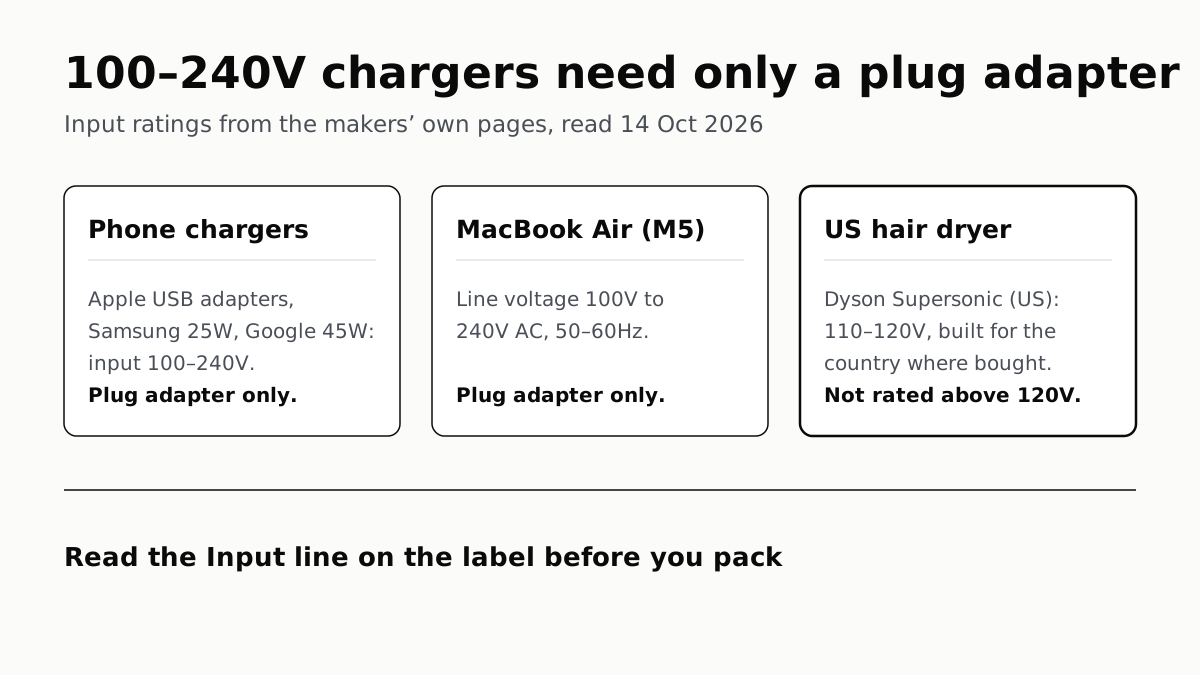
Apple, Samsung and Google rate their chargers, and the MacBook Air, for 100–240V. A hair dryer built for 110–120V is a different case.
Send Your AirTag Link to United, Delta, American, JetBlue
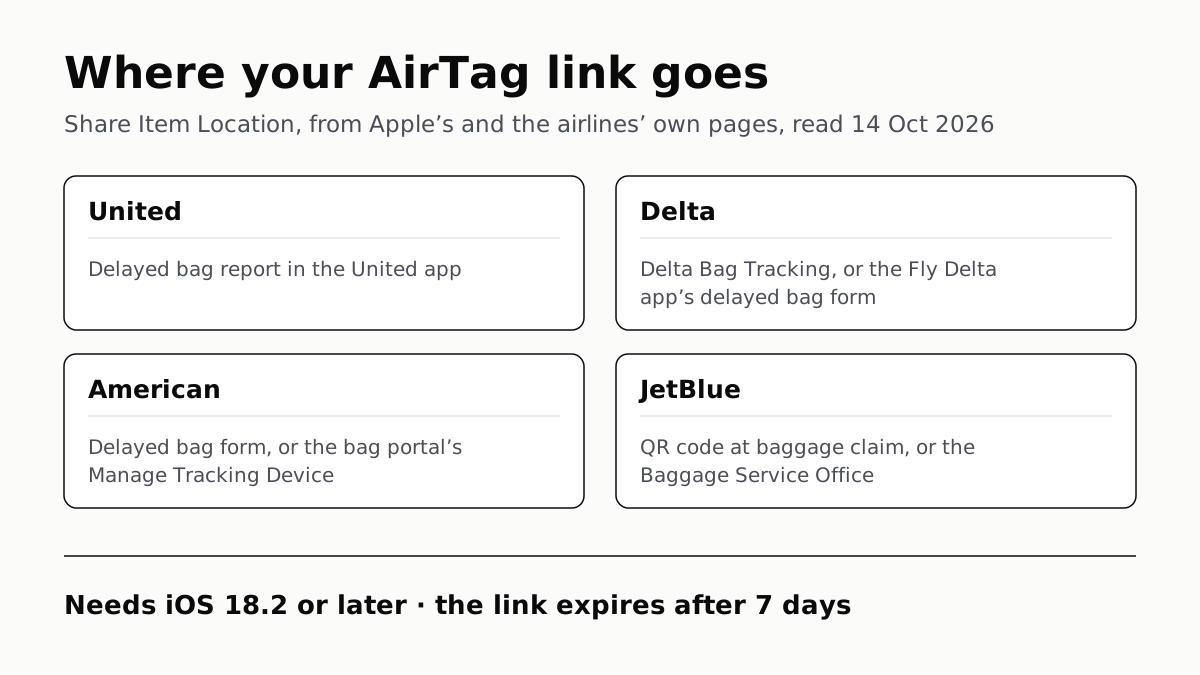
Find My’s Share Item Location makes a seven-day link a bag agent can open. Apple says more than 50 airlines accept it.
Family Link Works From an iPhone. Screen Time Needs Apple
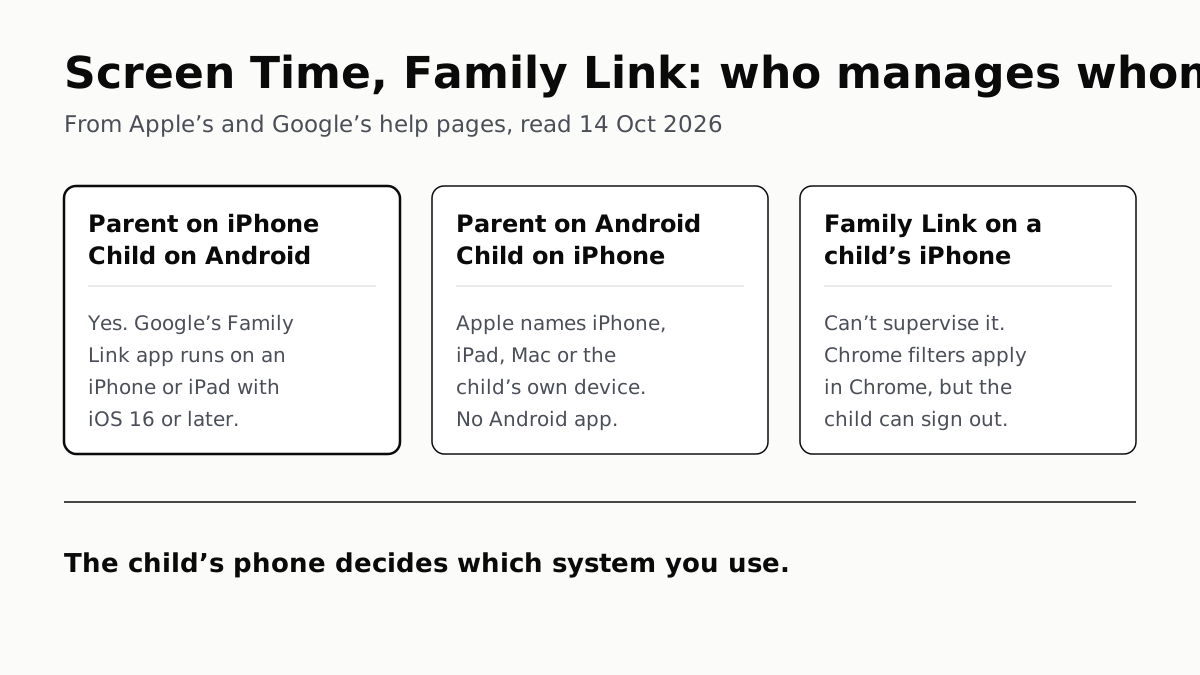
Neither app supervises the other maker’s phones. App limits, downtime, web filters and more, side by side, with iOS 27’s changes.
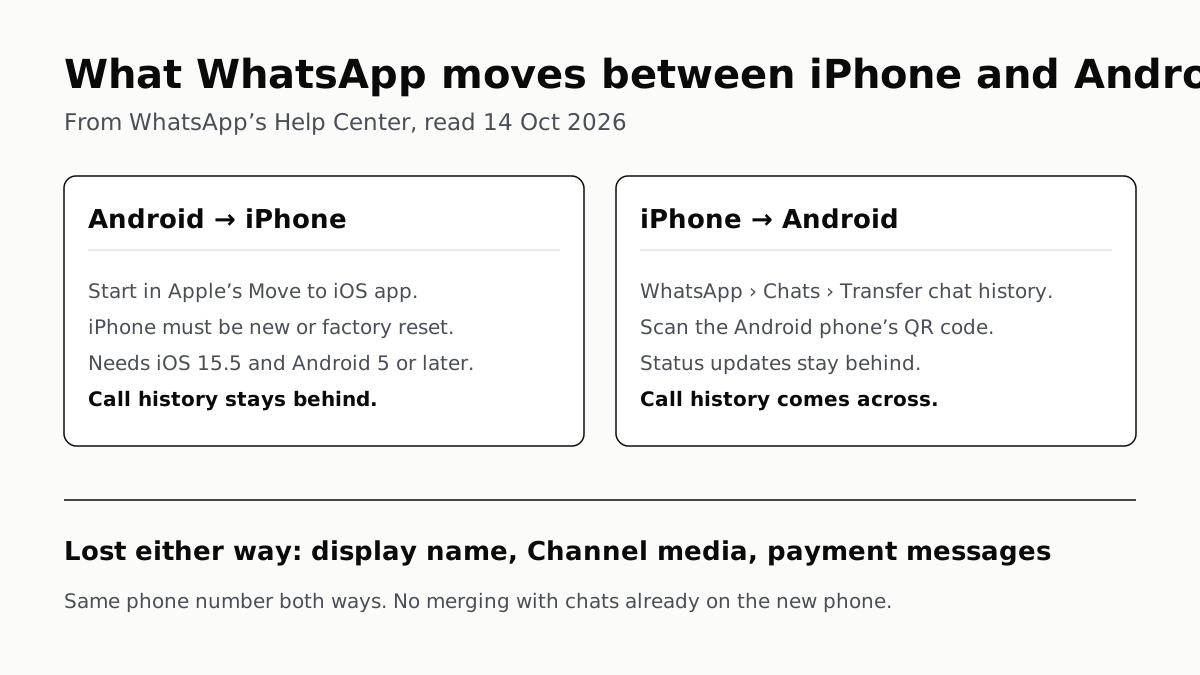
WhatsApp Chats Can Cross Between iPhone and Android
Messages, media and settings move both ways. Display names, Channel media and payment messages don’t, and call logs reach Android alone.